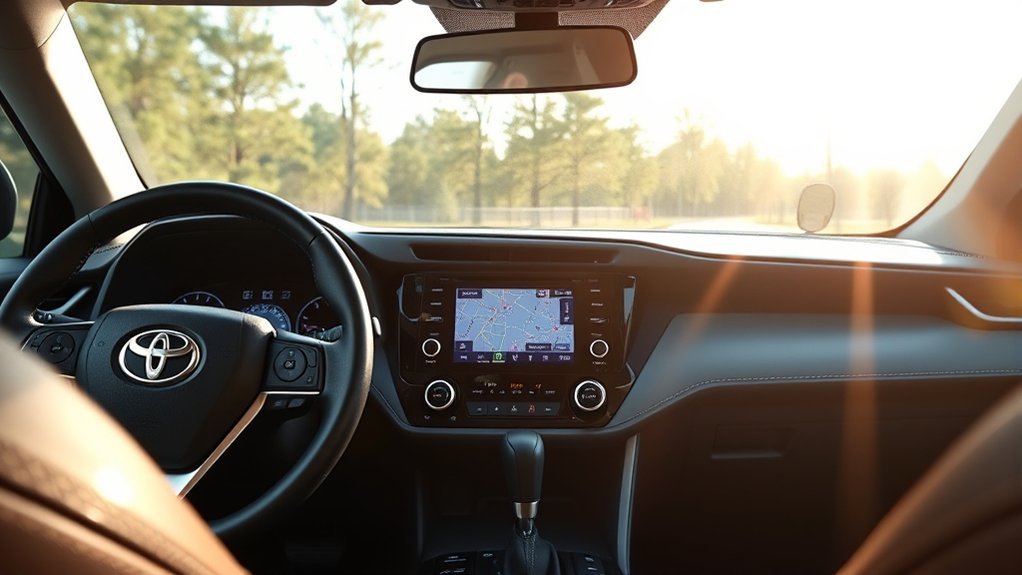
To get navigation on Toyota RAV4 models, use the built-in navigation if your trim has it, which may need a map card or an active Drive Connect subscription, or connect your phone with Apple CarPlay or Android Auto and use Google Maps, Apple Maps or Waze. What your car supports depends on the model year and trim, so check your window sticker and owner’s manual.
How to Get Navigation on Toyota RAV4
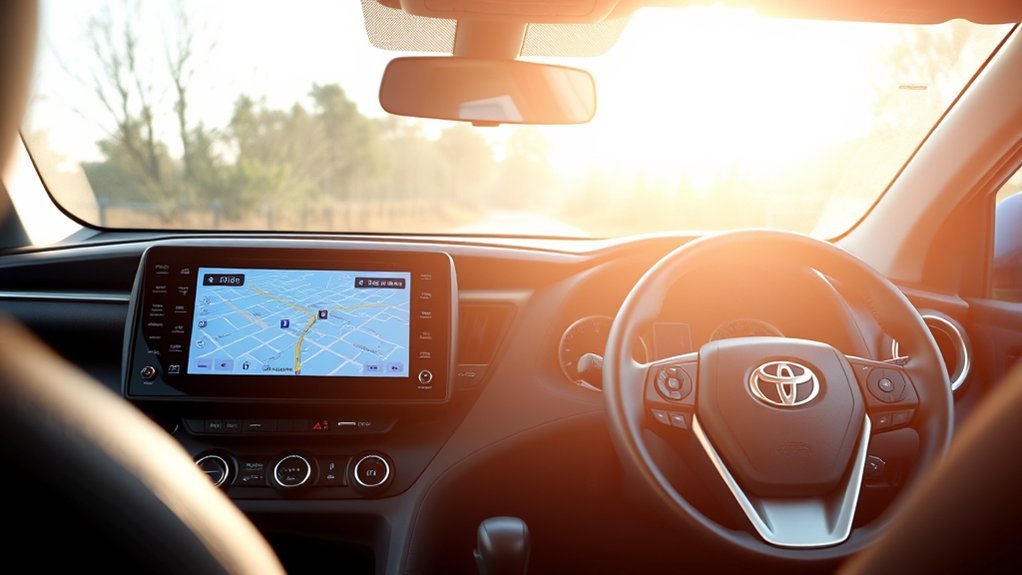
- Check if your car has built-in navigation, with a map icon or Nav in the menu.
- If it does, check whether it needs a map card or a subscription.
- If it does not, connect your phone with Apple CarPlay or Android Auto, if your model supports it.
- Open your maps app on the phone.
Checking Subscription Requirements for Built-in Maps
Some systems use connected services that need a subscription after a trial, while older systems use a map card. Check the terms for your model year with a dealer or Toyota’s official site.
Subscription Activation Process
Activate services through your Toyota account and the Toyota app, following the steps for your system.
Free Trial Availability
Some new vehicles include a trial of connected services. The length varies by model year and market.
Map Functionality Post-Subscription
After a subscription lapses, cloud-based features may stop working, while built-in maps may keep working. It depends on the system.
Activating Onboard Navigation Through Toyota’s Entune
Follow the activation steps in the owner’s manual for your system and sign in with your Toyota account.
Connect Your Smartphone for RAV4 Navigation via Android Auto or Apple CarPlay
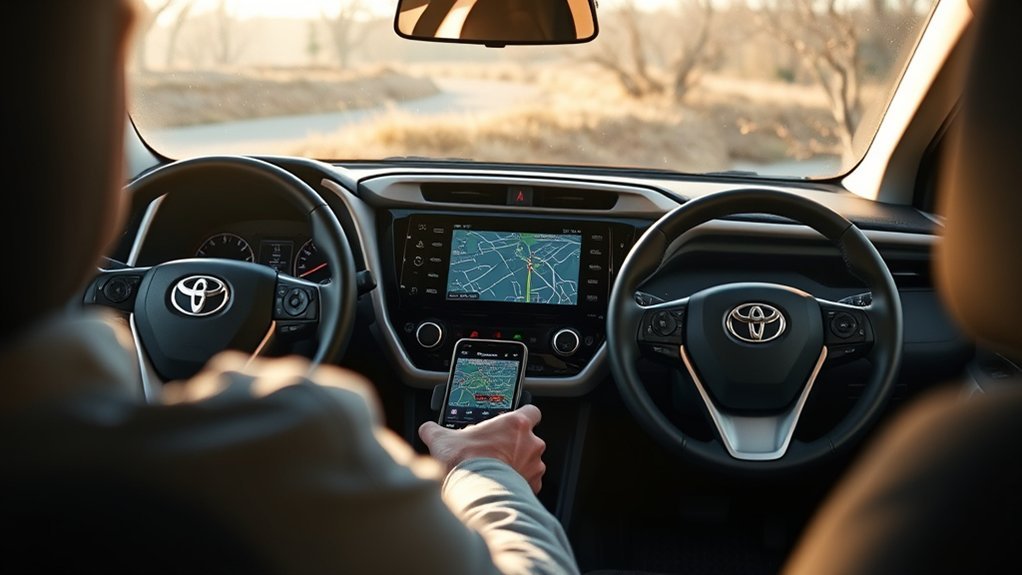
Plug your phone into the USB port, or connect wirelessly on models that support it, and accept the prompts. Then open Google Maps, Apple Maps or Waze on the car screen. Support depends on the model year.
Create Your Favorites and Home Locations
On built-in navigation, you can usually save home and favorite places. The number you can store depends on the system.
Setting Home Location
Open the navigation menu, find the home option and enter your address.
Managing Favorites List
Save places you use often and delete old ones from the menu.
Editing Navigation Points
You can usually rename or remove saved points in the navigation menu.
Troubleshoot Common Navigation Issues
- Restart the audio system.
- Check the phone cable and CarPlay or Android Auto settings.
- Check for map or software updates.
- Check your location settings and signal.
Comparing Third-Party Navigation Apps: Waze vs. Google Maps
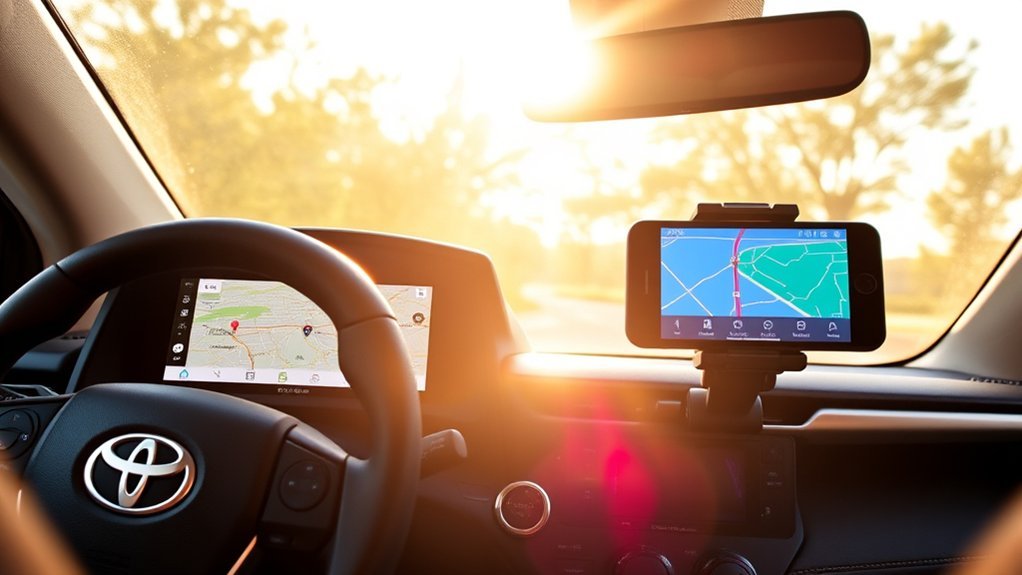
Google Maps is good for general routing and places. Waze is built around live traffic and driver reports. Both work through CarPlay or Android Auto where supported.
Navigation Options for RAV4 Owners
The common choices are built-in maps, CarPlay or Android Auto and a phone mount. Choose what your car supports.
Frequently Asked Questions
How Do I Get Navigation on My Toyota RAV4?
Use built-in navigation if available, or connect your phone with CarPlay or Android Auto.
How Do I Install the Navigation App on My Toyota?
You do not install apps on the car. Install the maps app on your phone and connect through CarPlay or Android Auto, or use Toyota’s own app for connected services.
Does Toyota Make You Pay for Navigation?
It depends on the system and model year. Some include a trial and then a subscription, and you can use a free phone app instead.
How Do I Get Google Maps on My Toyota Car Screen?
Connect your phone with Android Auto, or use Google Maps on iPhone with Apple CarPlay, on a supported RAV4.
Conclusion
Pick built-in navigation or your phone, depending on your car. Related guides: update Toyota RAV4 navigation system and get maps on Toyota RAV4.