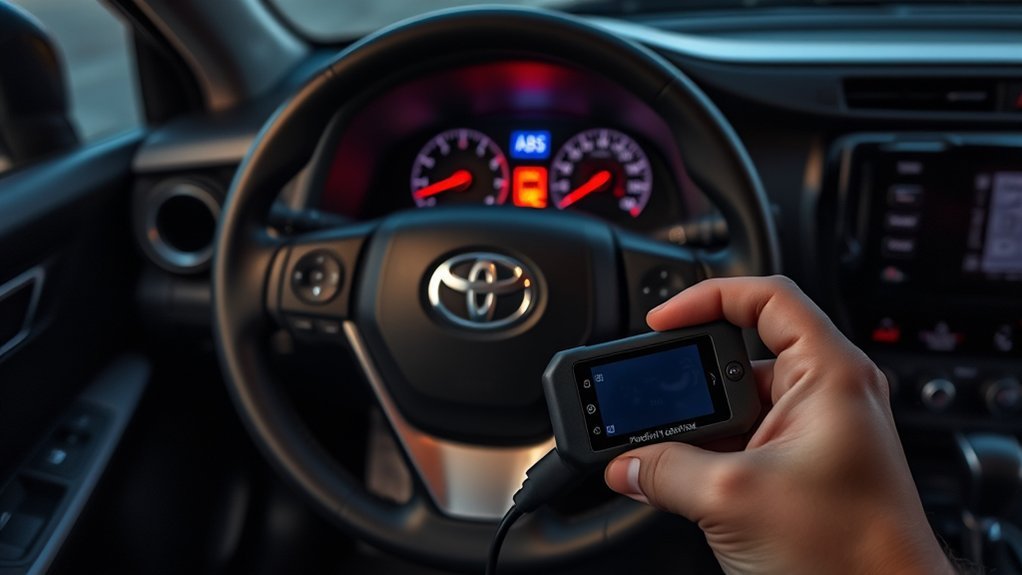
You cannot safely reset ABS light on Toyota RAV4 models by pressing pedals or jumping the diagnostic port, because the ABS light means the system has detected a fault. First check the brake fluid level and the fuses, then have the codes read with an ABS-capable scan tool and fix the cause, such as a wheel speed sensor. The light then goes out or can be cleared by the tool. Normal braking usually still works, but if the red brake light is also on, stop driving and get help.
How to Reset ABS Light on Toyota RAV4
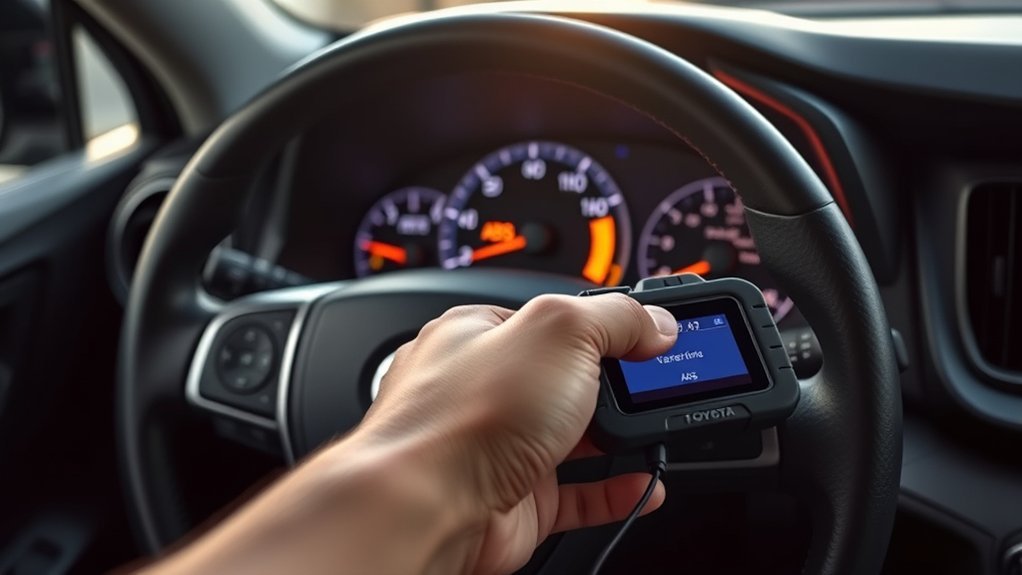
- Check that the parking brake is released and the brake fluid is at the correct level.
- Check the ABS fuse using the fuse diagram in your owner’s manual.
- Have the codes read with a scan tool that supports ABS.
- Repair the fault, then clear the codes with the tool.
Do not use jumper wires on the diagnostic port or a pedal-pumping trick, because they are not an approved procedure and can cause harm.
Understanding the ABS Light on Your RAV4
The ABS prevents wheels from locking in hard braking. When the ABS light is on, that function may be off, although normal brakes usually work.
ABS Light Activation Causes
Typical causes include wheel speed sensor faults, wiring damage, low brake fluid, a weak battery or a faulty ABS module.
ABS System Components Explained
The system includes wheel speed sensors, a control module and a hydraulic unit. A scan shows which part reports the fault.
Importance of Timely Repairs
Without ABS, the wheels can lock in an emergency stop. Repair the cause promptly.
Common Causes of ABS Light Activation
- Dirty or damaged wheel speed sensor.
- Damaged sensor wiring.
- Low brake fluid.
- Low 12-volt battery voltage.
Troubleshooting ABS Light Issues After Resetting
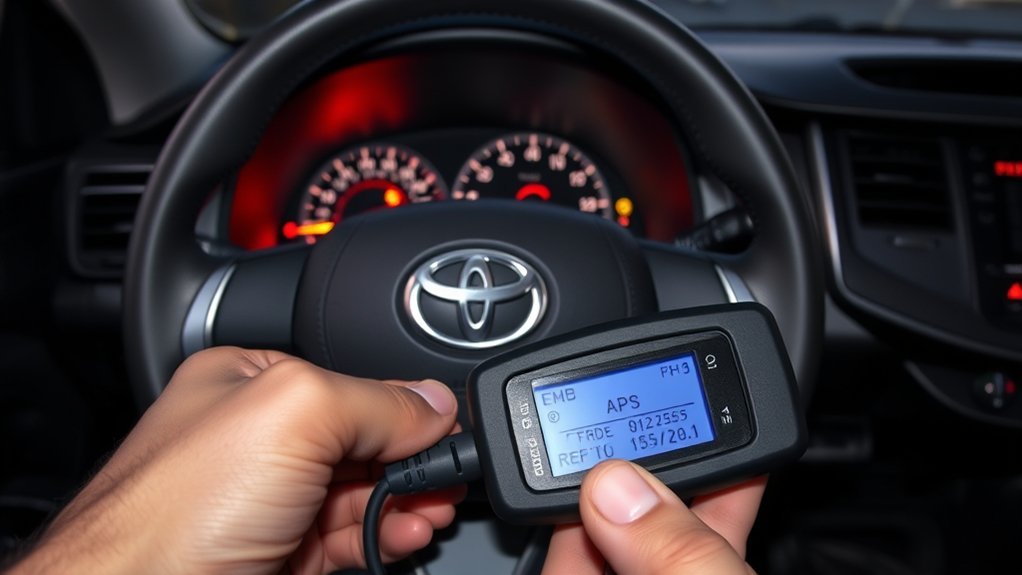
If the light returns, the fault is still present. Have the codes read again.
Common Brake Light Issues
A red brake warning is more serious than the ABS light. If it is on, stop driving and check the fluid and parking brake.
Diagnostic Code Identification
A scan tool shows codes that point to the faulty part. Write them down before clearing.
ABS System Maintenance Tips
- Replace brake fluid at the interval in your manual.
- Keep wheel sensors and wiring clean.
- Fix warning lights early.
What Tools Do You Need for Resetting the ABS Light?
You need a scan tool that supports ABS codes. A basic code reader that only reads engine codes may not see them.
Knowing When to Consult a Mechanic for ABS Issues
See a mechanic if the light stays on, the red brake light is on, the pedal feels different or you hear unusual noises.
Essential Tips for Maintaining Your RAV4’s ABS Light System
Keep tires matched and in good condition, check fluids, and fix warnings promptly.
Related reading:
- How To Reset Check Engine Light On Toyota RAV4
- How To Reset Engine Maintenance Light Toyota RAV4
- How To Reset Maintenance Light On Toyota RAV4
Frequently Asked Questions
How to Reset ABS Light Manually?
There is no safe manual reset. Fix the cause, then clear the codes with a scan tool.
How to Reset Traction Control Light on Toyota RAV4?
The traction control light often shares sensors with the ABS. Fix the ABS fault and check the codes. Also check that the traction control is not turned off.
Why Is My ABS Light on but My Brakes Are Working Fine?
The normal brakes can work while the ABS function is off. That is still a fault, and in an emergency stop the wheels could lock. Get it checked.
Can I Fix an ABS Light Myself?
Some causes, such as a dirty sensor or a blown fuse, are easy. Others need a scan tool or a shop. Do not drive if the red brake light is on.
Conclusion
The ABS light is not something to reset. Find and fix the cause, then clear it with the right tool.