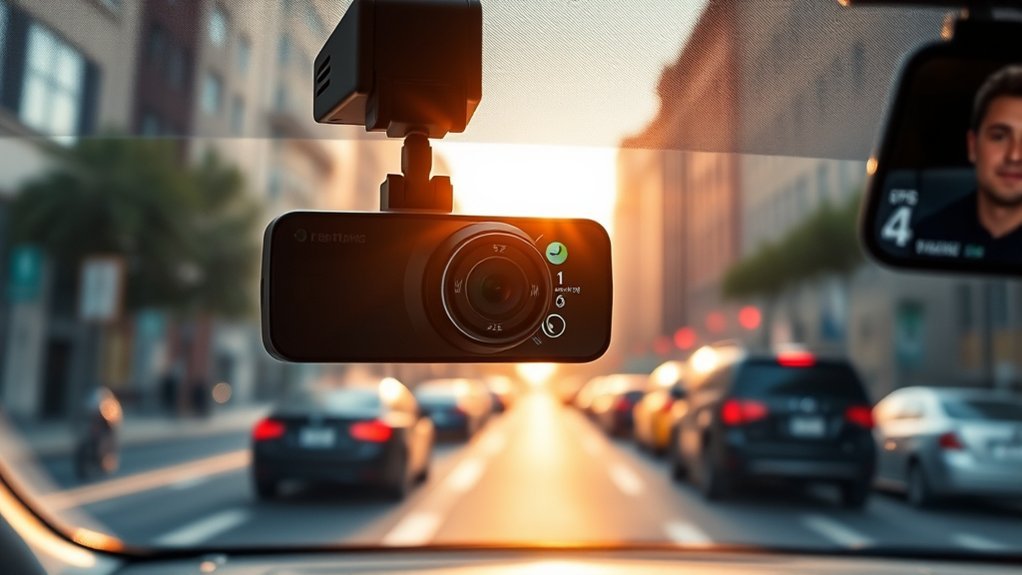
Look first at video quality (4K gives the most detail for reading plates and signs), a stated field of view, how the camera is powered, and whether it offers parking mode. Then check storage, GPS and the app. Those choices matter more than brand names or long feature lists, and the sections below explain what each one does and what to check on the spec sheet.
Video resolution and frame rate
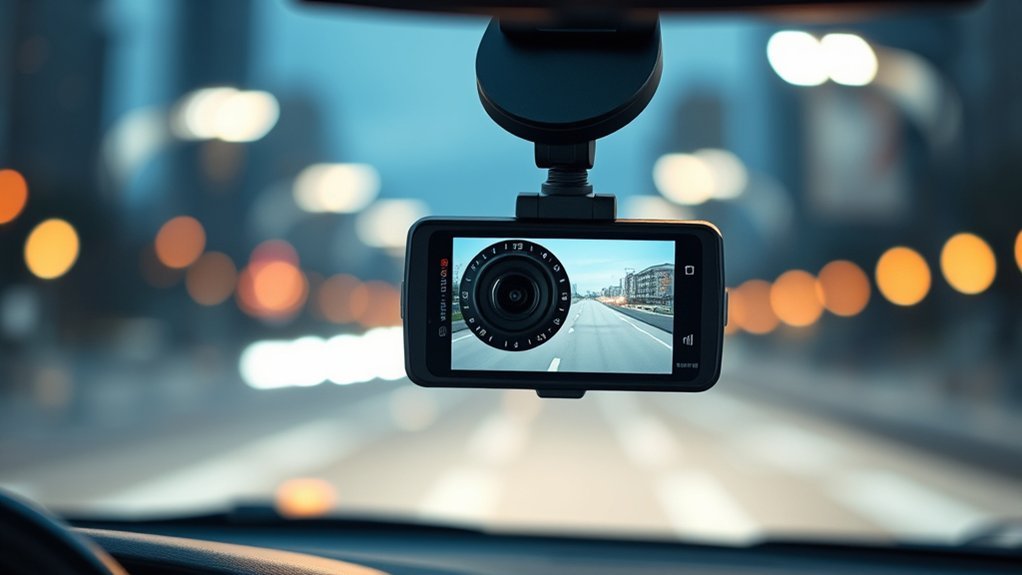
Consumer Reports notes that 4K gives better detail for reading signs and license plates, and that 1080p footage can look grainy in low light. Higher resolution does not always come with a higher frame rate, because many cameras make you choose between the two. Higher frame rates such as 60 fps suit fast highway driving, while 30 fps is common for night footage. Check which combination the camera records in, not only the headline resolution.
Higher resolution also means larger files, so a 4K camera fills a memory card faster than a 1080p one.
Field of view
Field of view (FOV) describes how much of the scene the lens captures. A wider angle takes in more lanes and the road edges, but a very wide lens can make distant objects smaller and add edge distortion, which can make plates harder to read. Consumer Reports advises checking the horizontal, vertical and diagonal FOV figures rather than trusting a vague label like “wide angle.” Makers usually quote diagonal FOV, which is larger than the horizontal figure, so compare like with like.
| Feature | What to check |
|---|---|
| Resolution | Resolution and frame rate together, for example 4K at 30 fps or 1080p at 60 fps |
| Field of view | Whether the number is diagonal, horizontal or vertical |
| Night performance | Sensor quality and HDR, plus sample night footage from independent reviews |
| Power | Cigarette-lighter or USB cable, or a hardwire kit |
| Parking mode | What triggers recording and how battery drain is limited |
| Storage | Maximum supported card size and whether it needs a high-endurance card |
| Extras | GPS, Wi-Fi app, rear or cabin camera |
Night and low-light recording
Night footage depends on the image sensor, lens and processing, not on a single label such as “night vision.” Independent reviews with real night clips tell you more than a spec sheet. A polarizing filter can reduce windshield glare in the day, but Consumer Reports notes it can make nighttime footage dimmer, so remove it or choose a camera where that is not a concern if you drive at night often.
Power: plug-in or hardwired
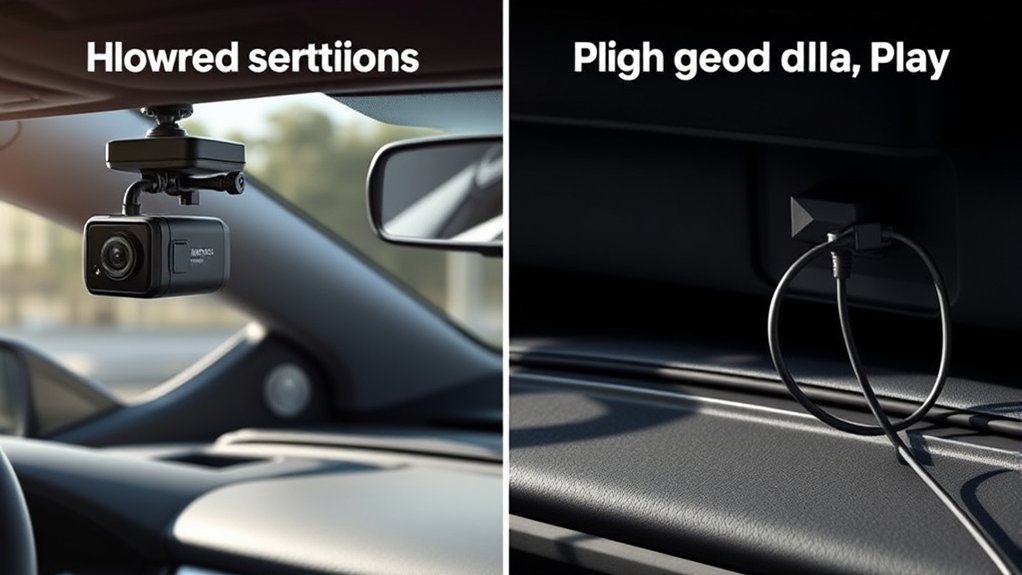
A plug-in dash cam uses the 12 V outlet or a USB port and only records while the car supplies power. It needs no tools, and you can swap it between vehicles. A hardwire kit connects the camera to the fuse box, which keeps the camera powered when the car is off and is generally needed for parking mode. Many hardwire kits include a voltage cutoff to stop the camera draining the car battery. If you are not comfortable working in the fuse box, have a qualified installer do it, and check your owner’s manual and warranty terms first.
Some cameras use an internal battery for short parking recordings instead. Those work without a hardwire kit but record for less time.
Parking mode
Parking mode records when the car is parked, usually triggered by motion or an impact detected by the G-sensor. Consumer Reports says it generally needs a hardwire kit, though some cameras use an internal battery, and it says auto shut-off helps prevent battery drain over long periods. Before you buy, check how long the camera can record in parking mode, what sets it off and what voltage cutoff the kit allows.
G-sensor and loop recording
A G-sensor detects sudden movement such as a collision and locks the current clip so that it is not overwritten. Loop recording overwrites the oldest unlocked files when the card is full, so you never have to delete footage by hand. After an incident, save the locked clip to your phone or computer promptly, because a locked clip can still be lost if the card fails or fills with other protected files.
GPS, app and storage
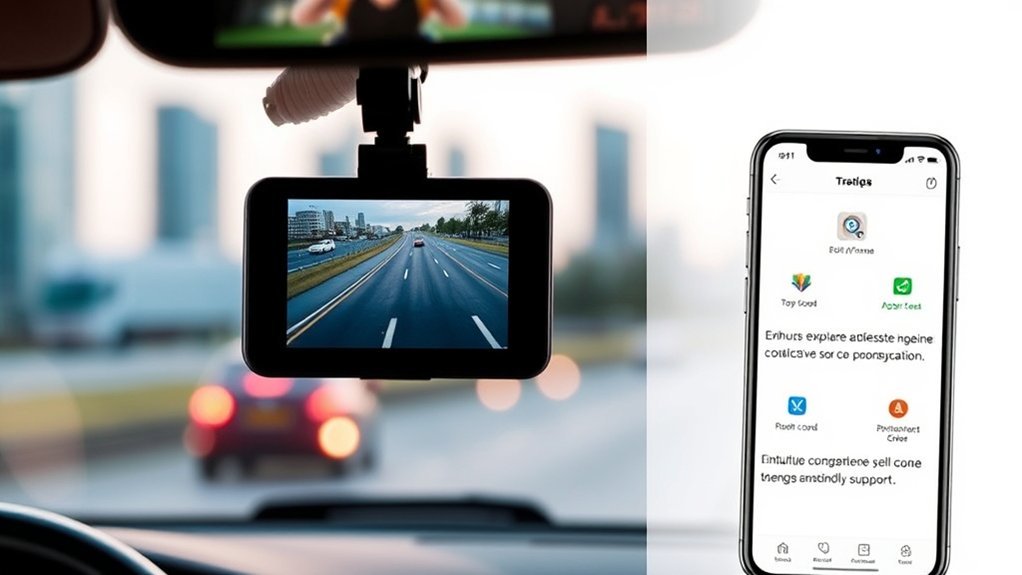
- GPS: an optional receiver adds location and speed data to recordings. Check that the speed stamp is something you are comfortable having on your footage.
- Smartphone app: lets you review clips, download them and change settings, and some cameras need it for setup. If the camera has its own screen, the app is optional for everyday use.
- Memory card: most dash cams use a microSD card that is sold separately. Check the maximum size the camera supports and use a card the maker recommends. Cards designed for constant rewriting are usually recommended for dash cams, so look for that in the manual.
- Rear and cabin cameras: a rear camera covers rear-end collisions, and an interior camera is often used by rideshare drivers. Both add cost and another cable to route.
- Mount: adhesive mounts hold steady, while suction mounts are easier to move. Keep the camera behind the mirror so it does not block your view.
Legal and insurance points
Consumer Reports states that dash cams are legal in all 50 states, but rules on where you can mount them vary, and some states restrict items on the windshield. Audio is the other issue: whether you need the consent of one party or every party depends on the state, so check your state’s recording rules, or turn audio off. Rules also differ by country, so look up local law if you drive outside the US.
On insurance, Consumer Reports says dash cams typically do not earn a premium discount and that you are generally not required to tell your insurer about one. Footage can still help show what happened in a crash. Policies differ, so ask your insurer if you want to be sure.
Frequently asked questions
Is 128 GB or 256 GB better for a dash cam?
Larger cards hold more footage before loop recording overwrites it, which matters for 4K cameras, dual-channel setups and parking mode. The limit that matters most is what your camera supports, so check the manual. If you routinely save clips after every trip, 128 GB is often enough.
Do I need 4K?
It is not essential, but it gives more detail for plates and signs, particularly at night. Weigh it against larger files and the frame rate the camera offers at that resolution.
Do I need a hardwire kit?
Only if you want parking mode or want to avoid a cable across the windshield. For driving-only recording, a plug-in cable is enough.
Will a dash cam drain my car battery?
A camera on a hardwire kit draws a small current while parked. A voltage cutoff setting stops recording before the battery is too low to start the car, so set it according to the kit’s instructions, and use a higher cutoff if the battery is old or you drive short trips.
Can I use dash cam footage after a crash?
Footage can be shared with your insurer or the police, but it does not decide fault on its own. Save the original file, do not edit it, and check local rules before posting it online.
Summary
Match the camera to how you drive: 4K and a rear camera for highway and rideshare use, a simple plug-in model for occasional drivers, and a hardwired kit only if you need parking mode. Check the FOV type, frame rate, card limits and your state’s mounting and audio rules before you buy.