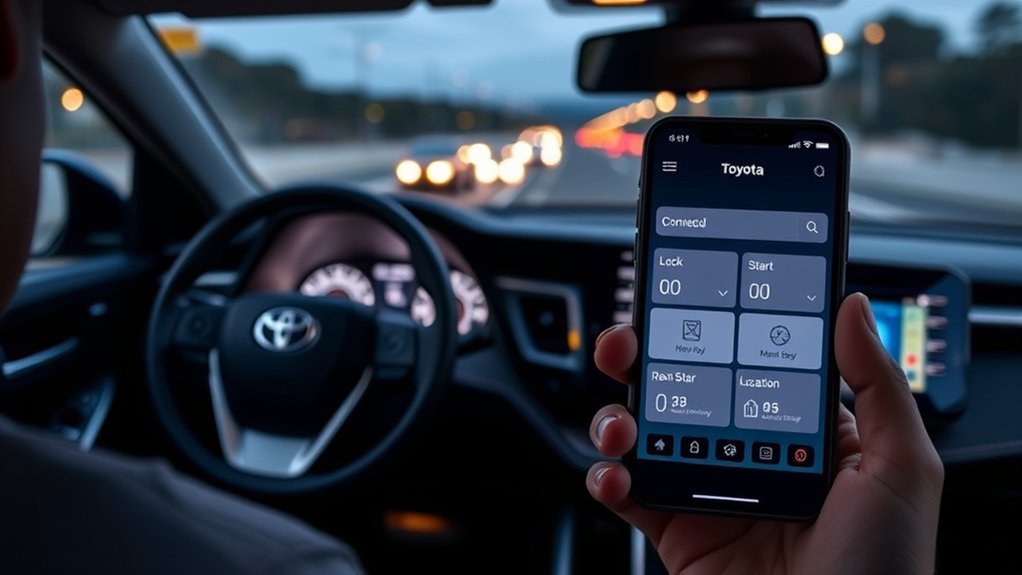
Yes, there is a Toyota RAV4 app. Toyota’s official app lets owners of supported vehicles use connected services such as remote lock and unlock, remote start or climate, vehicle alerts and finding the car, depending on the model year, region and subscription. App names and features differ by market, and some services need an active plan after a trial, so check Toyota’s site and your owner’s manual.
Is There a Toyota RAV4 App? The Toyota App Explained
Toyota’s app connects your phone to your car through connected services. The name of the app and the features depend on your region and model year.
Key Features of the MyToyota App
Typical features include remote lock and unlock, remote start or climate on supported cars, vehicle health and maintenance alerts and finding your car.
Remote Vehicle Control Features
Remote controls need a supported car, cellular coverage and an active plan. Not every RAV4 has them.
Maintenance and Health Monitoring
The app can show service reminders and some vehicle information. It does not replace regular inspections.
Download and Install the MyToyota App
Download Toyota’s official app for your region from the app store.
Setting Up Your MyToyota Account
- Create an account or sign in.
- Verify your email.
- Add your vehicle.
Adding Your RAV4 to the MyToyota App
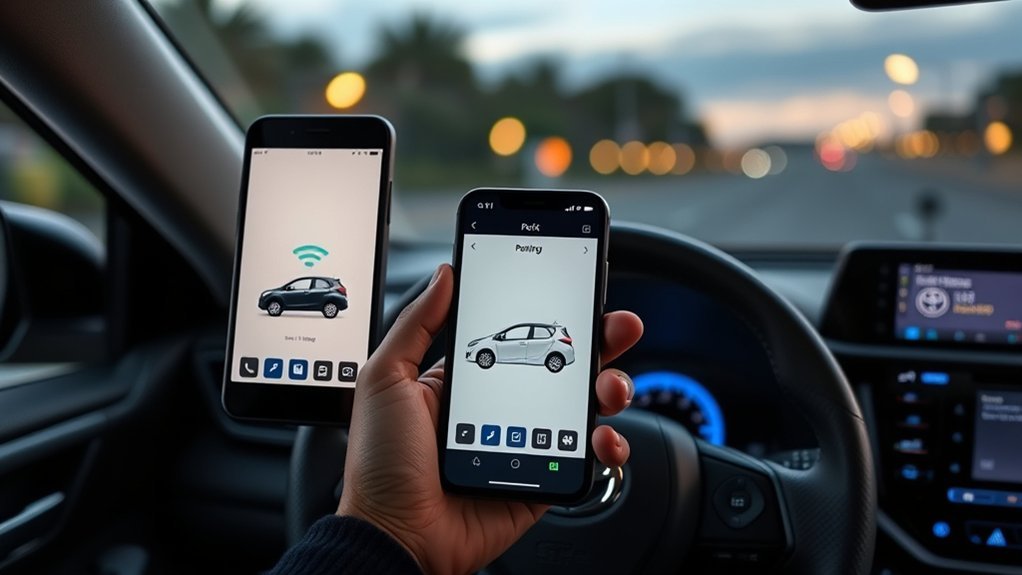
Add your RAV4 by entering its VIN, then follow the prompts to link connected services.
Account Creation Process
Use a valid email and follow the verification steps.
Vehicle Identification Number
The VIN is on the dashboard near the windshield and the door jamb label.
Managing Multiple Vehicles
You can usually add more than one Toyota to the same account.
How to Remotely Control Your RAV4 With the Mytoyota App
Open the app, choose your car and select the remote action, such as lock, unlock or start, if your car supports it. Related guide: remote start Toyota RAV4.
Using the MyToyota App to Monitor Your RAV4’s Health
Check for reminders and alerts in the app. For tracking, see our guide to track your Toyota RAV4.
Accessing Navigation and Entertainment Options With the Mytoyota App
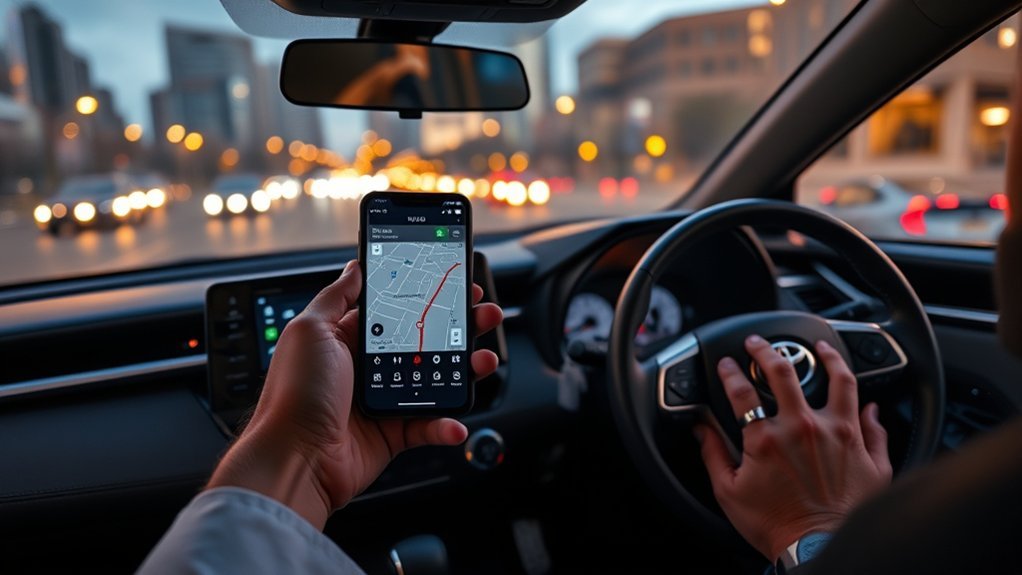
Some versions let you send destinations to the car. What is available depends on your system.
What You Need to Know About Your Data in the MyToyota App
Connected services collect data such as location and vehicle information. Read Toyota’s privacy policy and review your settings.
Related reading:
Frequently Asked Questions
Can You Start Your Toyota RAV4 From Your Phone?
On supported models with an active plan, yes. Not every RAV4 has remote start.
How Much Does the Toyota App Cost per Month?
The app is free to download, but some connected services need a paid plan after a trial. Prices change, so check the current terms in the app or with a dealer.
Which Models Does the Toyota App Work With?
It works with many recent Toyotas, but support depends on the model year and equipment. Check Toyota’s site or a dealer.
Can You Drive Your Toyota With Just the App?
No. The app can lock, unlock or start on supported cars, but you still need the key or a valid key fob to drive.
Conclusion
The Toyota app is the official way to manage connected services. Check your model year for exactly what it offers.