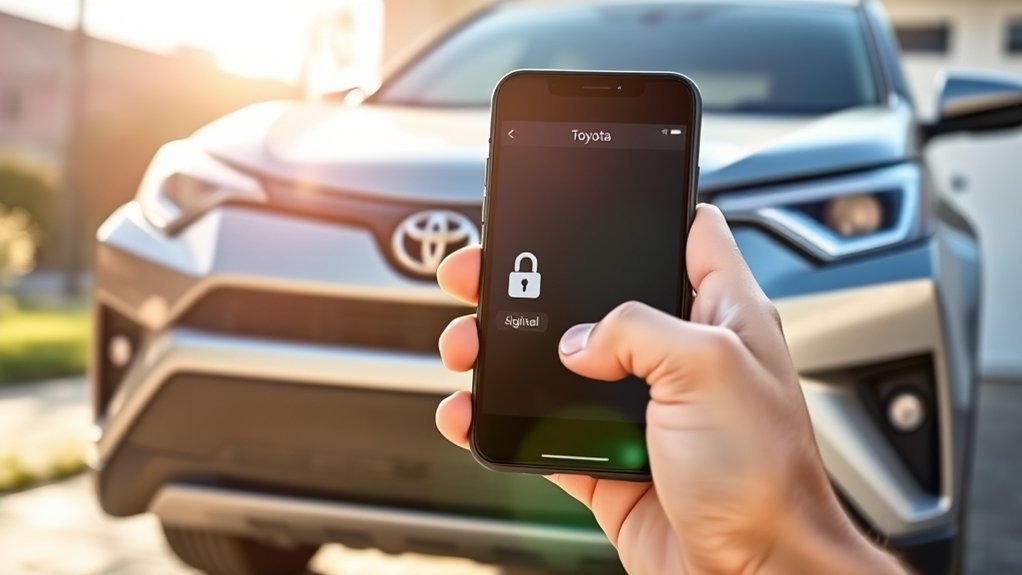
You can lock a Toyota RAV4 from your phone with the Toyota app if the vehicle has Remote Connect active. Sign in to the app, select your RAV4, and use the lock control in the vehicle controls. If you do not see lock controls, the usual cause is a missing or expired Remote Connect trial or subscription, or a vehicle that has not been linked to your account.
What you need before the lock button works
- A compatible RAV4. Toyota says the Toyota app supports models from 2010 and newer, but remote controls depend on your vehicle having the connected hardware and services. Toyota’s own reporting and the trial terms below refer to 2018 and newer vehicles with certain features. Confirm your exact vehicle in the app.
- An active Remote Connect service. Toyota describes Remote Connect as the feature that lets you lock and unlock doors, start the vehicle, adjust climate settings and locate the vehicle from the app. Remote start and lock/unlock from a smartphone or smartwatch are listed under this service.
- A Toyota account. You sign in with My Toyota credentials (or Lexus Drivers or SmartPath credentials, according to Toyota).
- Cell coverage for the car and the phone. The command travels over a mobile network to the vehicle, so both ends need a signal.
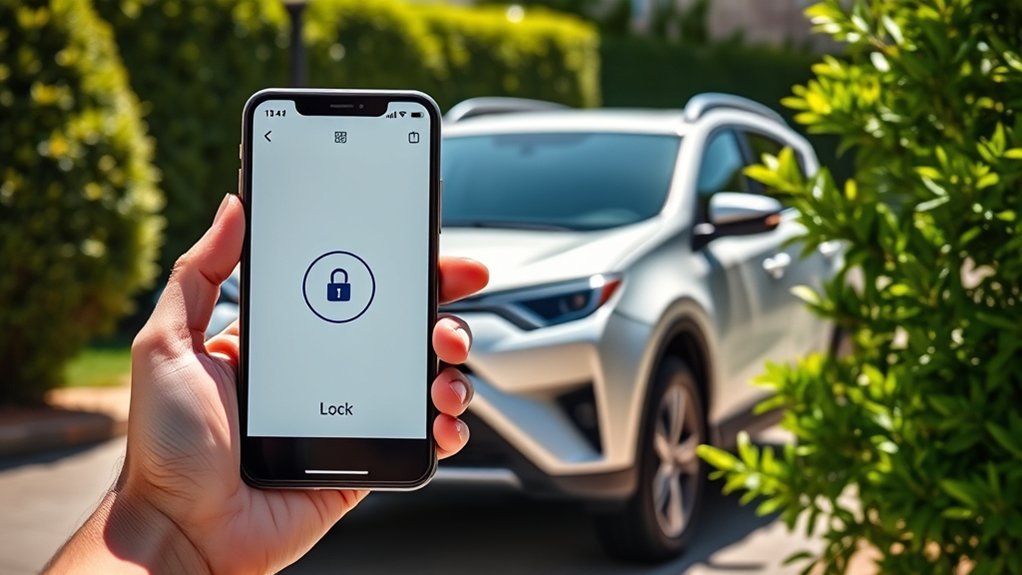
Set up the Toyota app
- Download the Toyota app from the App Store or Google Play.
- Register or sign in with your My Toyota account.
- Choose Add Vehicle and follow the prompts. You may need your vehicle identification number (VIN), which is on the driver-side dashboard near the windshield and on the door jamb label.
- Activate Connected Services in the app. If your vehicle has a trial running, it appears here. If the trial has ended, you will be offered a subscription.
- Wait for the vehicle to appear in your garage. Setup can take a little while to sync.
Lock your RAV4 with the app
- Open the Toyota app and select your RAV4.
- Open the vehicle controls (the Remote Connect section).
- Tap Lock.
- Wait for the status to update. The app shows whether the doors are locked. If the status does not change, try again after a short wait.
Menu labels and layout change when Toyota updates the app, so the names above may differ slightly on your phone. Use the app’s Help section if something has moved.
Trials and subscriptions
Toyota has offered free Remote Connect trials on a range of vehicles, and the length depends on the model year and the audio package. Motor1 reported that some 2020 and newer vehicles have a 10-year trial and some 2018 through 2020 vehicles have a 3-year trial. These figures are from a news report. They are not a promise for your RAV4.
| Item | What to do |
|---|---|
| Check trial status | Open the vehicle page in the Toyota app, or view your Connected Services settings on toyota.com. |
| Trial has ended | Choose a Remote Connect plan in the app. Prices change, so look at the current price in the app. |
| Bought the RAV4 used | Motor1 says trials stay with the vehicle through ownership changes, so a used RAV4 may still have time left. Verify in the app. |
| Power door locks | Motor1 says the power door locks themselves are not part of the subscription. Locking with the key fob or door handle still works. |
Ways to lock the RAV4 without the app
- Press the lock button on the key fob.
- On Smart Key models, use the lock sensor on the door handle when the key is within range, as described in your owner’s manual.
- Use the master lock switch on the driver’s door.
- Use the mechanical key stored inside the fob if the fob battery is dead.
Your owner’s manual explains the lock settings for your model year, including any automatic locking options. Do not assume your RAV4 locks by itself when you walk away, because this varies by year and trim.
Good habits when you use remote lock
- Check the status, not just the tap. Wait until the app reports the doors as locked before you walk away from your phone or put it down.
- Close every door first. A door left open can stop the car from locking, so close the doors and the tailgate before you send the command.
- Do not leave a key fob inside. Remote lock is a convenience. It does not replace taking your key and valuables with you.
- Protect your account. Use a strong, unique password for your Toyota account and lock your phone with a PIN or biometrics, since the app can control the vehicle.
- Remove the vehicle when you sell it. Before you hand over the RAV4, remove it from your Toyota account so the new owner can link it to theirs. The exact steps are in the app or through Toyota customer support.
- Keep a spare way in. Know where the mechanical key is and keep a fresh battery for the fob, because the app depends on phone signal and the account being active.
Troubleshooting
- No lock button in the app. Check that the vehicle is added and that Remote Connect is active. Expired trials are a common cause.
- The command fails or times out. Check your phone signal. The RAV4 also needs cell coverage, so underground garages and remote areas can block the command.
- The app shows old status. Close and reopen the app, refresh the vehicle page, and update the app from your store.
- The vehicle will not add. Check the VIN you entered and sign in with the account the vehicle is meant to use. If the previous owner’s account is still linked, Toyota customer support can help.
- Still stuck. Contact Toyota customer support or your dealer. They can check the connected hardware and account.
Frequently asked questions
Can I lock my RAV4 with the Toyota app?
Yes, on vehicles that support Remote Connect and have an active plan or trial. Toyota lists remote lock and unlock among the Remote Connect controls.
Does the RAV4 lock automatically when I walk away?
It depends on the model year and settings. Some Toyotas lock automatically when driven above a set speed, but this is a different function from locking when you step away. Check your owner’s manual for the options on your vehicle.
Why won’t my RAV4 lock with the remote?
For the key fob, try the spare fob, replace the fob battery and check that all doors are closed. A door left open prevents locking. If the app fails, check the subscription and cell signal.
Do I need to pay for the app to lock the car?
The app is free to download. Remote locking from it needs an active Remote Connect trial or subscription.
Sources
Feature and setup details are from Toyota’s Toyota App page. Trial details come from Motor1 reporting and can change, so check the app for your vehicle.