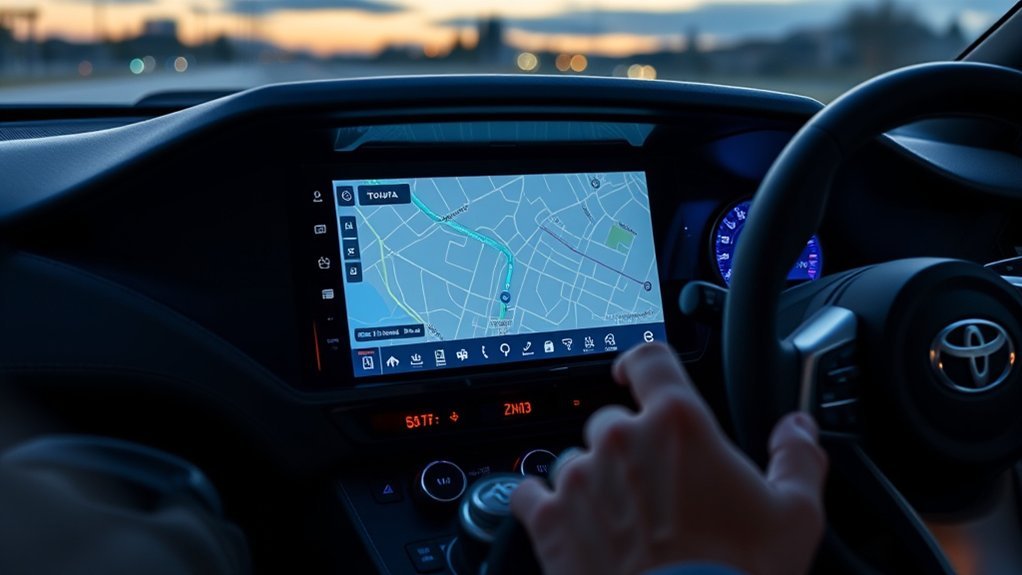
To set navigation in a Toyota Supra, open the navigation menu on the infotainment screen, enter a destination by address, search or saved place, and start guidance. If your car has no built-in navigation, you can use a phone map app through Apple CarPlay or Android Auto where your model supports them. Menus vary by model year, so check the owner’s manual.
How to Set Navigation in a Toyota Supra: Access the System

Turn the car on and choose navigation from the home screen or menu. If you do not see it, your car may use phone navigation instead.
Setting Up Navigation Preferences
In the navigation settings, you can usually choose route types and units. The options depend on the system.
Inputting Your Destination: Step-by-Step
- Open the navigation menu.
- Choose to enter a destination.
- Type an address or search for a place.
- Select the result and start guidance.
Using Voice Commands for Navigation
If your car supports voice control, you can say a destination instead of typing it.
Activating Voice Command Feature
Use the voice button on the steering wheel if there is one. See the manual for the activation method.
Common Voice Commands Used
Typical commands are to navigate to an address or find a place. The wording depends on the system.
Troubleshooting Voice Command Issues
- Reduce background noise.
- Speak clearly after the prompt.
- Check the microphone setting.
- Use the touchscreen if voice fails.
Discover Points of Interest on Your Route
Many systems can show fuel, parking and food along the route.
View Navigation Traffic Updates and Alternate Routes
Traffic information may need a connected service or a phone app.
Access Real-Time Traffic Updates
Check whether your system or your phone app provides live traffic.
Find Alternate Route Options
Look for the route options in the navigation menu, or use the phone app.
How to Save and Manage Your Favorite Locations?
Save places as favorites or the home address from the navigation menu so you can reach them quickly.
Troubleshooting Common Navigation Issues in the Supra
- Restart the system.
- Check the map and software version with a dealer.
- Check GPS reception in covered areas.
- Use a phone app if the built-in system is unavailable.
Related reading:
- How to Set the Clock in a Toyota Supra
- Best Wheel Brush Set Toyota Supra Enthusiasts
- How to Set Up Apple CarPlay in a Toyota Supra
Frequently Asked Questions
How to Activate Supra Navigation?
If your car has it, open the navigation menu. If not, use your phone through CarPlay or Android Auto where supported.
How Do I Use My Toyota Navigation System?
Open the navigation menu, enter a destination and start guidance.
How to Set up Toyota Dynamic Navigation?
I cannot confirm that every Supra has this service. Check whether your model offers connected navigation and whether it needs a subscription.
How Do I Get Google Maps on My Toyota Car Screen?
Use Android Auto, or Google Maps through CarPlay, if your car and phone support them.
Conclusion
Use the navigation menu, or a phone app if your car has no built-in system.