
To set the clock in a Toyota Supra, open the settings menu on the infotainment screen, find the date and time option, and set the time by hand or switch on automatic time if your model offers it. The menu names depend on the model year, so check the owner’s manual if you cannot find them.
How to Set the Clock in a Toyota Supra: Access the Settings
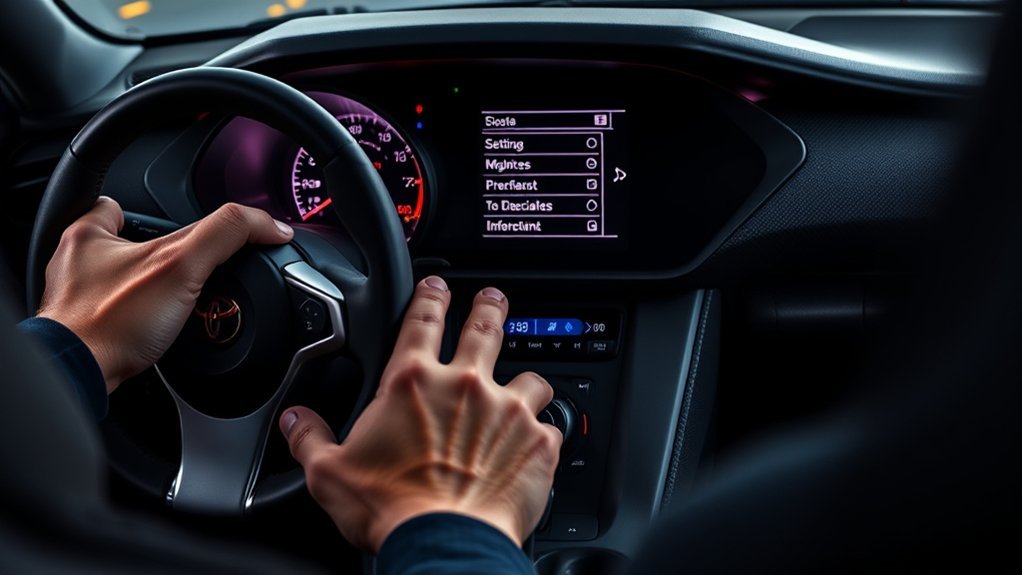
Turn the car on and open the settings from the home screen of the infotainment system. Look for a date and time or clock option.
Step-by-Step Guide to Manual Clock Adjustment in the Toyota Supra
- Turn the car on.
- Open the settings menu.
- Select the date and time option.
- Turn off automatic time if it is on.
- Set the hours and minutes and confirm.
How to Use Voice Commands for Time Adjustments?
I cannot confirm that voice commands can set the clock on every Supra. If your system supports it, the manual shows the commands. Otherwise use the menu.
Setting Up GPS for Automatic Time

Some systems can set the time from GPS or from a connected phone. Check whether this option is available in your settings.
Enable GPS Feature
Turn on the automatic time option in the date and time settings, if it is available.
Sync With Smartphone
If your system supports it, connect your phone and allow it to set the time.
Troubleshooting Common Clock Issues in the Toyota Supra

- Check the time zone setting.
- Turn automatic time off if the time keeps changing.
- Restart the infotainment system.
- Ask a dealer if the clock is still wrong.
Time Sync Issues
If the time keeps changing, the automatic setting may be conflicting with your manual setting. Choose one method.
Manual Adjustment Challenges
If the hour or minute cannot be changed, turn off the automatic setting first.
Why an Accurate Clock Is Important When You’re Driving
An accurate clock helps with trip planning, arrival times and service records.
Related reading:
- How to Set Navigation in a Toyota Supra
- Best Wheel Brush Set Toyota Supra Enthusiasts
- How to Set Correct Tire Pressures on a Toyota Supra
Frequently Asked Questions
How to Set Time and Date on Supra?
Open the settings, choose date and time and enter the values, then confirm.
How Do I Set the Clock on a Toyota?
Use the clock or date and time option in the settings menu or the clock button on the dash, depending on the model.
How Do I Adjust My Clock Settings?
Open the date and time settings and change the time, time zone and format as needed.
How Do I Change the Clock Display?
Look for the clock format or display option in the settings, which may let you choose 12-hour or 24-hour format.
Conclusion
Use the date and time settings and check the manual for your model year.