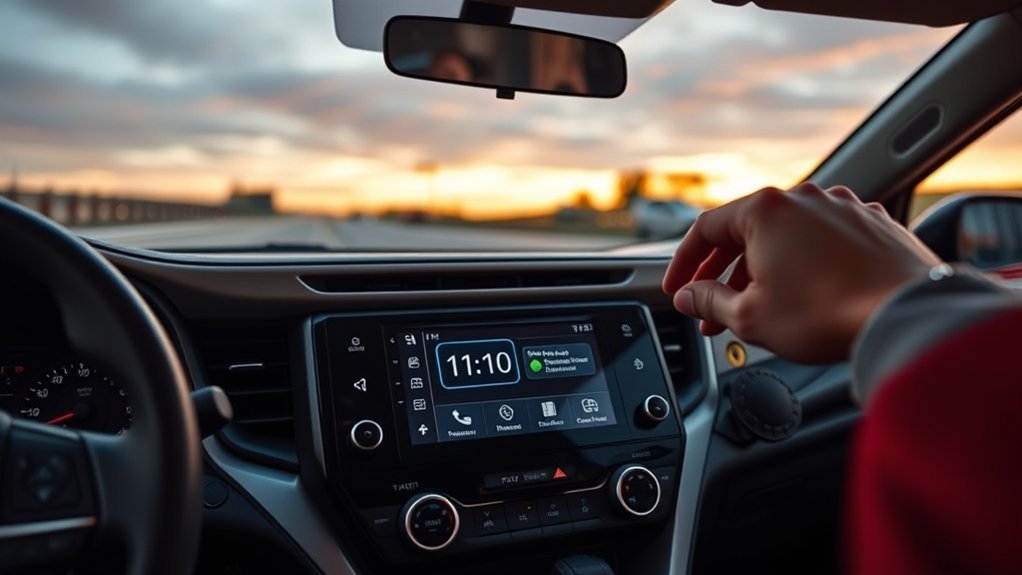
On most recent Toyota RAV4 models with a touchscreen, you set the clock from the infotainment screen: open the Setup (or Settings) menu, choose General, then Clock. The exact names and the automatic-time options change with model year and trim, so use the steps below as a guide and confirm them in your owner’s manual.
Which RAV4 Do You Have?
The RAV4 has used several audio and display systems, and the clock is handled differently on each. Before you start, identify what is in your dashboard.
- Touchscreen with a Setup or Settings icon (roughly 2019 and newer, including the RAV4 Hybrid and RAV4 Prime): the clock is normally found under General.
- Older touchscreen or button-based audio units (2013-2018 and earlier): the clock is set through the audio unit’s setup menu or its buttons. Menu wording differs by trim and by whether the car has navigation, so check the owner’s manual for your exact year.
- Instrument cluster menu: some RAV4s let you change the time with the steering wheel buttons in the menu next to the speedometer. Changing it there updates the other clocks in the car as well.

How to Set the Clock on a Touchscreen RAV4
These steps match the menu path owners and Toyota’s own guidance describe for current infotainment systems (Setup or Settings, then General, then Clock). Your screen may label things slightly differently.
- Turn the vehicle on (accessory or ready mode) so the touchscreen is active.
- From the home screen, open the Setup or Settings menu. It is usually shown as a gear icon, and on some screens you reach it through an Apps or menu button first.
- Select General.
- Select Clock (some systems label it Date and Time).
- If the system is set to adjust the time automatically from GPS, turn that option off first if you want to enter the time yourself.
- Set the hour and minute, and choose 12-hour or 24-hour display if the option is offered.
- Check the time zone and daylight saving setting (see the next section), then back out of the menu.
Daylight Saving Time and Automatic Time
Most wrong-by-an-hour complaints on the RAV4 come from two settings working against each other: the GPS automatic option and the daylight saving toggle.
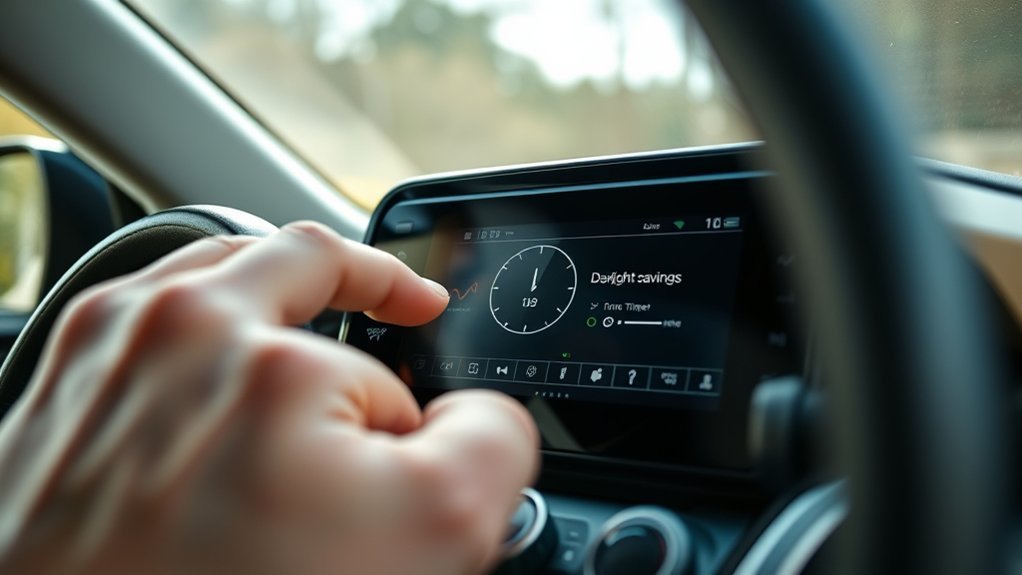
- Automatic (GPS) time on: the clock is taken from satellite data. Owners of 2019 and newer RAV4s report that with GPS adjustment on, the daylight saving toggle may need to be switched manually (off or on) to match the season if the display is an hour out.
- Automatic time off: you control the hour and minute, the time zone and the daylight saving setting yourself, and you must change it again when the clocks change.
- Time zone entry: one RAV4 Prime owner found the clock was wrong because the time zone was set to a local zone while GPS update was on; correcting it to the zone the system expected fixed the display. If your clock is consistently off by whole hours, review the time zone entry first.
Note: Toyota’s automatic time features depend on the region, the system and the map data installed. A Canadian bZ4X owner was told by a forum expert that their car lacked the full automatic option, so availability can differ between markets. If the option is missing on your screen, your car may not have it.
What You Need
- The vehicle powered on so the screen works.
- Your owner’s manual (Toyota provides digital copies on its owners site) for the exact menu names on your year.
- Knowledge of your local time zone and whether your region observes daylight saving time.
Quick Reference by System Type
| System | Where the clock is | Automatic time |
|---|---|---|
| Newer touchscreen (about 2019 and later) | Setup or Settings, then General, then Clock | GPS option and daylight saving toggle are available on many trims |
| RAV4 Prime (2021 and later) | Setup, General, Clock | GPS update and daylight saving options reported by owners |
| Instrument cluster | Steering wheel buttons, cluster settings menu | May require turning off automatic time in the infotainment system first |
| 2013-2018 and earlier | Audio unit setup menu or buttons | Varies; see the owner’s manual |
Troubleshooting
The clock is an hour wrong after a time change
Open the clock menu and toggle the daylight saving option. If GPS adjustment is on, try switching it off, setting the time manually, and then checking again after the next time change.
You cannot change the hours or minutes
On many newer vehicles the time is locked while automatic adjustment is enabled. Turn the automatic option off in the clock menu and try again.
The time is wrong by several hours
Check the time zone setting. A wrong zone, or an incorrect zone combined with GPS update, produces offsets of whole hours.
The clock resets or is wrong after the battery was disconnected
A disconnected or replaced battery can reset electronics. Set the time again, and if the clock keeps losing time after that, have the battery and charging system checked.
The instrument cluster and the touchscreen show different times
Some models have separate clocks. Change the time in the cluster menu with the steering wheel buttons and check whether the screen follows; if not, set it on the screen as well.
When to See a Dealer
- The clock menu is missing or greyed out even though your manual says the car has it.
- The time changes by itself after you set it, with automatic time off.
- A software or map update changed the behavior and the settings will not hold.
A dealer can check for software updates and tell you whether your trim supports automatic time.
FAQ
How do I change the time on my Toyota dashboard?
Use the touchscreen’s Setup or Settings menu, then General, then Clock. On models that allow it, you can also use the steering wheel buttons to scroll to the clock in the instrument cluster menu.
How do I set the clock on a 2011 RAV4?
The 2006-2012 generation uses older audio units, and the procedure depends on whether the car has the standard radio or navigation. The menu wording is not the same as on current touchscreens, so follow the clock section of the owner’s manual for your exact year.
Why does the clock show the wrong time even with automatic time on?
Daylight saving and time zone entries can conflict with GPS time. Review both settings before assuming a fault.
Does the RAV4 Hybrid use the same steps?
Hybrids with the same touchscreen generally use the same General menu path. Confirm on your screen, since the hybrid and Prime screens can differ in layout.
Will the clock reset when I turn the car off?
It should not. If it does, check the battery condition and the settings above, then see a dealer.
For the most reliable procedure for your vehicle, see Toyota’s owners site for your year’s manual.
