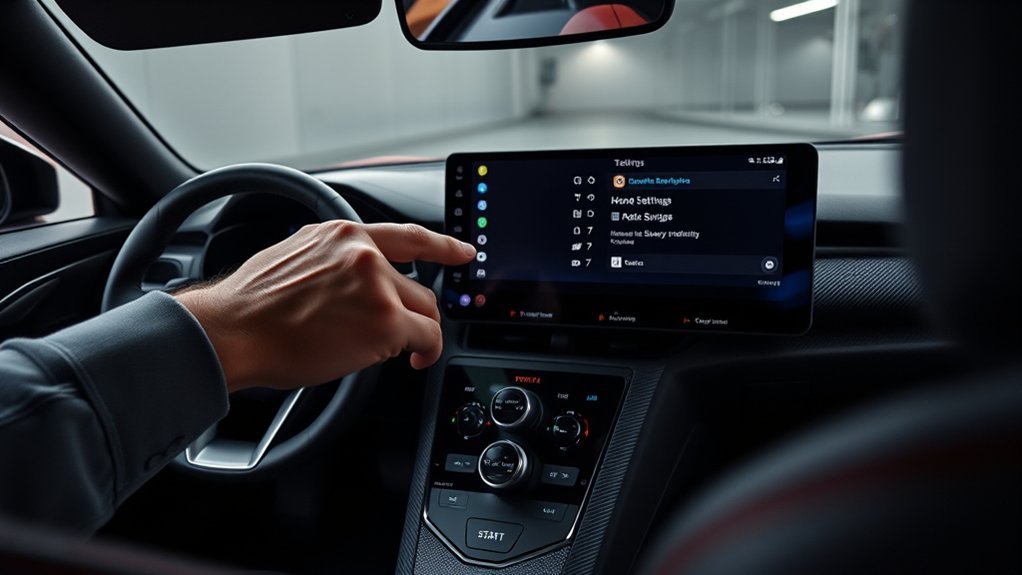
To reset the Toyota Supra infotainment system, start with a restart (switch the car off, open the door, wait a minute and start it again), then use the reset option in the settings menu if the problem stays. A full reset can erase saved places, paired phones and settings, so note them first. Menus vary by model year, so check the owner’s manual.
How to Reset the Toyota Supra Infotainment System
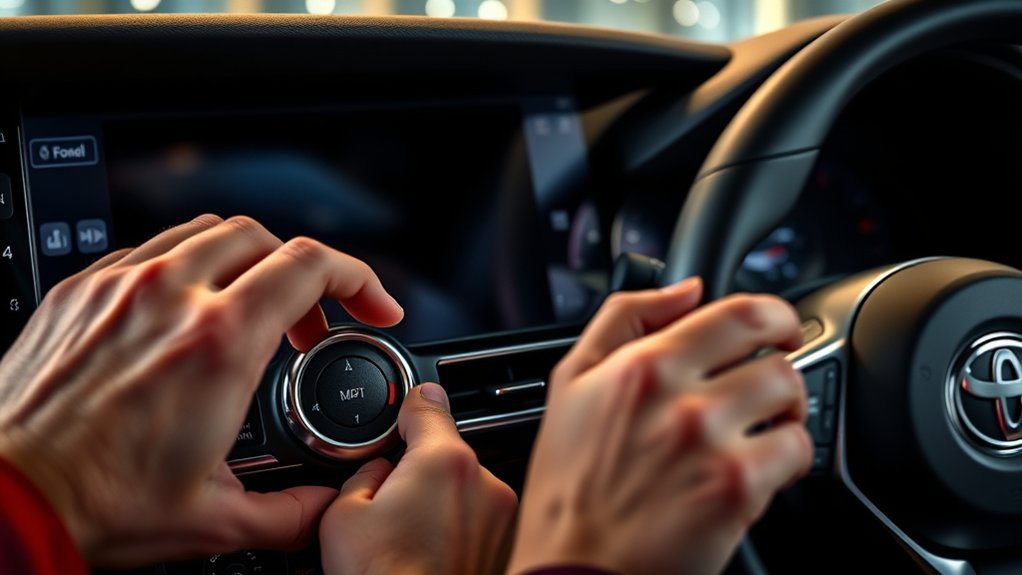
- Try a restart: switch the car off, open the door and wait a minute.
- Start the car and check the system.
- If it still misbehaves, open the settings menu and look for a reset option.
- Choose the least destructive reset first.
- Set up your phone and preferences again afterward.
Troubleshooting Common Infotainment Issues
- A frozen or black screen.
- Bluetooth that will not connect.
- Sound problems.
- Navigation errors.
Solutions for Persistent Problems
If a restart does not help, check for a software update at a dealer and try the reset option in the settings.
What Happens After You Reset the System

Depending on the reset, you may lose saved places, paired phones, presets and settings. Set them up again.
How to Erase Personal Data From Your Infotainment System
Before you sell the car, use the option in the settings to delete personal data, and remove your phone from the paired devices.
Clear Navigation Data Steps
Look for the option to delete saved places and history in the navigation settings.
Delete Contacts Process
Remove paired phones from the Bluetooth menu, which also removes the contacts stored for them.
Updating Your Infotainment Firmware for Optimal Performance
Ask a dealer about official updates. Do not use unofficial firmware.
When to Consult a Professional for Infotainment Issues
Ask a dealer if the screen stays black, keeps rebooting or the reset option is missing.
Related reading:
- Toyota Supra Emissions System: Parts, Codes and Testing
- How to Reset TPMS on a Toyota Supra
- Frozen Toyota Supra Infotainment Screen: Causes and Fixes
Frequently Asked Questions
How to Reset Supra Infotainment?
Restart first. If that fails, use the reset option in the settings menu or ask a dealer.
How to Reboot a Toyota Infotainment System?
Switch the car off, open the door, wait a minute and restart. Some models also restart if you hold the power or volume knob for several seconds; check the manual.
How Do I Do a Factory Reset Manually?
Look for a factory or general reset option in the settings. It erases your data, so note down your settings first.
How to Reset Toyota Dashboard Display?
Use the settings in the instrument cluster menu, or restart the car. See the manual for your model.
Conclusion
Restart first, reset only if needed and ask a dealer if the problem persists.