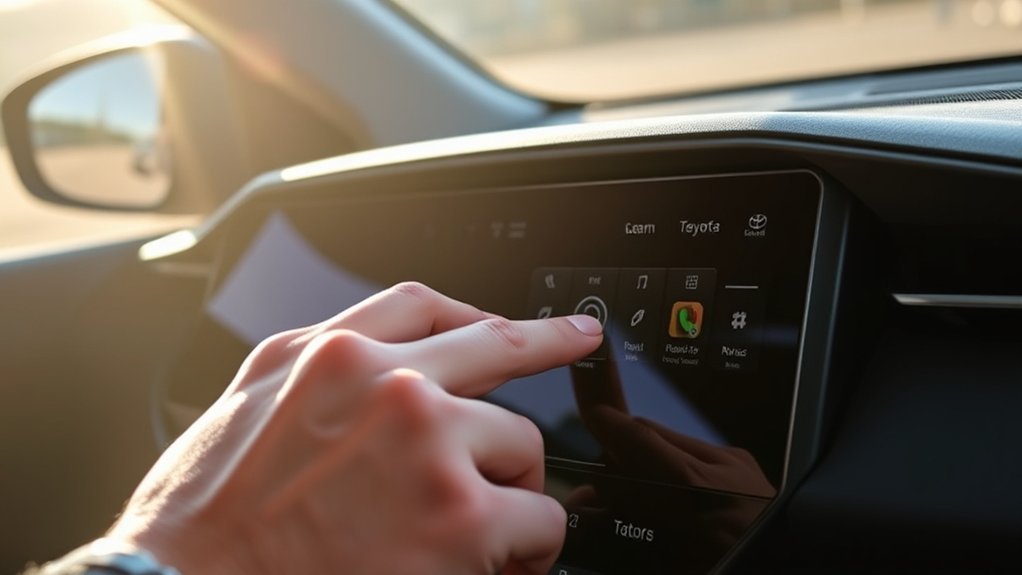
To fix your Toyota RAV4 touchscreen, start by trying a hard reset: disconnect the battery for 15-20 minutes. If some areas are unresponsive, use a stylus or pencil eraser to navigate. You can also perform a reverse reboot by shifting the gear between “Drive” and “Park.” Check for software updates and inspect fuses related to the audio system. If problems persist, consider upgrades or professional help for effective solutions. Discover more detailed troubleshooting methods and community tips!
Common Touch Screen Issues in Toyota RAV4 Models
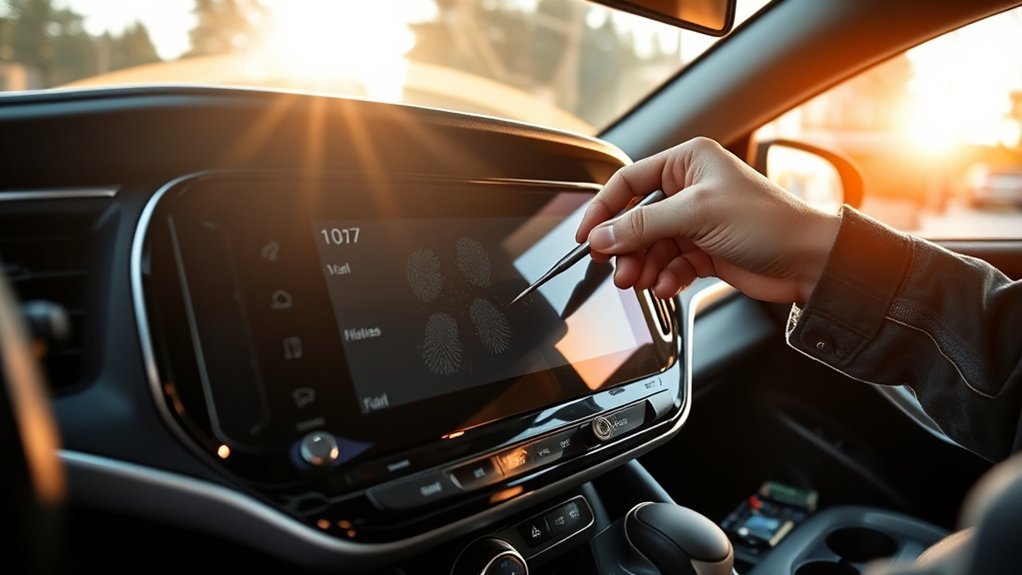
If you own a Toyota RAV4, you might have encountered issues with the touchscreen, particularly in the 2014 and 2015 XLE models. Many users report a malfunctioning screen that becomes unresponsive, especially at the display’s bottom. This can complicate navigation and device pairing within the infotainment system. You may notice that the touchscreen intermittently responds or requires excessive pressure for a touch to register, leading to frustration. Calibration problems often stem from hardware malfunctions or loose connections. Some have found success using a stylus or unconventional methods, like a credit card strip, to activate unresponsive areas. While DIY fixes can help, seeking dealer assistance for a warranty-covered replacement is often the most effective solution.
Immediate Fixes for Common Touch Screen Problems
When your Toyota RAV4’s touchscreen becomes unresponsive, immediate actions can often restore functionality. Start by disconnecting the vehicle’s battery for 15-20 minutes to perform a hard reset of the infotainment system. If that doesn’t work, try using a stylus or the eraser end of a pencil to navigate the unresponsive areas of the screen. Additionally, check for software updates on Toyota’s website or through your local dealership, as these updates can resolve known touchscreen issues. It’s also wise to inspect the fuses related to the audio system and touchscreen; a blown fuse may lead to operational failures. If problems persist, consult a dealership for warranty repairs or consider aftermarket solutions suggested by the community.
How to Fix RAV4 Touch Screen Issues With a Reverse Reboot
To resolve touchscreen issues on your Toyota RAV4, performing a reverse reboot can be an effective solution. Start by pressing the brake pedal and shifting the gear into “Drive.” Wait for the system to respond, then shift back to “Park.” This method has helped many users fix a screen not working without incurring repair costs. Guarantee the vehicle stays in “Park” and the brake is pressed throughout the process to avoid any unintended movement. After the reverse reboot, check the touch screen’s responsiveness to see if the issue is resolved. If problems persist, document these recurring issues to share with the community or your dealership for further assistance, as collective experiences often lead to better solutions.
Phone Pairing Tips for Unresponsive Touch Screens
How can you effectively pair your phone with an unresponsive touchscreen in your Toyota RAV4? Start by using your steering wheel controls to navigate to Bluetooth settings. This method allows you to bypass the touch screen while initiating phone pairing. Exercise patience, as the system may lag, so give it time to respond.
If the touchscreen remains unresponsive, consider disconnecting the vehicle’s battery for a reset. Alternatively, you can utilize a smartphone app to manage Bluetooth connections directly. For additional guidance, consult your owner’s manual or online forums for detailed instructions on alternative pairing methods. These strategies empower you to maintain connectivity and enjoy hands-free features, even when faced with touchscreen issues.
Troubleshooting Audio System Problems Related to the Touch Screen
If you’re facing audio system issues tied to your Toyota RAV4’s touch screen, it’s essential to identify common problems before jumping into solutions. You can follow a step-by-step troubleshooting guide to address these issues effectively. Additionally, exploring alternative repair options may help restore your audio functionality.
Common Audio System Issues
Many Toyota RAV4 owners encounter common audio system issues that stem from touch screen malfunctions, greatly impacting functionality. You might find that the touch screen becomes unresponsive, particularly in the lower section, preventing access to the CD player or Bluetooth pairing. Some users report that the CD player malfunctions simultaneously, making it impossible to insert discs or locate the CD option in audio sources. Calibration issues can also plague the touch screen, resulting in incorrect touch registrations and frustration while operating the audio system. For effective troubleshooting, consider checking for software updates through the dealership or using the steering wheel controls as an alternative method for managing audio settings when the touch screen fails.
Step-by-Step Troubleshooting Guide
To effectively troubleshoot audio system problems related to the touch screen in your Toyota RAV4, follow this step-by-step guide that tackles common issues systematically.
- Disconnect the vehicle battery for 15-20 minutes to reset the audio system, which can resolve touch screen issues.
- Check for any software updates available on Toyota’s website or through your local dealership, as these updates can enhance system performance.
- Inspect the fuses related to the audio system and touch screen to verify they’re not blown, which could affect operation.
- If the touch screen remains unresponsive, consider alternative navigation methods, like using external devices, while you troubleshoot the issue.
These steps will help you regain control over your touch screen and enhance your driving experience.
Alternative Repair Options Available
When dealing with audio system problems related to the touch screen in your Toyota RAV4, exploring alternative repair options can save you time and money. Many users recommend aftermarket setups, often with installation services for about $50. Additionally, consider reaching out to car stereo stores or freelance services from Toyota retirees, as these options may be more cost-effective than dealership repairs. A simple yet effective solution is to reset the audio system by disconnecting the vehicle’s battery for 15-20 minutes. Community discussions frequently highlight successful experiences with specific repair shops, like Gates Toyota, known for their honest service. Engaging with local recommendations can lead you to trusted providers specializing in automotive audio system repairs.
When to Get Professional Help for Touch Screen Repairs?
If you notice signs of serious issues with your Toyota RAV4 touch screen, like persistent unresponsiveness or incorrect touch registration, it’s time to contemplate professional help. Additionally, if your vehicle is still under warranty, visiting a dealership can provide cost-effective repair options. Don’t overlook any correlation between touch screen problems and other audio system failures, as these may indicate deeper hardware issues requiring expert diagnosis.
Signs of Serious Issues
While minor glitches in your Toyota RAV4’s touch screen might seem manageable, certain signs indicate that you need professional help. If you notice any of the following issues, it’s time to consult an expert:
- The screen is consistently unresponsive or only partially functional.
- You face persistent calibration problems with inaccurate touch registration.
- Frequent screen lag, random reboots, or inability to access key functions like Bluetooth settings.
- Unconventional troubleshooting methods fail to improve touch screen responsiveness.
These symptoms suggest a serious underlying hardware issue. Don’t wait for the problems to escalate; seeking professional evaluation guarantees your touch screen gets back to working efficiently and safely.
Warranty and Repair Coverage
Understanding warranty and repair coverage for your Toyota RAV4’s touch screen can save you both time and money. If your vehicle is still under warranty, you may be eligible for warranty coverage that includes free replacement of a malfunctioning touch screen. Many owners have successfully had their defective units replaced at no cost, aligning with Toyota’s policy on known defects. If your warranty has expired, consider exploring aftermarket repair options or consult independent car stereo specialists for budget-friendly solutions. Documenting touchscreen issues and your troubleshooting efforts is essential before approaching dealerships; this can bolster your warranty claims. Regularly check in with certified repair centers to stay updated on recalls or service updates regarding touchscreen problems.
Affordable Upgrades for Your RAV4 Touch Screen
Upgrading your Toyota RAV4’s touch screen doesn’t have to break the bank, especially with several affordable options available that can greatly enhance your driving experience. Consider these affordable upgrades:
- Aftermarket touchscreen: These systems often provide better responsiveness and features like Apple CarPlay and Android Auto.
- Installation services: Many car stereo stores offer installation for aftermarket units at rates between $50 to $200.
- Refurbished touchscreens: You can find compatible units online that replace unresponsive factory screens at a fraction of the cost.
- Bluetooth adapter: This device connects to your factory radio, enabling hands-free calls and music streaming without requiring a new touchscreen.
These upgrades can remarkably improve your RAV4’s functionality and connectivity.
Community Success Stories: Solutions That Worked
Many Toyota RAV4 owners have found effective solutions to touchscreen issues by sharing their experiences within the community. Users on the ToyotaNation forum reported success with a reverse reboot method—pressing the brake, shifting gears, and waiting—which effectively resolved touchscreen issues without costly repairs. Disconnecting the battery for a few minutes also proved beneficial, improving system responsiveness. One member highlighted a mobile app for charging management to regain control when the touchscreen becomes unresponsive. Community discussions revealed that using unconventional tools like a stylus or pencil eraser helped navigate unresponsive areas. Finally, some users successfully sought dealership assistance, securing free repairs or replacements under warranty, reinforcing the importance of community support in troubleshooting.
Preventive Measures to Avoid Future Touch Screen Problems
To prevent future touchscreen problems in your Toyota RAV4, it’s crucial to adopt proactive maintenance habits. Implementing preventive measures can greatly enhance the longevity and performance of your touchscreen system.
- Regularly clean the touch screen with a microfiber cloth, avoiding protectant sprays.
- Verify timely firmware updates to prevent compatibility issues.
- Avoid placing heavy objects on or near the dashboard to mitigate pressure on the screen and connectors.
- Maintain a moderate interior temperature, as extreme heat or cold can affect electronic components.
Frequently Asked Questions
How to Reset Toyota RAV4 Touch Screen?
To reset your Toyota RAV4 touch screen, try touchscreen troubleshooting tips like holding the power button for ten seconds. Additionally, check software update procedures in your user manual for potential fixes and enhancements.
Why Is My Toyota RAV4 Screen Not Working?
Your Toyota RAV4 screen isn’t working due to possible screen calibration issues, software glitches, or hardware malfunctions. Addressing these factors can help restore functionality, so consider troubleshooting or seeking professional assistance for a thorough evaluation.
What Causes the Touch Screen to Stop Working in a Car?
Common touchscreen issues in cars often arise from electrical system failures, software glitches, or loose connections. Environmental factors can also impact performance, leading to unresponsive displays that hinder your driving experience.
Why Is My Touchscreen Touch Screen Not Working?
Your touchscreen isn’t working due to calibration issues, software update problems, or hardware malfunction symptoms. Check for loose connections and verify your system’s updated to regain functionality and enhance your driving experience.
Conclusion
In conclusion, solving screen snafus in your Toyota RAV4 can be straightforward with the right steps. Whether you’re rebooting the system, pairing your phone, or seeking professional support, staying proactive will preserve your touch screen’s performance. Remember to maintain regular check-ups and consider affordable upgrades to enhance your driving experience. By practicing preventive measures, you can keep your RAV4’s touch screen in excellent condition, ensuring a seamless and satisfying journey every time you hit the road.
