To fix a Toyota RAV4 radio, first work out what is wrong (no sound, no power, a frozen screen or poor reception), then restart the system, check the volume and source, and look at the fuse and your phone connection. Resetting the radio can clear some settings, so note them first. If it still fails, ask a dealer, who can also check for warranty or software updates.
How to Fix a Toyota RAV4 Radio: Identify the Problem
- No power or a black screen.
- Sound missing or distorted.
- Poor reception or noise.
- Screen frozen or slow.
- Bluetooth or USB not connecting.
How to Reset Your Toyota RAV4 Radio
Try the least disruptive options first. A reset can erase presets and paired devices.
Battery Disconnection Method
Disconnecting the battery resets many electronics, but it can also clear other settings and, on some cars, cause other issues. Use this only if the manual or a dealer says it suits your model, and follow battery safety rules.
Soft Reset Steps
- Turn the car off and open the driver door.
- Wait a minute, then restart the car.
- If the screen is still frozen, hold the power or volume knob for several seconds if your model supports it.
- Check the manual for the reset method for your system.
Electrical Reset Technique
Checking the fuse is a safer first electrical step than disconnecting power. See the fuse box diagram in the manual.
Step-by-Step Troubleshooting for Radio Problems
- Check the volume, mute and source.
- Restart the system.
- Reconnect the phone and forget old pairings.
- Check the radio fuse.
- Try the radio in a different location if reception is poor.
Troubleshooting Electrical Issues in Your RAV4 Radio
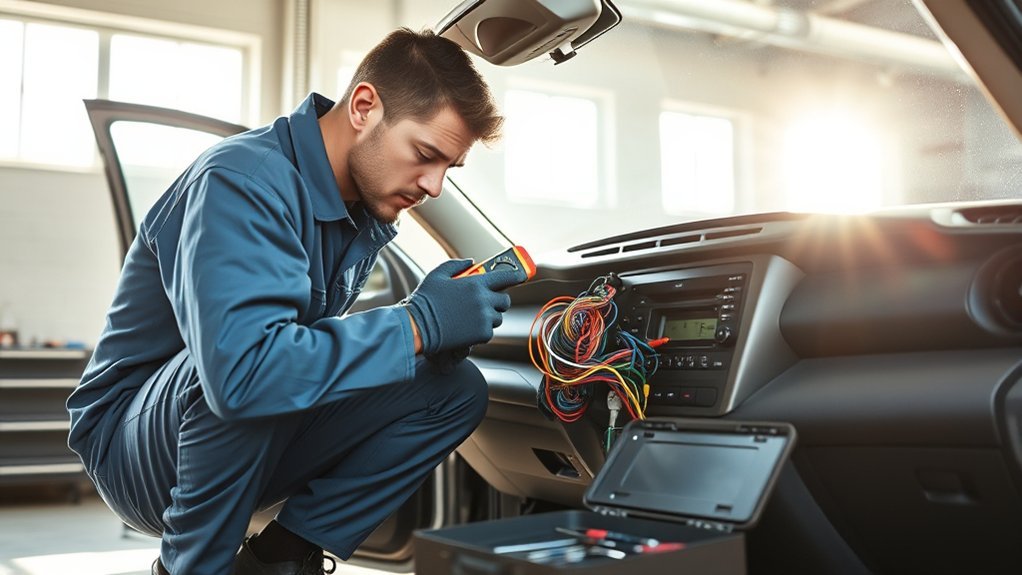
- Check the radio fuse and replace it only with the same rating.
- Look for a weak 12-volt battery.
- Check for a loose connection if you recently had work done.
- Have a dealer test the unit if the fuse is fine.
Choosing Aftermarket Radios for Your RAV4
An aftermarket radio can add features, but it may affect steering controls, the camera or warranty coverage. Have it fitted by someone who knows your model.
When to Call for Professional Help?
Get help if the unit has no power after a fuse check, keeps rebooting or shows physical damage.
How to Maintain Your Toyota RAV4 Radio for Longevity
- Keep the software up to date.
- Clean the screen gently.
- Avoid extreme heat.
- Avoid poor quality chargers.
Regular Software Updates
Ask a dealer whether an update is available for your system.
Protect From Extreme Temperatures
Use a sunshade in hot weather to protect the screen and the electronics.
Related reading:
- Toyota RAV4 Radio Not Working: Troubleshooting Guide
- How to Fix a Toyota RAV4 Touch Screen That Is Not Working
- Toyota RAV4 Touchscreen Not Working: Troubleshooting Guide
Frequently Asked Questions
Why Is My Radio Not Working in My RAV4?
Common causes are a software glitch, a blown fuse, a connection problem or a failing unit. Start with a restart.
Why Is My Toyota Radio Screen Not Working?
It may be frozen, switched off or faulty. Restart the system and check the fuse before you go to a dealer.
How to Reset Toyota RAV4 Radio?
Restart the car, hold the power or volume knob if the manual allows, or ask a dealer for a full reset.
Could a Blown Fuse Stop the RAV4 Radio Working?
A blown fuse is possible but not the only cause. Check the fuse for the radio in the fuse box diagram and replace it only with the same rating.
Conclusion
Start with a restart, then check the fuse and connections, and see a dealer if it persists.