Your iPhone 16 should connect to your Toyota RAV4 in a few minutes, but one wrong menu choice can stop the pairing process. You can use Bluetooth for calls and music, or you can use Apple CarPlay for maps, messages, music, and Siri. This guide shows you how to pair the phone, choose the right connection type, fix common errors, and remove the phone later.
Quick Answer
Turn on Bluetooth on your iPhone 16, then open the Bluetooth or phone settings on your Toyota RAV4 display. Choose your iPhone from the device list, confirm the matching code, and allow contact access if you want hands-free calls. If your RAV4 supports Apple CarPlay, accept the CarPlay prompt when you want maps, Siri, messages, and apps on the vehicle screen.
Key Takeaways
- Use Bluetooth when you only need calls, music, and basic audio.
- Use Apple CarPlay when you want maps, Siri, messages, and supported apps on the RAV4 screen.
- Check that Siri, Bluetooth, and the vehicle pairing mode stay on during setup.
- Delete old paired devices if your RAV4 will not show your iPhone 16.
Estimated total time: 3 to 5 minutes.
Before You Begin
Park your RAV4 before you start. Keep the vehicle powered on, keep your iPhone unlocked, and stay on the Bluetooth or CarPlay setup screen during pairing.
- Make sure your iPhone 16 has Bluetooth turned on.
- Turn on Siri if you plan to use Apple CarPlay.
- Use an Apple-certified USB-C cable if your RAV4 uses wired CarPlay.
- Check your owner’s manual if your RAV4 menu names look different.
Check Your iPhone’s Bluetooth Settings
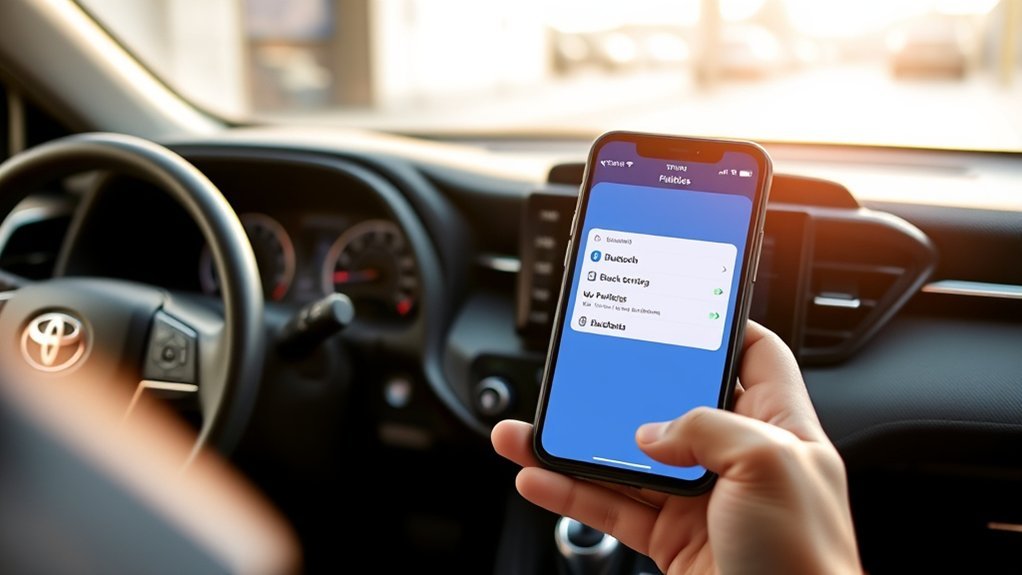
Start on your iPhone 16. Open the Settings app, tap Bluetooth, and turn Bluetooth on.
Keep this screen open while your RAV4 searches for your phone. According to Apple, your iPhone should show nearby Bluetooth accessories when they enter pairing mode. If your RAV4 does not appear, stay near the vehicle screen and refresh the device search from the car.
Find Your RAV4 on the Bluetooth Device List
Now use the Toyota screen to make the vehicle search for your iPhone. Menu names can vary by RAV4 model year, but many newer Toyota systems use Settings, then Bluetooth & Devices.
| Step | Action |
|---|---|
| 1. Enable Bluetooth | Open “Settings” on your iPhone 16 and turn Bluetooth on. |
| 2. Open RAV4 settings | Select “Bluetooth & Devices” or the phone connection menu. |
| 3. Search for devices | Tap “Search for Devices” or “Add Device” on the RAV4 screen. |
Select your iPhone when it appears on the vehicle display. Your RAV4 may show a code on the screen. Confirm that the code matches the one on your iPhone before you accept the pairing request.
Pair Your iPhone 16 With Your Toyota RAV4
Use these steps to finish the connection:
- Tap your iPhone 16 on the RAV4 device list.
- Tap Pair on your iPhone when the request appears.
- Confirm the same pairing code on the Toyota screen.
- Allow contact access if you want hands-free calling and caller names.
- Choose Apple CarPlay if you want the CarPlay interface, or choose Bluetooth-only if you only want calls and audio.
After pairing, test the connection with one safe action before you drive. Try a short music track, a parked test call, or a map route while the vehicle stays stopped.
Use Apple CarPlay Features After Pairing
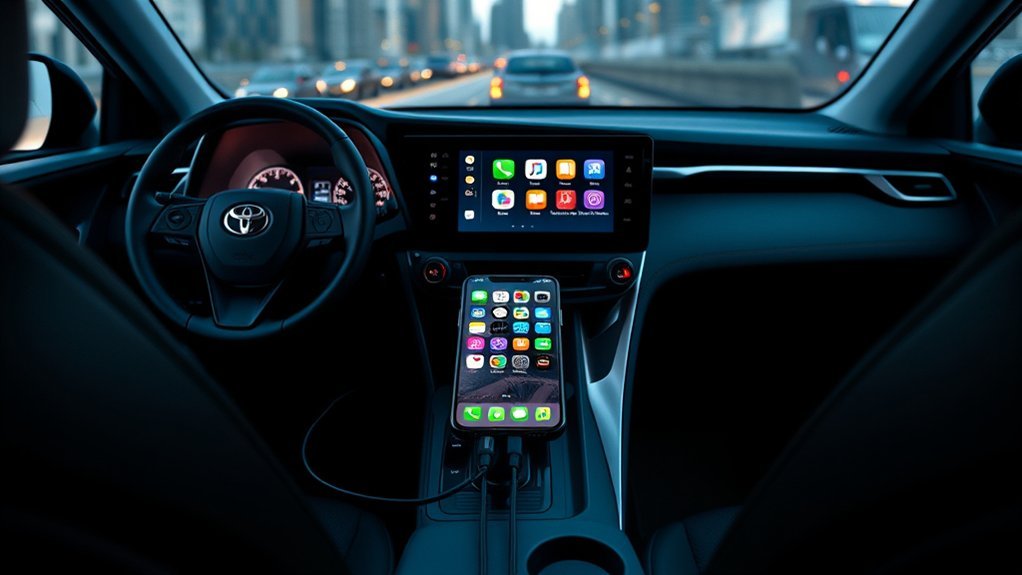
Apple CarPlay lets you use supported iPhone apps on your Toyota screen. You can open Apple Maps, Google Maps, Waze, phone calls, messages, podcasts, and music apps when your RAV4 supports CarPlay.
Apple says CarPlay setup needs Siri turned on. If your RAV4 supports wired CarPlay, connect your iPhone 16 with a USB-C cable through the vehicle’s USB port. If your RAV4 supports wireless CarPlay, keep Bluetooth and Wi-Fi active during setup.
Warning: Set up CarPlay while parked, and keep your eyes on the road once you start driving.
Troubleshoot Connection Issues
If your iPhone 16 will not connect to your Toyota RAV4, start with the easiest fixes first. These steps solve most Bluetooth and CarPlay pairing errors.
- Turn Bluetooth off and back on from your iPhone settings.
- Restart your iPhone 16 and restart the RAV4 infotainment system if your model allows it.
- Move your phone close to the Toyota screen and search again from the vehicle menu.
- Delete old phones from the RAV4 device list if the system has reached its device limit.
- Forget the RAV4 on your iPhone, then pair both devices again.
- Update your iPhone software if you keep seeing CarPlay or Bluetooth errors.
If the issue only affects CarPlay, test a direct USB-C cable connection. Toyota support recommends an Apple-certified cable for wired Apple CarPlay setup.
How to Unpair Your iPhone From the RAV4
You can remove your iPhone from the RAV4 when you sell the vehicle, share the car, or want a clean setup. On the Toyota screen, open Settings, then Bluetooth & Devices or the phone connection menu.
Select your iPhone from the paired device list. Choose Forget, Remove, or Delete, then confirm the action.
You should also remove the vehicle from your iPhone. Open Settings, tap Bluetooth, tap the information icon next to your RAV4, and choose Forget This Device.
Frequently Asked Questions
How Do I Connect My New iPhone 16 to My Vehicle?
Turn on Bluetooth on your iPhone 16, then put your vehicle in pairing mode from the phone or Bluetooth menu. Select your iPhone when it appears, confirm the pairing code, and allow contact access if you want hands-free calls.
Why Isn’t My iPhone Connecting to My RAV4?
Your RAV4 may not find your iPhone if Bluetooth is off, the phone is already paired to another device, or the vehicle has too many saved phones. Restart both systems, delete old devices, and pair the phone again.
How Do I Connect iPhone to RAV4 CarPlay?
Turn on Siri, then connect your iPhone with a USB-C cable if your RAV4 uses wired CarPlay. If your RAV4 supports wireless CarPlay, keep Bluetooth and Wi-Fi on, then choose your vehicle under Settings > General > CarPlay > Available Cars.
How Do I Add Apple CarPlay to My 2016 Toyota RAV4?
Apple lists Toyota RAV4 CarPlay support from 2019 to 2026, so a 2016 RAV4 usually does not have factory Apple CarPlay. You may need an aftermarket head unit or CarPlay adapter, and a trusted installer should confirm fitment before you buy.
Can I Use Bluetooth Without Apple CarPlay?
Yes. Bluetooth can handle basic calls and audio without opening the CarPlay interface. Choose Bluetooth-only during setup if you do not want apps, maps, or Siri on the Toyota screen.
Safety Disclaimer: This article is for informational purposes only and does not replace your Toyota owner’s manual or local distracted-driving laws. Set up your phone while parked, and avoid handling your phone while driving.
Conclusion
The easiest way to connect your iPhone 16 to your Toyota RAV4 is to start with Bluetooth, confirm the pairing code, and choose CarPlay only if you want the full app interface. Test calls, music, and maps while parked before you drive. If pairing fails, remove old devices and restart both systems before trying again. Once the setup works, you can stay connected with fewer touches and better focus on the road.
References
- Connect a third-party Bluetooth accessory to your iPhone — Apple Support, 2025
- Connect iPhone to CarPlay — Apple iPhone User Guide, 2026
- How do I setup Apple CarPlay? — Toyota Support
- CarPlay Available Models — Apple, 2026
- Distracted Driving — National Highway Traffic Safety Administration
