How to Change Driving Modes in a Toyota Supra
What’s in This Article
- Understanding Toyota Supra Driving Modes
- How to Locate the Drive Mode Selector
- Before You Change Driving Modes
- How to Switch Between Toyota Supra Driving Modes
- Features and Benefits of Each Driving Mode
- Why the Toyota Supra Does Not Have EV Mode
- Adjusting Settings for Rain or Low-Grip Conditions
- Customize Your Supra Settings Carefully With Coding Apps
- Monitoring Mode Indicators on the Dashboard
- Troubleshooting Common Issues When Changing Modes
- Get the Most Out of Your Toyota Supra Driving Experience
- Frequently Asked Questions
- Conclusion
Choosing the wrong drive setting can make your Supra feel too soft, too sharp, or less predictable for the road ahead. The good news is simple: you can change modes from the center console in seconds. This guide shows you where the selector is, how to use it, and what each setting changes.
Quick Answer
To change driving modes in your Toyota Supra, use the Sport mode button or drive mode control near the gear selector. Most GR Supra models focus on Normal and Sport settings, not Eco, EV, or off-road modes. Press the button, then check the dashboard or instrument display to confirm the selected mode.
Key Takeaways
- Use the drive mode control near the shifter to switch between Normal and Sport settings.
- Normal mode suits daily driving, while Sport mode sharpens the car’s response.
- The GR Supra does not use EV, hybrid, Eco Pro, snow, or off-road drive modes.
- Watch the dashboard display after changing modes so you know the setting took effect.
- Use Sport mode with care on wet, icy, or rough roads because the car may respond faster.
Understanding Toyota Supra Driving Modes
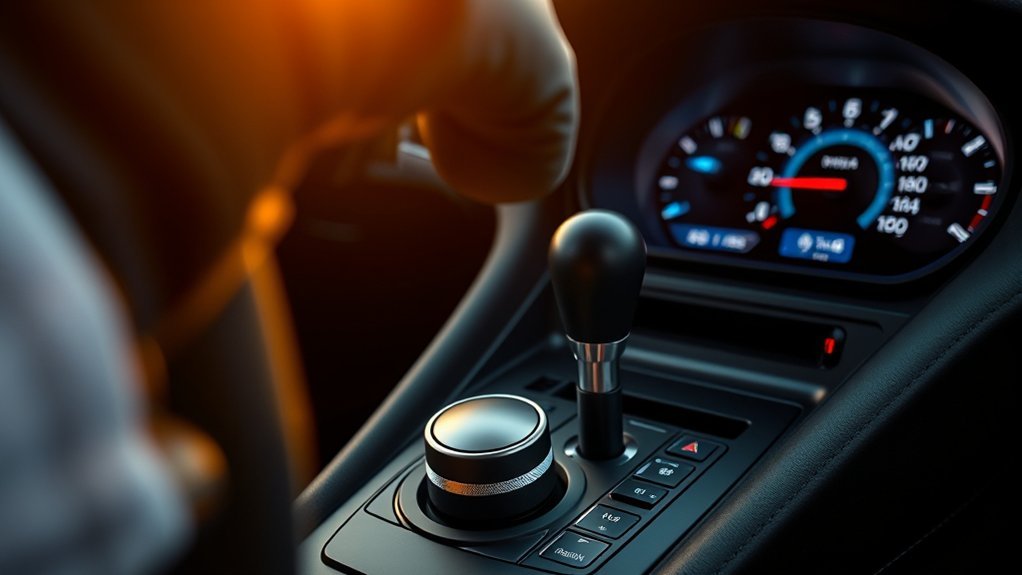
When you’re behind the wheel of a Toyota Supra, the drive mode setting changes how the car feels. Most modern GR Supra models give you a Normal mode for daily use and a Sport mode for sharper response. Some menus may also let you adjust related driver settings, depending on your model year and trim.
Normal mode works best for most drives. It keeps throttle response, steering feel, transmission behavior, and ride comfort balanced for regular roads. Use it for commuting, highway cruising, and stop-and-go traffic.
Sport mode makes the Supra feel more alert. It can sharpen throttle response, change shift behavior on automatic models, add weight to the steering, and make the exhaust sound more aggressive on equipped models. Use it when road conditions allow safe, focused driving.
Note: Drive mode names and menu options can vary by model year, so check your owner’s manual for your exact Supra.
How to Locate the Drive Mode Selector
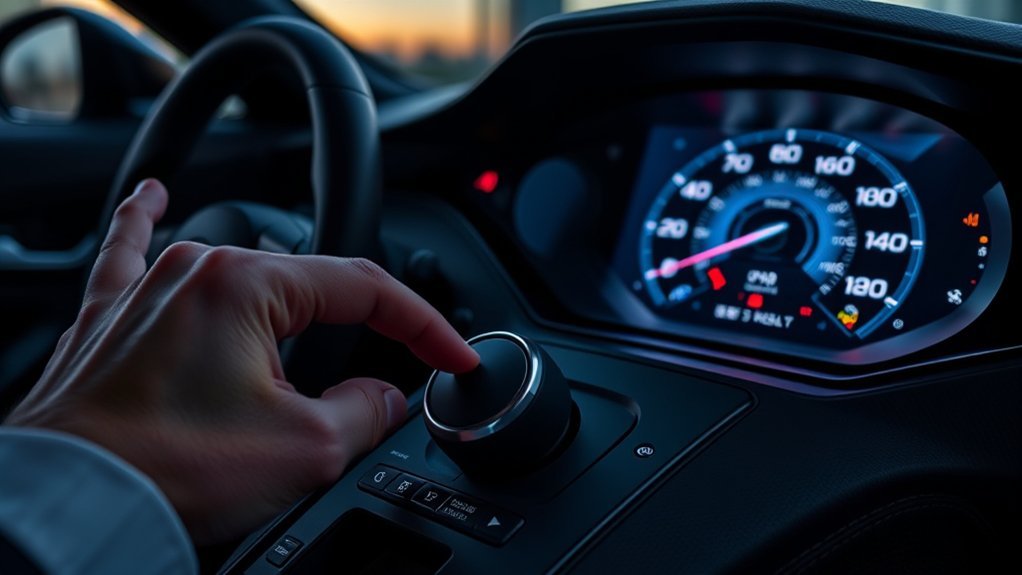
To find the Drive Mode Selector in your Toyota Supra, look on the center console near the gear selector. You should see a Sport button or drive mode control within easy reach of the driver. Your dashboard display will confirm the active mode after you press it.
Selector Location Overview
The drive mode selector sits on the center console, so you can reach it without looking away for long. In many GR Supra models, the control is marked for Sport mode rather than a long list of modes. Pressing it switches the car from its normal daily setting into a sportier setup.
Here’s what to check:
- Look beside the gear selector for the Sport or drive mode button.
- Keep the car fully started before changing settings.
- Watch the instrument display for a mode confirmation.
- Return to Normal mode when you want a smoother daily drive.
- Use your owner’s manual for model-specific details.
With the drive mode selector, you can match the car’s feel to the road and your driving style.
Understanding Selector Variations
Some Toyota Supra controls vary by year, trim, and transmission. You may see a simple Sport button, a menu-based setting, or related options inside the infotainment system. The core idea stays the same: Normal mode keeps the car calm, while Sport mode makes it more responsive.
After you select a mode, glance at the dashboard. The display should show a Sport indicator or a similar message when the sportier setting turns on. If you don’t see a change, press the button again or check the vehicle settings menu.
Before You Change Driving Modes
Estimated time: Less than 1 minute.
You don’t need tools to change driving modes in a Toyota Supra. You only need the car turned on, a clear road situation, and enough attention to confirm the change safely.
- Start the vehicle fully before using the mode control.
- Keep your foot on the brake if you’re parked.
- Use Normal mode first if the road is wet, icy, or crowded.
- Avoid changing settings while making a turn or braking hard.
- Check the dashboard indicator after pressing the mode button.
Warning: Don’t test Sport mode on public roads in a way that breaks traffic laws or reduces control.
How to Switch Between Toyota Supra Driving Modes
Changing modes in a Toyota Supra is quick once you know where the control sits. Follow these steps while the car is stopped or while driving smoothly in a safe area.
- Start the Supra fully. Make sure the instrument display is active and the car is ready to drive.
- Find the mode control. Look near the gear selector on the center console.
- Press the Sport button or drive mode control. The car should switch from Normal to Sport mode.
- Check the dashboard display. Look for the Sport indicator or mode message.
- Press the control again if needed. Return to Normal mode when you want smoother response.
Use each mode with purpose. Normal mode gives you a calmer drive, while Sport mode makes the car feel more direct and eager.
Features and Benefits of Each Driving Mode
Each driving mode changes the way your Toyota Supra responds. The exact tuning can vary by model, but the main goal stays clear. Normal mode favors balance, while Sport mode favors response.
Normal Mode suits everyday driving. It gives you smooth throttle response, calm steering feel, and relaxed behavior in regular traffic. Choose it for commuting, wet roads, and long trips.
Sport Mode makes the Supra feel sharper. It can change throttle response, steering weight, gear shift behavior, and exhaust character on equipped cars. Choose it when you want a more engaging drive and the road conditions support it.
| Driving Mode | What It Changes | Best Use |
|---|---|---|
| Normal | Smoother response and balanced control | Daily driving, traffic, wet roads |
| Sport | Sharper response and more direct feel | Spirited driving on safe roads |
Why the Toyota Supra Does Not Have EV Mode
The Toyota GR Supra is not a hybrid or electric vehicle, so it does not have an EV Mode button. It also does not offer electric-only driving. If you see advice about EV Mode, it applies to other Toyota hybrid models, not the Supra.
The Supra uses a gasoline engine and performance-focused drivetrain. That means your main mode choice centers on Normal and Sport driving behavior. For fuel savings, use a gentle right foot, steady speed, and proper tire pressure instead of looking for an EV setting.
Note: If your dashboard shows a setting you don’t recognize, use the owner’s manual before changing it.
Adjusting Settings for Rain or Low-Grip Conditions
The Toyota Supra does not include a true off-road mode or Multi-Terrain Select system. It also isn’t built for trail driving, deep snow, or rough off-road use. Treat it as a low, rear-wheel-drive sports car that needs smooth inputs on slick roads.
For rain, cold pavement, or light snow, keep the car in Normal mode. Avoid sudden throttle, steering, or braking inputs. Let the traction and stability systems help the car keep grip.
If the road feels slippery, reduce speed and leave more space ahead. Sport mode can make the car respond faster, which may not suit low-grip conditions. Use winter tires when local weather calls for them.
Customize Your Supra Settings Carefully With Coding Apps
Some owners use BMW-based coding apps, such as BimmerCode, because the GR Supra shares parts of its platform with BMW. These apps may let you adjust some comfort, lighting, display, or startup settings. Results can vary by software version, vehicle year, and control module.
Use coding tools carefully. Incorrect changes may create warning lights, disable features, or cause dealer support issues. Back up original settings before you change anything, and avoid coding safety systems unless a qualified technician handles the work.
- Check whether your model year and control units support the feature.
- Back up the original coding before making changes.
- Change one setting at a time so you can spot problems.
- Avoid claims that any app can unlock every performance feature.
- Restore the original settings if warnings appear after coding.
Monitoring Mode Indicators on the Dashboard
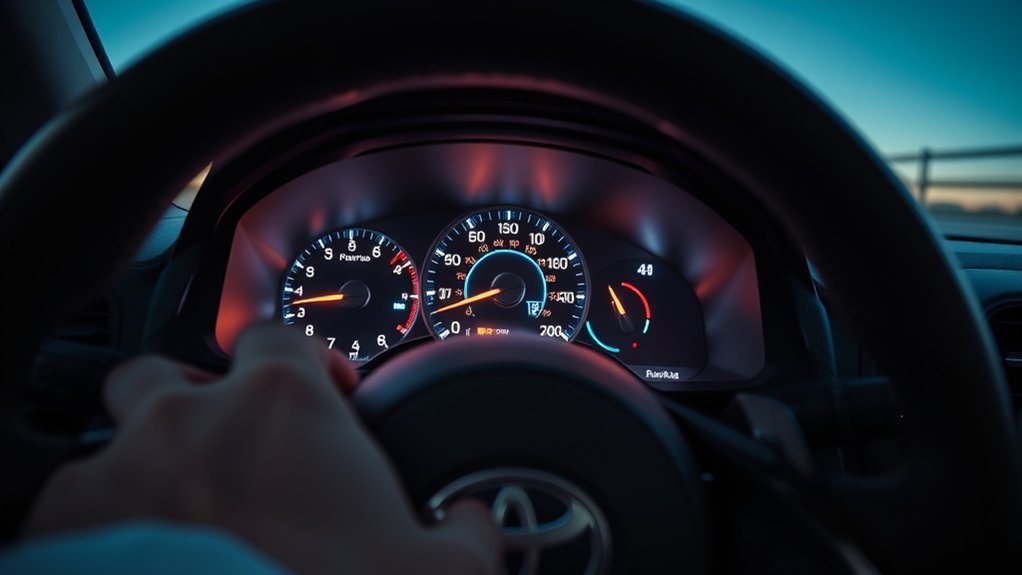
When you switch driving modes in your Toyota Supra, watch the dashboard or instrument display. The car should show a Sport indicator or another mode message when the setting changes. This quick check helps you avoid driving in the wrong setup.
Mode Indicator Lights
The mode indicator lights on your Toyota Supra’s dashboard give you quick feedback. They tell you whether the car has accepted your selected setting. This matters most when you switch between a calm daily setup and a sharper Sport setup.
- Look for a Sport indicator after pressing the mode button.
- Check the display before you accelerate hard.
- Return to Normal mode when road grip feels low.
- Watch for warning lights that may affect drive settings.
- Use the owner’s manual to identify unfamiliar symbols.
Understanding the indicator lights keeps you aware of how the car will respond. That awareness helps you drive with more control.
Dashboard Display Functions
Your dashboard does more than show speed and engine data. It also confirms key settings that affect the car’s behavior. When you press the mode selector, look for the display change before you assume the mode switched.
Some settings may also appear in the infotainment menu. These menus can show vehicle setup options, driver assistance settings, or display choices. Use them only when parked or when a passenger can safely help.
Troubleshooting Common Issues When Changing Modes
Changing driving modes in your Toyota Supra should feel simple. If the mode does not change, start with the easiest checks before assuming a major fault.
- Make sure the vehicle is fully on and ready to drive.
- Press the mode button firmly, then wait for the display to update.
- Check for dashboard warning lights that may limit certain functions.
- Restart the vehicle to clear a minor electronic glitch.
- Check the owner’s manual for model-specific limits.
- Contact a Toyota dealer if the problem keeps happening.
A warning light matters more than the mode setting. If the car shows a drivetrain, brake, traction, or stability warning, get the issue checked before hard driving.
Get the Most Out of Your Toyota Supra Driving Experience
To enjoy your Toyota Supra, learn what each setting does before you drive hard. Normal mode keeps the car easier to manage. Sport mode gives you a sharper feel when conditions allow it.
Selecting Driving Modes Easily
Wondering how to get more from your Supra without changing parts? Start by choosing the right drive mode for the road. This small habit can make the car feel smoother, safer, or more exciting.
- Use Normal mode for daily driving and poor weather.
- Use Sport mode for sharper response on safe roads.
- Check the dashboard after each mode change.
- Switch back to Normal when traffic gets heavy.
- Practice with each setting so you know how the car reacts.
Once you understand the difference, the Supra feels easier to control. You can enjoy the car without guessing what it will do next.
Optimizing Performance Features
Getting the best from your Toyota Supra starts with smooth driving inputs. Sport mode can sharpen the car, but your steering, braking, and throttle control still matter most.
| Driving Mode | Key Feel | Ideal Use Case |
|---|---|---|
| Normal | Balanced and smooth | Daily commuting |
| Sport | Sharper and more alert | Focused driving on safe roads |
Monitor the dashboard for mode indicators so you know which setup is active. If you want more control over personal settings, review the vehicle menu before using third-party coding tools.
Enhancing Fuel Efficiency Tips
Maximizing fuel efficiency in your Toyota Supra depends more on your driving habits than a special Eco mode. Smooth inputs help the car use less fuel. Proper maintenance also supports better efficiency.
- Use Normal mode for smoother daily driving.
- Maintain a steady speed when traffic allows it.
- Avoid rapid acceleration unless you need it.
- Keep your tires properly inflated.
- Remove unneeded cargo from the vehicle.
- Service the car on schedule.
These habits help you enjoy the Supra without wasting fuel. They also reduce wear during regular use.
Frequently Asked Questions
How do you put a Supra in Sport Mode?
Press the Sport button or drive mode control near the gear selector. Then check the dashboard display to confirm that Sport mode turned on.
Does the Toyota Supra have Eco Mode?
Most modern GR Supra models do not have a dedicated Eco Mode like some other Toyota vehicles. Use Normal mode and smooth driving habits when you want better fuel efficiency.
Does the Toyota Supra have EV Mode?
No, the GR Supra does not have EV Mode because it is not a hybrid or electric vehicle. EV Mode advice applies to Toyota hybrid models, not the Supra.
Can you switch to Sport Mode while driving?
Yes, you can usually switch to Sport Mode while driving smoothly. Avoid changing settings during hard braking, sharp turning, or poor road conditions.
Can you drive in Sport Mode all the time?
You can use Sport Mode often, but it may make the car feel sharper than needed for traffic or wet roads. Normal mode is usually better for comfort, smoother control, and daily fuel use.
Conclusion
Changing driving modes in your Toyota Supra is simple, but choosing the right mode matters. Use Normal mode for daily driving and Sport mode when you want sharper response on safe roads. Skip advice about EV, Eco Pro, snow, or off-road modes because those settings do not fit the GR Supra. Check the dashboard after every change, then enjoy a drive that feels more controlled and more connected.
References
- Toyota Owner’s Manuals — Toyota
- Toyota GR Supra — Toyota
- BimmerCode App Information — BimmerCode