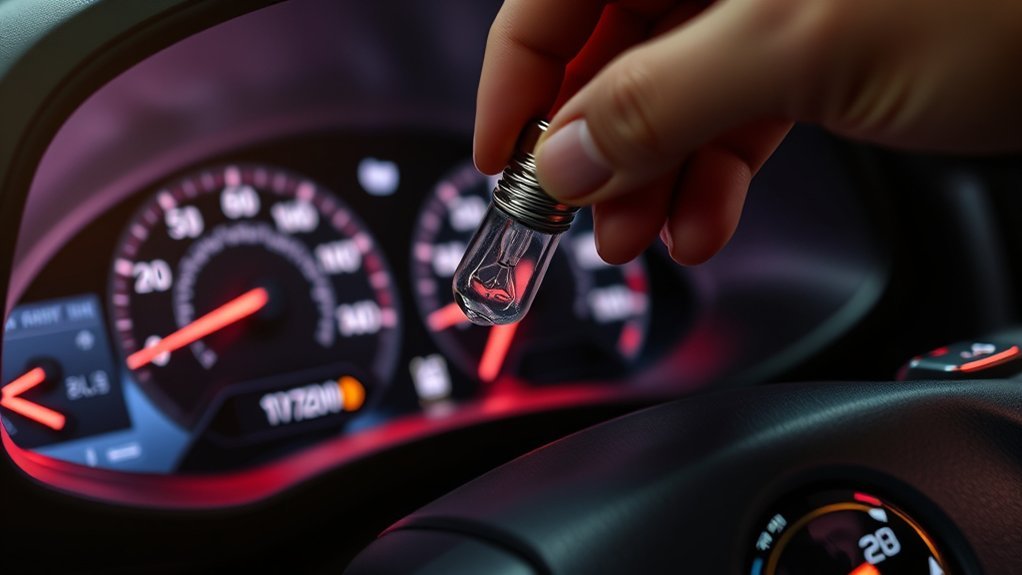
To change a dashboard light on a Toyota RAV4, first find out whether the light is a replaceable bulb or an LED soldered into the instrument cluster, because many RAV4s use LEDs that cannot be swapped like a bulb. Replacing anything inside the cluster means removing dash trim and the cluster itself, which involves the battery, nearby airbag wiring and delicate connectors, so have a shop do it unless you have the service manual and experience. Try the brightness setting and a battery check first.
How to Change a Dashboard Light on a Toyota RAV4: Why and When
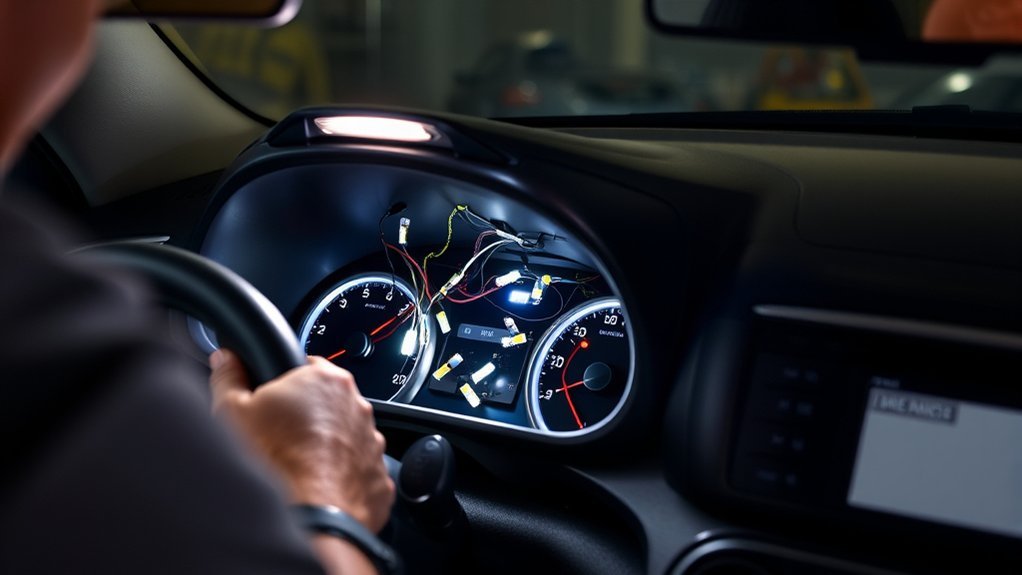
- A bulb or an indicator has burned out.
- The display is too dim.
- A warning light does not come on at start-up.
Essential Tools for the Job
- Trim removal tools and screwdrivers
- Sockets and a torque wrench
- The service manual for your year
- A replacement bulb or cluster part, if applicable
Disconnecting the Battery: Step-by-Step
- Switch off the ignition and remove the key.
- Disconnect the negative battery terminal.
- Wait for the time the service manual states before you touch parts near airbags.
- Keep the terminal away from the post.
Removing the Instrument Cluster Safely
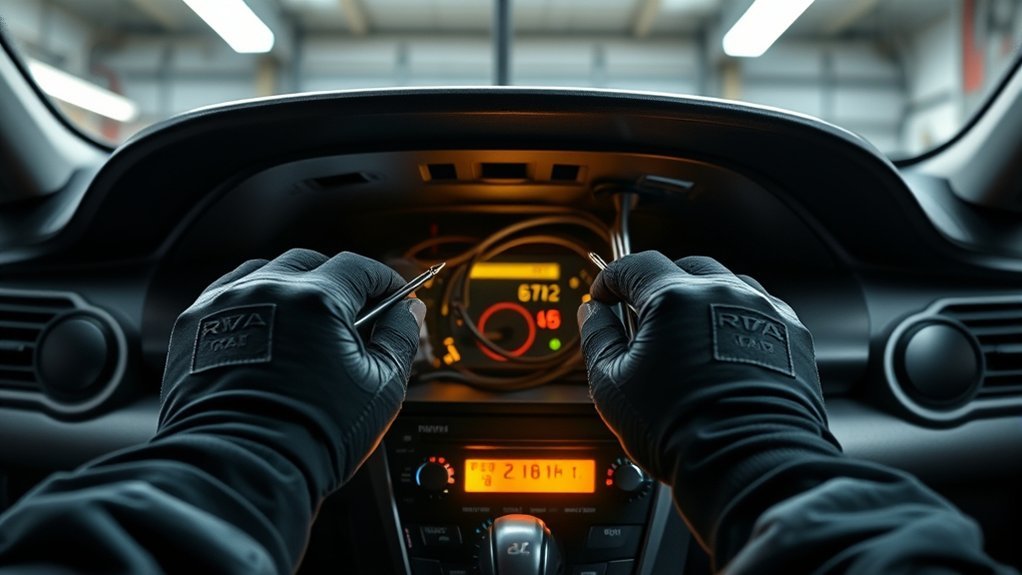
Work through the service manual. Trim pieces are held by hidden clips, and the cluster connects with delicate connectors. Do not touch or disconnect airbag parts, and do not force trim.
How to Find the Right Bulb Sizes
Check the part number in the service manual or on the old bulb. Many modern clusters use LEDs that cannot be replaced individually, in which case the cluster or its board has to be repaired.
Replace Your Dashboard Lights: Tips
- Handle the parts by the edges.
- Work in good light.
- Compare the new part with the old one.
- Test before reassembly.
Reassemble the Dashboard
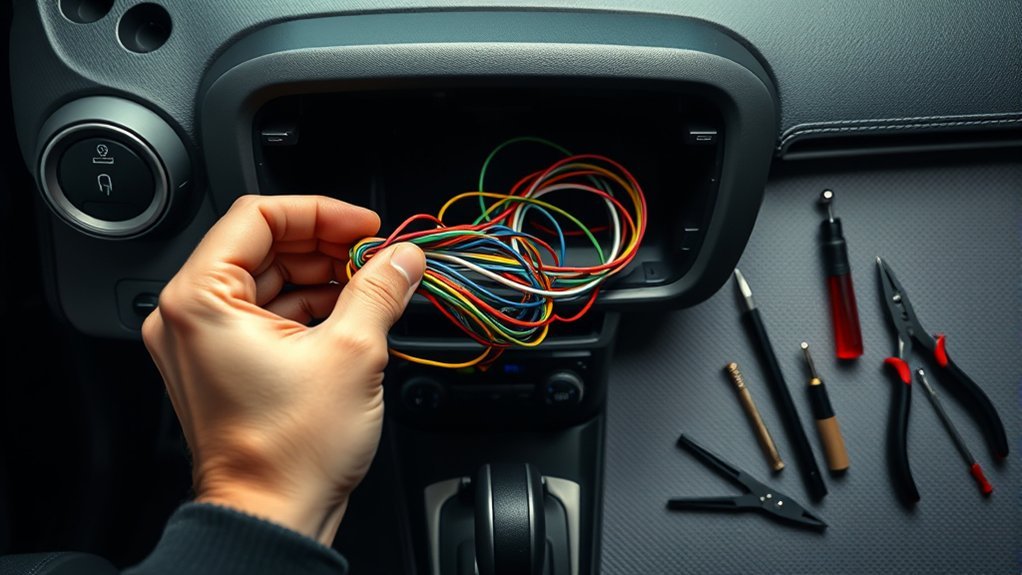
Refit the cluster and the trim in reverse order, and make sure all the clips and screws are in place. Reconnect the battery and test the lights.
What to Expect After Replacing Your Dashboard Lights?
After you reconnect the battery, the clock and radio settings may need to be reset. Check that every warning light comes on at start-up and then goes out.
Related reading:
- How to Change the Time on a Toyota RAV4 Dashboard
- How to Change the Tail Light on a Toyota RAV4
- How to Change the License Plate Light on a Toyota RAV4
Frequently Asked Questions
How to Change Dashboard Display on Toyota RAV4?
Many settings can be changed from the multi-information display using the steering wheel buttons. Changing the physical display means replacing the cluster, which is a job for a shop.
How to Make a Toyota RAV4 Dashboard Brighter?
Use the dimmer control or the illumination setting near the dash, or the display settings in the menu. See the owner’s manual for the control on your car.
How to Reset Dashboard Lights on Toyota RAV4?
Warning lights go out when the fault is fixed. Maintenance reminders can be reset using the procedure in the manual. Do not ignore a warning light that stays on.
How to Make a Toyota Dashboard Brighter?
Turn the dimmer control up or check the illumination setting, with the headlights on if the dimmer works only then.
Conclusion
Check the brightness setting first, and leave cluster work to a shop unless you have the manual and experience.