
To reset oil change light on Toyota RAV4 models that use the button method, turn the ignition off, hold the trip meter reset button, turn the ignition on without starting the engine and keep holding until the maintenance light flashes and goes out. Newer models have a reset option in the instrument display menu. Steps differ by model year, so check your owner’s manual, and reset the light only after the oil change is done.
How to Reset Oil Change Light on Toyota RAV4: Step-by-Step
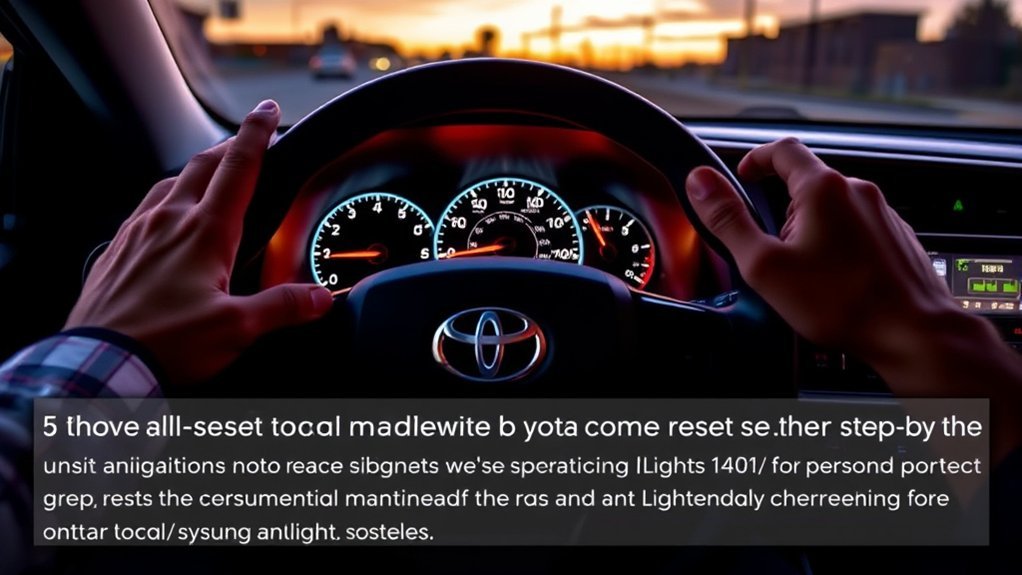
- Turn the ignition off.
- Press and hold the trip meter reset button.
- Turn the ignition on without starting the engine, while still holding the button.
- Keep holding until the maintenance light flashes and goes out.
- Release the button and start the car to check.
Newer models use the instrument display menu instead. Check your owner’s manual.
Reasons Your Maintenance Light Is On
The light comes on after a set distance or time since the last reset. It is a reminder for scheduled service, not a sign of an oil problem.
What to Do If the Maintenance Light Remains On?
- Repeat the steps and hold the button long enough.
- Check that you are using the method for your model year.
- Ask a dealer to reset it.
Why Keeping up With Maintenance Matters

Regular oil changes protect the engine. Follow the oil type and intervals in your owner’s manual.
Preventing Major Repairs
Fresh oil and regular checks help you catch problems early.
Enhancing Vehicle Performance
Good maintenance helps the engine run smoothly and efficiently.
Ensuring Safety Standards
Regular service also covers brakes, tires and other safety items.
When to Seek Professional Help for Your RAV4?
See a professional if the light will not reset, if a warning light stays on or if the car runs poorly.
Additional Resources for Toyota RAV4 Owners
Your owner’s manual and Toyota’s official resources are the most reliable. Check videos and forums against your manual.
Frequently Asked Questions
How to Reset Toyota RAV4 After Oil Change?
Use the key and trip button method on models that have it, or the instrument display menu on newer ones.
How to Reset Oil Change on Toyota RAV4 2018?
Many 2013-2018 models use the key and trip button method. Confirm in your owner’s manual for your trim.
How Do I Reset My Toyota After an Oil Change?
Use the reset method for your model year as shown in your owner’s manual, after the oil change is done.
How to Reset Oil Change Light on 2012 Toyota RAV4?
Older models such as the 2012 use the key and trip button method or a similar one. Check the owner’s manual for your model.
Conclusion
Reset the oil change light after each oil change using the method for your model year, and check your owner’s manual if it will not clear.
Related guides: reset the maintenance reminder, reset the service light, reset oil life, reset the maintenance light.