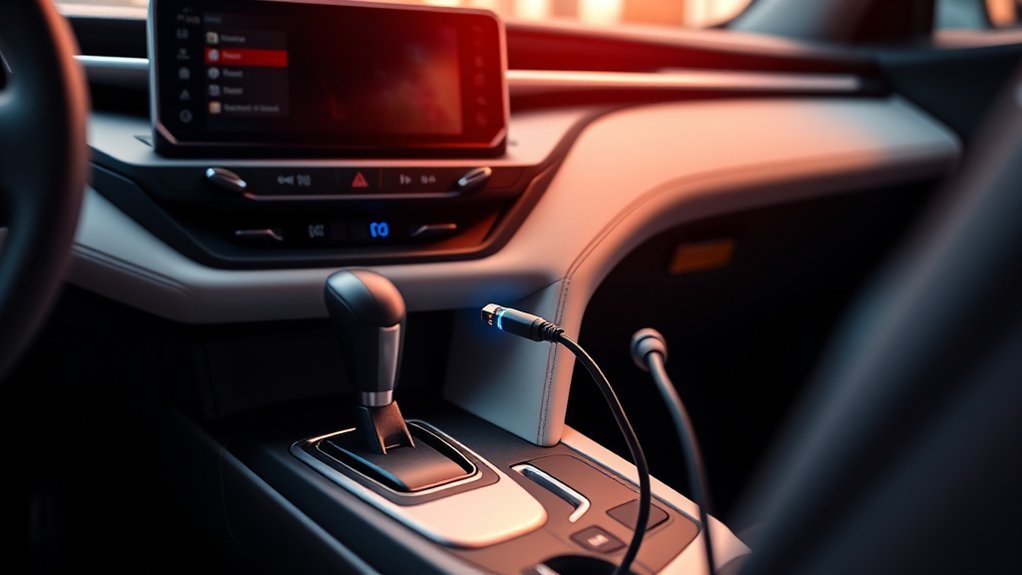
The Toyota RAV4 USB ports can charge a phone, but how well depends on the model year and the port. On older RAV4s the USB port is mainly a media connection, so charging can be slow or stop while the phone is playing music; newer models add dedicated charging ports. Check your owner’s manual for where the ports are and what they support.
Toyota RAV4 USB Ports: Where They Are and What They Do
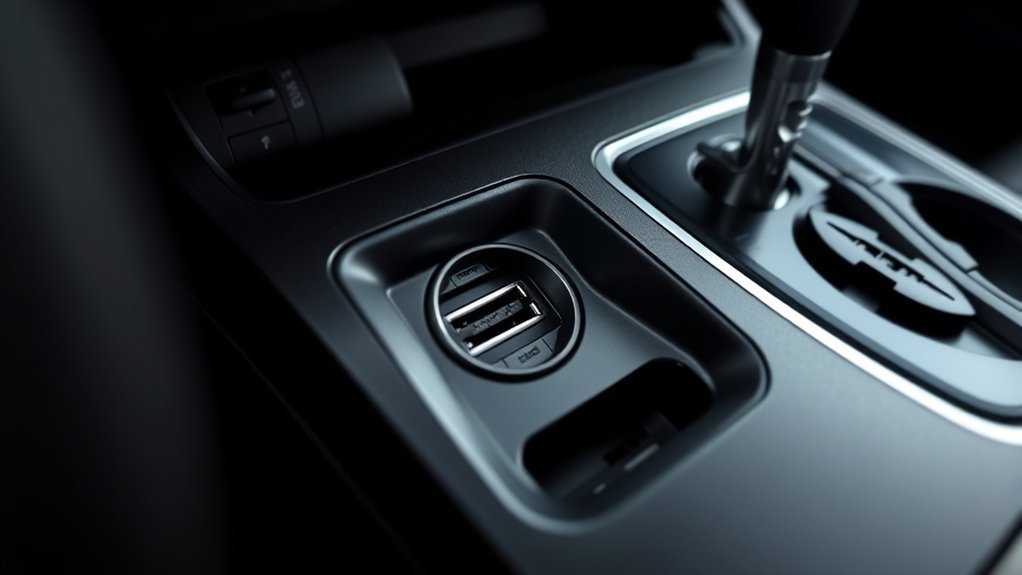
On many older RAV4s the USB port sits in the center console or lower dash area next to the audio input. It is designed to connect a phone or drive to the audio system, and it may offer only a low charging current. Newer models can have extra USB-C charging ports. Check your manual for your year.
Why Isn’t My RAV4 USB Port Charging My Phone Effectively?
- The port may supply less current than a wall charger.
- The phone may be using more power than the port provides, for example while playing music or using navigation.
- The cable may be worn or may be charge-only or data-only.
- Dust or debris may be blocking the connector.
Troubleshooting Common RAV4 USB Charging Issues
- Try a different cable.
- Try another USB port in the car.
- Clean the port gently with a dry, non-metal tool with the car off.
- Restart the phone and the audio system.
- Test with another phone to see if the port or the phone is the problem.
Power Output Differences
Wall chargers can supply more power than many car USB ports. Look for the amp or watt rating in the manual or on the port, if it is listed.
Device Compatibility Issues
Some phones need a particular cable or setting to charge or connect. Use the cable that came with the phone or one that is certified for it.
Comparing RAV4 USB Charging With Other Vehicles
Charging speed varies by brand, model year and trim. Compare the ports listed in each car’s specifications, rather than assuming that they are the same.
Optimize Your RAV4 Charging Performance
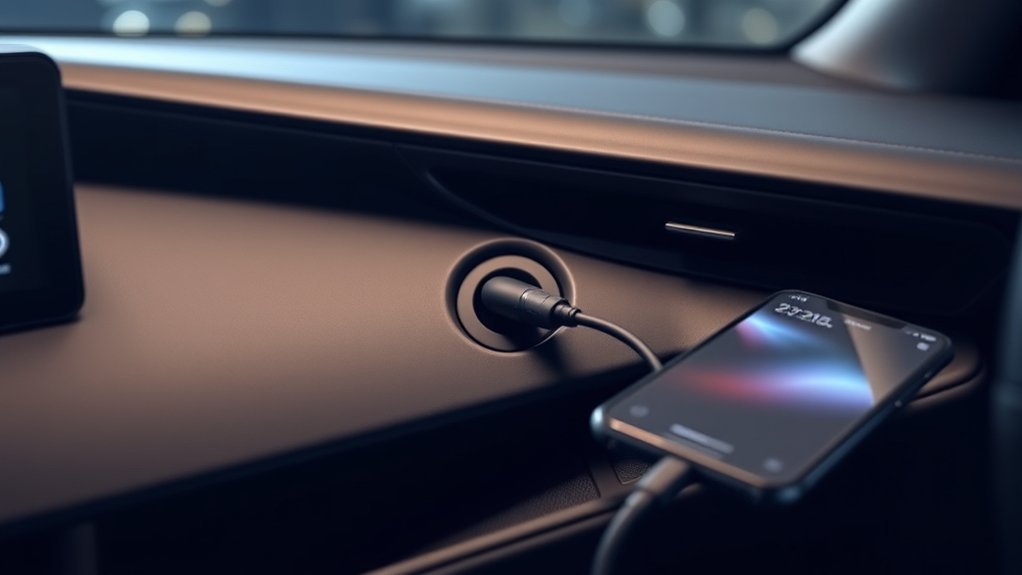
Use a good cable, close apps you do not need, and turn off extra features such as screen mirroring if you only need a quick charge.
Check USB Port Condition
Look for dirt, lint or bent contacts. A damaged port should be checked by a dealer.
Use Quality Charging Cables
A short, good-quality cable usually charges better than a long or worn one.
Adjust Device Settings
Use airplane mode or low power mode to charge faster. Some phones charge only when unlocked.
Alternative Charging Solutions for Your Devices
A 12V socket USB charger often charges faster than a built-in data port. Choose one with enough output for your phone and a good safety certification. Related guide: Toyota RAV4 Bluetooth.
Real User Feedback on RAV4 USB Charging Performance
Owner reports vary. Many owners say older RAV4 ports charge slowly, but results depend on the model year, the phone and the cable.
Charging Efficiency Issues
Slow charging while the phone is in use is common with many car ports. Try charging with the screen off.
User Experiences Compared
Compare reviews for your model year and read owner forums, treating individual reports as anecdotes.
Will Toyota Upgrade RAV4 USB Functionality Soon?
Newer RAV4 model years have added USB-C ports and more charging options. Check Toyota’s website for the current model year’s features.
Conclusion: Making the Most of Your RAV4’s USB Ports
Use a good cable, expect modest charging speeds from older data ports and use a 12V charger if you need faster charging.
RAV4 USB Port Usage: Quick Answers
If you’re experiencing issues or have questions about the USB ports in your Toyota RAV4, you’re not alone. Many users face similar usb port issues. Here are some common concerns:
Many Toyota RAV4 users encounter similar USB port issues, raising questions about functionality and performance.
- Charging while using media: The USB ports may struggle to charge devices when you’re playing music or using navigation, leaving your phone’s battery percentage unchanged.
- Limited functionality: Only the dashboard USB-A port supports data transfer; the other four USB-C ports are for charging only, which can be frustrating.
- Power output variations: Users have reported that the RAV4’s charging performance doesn’t match other vehicles, like the 2019 Vauxhall Corsa.
- Compatibility problems: Some devices may not charge effectively due to differences in power output or compatibility, so troubleshooting may be necessary.
Understanding these issues can help you navigate your RAV4’s USB experience more effectively.
Related reading:
- Does the Toyota RAV4 Have Wireless Charging?
- Wireless charging phone mounts for the Toyota RAV4
- Can the Toyota RAV4 Play MP3 Files?
Frequently Asked Questions
How Do I Charge My Phone in My Toyota RAV4?
Plug your phone into a USB port with a good cable, or use a 12V USB charger.
Can I Charge My Phone From the USB Port in My Car?
Yes, in most cars, although speed varies. Check your manual.
Does the Toyota RAV4 Have a USB Port?
Yes, most RAV4 model years do. The number, type and location depend on the year and trim.
What Is the Lawsuit Against the Toyota RAV4?
Toyota vehicles have been involved in recalls and legal claims over time. Check nhtsa.gov/recalls for your VIN and court or consumer-protection records for current cases.
Conclusion
In the world of your Toyota RAV4, the USB ports can be a lifeline for keeping your devices charged. While they may not match the speed of a charging racecar, understanding their quirks can help you maximize their potential. By troubleshooting common issues and optimizing usage, you can ensure your tech stays powered up on the road. So, think of your RAV4’s USB ports as the fuel stations for your devices—just make sure they’re getting the right kind of fuel!