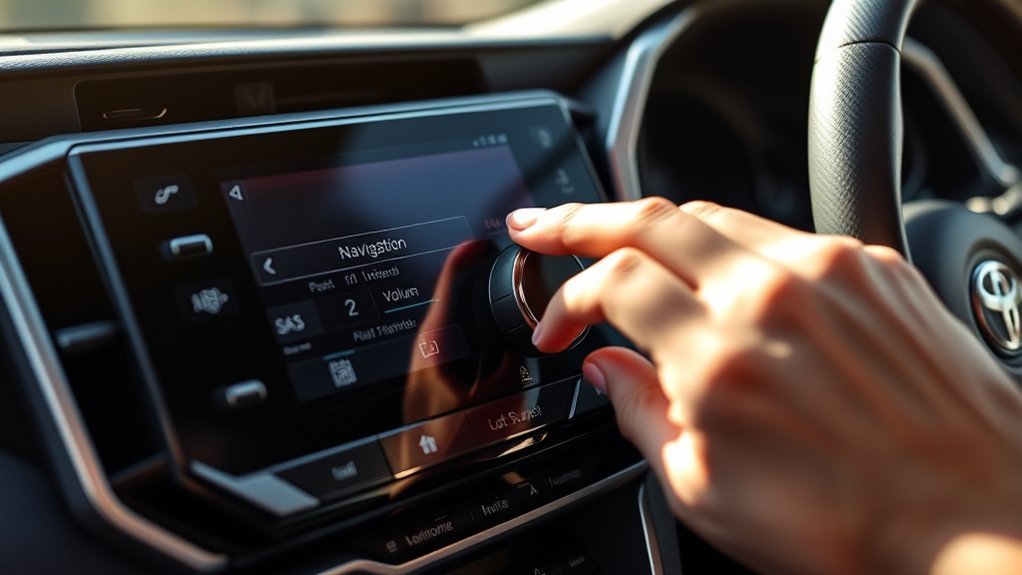
The quickest way to make Toyota RAV4 navigation louder is to turn the POWER/VOLUME knob while the system is speaking a direction. Toyota’s multimedia manuals for the 2025 RAV4 and the RAV4 Prime both describe this. On the 2026 RAV4 you can also set a separate Navigation guidance level in the vehicle settings. The exact menu names depend on your model year and head unit, and if you use Apple CarPlay or Android Auto, the phone app controls its own guidance.
Method 1: Turn the Volume Knob During a Voice Prompt
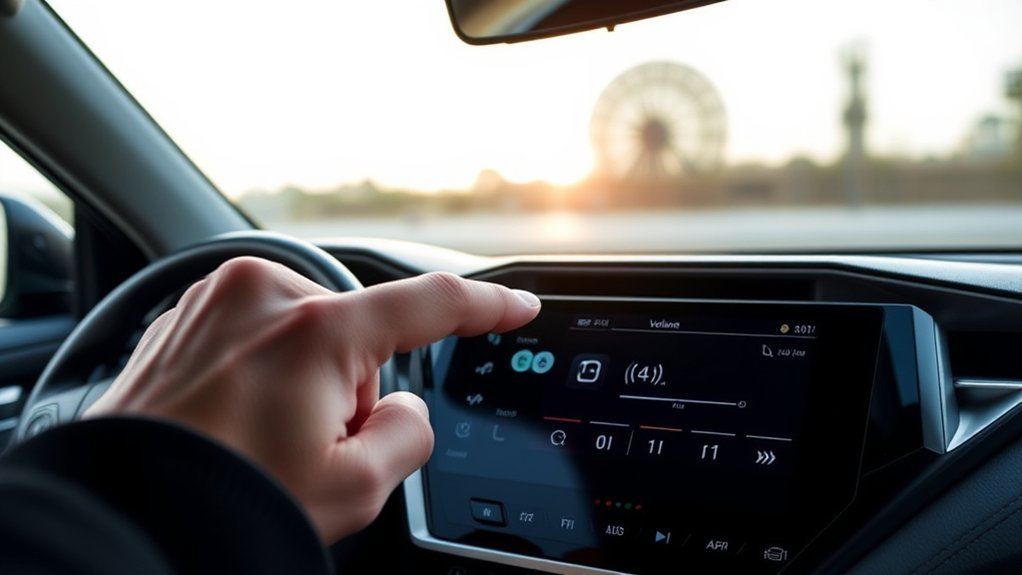
- Start route guidance to any destination.
- Wait until the system speaks a direction, such as an upcoming turn.
- While it is speaking, turn the POWER/VOLUME knob up or down.
According to the Toyota multimedia manuals for the 2025 RAV4 and the RAV4 Prime, turning the knob during system voice guidance adjusts the volume of the voice guidance. The setting applies to the guidance prompts, not to your music. If you turn the knob with no prompt playing, you change the audio volume instead. If nothing seems to change, try again during the next prompt, because the window is only a few seconds long.
Method 2: Use the Settings Menu
Toyota has changed the menu layout across years, so use the path that matches your head unit.
2026 and Later RAV4
The 2026 RAV4 multimedia manual gives this path:
- Touch the vehicle settings icon on the main menu.
- Select General, then Volume.
- Drag the Navigation guidance slider to the level you want.
The manual describes this slider as the volume of the voice for directions and traffic. The same Volume screen has a System voice slider for the voice assistant. The 2026 RAV4 uses Toyota’s newer multimedia system with a different interface from earlier years.
2025 RAV4 and RAV4 Prime
The 2025 RAV4 manual lists a Sound & Media section where you can set System voice. It does not state a separate menu path for navigation guidance volume, only the knob method above. The RAV4 Prime manual lists the path Settings, then Sound & Media, then Levels, then System. If you do not see the same menu names on your screen, use the knob method, and check your owner’s manual for your exact screen.
2019-2024 and Earlier
RAV4s from 2019 to 2024 came with several different head units, and many do not have built-in navigation at all. Earlier RAV4s with Toyota’s navigation systems used the same basic idea: adjust the volume while the guidance is speaking. No single official menu path covers all of these units, so use the knob, and check your owner’s or navigation manual for the menu on your model.
| Model year | Main method | Menu path |
|---|---|---|
| 2026 | Volume slider or knob during prompt | Vehicle settings, General, Volume, Navigation guidance |
| 2025 RAV4 and RAV4 Hybrid | Knob during prompt | Sound & Media has a System voice option; no separate navigation slider is documented |
| RAV4 Prime (2023 manual) | Knob during prompt | Settings, Sound & Media, Levels, System |
| Older years | Knob during prompt | Varies by head unit; see owner’s manual |
If You Use Apple CarPlay or Android Auto
When CarPlay or Android Auto is active, turn-by-turn guidance comes from the phone app, such as Google Maps, Apple Maps or Waze. The Toyota manuals note that audio and calls work through the connected phone interface in that mode, so the Navigation guidance setting in the Toyota system may not apply.
- Turn the car’s volume knob while a spoken direction plays. This usually works because the audio plays through the car speakers.
- Open the map app’s settings on the phone and look for a guidance or voice volume setting. Google Maps, for example, has a navigation volume choice in its settings.
- Check that the phone’s own media volume is not turned all the way down, since it is a separate control.
- If you connect wirelessly and the prompts cut in and out, try a wired connection to see whether the connection is the cause.
How to Set a Good Level
Set the guidance volume once while driving at normal road speed, because cabin noise changes how loud a prompt seems.
- Start a short route on a road you know, with the climate fan at the setting you normally use.
- Play the music or radio at your usual level.
- During the first prompt, adjust the guidance until you can understand it without looking at the screen.
- Check again on the highway, where road and wind noise are higher, and raise it slightly if needed.
- Avoid setting it so loud that it startles you at low speed in town. A level that works on the highway but is uncomfortable in a quiet car can be a sign that the music is too low rather than the guidance too quiet.
If you share the car with another driver, agree on one level, because the setting is not usually stored per driver unless your system has driver profiles. Check your manual for profile options.
Troubleshooting: Navigation Is Still Too Quiet or Too Loud
- Prompts are drowned out by music: Lower the music a little, since some systems lower or mix audio during a prompt, and raise guidance by using the knob during the next direction.
- Volume changes do not stick: Make the change during a spoken prompt, not while the screen is idle.
- No voice guidance at all: Check that voice guidance is turned on in the navigation settings. On the 2026 RAV4, the manual places navigation settings under the Navigation section of vehicle settings, with detailed navigation and notification settings.
- Phone navigation is quiet: Raise the phone’s volume and the map app’s own volume setting.
- Odd behavior after a software change: Restart the vehicle, then reconnect the phone if you use Bluetooth or a wireless connection. If it continues, visit a Toyota dealer.
Frequently Asked Questions
Does the navigation volume change my music volume?
The guidance level is meant to be separate from the audio volume. When you turn the knob during a prompt it changes the prompt. When you turn it without a prompt playing, it changes the audio volume.
Where is the navigation guidance slider on a 2026 RAV4?
The 2026 manual lists it under vehicle settings, General, Volume, Navigation guidance. The same screen has a System voice slider.
Why can I not find a navigation volume option on my RAV4?
Your RAV4 may not have built-in navigation, or your head unit may use different menus. Many RAV4s use a phone app for navigation through CarPlay or Android Auto, which has its own volume controls.
Can I change the volume with the steering wheel buttons?
Steering wheel volume buttons adjust the audio volume on most vehicles. Whether they change the guidance level during a prompt depends on your system, so try it during a prompt and check your manual.
Is the system voice the same as navigation guidance?
No. On the 2026 RAV4, the manual lists System voice as a separate slider from Navigation guidance. The system voice is the voice assistant.
For the official details on the newest system, see Toyota’s 2026 RAV4 multimedia manual.
