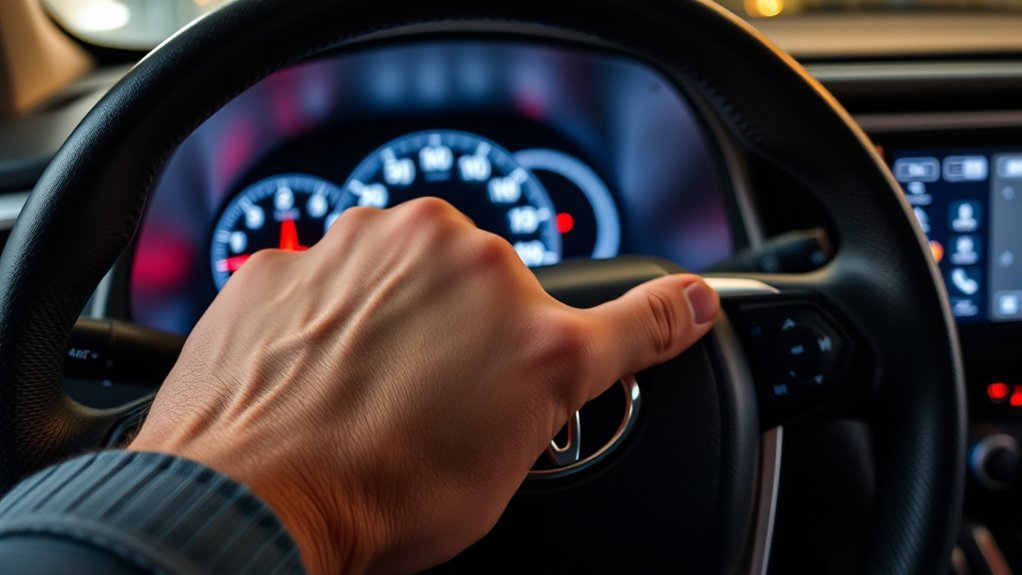
To change kilometers to miles on your Toyota RAV4, press and hold the “OK” button on the left-hand side of the steering wheel to access the settings menu. Scroll down to “meter settings” and select it. Choose the option for miles per gallon to switch your speedometer and fuel efficiency metrics to miles. This adjustment guarantees accurate tracking based on your location. Continue for more detailed steps and tips to streamline this process effectively.
Step-by-Step Guide and Troubleshooting for Accessing Settings
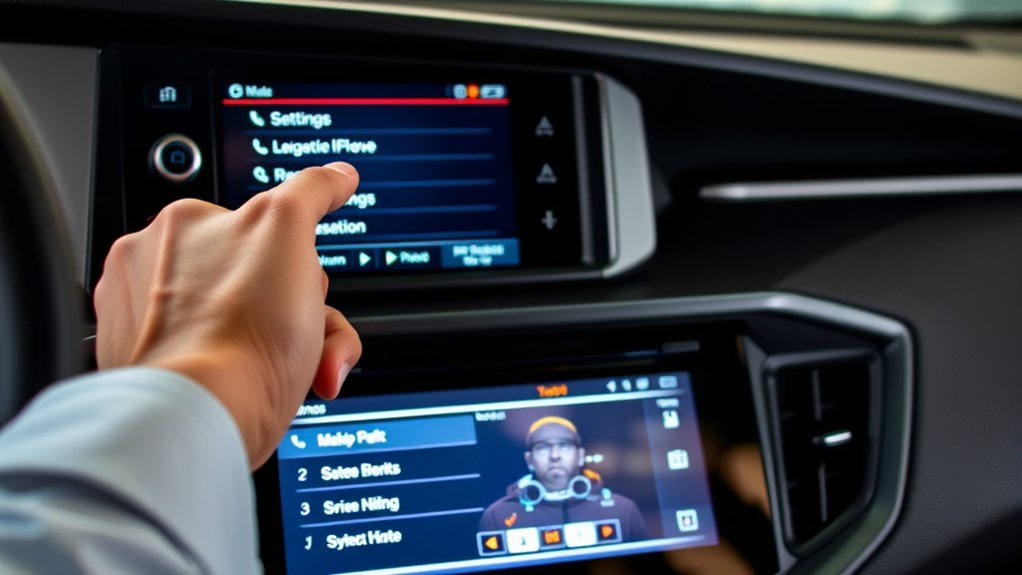
When you want to change kilometers to miles on your Toyota RAV4, the first step is to access the settings menu. Start by locating the “OK” button on the left-hand side controls of your steering wheel. Press and hold this button until you enter the settings menu. Once you’re in, scroll down to “meter settings” and press “OK” to enter that section. Here, you’ll find options for different units of measurement. To switch to miles, select miles per gallon (US). This action will automatically change your digital speedometer from kilometers per hour to miles per hour. It’s essential to regularly check these settings, especially when traveling in areas where units differ, to guarantee accurate fuel tracking and speed measurements. If you encounter any issues, double-check your button presses and make sure you’re maneuvering through the menu correctly.
Know How Speedometer Readings Change With Unit Adjustments
Understanding how speedometer readings change with unit adjustments is vital for accurate driving. When you switch from kilometers to miles on your Toyota RAV4, the digital speedometer automatically updates to display miles per hour (mph). This unit conversion not only affects speed readings but also influences fuel efficiency metrics. For instance, if kilometers are selected, you might see fuel efficiency in kilometers per liter or liters per 100 kilometers.
These adjustments guarantee speedometer accuracy, aligning the readings with your regional driving preferences. Accurate speed information is important for safe driving and understanding your vehicle’s performance. By knowing how these unit adjustments work, you can maintain clarity in your speed and fuel consumption, ultimately enhancing your driving experience. Always remember that having the correct settings tailored to your needs can liberate you from confusion, allowing for a more enjoyable journey.
How to Choose Measurement Units: Changing Kilometers to Miles
To change the measurement units on your Toyota RAV4 from kilometers to miles, you’ll need to navigate through the vehicle’s settings. Start by accessing the dashboard settings using the left-hand side controls on your steering wheel. Hold the “OK” button to open the settings menu, then scroll down to “meter settings” and press “OK” again. Here, you can adjust your measurement preferences for both speed and fuel. Select the option for miles per gallon to switch the fuel measurement, which will also convert your digital speedometer from kilometers per hour to miles per hour. You’ll find multiple options, including kilometers per liter and liters per 100 kilometers, but it’s crucial to choose miles for accurate tracking. This unit conversion guarantees your dashboard reflects your preferred measurement system, enhancing your driving experience and fuel efficiency.
Tips for Changing Units While Traveling

Traveling across borders can often mean dealing with different measurement units, so being prepared to switch your Toyota RAV4’s settings is vital. Here are some effective unit conversion strategies to keep your journey smooth:
Traveling across borders requires adjusting your Toyota RAV4’s settings for measurement units; preparation is key for a smooth journey.
- Familiarize yourself with the settings menu on your RAV4 for quick adjustments.
- Keep a note of how to access meter settings; it saves time when you’re on the go.
- If you’re heading to the US, switch to miles per gallon to guarantee accurate speed tracking.
- Regularly check and adjust your unit settings based on your travel preparation checklist.
- Use the user-friendly interface on your steering wheel controls for effortless unit switching.
Common Questions People Ask About Changing Units?
Have you ever wondered how to efficiently switch your Toyota RAV4’s unit settings? Many users ask about the steps involved and the impact on their driving experience. One common mistake is not accessing the settings via the left-hand side controls on the steering wheel. Pressing and holding the “OK” button is essential to enter the settings menu, where you can scroll down to “meter settings” for adjustments.
User preferences vary, especially when choosing between kilometers per liter and miles per gallon. Switching to miles per gallon automatically updates the digital speedometer, ensuring accuracy. Some drivers also wonder if these changes affect fuel tracking; understanding these settings can greatly enhance driving efficiency based on regional preferences.
If you have more questions or need clarification, don’t hesitate to consult your owner’s manual or reach out to your local dealership for assistance.
Frequently Asked Questions
How to Change Toyota RAV4 From Km to Miles?
To change your Toyota RAV4 from kilometers to miles, access the conversion settings through dashboard options. Adjust your vehicle preferences in the settings menu to guarantee accurate speed and fuel readings during your travels.
How Do I Change My Dashboard From Km/H to Mph?
To change your dashboard from km/h to mph, explore the dashboard settings. Navigate to unit conversion options, select miles per gallon, and access your vehicle’s features for accurate speed tracking on your journeys.
How Do I Switch From Km to Miles?
To switch from kilometers to miles, access your dashboard settings. Use unit conversion tips to modify vehicle specifications, ensuring your display accurately reflects miles. This adjustment enhances your driving experience and keeps you informed on distance.
How to Change rav4 Odometer Display?
To change your RAV4’s odometer display, access the odometer settings through the steering wheel controls. Adjust your display preferences for metric conversion, confirming your selection to guarantee accurate readings in miles or kilometers.
Conclusion
To summarize, changing kilometers to miles on your Toyota RAV4 is a straightforward process that enhances your driving experience, especially when traveling in regions that use different units. Think of it like adjusting the sails of a boat; when you make the right adjustments, you navigate smoother and reach your destination more effectively. So don’t hesitate—follow the steps outlined to guarantee you’re always on the right track, no matter where your journey takes you.
