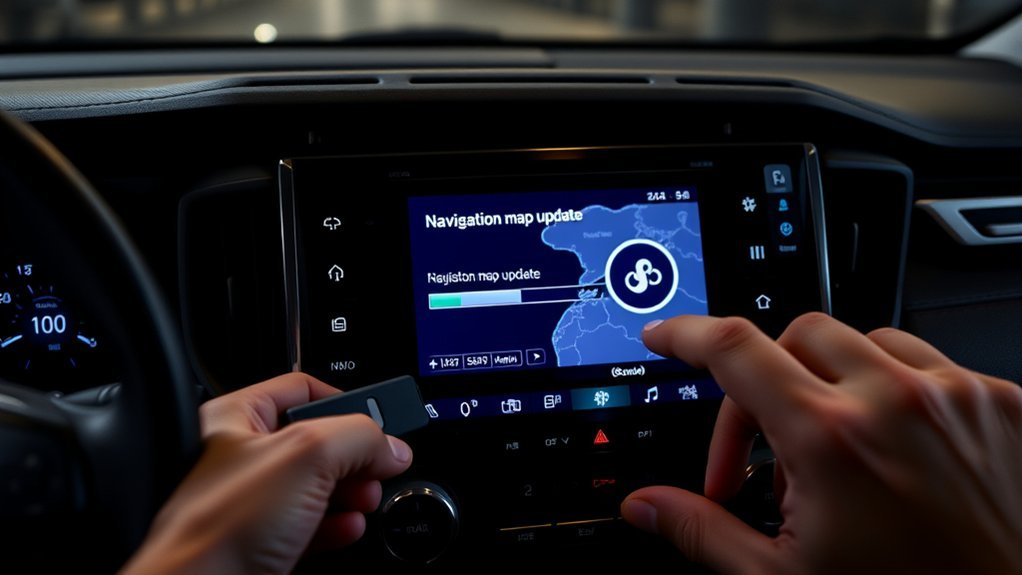
How you update GPS in Toyota RAV4 models depends on your market and model year. Some cars update over the air while a navigation plan is active, and some European models use a USB drive and the Naviextras Toolbox. Check your owner’s manual or Toyota’s website for your market, and use a phone navigation app if your built-in maps are out of date.
How to Update GPS in Toyota RAV4
Check which navigation system your RAV4 has and which market it was built for. Cars with connected navigation may update over the air while a trial or paid plan is active. Some European models with Toyota Touch 2 with Go use the Naviextras Toolbox with a USB drive. Older cars may need a dealer update.
Understanding Your Navigation Subscription Options
Subscription terms, prices and trial lengths depend on market and model year and change over time. Ask a dealer or check Toyota’s website for the current plan for your car. Phone apps such as Google Maps or Waze are a free alternative where your car supports phone connection.
Preparing Your USB Drive for Manual Map Updates
Where a USB update applies, use a drive of the size and format the Naviextras Toolbox specifies, and one that holds no data you need.
Downloading the Naviextras Toolbox for Map Updates
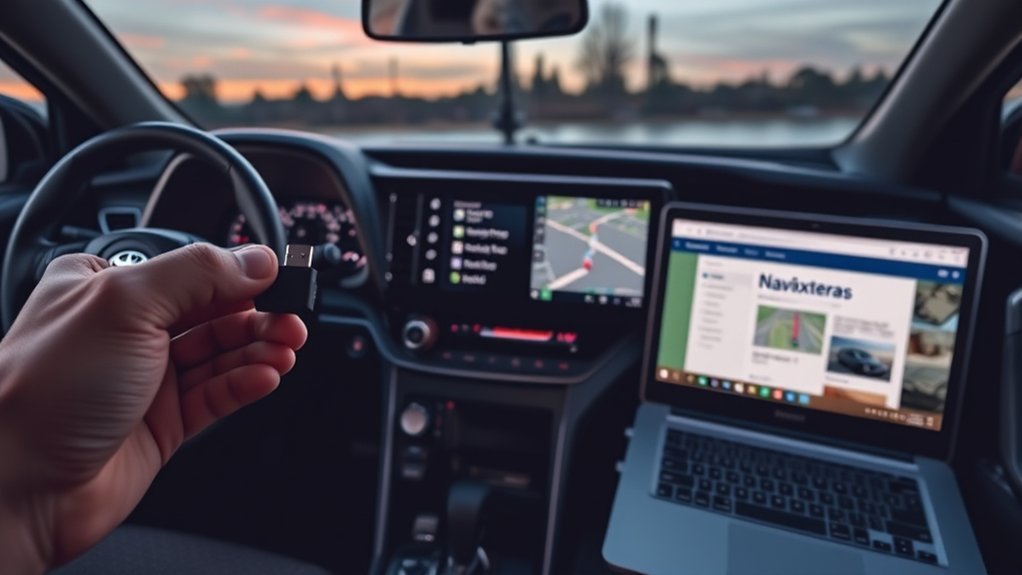
Download the Naviextras Toolbox on your computer, sign in and follow its instructions to find available updates for your car.
How to Synchronize Your USB Drive
Insert the drive in the car, open the navigation menu and follow the prompts to write the data the Toolbox needs. Do not remove the drive during this step.
Installing Map Updates on Your RAV4
After downloading the updates on your computer, put the drive back in the car and follow the prompts in the navigation menu. Keep the engine running or the car powered and do not interrupt the installation.
Required Tools For Updates
Updating the GPS in your Toyota RAV4 requires a few essential tools to ensure a smooth process. Here’s what you need:
- USB flash drive: Use a FAT32 formatted drive with a minimum size of 32GB to store the updates.
- Naviextras Toolbox: Install this application on your computer (Windows 7 or later, or macOS) to download the map updates.
- Broadband internet connection: Make sure you have reliable internet access to obtain the necessary updates through Naviextras Toolbox.
Once you’ve gathered these tools, you’ll be ready to proceed with the installation process in your RAV4. Remember to confirm the update by selecting “YES” when prompted after inserting the USB drive.
Update Installation Steps
- Open the navigation menu and follow the update or system-information prompts.
- Take the drive to the computer and download updates in the Toolbox.
- Return the drive to the car and install the updates from the navigation menu.
Fixing Common Update Problems
- Check that you are using the correct activation or request code.
- Check that the USB drive format and size meet the Toolbox requirements.
- Try another USB drive or port if the system does not recognise it.
- Ask a dealer if the update fails repeatedly.
Top Alternative Navigation Apps for Your RAV4
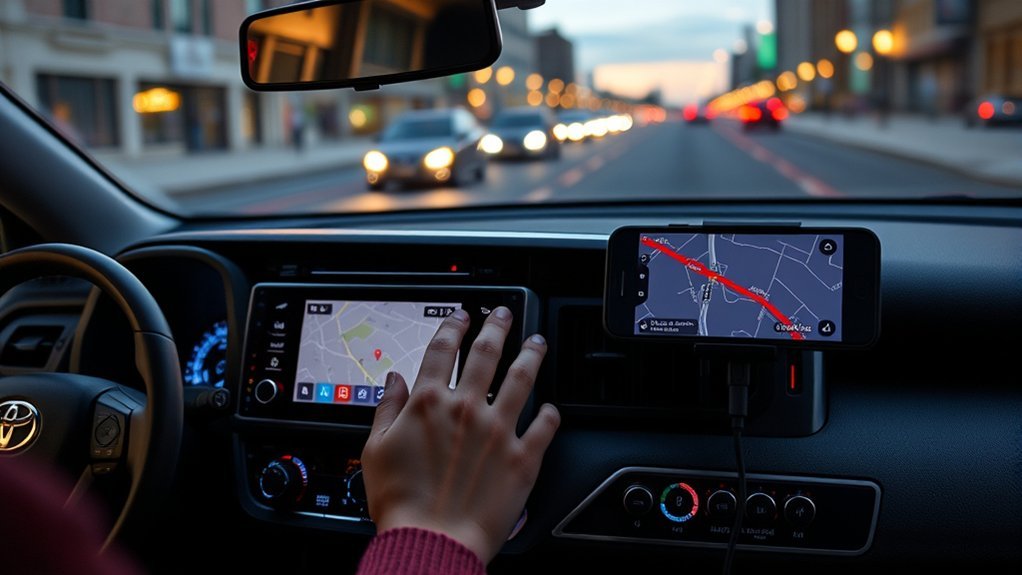
If you’re looking for reliable navigation options in your RAV4, consider using Google Maps and Waze. Google Maps offers detailed route information and a vast database of points of interest, while Waze excels in real-time traffic updates and community-driven alerts. Both apps can enhance your driving experience, making them excellent alternatives to built-in navigation systems.
Google Maps Advantages
When guiding your Toyota RAV4, Google Maps stands out as a top alternative navigation app, thanks to its real-time traffic updates and rerouting capabilities that help you avoid congestion. Here are some key advantages:
- Extensive Points of Interest: Google Maps offers a wealth of local businesses and attractions, often surpassing built-in navigation systems.
- Continuous Updates: The app updates regularly for free, eliminating the need for costly subscriptions associated with OEM systems.
- Seamless Integration: With Android Auto, you can access Google Maps directly from your RAV4’s infotainment system, enhancing your driving experience.
Utilizing Google Maps not only streamlines your navigation but empowers you to explore with confidence. Enjoy the liberation it brings on your journeys!
Waze Features Overview
Google Maps isn’t the only option for navigation in your Toyota RAV4; Waze offers a range of features that enhance the driving experience. This community-driven app provides real-time traffic updates, alerts about road hazards, and notifications of police presence, all reported by users. With Waze, you get voice-guided navigation and can customize your routes to avoid tolls or highways. It integrates seamlessly with Apple CarPlay, allowing you to access its features directly through your RAV4’s infotainment system. You can input destinations using voice commands, making it safer to operate while driving. Plus, Waze’s user-friendly interface showcases points of interest like gas stations and restaurants, often accompanied by user ratings for informed decision-making.
What Users Say About Toyota RAV4 Navigation Updates?
Owners often mention the cost of map updates and prefer phone navigation apps, which update automatically. Costs and terms vary, so check the current offer for your car.
Tips for Optimizing Your Navigation Experience in the RAV4
To enhance your navigation experience in the RAV4, consider utilizing smartphone navigation apps for real-time updates and superior functionality. Regularly check for map updates and customize your navigation settings to better suit your preferences and driving habits. These simple adjustments can greatly improve your overall navigation efficiency and accuracy.
Utilize Smartphone Navigation Apps
Smartphone navigation apps can greatly enhance your driving experience in the Toyota RAV4. By utilizing Android Auto or Apple CarPlay, you can access free, up-to-date navigation tools like Google Maps, which often outshine built-in systems. Here are some tips to optimize your navigation experience:
- Connect your smartphone to the RAV4’s infotainment system via USB or Bluetooth for seamless app integration.
- Use voice recognition features for hands-free navigation requests, ensuring safer driving.
- Customize your navigation by saving frequently visited locations and creating preset shortcuts for quick access.
Regularly update your smartphone apps to benefit from the latest features, making every journey easier and more enjoyable. Embrace the freedom that modern technology provides!
Regularly Check Map Updates
Keeping your navigation system in the Toyota RAV4 up-to-date is essential for an ideal driving experience. To achieve this, regularly check for updates through the My Toyota app, ensuring your maps feature the latest data and improvements. If you want real-time updates, consider subscribing to the Dynamic Navigation service, which is available for a monthly fee after the first year. Alternatively, utilize the cloud-based navigation system in 5th generation RAV4 models, but remember it might lack traffic info without a subscription. For a free and always fresh mapping experience, explore third-party apps like Google Maps or Waze via Android Auto or Apple CarPlay. Engaging in user forums can also provide valuable insights to optimize your navigation system effectively.
Customize Navigation Settings Efficiently
Updating your GPS maps is just the beginning; customizing your navigation settings can greatly enhance your driving experience in the Toyota RAV4. Here are three essential tips to optimize your navigation:
- Access Preferences: Go to the Navigation Main Menu, select Preferences, and adjust your route preferences and map display options for a tailored experience.
- Set Presets: Press and hold a button on the navigation system to save favorite locations, allowing quick access during drives.
- Use Voice Commands: Leverage voice recognition in Android Auto and Apple CarPlay for hands-free navigation, making input smoother and safer.
Frequently Asked Questions
How Do I Update the GPS in My Toyota Navigation System?
The method depends on your market and model year: over the air for connected systems, USB with the Naviextras Toolbox for some European models, or a dealer update for others.
How Do I Update My GPS System in My Car?
Check your owner’s manual for the method your car uses, or ask the dealer or manufacturer.
How Do I Set up GPS in My Toyota RAV4?
Open the navigation menu on the touchscreen and follow the prompts. Your owner’s manual covers setup for your model.
Do You Have to Pay for a Toyota Navigation System?
Some cars include a trial period, and plans after that vary by market and model year. Ask a dealer for the current terms, or use a phone app instead.
Conclusion
By keeping your Toyota RAV4’s GPS updated, you’re ensuring a smooth journey through the ever-changing landscape of roads and routes. Think of it as charting a course through a vast ocean—without the latest maps, you might drift off course. With simple updates and the right tools, you’ll navigate confidently, avoiding detours and dead ends. Embrace the technology, and let your RAV4 be your compass, guiding you to new adventures with precision and ease.