To update Toyota RAV4 software, the method depends on your model year, region and system. Some newer models can update the multimedia system over the air through Wi-Fi or the Toyota app, some use a USB drive with an official Toyota update, and some updates, such as engine or safety software, are done by a dealer. Check Toyota’s official site for your region and your owner’s manual before starting.
How to Update Toyota RAV4 Software: Options and Benefits
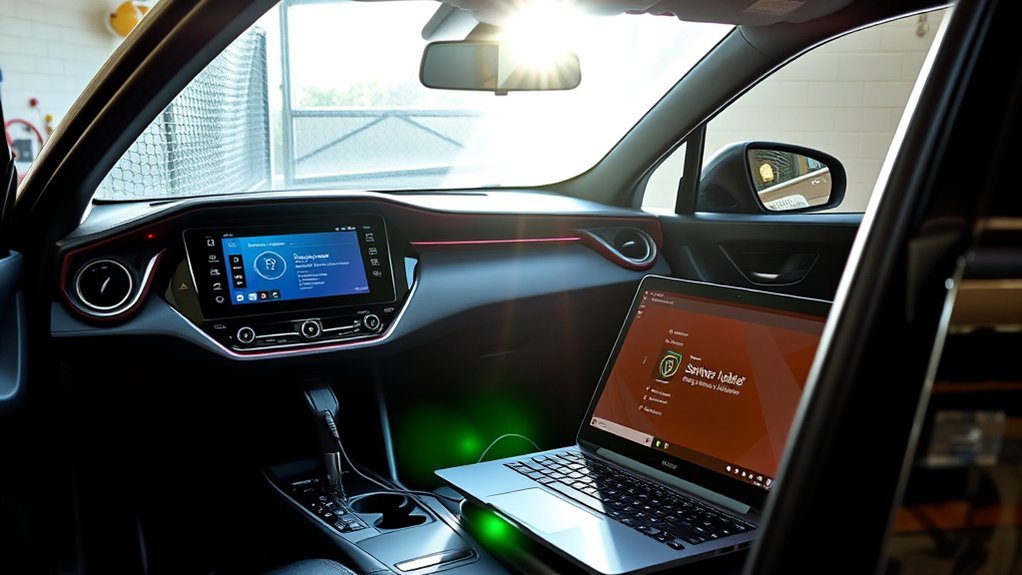
There are three common routes: over-the-air updates, a USB update from Toyota’s official site, and a dealer update. Which ones apply depends on your model year and system.
Check Your RAV4 Model Year for Software Update Eligibility?
Newer RAV4s are more likely to support over-the-air updates. Check your owner’s manual or ask a dealer whether your car and region are supported.
Advantages of Using Over-the-Air Updates for Your RAV4
Over-the-air updates need no trip to the dealer and can add fixes and features. Availability depends on your car.
Convenience Of Wireless Updates
Updates can be started from home when the car is parked and connected.
Enhanced Performance And Security
Updates can fix bugs and improve how the system runs. Check Toyota’s release notes for details.
Time-Saving Update Process
Update time varies by the size of the update and your connection. Follow the on-screen estimate.
Toyota RAV4: Step-by-Step Guide for OTA Software Updates
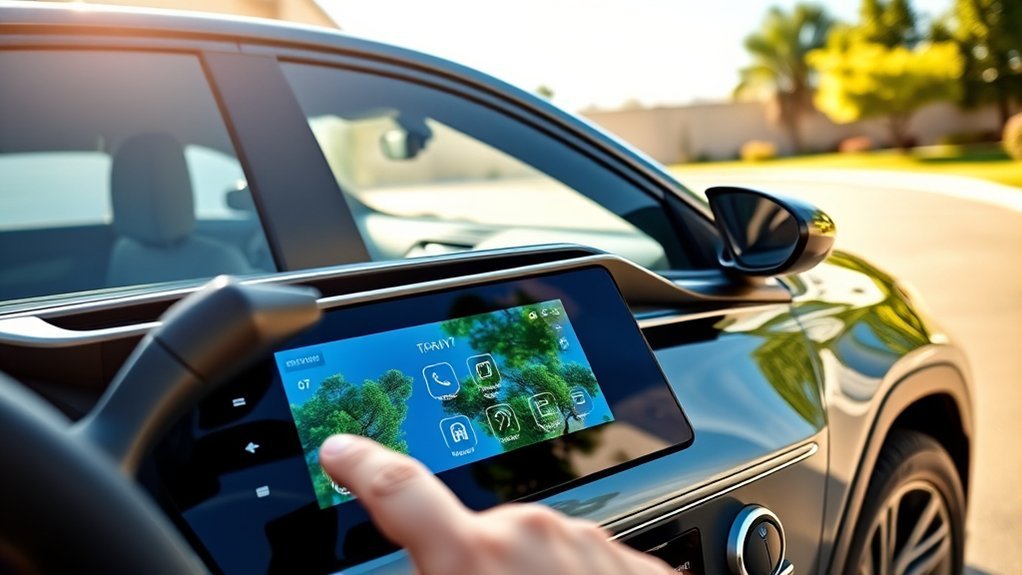
- Park safely where you have a good Wi-Fi or phone connection.
- Open the settings menu on the head unit and look for software update.
- Connect to Wi-Fi if asked.
- Start the update and follow the prompts. Do not turn the car off during the update unless told.
Updating Your RAV4 With a USB Drive
If your system uses USB updates, download the update from Toyota’s official site for your region, copy it to a drive as instructed and plug it into the car.
Required USB Specifications
Use the size and format given in Toyota’s instructions for your system.
Installation Steps Overview
Follow Toyota’s official instructions for your system. Do not interrupt the update.
Book Your Dealer Appointment for Critical Updates
Engine, safety and recall software is normally updated by a dealer. Check for open recalls at nhtsa.gov/recalls and book a service.
Fixing Common Problems With Your Updates
- Check the connection or the USB drive.
- Make sure the battery is healthy.
- Retry the update.
- Ask a dealer if it fails.
Managing Software Update Notifications on Your RAV4
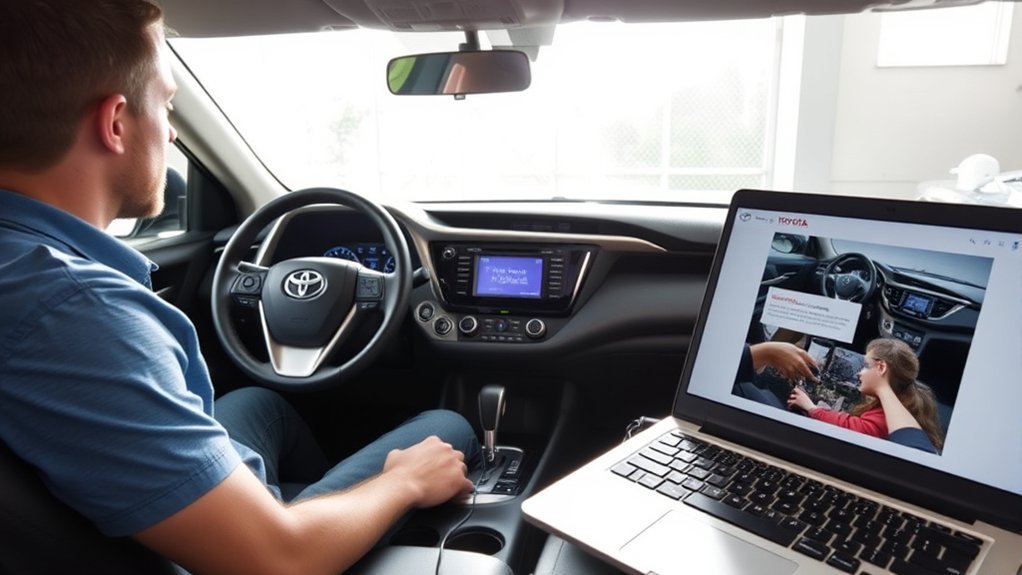
You can usually manage update messages from the settings menu.
Notification Settings Adjustment
Open the settings menu to choose whether you get update notices.
Update Reminder Management
You can usually dismiss or postpone a reminder, but update when you can.
Ensuring a Stable Wi-Fi Connection for OTA Updates
Park within range of a strong Wi-Fi signal and keep the connection on during the update.
What to Do After Completing a Software Update on Your RAV4
Restart the system, check that settings and phone connections still work and note the new software version.
Frequently Asked Questions
Can I Update My Toyota Software at Home?
Some systems can be updated at home over Wi-Fi or USB. Others need a dealer.
Can You Update Vehicle Software?
Yes, on many models, through over-the-air, USB or dealer updates.
What’s the Most Common Problem With a Toyota RAV4?
There is no single most common problem across all model years. Check recalls for your VIN at nhtsa.gov/recalls and ask a dealer about known issues for your year.
Does Toyota Do Software Updates?
Yes. Toyota provides updates for some systems and dealers apply others. Availability depends on your car and region.
Conclusion
Check your model and region first, then use Toyota’s official update method. Related guide: update the Toyota RAV4 navigation system.