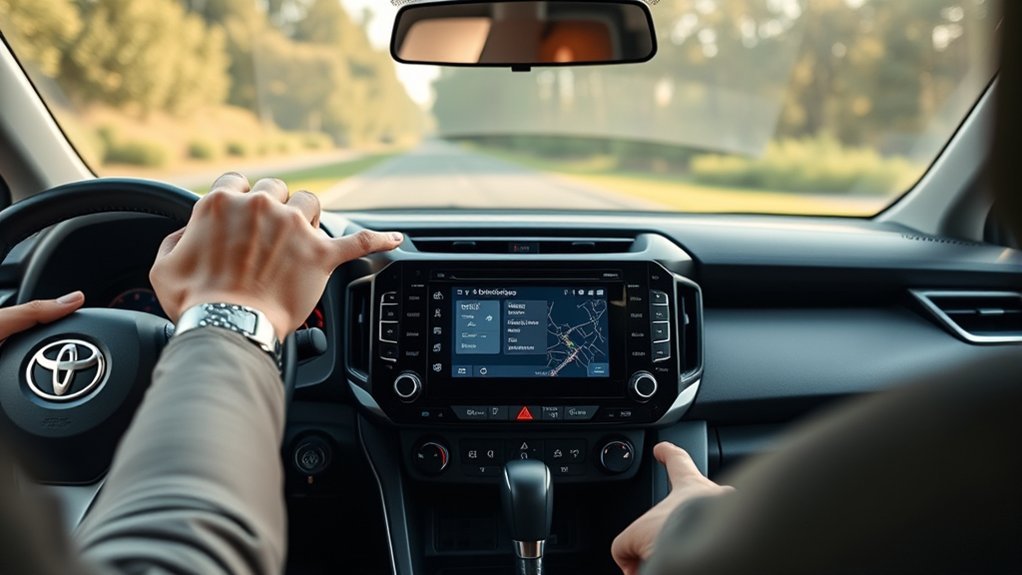
To reset GPS on Toyota RAV4 systems, restart the multimedia system by turning the car off, opening and closing the driver’s door and restarting after a minute. Then park in the open so the GPS can find its position, and check for software and map updates. If you use CarPlay or Android Auto, check the location settings on your phone. Steps differ by model year, so check your owner’s manual.
Common GPS Issues and Their Solutions
Typical issues are a wrong position, a frozen map or no signal. A restart and a clear view of the sky solve many of them. Disconnecting the 12-volt battery is a last resort because it can reset other settings.
How to Reset GPS on Toyota RAV4: Step-by-Step Instructions
- Turn the car off and wait a minute.
- Restart the car and park in an open area.
- Wait a few minutes for the GPS to find its position.
- If the problem continues, check for updates or ask a dealer.
Common GPS Issues
- Wrong position on the map.
- Frozen map screen.
- No GPS signal.
Effective Reset Techniques
A simple restart is the safest first step. A settings-menu reset can erase saved places, so write them down first.
Essential Tips for Keeping Your RAV4 GPS Accurate
- Keep maps and software updated.
- Avoid blocking the antenna area.
- Check phone location permissions when using CarPlay or Android Auto.
When to Seek Professional Help for GPS Issues
See a dealer if the GPS never finds your position or the problem returns after a restart.
Persistent Signal Problems
A weak signal can be caused by the environment or a faulty antenna. A dealer can check the antenna.
Hardware Malfunction Indicators
A blank screen, constant restarts or no position at all can point to hardware faults.
How Other RAV4 Owners Handle GPS Issues
Owners often restart the system and update maps. Forum advice varies by model year, so check it against your owner’s manual.
User Experiences: Navigating GPS Challenges in RAV4
Results vary, so treat owner reports as examples, not guarantees.
Frequently Asked Questions
How Do I Update the GPS in My Toyota?
Update options depend on the model year and system. Check Toyota’s information or ask a dealer.
How to Reset Car GPS?
Restart the system, move to an open area and check for updates.
How Do I Set up GPS in My Toyota RAV4?
Open the navigation screen, activate any required navigation plan and enter a destination. Steps differ by model year.
How Do I Fix My GPS on Carplay?
Check that location services are on for your maps app on the phone, restart the phone and reconnect the cable.
Conclusion
Most GPS problems clear after a restart and a clear view of the sky. Related guide: reset navigation on Toyota RAV4.