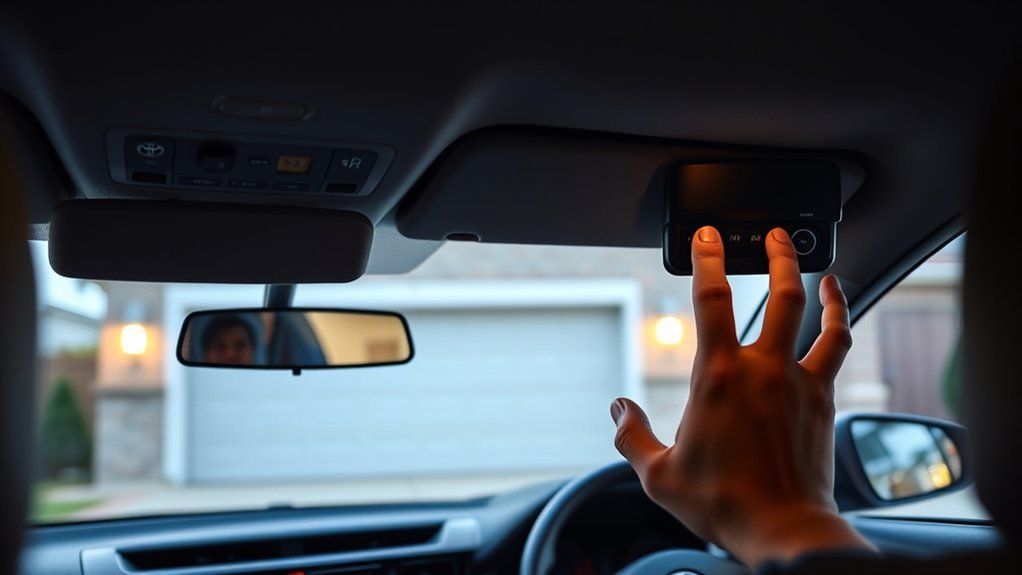
To set up the garage door opener (HomeLink) in a Toyota RAV4, erase any old codes, then press the HomeLink button you want to use, hold your handheld remote 1 to 3 inches from the buttons and hold the remote button until the HomeLink light changes from slow orange to fast or solid green. If the door does not move afterward, your opener uses rolling code and needs one more step on the opener’s Learn or Smart button.
The exact wording and screens differ by model year, so this guide follows the procedure in Toyota’s current RAV4 owner’s manual (2019 and later) and points out where older RAV4s differ. Keep your owner’s manual for your model year nearby.
Before you start
- Install a fresh battery in the handheld remote. Toyota recommends this for successful programming. A weak battery is one of the most common reasons a remote will not transfer.
- Park outside the garage, with the door in view and within reach of the opener motor unit. You will need to press the Learn button on the motor later if the opener uses rolling code.
- Clear the area. The door may move during programming. Keep people, pets and objects away from it, and never let children operate the HomeLink buttons.
- Check the door’s safety features. Toyota states HomeLink should only be used with doors that meet federal safety standards, meaning they have stop-and-reverse features.
- Find the buttons. The three HomeLink buttons are on the rearview mirror. On RAV4s with a digital rear-view mirror, the set-up prompts appear on the mirror’s display.
Step 1: Erase old codes
If the HomeLink buttons were used in a previous vehicle owner’s setup or you are starting over, clear the memory first. Toyota’s manual describes this for the current generation: press and hold the two outside buttons for 10 seconds, until the indicator light changes from continuously lit orange to rapidly flashing green. Release the buttons when it changes. This erases all three buttons at once, so program every button you need afterward.
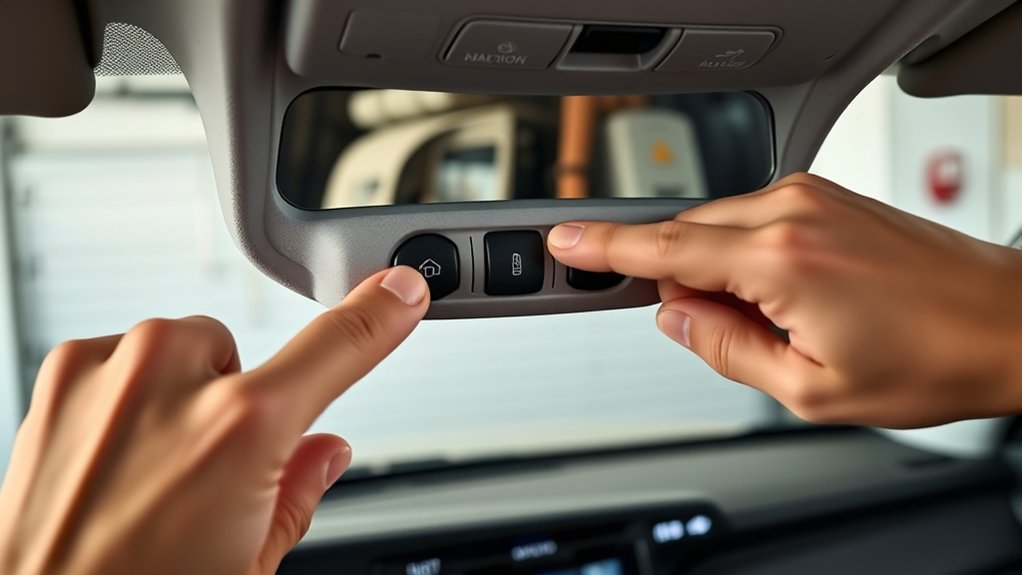
Note that the light colors are orange and green. Red is not part of Toyota’s procedure. If you buy a used RAV4, erase the codes even if the buttons seem unused, and if you sell one, erase them before handing over the keys, as Toyota advises.
Step 2: Program a HomeLink button (2019 and later RAV4)
Steps 2 to 4 below must be finished within 60 seconds. If the indicator light stops flashing, start again from the first step.
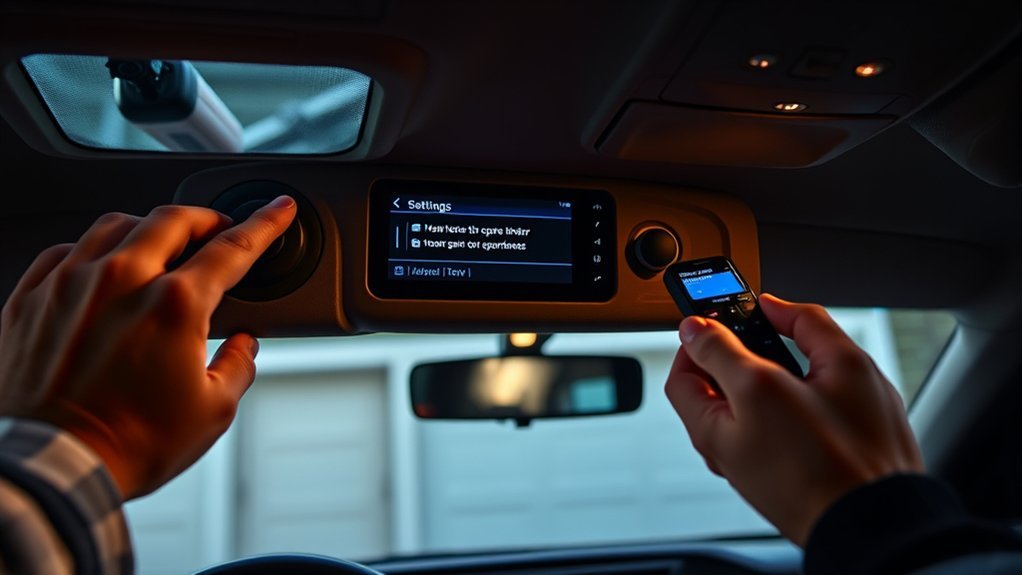
- Press any HomeLink button or the menu button on the mirror. On a digital rear-view mirror, choose SET UP.
- Press and release the HomeLink button you want to program. The indicator light flashes orange.
- Hold the handheld remote 1 to 3 inches (25 to 75 mm) from the HomeLink buttons, keeping the indicator light in view. Point the remote’s battery side away from the buttons.
- Press and hold the remote’s button. Watch the HomeLink light. When it changes from slowly flashing orange to rapidly flashing green, the opener uses rolling code. A continuously lit green light means a fixed code. Release the remote button at that point.
- Press the newly programmed HomeLink button and watch the door. If it moves, you are done with that button.
- Repeat for the other two buttons if you want to control more devices, such as a second garage door or a gate.
Entry gates and Canadian vehicles
For gate operators, and for vehicles sold in Canada, Toyota’s manual changes step 4: instead of holding the remote button, press and release it repeatedly at about 2-second intervals until the HomeLink light changes from slowly flashing orange to rapidly flashing green.
Step 3: Finish rolling-code openers
Most modern openers use rolling code, which changes the transmitted code every time. If the light turned rapid green but the door does not move, or your opener is a rolling-code model, link it to the opener itself:
- Find the Learn or Smart button on the garage door opener motor unit. It is usually on the back or side of the unit, near the antenna wire. Its color and label vary by brand.
- Press and release that button.
- Within 30 seconds, go to the RAV4 and press and hold the programmed HomeLink button for 2 seconds, then release.
- Repeat the press, hold and release up to 3 times in total, until the door operates.
A second person makes this much easier, because the 30-second window is tight if you have to climb a ladder and walk to the car.
Older RAV4s (before 2019)
The third and fourth generations (2006 to 2018) use an earlier version of HomeLink without the on-screen tutorial. The general idea is the same: erase the old codes by holding the two outer buttons until the light changes, hold the remote 1 to 3 inches from the HomeLink button, press and hold both the remote button and the HomeLink button together until the light starts flashing rapidly, then finish rolling-code openers with the Learn or Smart button and two or three presses of the HomeLink button. Timings and light behavior can differ slightly, so check the HomeLink section of the owner’s manual for your exact model year. Toyota publishes owner’s manuals and quick reference guides for past model years on its owner resources pages.
Which buttons are which
| Item | What it means |
|---|---|
| Slow flashing orange | The button is ready to learn a remote |
| Rapid flashing green | Rolling-code signal received; finish with the opener’s Learn button |
| Continuously lit green | Fixed-code signal received and stored |
| Two outside buttons held 10 seconds | Erases all three buttons (2019 and later manual) |
| Single button held about 20 seconds | Reprograms that one button only |
Reprogram one button without erasing the others
Toyota’s manual lets you replace one stored code without touching the others. Press and hold the HomeLink button you want to change. After about 20 seconds the indicator starts flashing orange. Release the button, then follow the programming steps above.
Troubleshooting
| Problem | Likely cause | What to try |
|---|---|---|
| Light never changes to green | Weak remote battery, wrong distance or angle | Fit a new battery, vary the distance within 1 to 3 inches, and keep the remote’s battery side pointed away from the buttons |
| Light went green but the door does not move | Rolling-code opener not linked | Do the Learn or Smart button steps within 30 seconds |
| Orange light stopped flashing mid-setup | The 60-second window ran out | Start again from pressing the HomeLink button |
| Gate operator will not learn | Needs the repeated-press method | Use the 2-second press and release method described above |
| Works close to the house, not far away | Range or obstructions | Test closer to the door, then see the range note below |
| Nothing works after several attempts | Incompatible opener or damaged unit | Check the opener brand against the HomeLink compatibility information, then ask a Toyota dealer to check the mirror unit |
Two-way communication and range
Some RAV4s with compatible openers can show whether the door is open or closed. To set this up, operate the door with HomeLink, then within 1 minute after the door stops moving, press the Learn or Smart button on the motor. When the feature is enabled, both garage door indicators flash rapidly in green. Toyota states the indicators work within roughly 820 feet (250 m) of the door, and that houses or trees can block the feedback signal. This applies only to compatible openers.
Frequently asked questions
Does the RAV4 have a built-in garage door opener?
Yes, if it has the HomeLink wireless control system, which is an optional feature on some trims and model years. Look for three buttons on the rearview mirror. If they are absent, your RAV4 was not built with HomeLink. Garage door openers made under license from HomeLink can also operate estate gates and security lighting.
Can I program HomeLink without the original remote?
The steps in Toyota’s manual assume you have a handheld transmitter to copy. Without one, some opener brands let you add a new remote or bridge device through the opener’s own menu, which you can then use to program HomeLink. Check your opener’s manual or the brand’s support page for that process.
How many devices can HomeLink control?
Three, one for each button. They can be garage doors, gates or compatible lights.
Do I need to reprogram after a battery disconnect?
Toyota’s manual does not say that disconnecting the battery erases stored HomeLink codes. If buttons stop working after battery work, erase and reprogram them as described above.
What should I do when I sell the vehicle?
Erase all codes by holding the two outside buttons for 10 seconds until the light flashes green. Toyota specifically recommends this so the new owner cannot open your garage.
For the official wording, see the HomeLink programming section in Toyota’s owner’s manual.