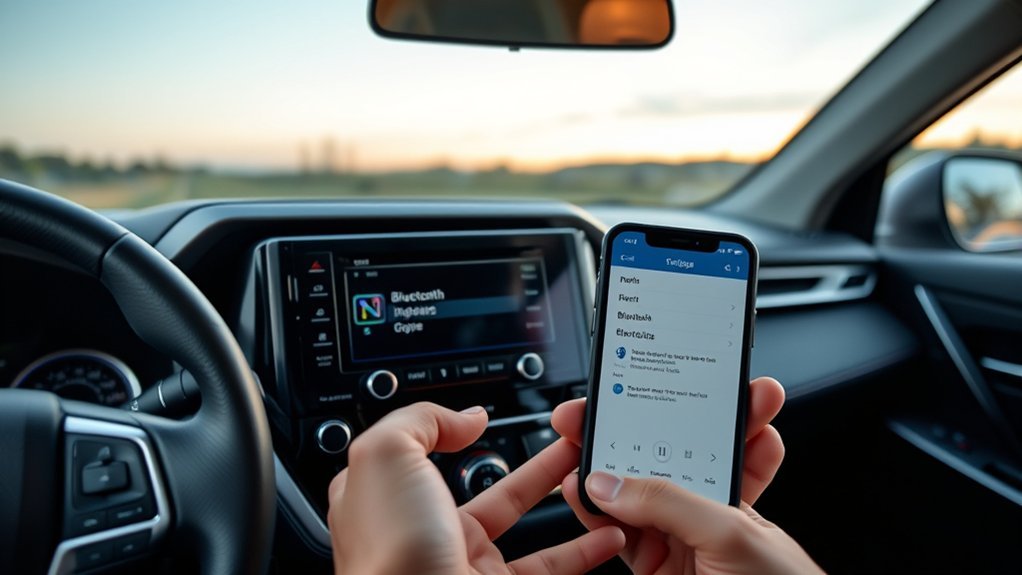
To set up Bluetooth on Toyota RAV4 models, turn on Bluetooth on your phone, open the multimedia system’s setup or phone menu, choose the option to add a device and confirm the pairing on both screens. Once connected, you can allow contact sync for hands-free calling and stream music. Menu names and steps differ by model year and head unit, so check your owner’s manual, and pair only while the car is parked.
Preparing Your Phone for Bluetooth Connection
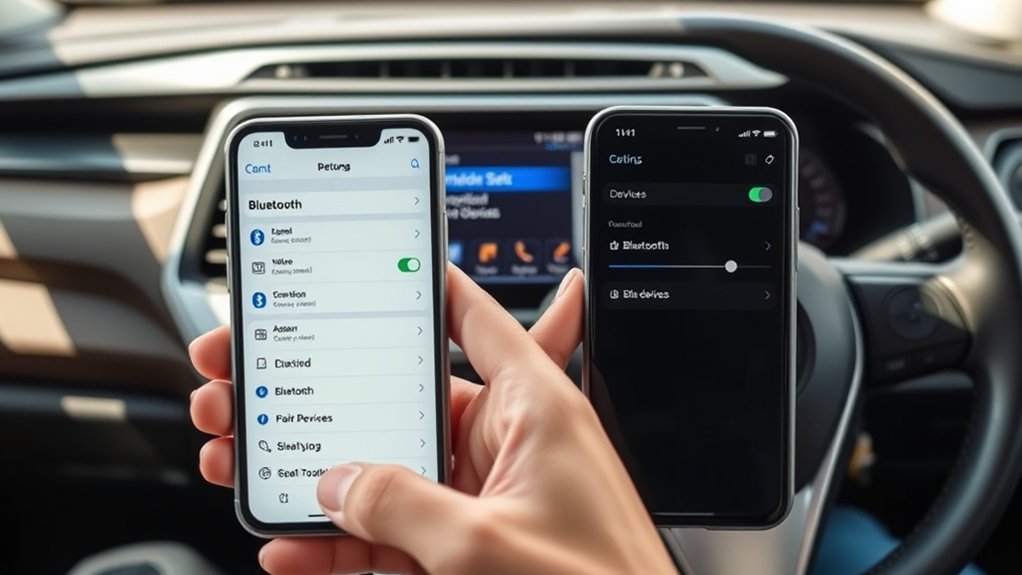
Turn on Bluetooth on your phone and make sure the phone is unlocked and close to the dashboard. Remove any old RAV4 entry from your phone’s Bluetooth list if you have had pairing problems before.
How to Set Up Bluetooth on Toyota RAV4: Find the Settings
On many models you open the Menu or Setup screen on the multimedia system and look for Bluetooth or Phone settings. The names and layout depend on your model year and head unit, so check your owner’s manual if you cannot find them.
Pairing Your Smartphone With RAV4 Bluetooth
- Park the car safely and turn on the multimedia system.
- Open the Bluetooth or Phone settings and choose the option to add a device.
- Select the RAV4 from the Bluetooth list on your phone.
- Confirm the pairing code or prompt on both the phone and the screen.
- Allow contact and call access if you want hands-free calling.
How to Sync Contacts for Hands-Free Calling?
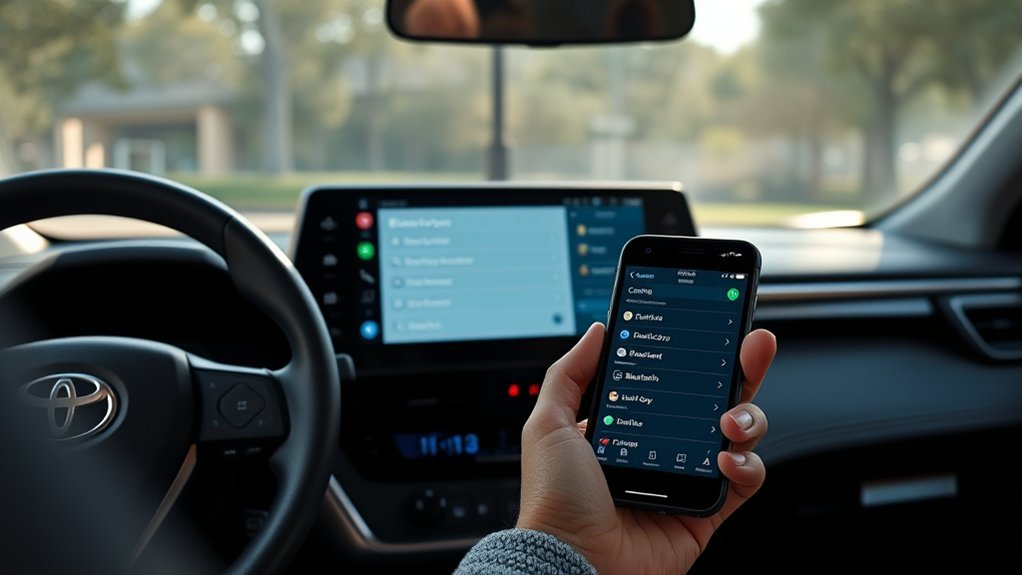
After pairing, your phone usually asks whether to share contacts and call history with the car. Accept the prompt on the phone, and check the phone settings of the RAV4 if the contacts do not appear.
Syncing Contacts Steps
- Pair the phone first.
- Accept the contact-sharing request on your phone.
- Wait for the contacts to load on the car’s screen.
Where these options sit depends on your model year, so check your owner’s manual.
Importance of Hands-Free Safety
Use hands-free calling or voice control while driving, and do not handle your phone or the touchscreen while the car is moving. Follow local laws on phone use.
Troubleshooting Sync Issues
- Check that contact sharing is allowed on the phone.
- Turn Bluetooth off and on again on the phone.
- Delete the old pairing from both the phone and the car, then pair again.
- Update your phone software.
What to Do If Pairing Fails?
- Make sure Bluetooth is on and the phone is unlocked.
- Delete old RAV4 entries from the phone and old phones from the car.
- Restart the phone and the multimedia system.
- Ask a dealer about software updates if it keeps failing.
Enjoying Music and Media Through RAV4 Bluetooth
Once your phone is paired, choose the Bluetooth audio source on the multimedia system and play music from your phone. Controls and track information shown depend on the phone and the head unit.
Managing and Deleting Bluetooth Devices in Your RAV4
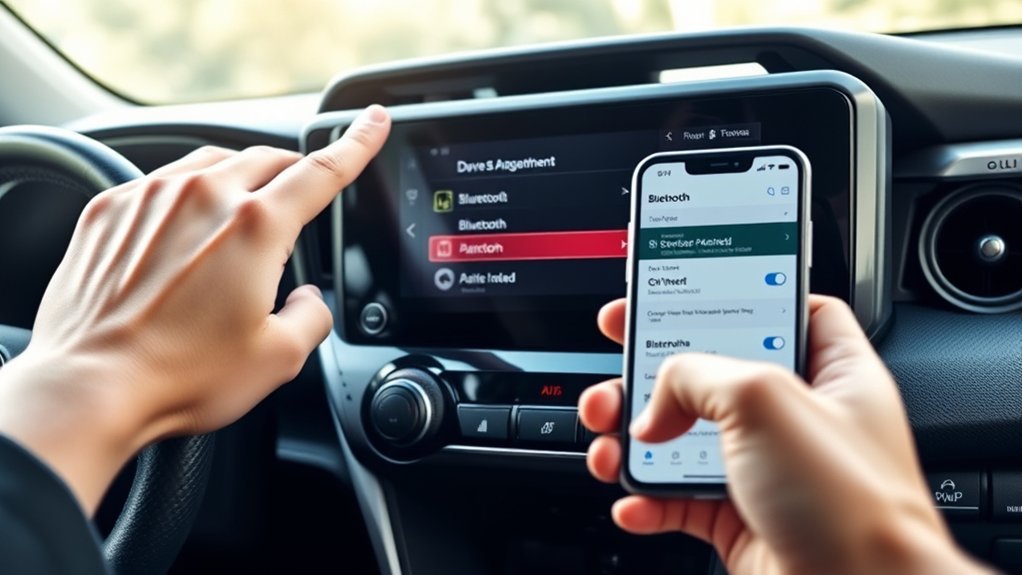
You can usually see a list of paired devices in the Bluetooth settings, then remove devices you no longer use or choose which phone connects first. The number of devices the system can store depends on the model year.
Deleting Registered Devices
Open the list of paired devices, select the device and choose the delete or remove option. Deleting a device may also remove its contacts from the car, so you will need to pair again to use it.
Editing Device Information
Some systems let you rename a device or set a preferred phone. Where these options are depends on your model year, so check your owner’s manual.
Frequently Asked Questions
How Do I Connect My Bluetooth to My Toyota rav4?
Turn on Bluetooth on your phone, open the Bluetooth or Phone settings on the multimedia system, choose to add a device and confirm the pairing on both screens.
Why Won’t My Toyota RAV4 Connect to My Phone?
Common causes are old pairings stored on the phone or car, Bluetooth turned off, or a phone software problem. Delete old pairings, restart both devices and try again. Ask a dealer if the problem continues.
How to Connect Toyota Car Bluetooth?
Turn on phone Bluetooth, open the Bluetooth or Phone menu on the car, choose to add a device and confirm the pairing. Menu names differ by model, so check your owner’s manual.
How to Make Toyota Bluetooth Discoverable?
The car normally becomes visible to your phone when you start the add-device or pairing option in its Bluetooth menu. Then pick the car from your phone’s list.
Conclusion
Setting up Bluetooth in a RAV4 takes a few minutes: turn on the phone’s Bluetooth, add the device from the car’s menu, confirm the pairing and allow contact access. Check your owner’s manual for the exact steps on your model year.