To fix the clock in your Toyota RAV4, start by pressing the “Apps” button on the Entune display. Navigate to “Setup,” select “General,” and find the “Clock” option. Enable “Daylight Saving Time” and consider using “Auto Adjust by GPS” for real-time updates. If issues persist, check GPS settings, perform manual resets as needed, and make sure the software is current. If problems continue, there are additional solutions and tips available to help you.
How to Adjust the Clock in Your Toyota RAV4
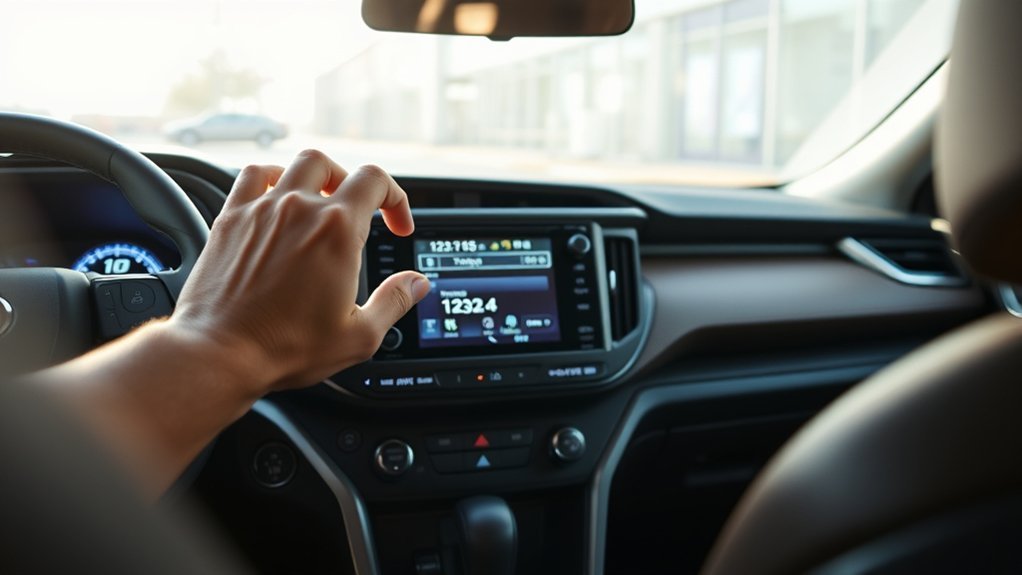
If you want to keep your Toyota RAV4’s clock accurate, adjusting it is a straightforward process. Start by pressing the “Apps” button on the left side of your Entune audio display. Navigate to “Setup,” then select “General” settings. Under “General,” find the “Clock” option. Make sure to check the box for “Daylight Savings Time” to enable automatic adjustments. If your RAV4 has GPS, consider using the “Auto Adjust by GPS” feature for real-time synchronization based on your location. Regularly check your clock settings, as some models may require manual adjustments every few days to maintain accuracy. For further guidance, consult your user manual or visit a Toyota Service Center for expert assistance.
Top Reasons Your RAV4 Clock Isn’t Syncing Properly
If your RAV4 clock isn’t syncing properly, it could be due to several key factors. First, check your clock settings configuration to guarantee they’re set correctly. Additionally, GPS signal reception issues and the need for software updates can also impact the clock’s performance.
Clock Settings Configuration Issues
Many RAV4 owners encounter clock synchronization issues due to configuration settings that aren’t properly adjusted. One frequent culprit is the Daylight Saving Time setting in your general menu; if it’s incorrect, your clock won’t sync correctly. Additionally, if your GPS setting is disabled, the clock won’t automatically adjust based on your location, leading to further discrepancies. The internal clock can also lose about 0.2 seconds daily, requiring regular manual adjustments to keep time accurate. After battery changes or time zone shifts, a reset might be necessary to maintain precision. Finally, ensuring your infotainment system has the latest software updates can resolve underlying issues that affect clock settings and synchronization.
GPS Signal Reception Problems
Clock synchronization issues in your Toyota RAV4 can often stem from GPS signal reception problems. Environmental factors like tall buildings, mountains, or dense forests can obstruct satellite signals, leading to a weak or intermittent GPS signal. This lack of clarity can cause your clock to lag or not update at all, severely impacting clock accuracy. Additionally, improper installation or positioning of the GPS antenna may hinder signal reception. Interference from nearby electronic devices within the vehicle can disrupt GPS functionality, further complicating synchronization issues. To resolve these problems, consider moving away from obstructive environments or checking the antenna’s placement. Regular updates to your vehicle’s navigation system may also enhance GPS performance and improve clock synchronization.
Software Update Necessity
Why is your Toyota RAV4 clock not syncing properly? One important reason could be the need for software updates. An outdated infotainment system can hinder clock synchronization, leading to inaccuracies. Manufacturers often release updates that fix bugs and improve GPS connectivity, which directly impacts time-keeping features. Regularly checking for these software updates is essential; they may include patches for known synchronization issues, ensuring your clock reflects the correct time. Additionally, if your clock struggles due to incompatibility with the GPS system, software enhancements can resolve this. Keeping your RAV4’s software current also guarantees that features like automatic Daylight Saving Time adjustments operate smoothly, liberating you from manual time corrections.
Accessing the Entune Audio Display for Clock Adjustment
To adjust the clock on your Toyota RAV4, you’ll first need to access the Entune audio display. Start by pressing the Apps button located on the left side of the display screen. If a pop-up message about the Connected Navigation service appears, simply select Okay or choose Do Not Tell Me Again to continue. Next, navigate to the Setup button on the screen, and then select the General button to access clock settings. Within the General settings, choose the Clock option, where you can adjust Daylight Savings Time settings as needed. The system allows you to check a box for Daylight Savings Time, enabling automatic time adjustments based on your preferences for accurate timekeeping.
Step-by-Step Guide to Adjusting Your RAV4 Clock
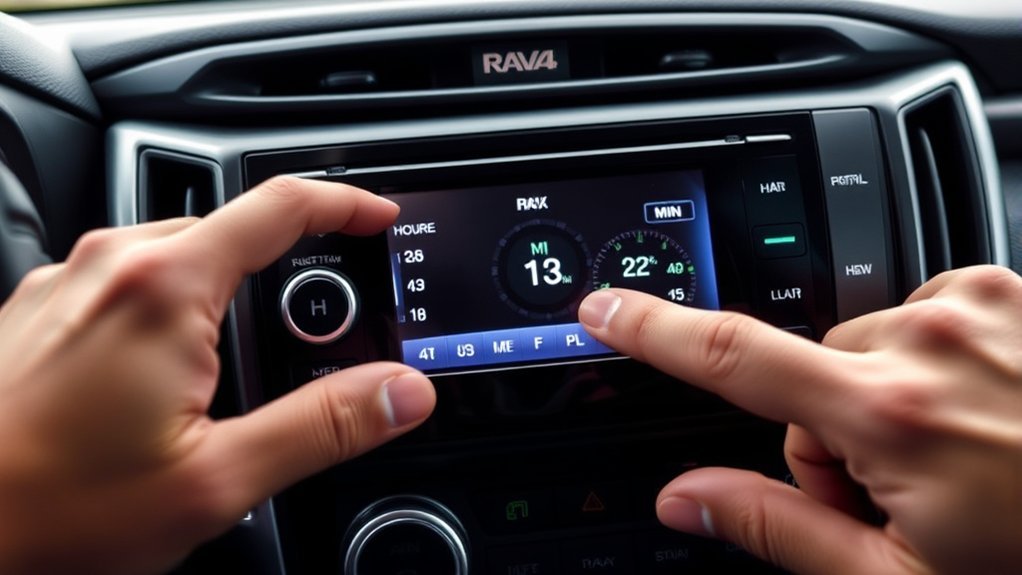
To adjust your RAV4 clock, you’ll first access the Entune audio display by pressing the “Apps” button. Next, you’ll change the clock settings through the “General” menu, where you can enable options like Daylight Savings Time and GPS auto-adjust. If you encounter any issues, refer to the troubleshooting tips in your user manual for further assistance.
Accessing Entune Audio Display
Accessing the Entune audio display in your Toyota RAV4 is straightforward, allowing you to easily adjust the clock settings. Follow these steps to navigate the interface:
- Press the Apps button on the left side of the display screen.
- Navigate to the Setup button.
- Select the General button to access clock settings.
- Choose the Clock option and check the box for Daylight Saving Time for automatic adjustment.
- Remember, the auto adjust by GPS feature only changes the time based on location, not for Daylight Saving Time.
For further assistance, refer to your vehicle’s user manual or visit a Toyota Service Center. This guarantees your clock stays accurate and aligned with your schedule.
Changing Clock Settings
Adjusting the clock settings in your Toyota RAV4 is a simple process that guarantees your vehicle’s time is always accurate. Follow these steps to change the clock efficiently:
| Step | Action | Option |
|---|---|---|
| 1 | Press the Apps button | Access the main menu |
| 2 | Select the Setup button | Navigate to General settings |
| 3 | Choose Clock | Enable Daylight Savings Time |
You can also activate Auto Adjust by GPS to update the time automatically based on your location. For manual adjustments, access Date & Time to set the correct time using the arrows or input options provided. With these settings, you’ll make certain your RAV4 clock is always accurate and hassle-free.
Troubleshooting Clock Issues
While enjoying the convenience of your Toyota RAV4, you might encounter occasional clock discrepancies that require attention. Here’s a step-by-step guide to troubleshoot those clock issues:
- Press the “Apps” button, navigate to “Setup,” then select “General” and choose “Clock” to adjust settings.
- Verify the Daylight Saving Time option is checked for automatic adjustments.
- For models with GPS, enable “Auto Adjust by GPS” for synchronization, but remember it won’t handle Daylight Saving Time.
- If you notice delays, reset the clock every 10 days to stay in sync with GMT.
- If problems persist, consult your user manual or visit a Toyota Service Center for expert assistance.
Taking these steps will help you effectively manage your RAV4 clock settings.
How to Troubleshoot Clock Sync Issues?
If you notice that your Toyota RAV4 clock isn’t syncing correctly, it’s crucial to start troubleshooting promptly to avoid confusion. First, check the Daylight Saving Time setting in the Entune infotainment system under the General settings menu. If that’s correct, consider using the Auto Adjust by GPS option, though it might not account for Daylight Saving Time changes. If issues persist, reset the infotainment system by turning off your vehicle and restarting it to refresh the system. Additionally, verify your vehicle’s battery is functioning well; a weak battery can cause electronic systems, including the clock, to malfunction. If the clock continues to lose time, consult your user manual or visit a Toyota Service Center for further assistance.
How GPS Can Automate Your Clock Updates
Modern Toyota RAV4 models leverage GPS technology to automatically keep your clock accurate, eliminating the need for manual adjustments. This system guarantees that your vehicle’s clock is in sync with the local time, adapting seamlessly as you travel.
Modern Toyota RAV4 models utilize GPS technology for automatic clock updates, ensuring accurate local time without manual adjustments.
- Automatic clock updates synchronize with GPS signals.
- Adjusts for Daylight Saving Time without intervention.
- Enhances navigation accuracy for route planning.
- Flexibility to enable or disable GPS clock adjustments in the infotainment system.
- Reduces clock errors, enhancing overall functionality.
User Feedback on RAV4 Clock Adjustments

Many Toyota RAV4 owners have expressed their frustration regarding clock adjustments, particularly with the internal clock’s tendency to drift and fail to sync properly with other timekeeping systems in the vehicle. Users report that the clock loses approximately 0.2 seconds daily, necessitating frequent manual adjustments to maintain accurate time. Additionally, there’s often a one-second delay between the vehicle’s clock and the radio clock, prompting discussions on synchronization methods. Many have noted that the internal clock doesn’t update after Daylight Saving Time changes, further complicating timekeeping. While some suggest using GPS for automatic updates, it only adjusts based on location, not accounting for Daylight Saving Time, leaving users seeking more thorough solutions for accurate time management.
Alternative Timekeeping Solutions for Your RAV4
For RAV4 owners seeking reliable timekeeping solutions, several alternatives can enhance accuracy and convenience. Consider these options for accurate timekeeping in your Toyota RAV:
- Smartphone: Leverage your smartphone for automatic time adjustments based on time zones and Daylight Saving Time.
- GPS Clocks: Utilize GPS clocks that sync with satellite signals for precise time, no matter where you are.
- Aftermarket Solutions: Explore digital clock displays or smart device integrations for enhanced features beyond factory settings.
- Smartwatch: Sync a smartwatch with your smartphone to guarantee you’re always on schedule.
- Infotainment System: Regularly check and adjust your vehicle’s infotainment system to maintain accurate timekeeping.
These alternatives will help you stay punctual and liberated on your journeys.
When to Seek Professional Help for Clock Problems?
When your Toyota RAV4’s clock consistently loses time or fails to update, it’s essential to recognize that this could indicate a malfunction that requires professional diagnosis. If you’ve tried all recommended adjustments, like GPS sync and manual settings, but nothing works, it’s time to seek professional help. Additionally, if the infotainment system becomes unresponsive or displays error messages when you attempt to change the clock, consulting a dealership or certified technician is advisable. Persistent clock issues after a battery change could signal a deeper electrical problem that warrants expert attention. If your vehicle is still under warranty, visiting a dealership is especially beneficial to avoid potential repair costs. Don’t hesitate—your RAV4 deserves expert care.
Frequently Asked Questions
How to Fix the Clock on RAV4?
To fix the clock on your RAV4, explore clock reset methods in the dashboard settings guide. For digital clock troubleshooting, adjust settings and make certain GPS auto-adjust is enabled for accurate time synchronization.
How to Fix a Clock in a Toyota?
To fix a clock in a Toyota, check for digital clock issues in the dashboard settings. Common clock malfunction causes include incorrect time zone settings or disabling auto-adjust features that sync with GPS. Adjust accordingly.
How Do I Change the Time on My Toyota Display?
To change the time on your Toyota display, access the display settings through the audio settings menu. Adjust the time format as needed, and make certain you save any changes made during the process.
How to Set the Clock in a 2017 Toyota RAV4?
To set your clock in a 2017 Toyota RAV4, access clock settings through display options, select “Setup,” then “General.” Make time adjustments using arrows, and don’t forget to enable Daylight Saving Time if needed!
Conclusion
In a world where time waits for no one, ensuring your Toyota RAV4’s clock is accurate can keep you in sync with life’s rhythm. By following the steps we’ve outlined, you can easily adjust or troubleshoot any issues. Whether you’re relying on GPS for updates or seeking professional help, mastering your RAV4’s clock settings empowers your driving experience. So, don’t let a misaligned clock steal your moments; take charge and keep the journey on time.