
To reset Toyota RAV4 maintenance reminder lights on many models, turn the ignition off, hold the trip meter reset button, turn the ignition on without starting the engine and keep holding until the light flashes and goes out. Newer models use a menu in the instrument display instead. Steps differ by model year, so check your owner’s manual, and reset only after the service has been done.
Understanding Your Toyota RAV4 Maintenance Light
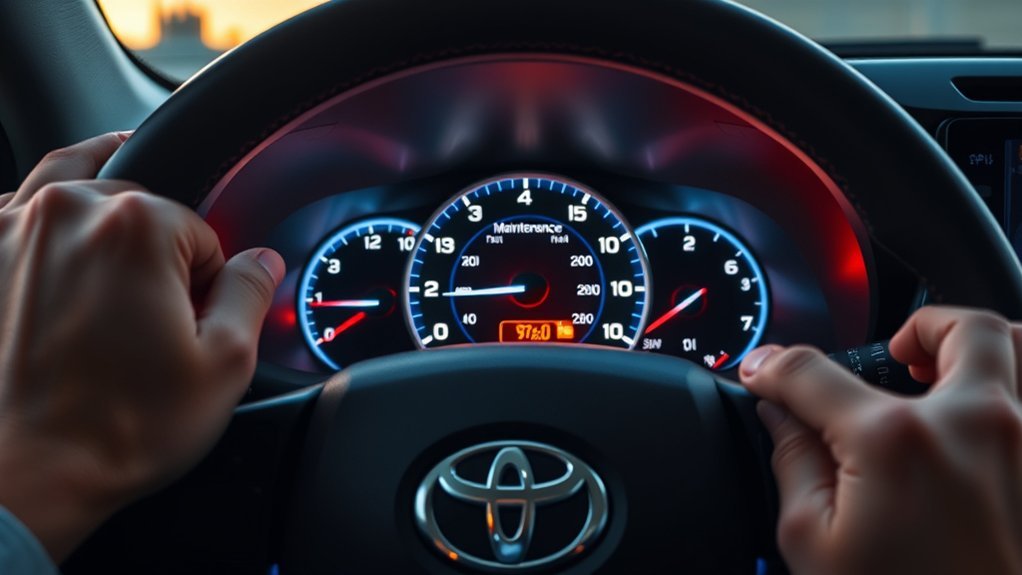
The maintenance reminder tells you a scheduled service is due, based on mileage or time. It is not the same as the check engine light, which signals a possible fault.
How to Reset Toyota RAV4 Maintenance Reminder: Step-by-Step
- Turn the ignition off.
- Press and hold the trip meter reset button.
- Turn the ignition on without starting the engine, while still holding the button.
- Keep holding until the maintenance light flashes and then goes out.
- Release the button and start the car to check.
This is the method many older RAV4s use. Newer models usually have a reset option in the instrument display menu. Check your owner’s manual for your model year.
Reasons the Maintenance Light Activates
The reminder comes on after a set distance or time since it was last reset. The interval depends on the model, year and the maintenance schedule.
Significance of the Maintenance Required Message
It is a reminder to have the scheduled service done, such as an oil and filter change. Check your owner’s manual or maintenance booklet for the services your car needs.
Recommended Frequency for Checking and Resetting the Maintenance Light
Reset the reminder after each service that the reminder relates to, so it counts from the right point. Do not reset it just to turn the light off.
Troubleshooting: What to Do If the Light Stays On?
- Repeat the steps carefully, holding the button long enough.
- Check the correct method for your model year.
- Ask a dealer or shop to reset it.
Check Gas Cap Tightness
A loose gas cap can trigger the check engine light, which is a different warning. Tighten the cap until it clicks if the check engine light is on.
Inspect Spark Plug Wires
Spark plug wires are not related to the maintenance reminder. If the check engine light is on, a shop should read the codes.
Visit Service Center
If the reminder will not reset, a service center can reset it with the correct procedure or tool.
Why Sticking to the Maintenance Schedule Matters
Regular maintenance helps reliability, safety and resale value. Follow the schedule in your owner’s manual.
Additional RAV4 Maintenance Tips
- Keep service records.
- Check tire pressure and fluid levels regularly.
- Use the oil type shown in your owner’s manual.
When to Seek Professional Help for Maintenance Issues?
See a professional if warning lights stay on, if the car runs poorly or if you are unsure about a service.
Resources for Toyota RAV4 Owners: Videos and Community Support
Your owner’s manual and Toyota’s official resources are the most reliable. Videos and forums can help, but check them against your manual.
Video Tutorials for RAV4
Choose videos for your exact model year and confirm the steps in your owner’s manual.
Community Knowledge Sharing Forum
Owner forums can offer tips, but advice varies by model year, so confirm it with your manual.
Frequently Asked Questions
How to Reset Maintenance Reminder on Toyota RAV4?
On many models, use the ignition and trip button method above. Newer models use a menu in the instrument display. Check your owner’s manual.
How Do I Clear My Toyota Maintenance Required Notification?
Have the service done, then reset the reminder using the procedure for your model year.
How to Reset the Maintenance Light on a Toyota RAV4 2014?
Many 2013-2018 models use the ignition and trip button method, but check your owner’s manual to be sure for your trim.
How Do I Turn off the Maintenance Light on My Toyota RAV4 2015?
Reset it after service using the method in your owner’s manual. If it does not turn off, ask a dealer.
Conclusion
Reset the maintenance reminder after each service using the method for your model year, and check your owner’s manual if the light stays on.