
How to Change Trip A on a Toyota RAV4
Trip A can feel confusing when your RAV4 display keeps cycling through several mileage screens. The good news is simple: you only need the trip button or display controls to view or reset it. This guide shows you how to change Trip A, reset it to zero, and use it for better mileage tracking.
Quick Answer
To change Trip A on your Toyota RAV4, press the trip or display button until Trip A appears. To reset Trip A, keep Trip A on the screen, then press and hold the same button until the counter returns to zero. Some newer RAV4 models may use steering wheel display controls instead of a small dash button.
Key Takeaways
- Use the trip or display button to cycle between the odometer, Trip A, and Trip B.
- Reset Trip A only after you see Trip A on the display.
- Hold the button for a few seconds to return Trip A to zero.
- Use Trip A after each fuel fill-up to track mileage more clearly.
- Check your owner’s manual if your RAV4 uses steering wheel controls instead.
What Trip A Does in Your Toyota RAV4
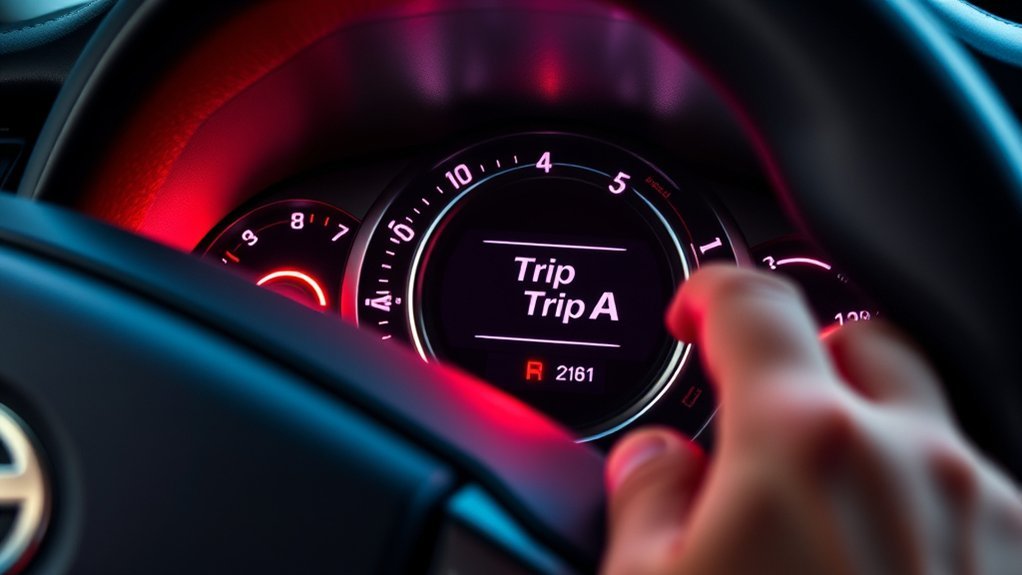
Trip A in your Toyota RAV4 helps you track the miles driven since your last reset. You can use it to measure one fuel tank, one road trip, or one maintenance interval.
Trip A works separately from your main odometer. Your odometer shows your vehicle’s total mileage, while Trip A shows a temporary mileage count that you can reset anytime.
Before You Begin
Estimated time: About 1 minute.
You don’t need tools to change or reset Trip A. You only need access to your RAV4’s instrument display and the trip button or steering wheel display controls.
- Park safely before you adjust the display.
- Turn the ignition on or start the vehicle.
- Look at the instrument cluster behind the steering wheel.
- Find the trip button or display controls for your model year.
Note: Button location can vary by RAV4 year and trim, so check your owner’s manual if the control is not near the display.
Step-by-Step Guide to Changing the Trip A Display
Changing the Trip A display on your Toyota RAV4 lets you check your short-term driving mileage. Follow these steps while the vehicle is parked or while you can safely view the display.
- Turn on the display. Start your RAV4 or turn the ignition to the on position.
- Find the trip or display button. Look near the instrument cluster, lower dash area, or steering wheel controls.
- Press the button once at a time. Cycle through the odometer, Trip A, and Trip B screens.
- Stop on Trip A. Leave the display on Trip A when it appears.
- Use the reading. Check the mileage shown since the last reset.
Some RAV4 models use a small dashboard button. Newer models may use arrows, an “OK” button, or menu controls on the steering wheel.
How to Reset Trip A for Accurate Tracking
Resetting Trip A helps you track fuel use, trip distance, and service intervals more clearly. You should reset it before the drive or mileage period you want to measure.
- Select Trip A. Press the trip or display button until Trip A appears.
- Press and hold the button. Keep holding it for a few seconds.
- Watch the display. Release the button after Trip A returns to zero.
- Confirm the reset. Make sure the display shows 0.0 or a similar zero reading.
Your RAV4 may not reset Trip A by itself after refueling. For the most accurate fuel tracking, reset Trip A manually each time you fill the tank.
Troubleshooting Common Problems With Trip A Adjustments

If you can’t adjust Trip A on your Toyota RAV4, start with the simplest checks first. Make sure you’re pressing the correct control and that the instrument display is active.
Here’s a quick troubleshooting guide:
| Problem | Symptoms | Solutions |
|---|---|---|
| Wrong Control | Trip A does not appear | Use the trip button or steering wheel display controls |
| Trip A Won’t Reset | Mileage stays the same | Hold the button longer while Trip A is on screen |
| Confusing Readings | Odometer and trip miles look mixed up | Cycle through each display slowly |
| No Automatic Reset | Trip A stays active after fueling | Reset Trip A manually after each fill-up |
Effective Ways to Use Trip A for Mileage Tracking
Use Trip A to track the distance driven on one tank of gas. Reset it after each fill-up, then compare the miles driven with the amount of fuel used.
You can also use Trip A to track long drives, daily routes, or maintenance intervals. For example, reset it after an oil change if you want a quick mileage reminder.
Trip B can handle a second tracking job at the same time. You might use Trip A for fuel mileage and Trip B for a full road trip.
Trip A vs. Trip B vs. Odometer
Trip A and Trip B both show resettable mileage. You can use them for different tracking goals, such as one tank of gas and one full vacation drive.
The odometer works differently because it shows your RAV4’s total lifetime mileage. You can’t reset the odometer, and you should use it for service records, resale value, and official mileage checks.
Frequently Asked Questions
How do you reset Trip A on a Toyota RAV4?
Display Trip A first, then press and hold the trip or display button until it resets to zero. If your RAV4 has steering wheel controls, use the display menu and hold the confirm button when Trip A appears.
Why is my odometer showing Trip A?
Your display may be set to the Trip A screen instead of the main odometer screen. Press the trip or display button again to cycle back to the odometer reading.
How do you change Trip A on a 2019 Toyota RAV4?
On many 2019 RAV4 models, you can use the display controls near the steering wheel or instrument cluster. Press the control until Trip A appears, then hold it to reset the reading.
Where is the trip button on a Toyota RAV4?
The trip button is often near the instrument cluster or lower dash area, but the location can change by model year. Some newer RAV4 trims use steering wheel display buttons instead.
Does Trip A reset automatically after refueling?
Trip A usually does not reset automatically after you fill the tank. Reset it manually after refueling if you want to track miles per tank.
Conclusion
Trip A gives you a simple way to track short-term mileage in your Toyota RAV4. Select Trip A with the trip or display button, then hold the control to reset it when needed. Use it after each fill-up, road trip, or service visit to keep your mileage records clear. Once you make it a habit, Trip A becomes a quick tool for smarter driving.
