
How To Update Map In Toyota RAV4
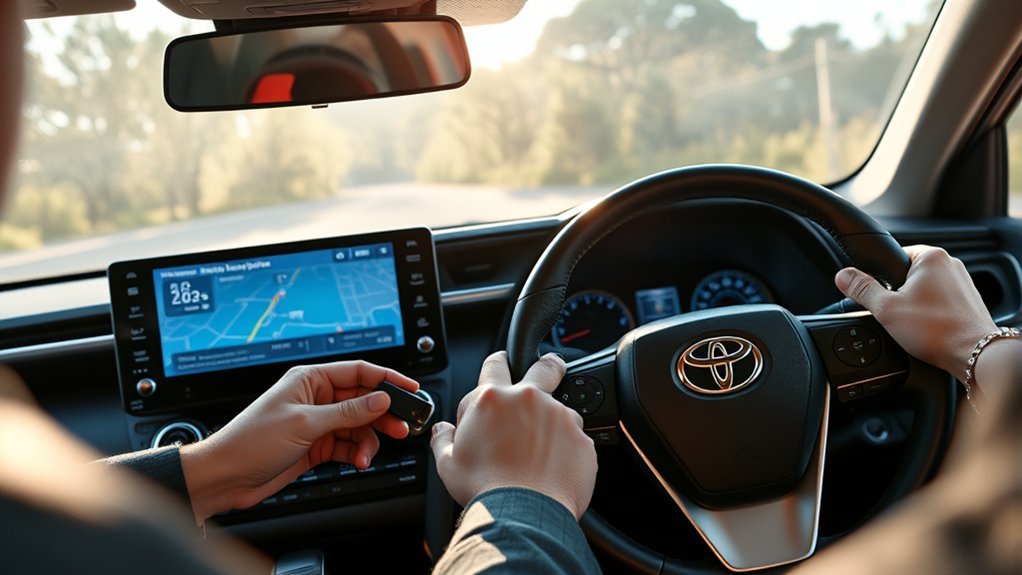
To update the maps in your Toyota RAV4, you’ll need a FAT32 formatted USB drive with at least 32GB of free space. Install the Naviextras Toolbox application on your computer, then log in, check for updates, and download them directly to the USB drive. Afterward, insert the USB into your RAV4, navigate to the Navigation Menu, and follow the prompts for installation. Discover more tips to enhance your navigation experience as you continue.
Understanding the Navigation System in Your RAV4
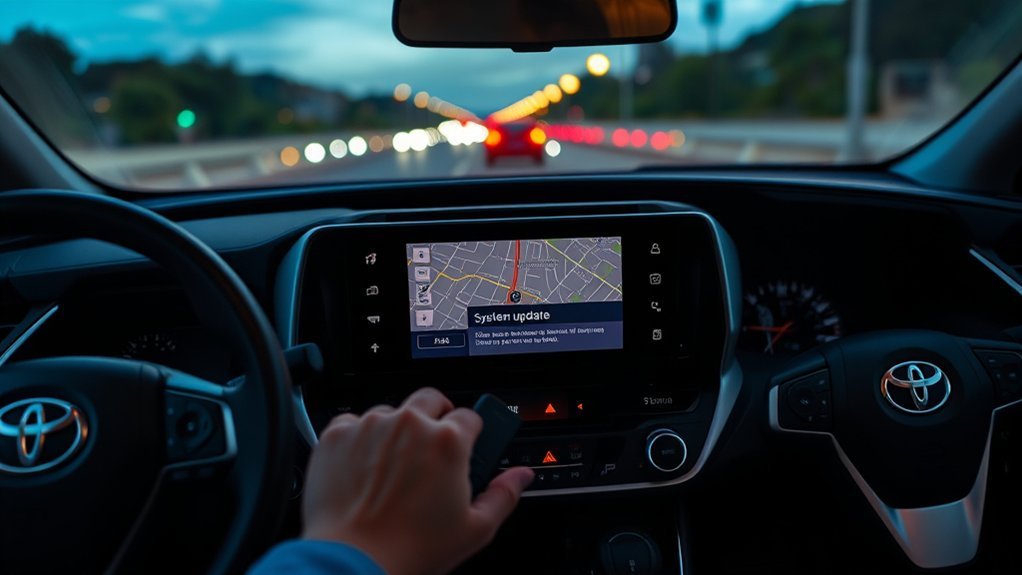
When you get behind the wheel of your Toyota RAV4, you’ll quickly appreciate the sophistication of its navigation system. The 2021 RAV4 features the Toyota Touch 2 with Go, designed to keep you on the right path. Its cloud-based navigation data reduces the hassle of regular map updates, allowing you to focus on your journey. However, if you want enhanced features, optional subscription services are available. For those who prefer hands-on control, you can easily install map updates via a USB flash drive formatted in FAT32. Just connect it to your vehicle, and the system recognizes updates automatically, prompting you to confirm installation. Keep in mind, though, that in-car navigation may have a limited Point of Interest database compared to popular third-party apps.
Essential Tools for Updating Your RAV4 Navigation System
To successfully update your RAV4’s navigation system, you’ll need a few vital tools. Start with a FAT32 formatted USB flash drive that has at least 32GB of free space and make certain your computer is equipped with the Naviextras Toolbox application. This software is essential for downloading the latest map files directly to your USB drive before installing them in your vehicle.
Required Software Tools
Updating the navigation maps in your Toyota RAV4 requires a few essential software tools to guarantee a smooth process. First, you’ll need to download the Naviextras Toolbox application from the official website. This software is vital for accessing and downloading the latest map updates. Next, grab an empty USB flash drive, preferably 32GB or larger, formatted to FAT32. This drive acts as the bridge between your computer and your RAV4’s navigation system. Make sure you’ve got a broadband internet connection to download the updates efficiently. Once the maps are downloaded, insert the USB drive into your RAV4 and follow the prompts in the Navigation Main Menu to install the updates. Confirm that your system recognizes the update before removing the drive.
USB Drive Specifications
A reliable USB drive is an essential component for successfully updating your Toyota RAV4’s navigation system. To meet the USB drive specifications, opt for a flash drive formatted to FAT32, with a minimum capacity of 32GB. An empty drive is vital, as any previous data might disrupt the update process. You’ll need a broadband internet connection to download the navigation data onto your USB drive. Additionally, make certain that you have the Naviextras Toolbox application installed on a compatible computer—Windows 7 or later, or a supported version of macOS. Once you’ve downloaded the updates, insert the USB drive into your RAV4’s navigation system and follow the prompts in the Navigation Main Menu to complete the installation.
Formatting Your USB Drive for Updates
Before you can update the maps in your Toyota RAV4, you’ll need to format your USB drive properly. Make sure your USB is at least 32GB and formatted to FAT32, as this is essential for compatibility with your vehicle’s navigation system. To do this, use a computer running Windows 7 or later, or macOS (including two earlier versions). Simply right-click on the USB drive in your file explorer, select “Format,” and choose “FAT32” as the file system. Once the formatting process is complete, safely eject the USB drive to prevent any data corruption. Now, your USB is ready to download and install the latest map updates through the Naviextras Toolbox software, ensuring your navigation system stays current.
Step-by-Step Guide to Downloading Map Updates
To successfully download map updates for your Toyota RAV4, start by ensuring you have the Naviextras Toolbox application installed on your computer. Here’s a quick guide to streamline your process:
| Step | Action |
|---|---|
| 1 | Install Naviextras Toolbox |
| 2 | Insert your USB drive |
| 3 | Log in to your Naviextras account |
| 4 | Check for available map updates |
Once you’ve found the map updates, download them directly to your USB drive. After the download is complete, insert the USB drive back into your RAV4’s navigation system. Access the Navigation Main Menu, select the Update option, and confirm the process. Wait for the installation to finish before removing the USB drive. Enjoy your enhanced navigation!
Installing Naviextras Toolbox on Your Computer
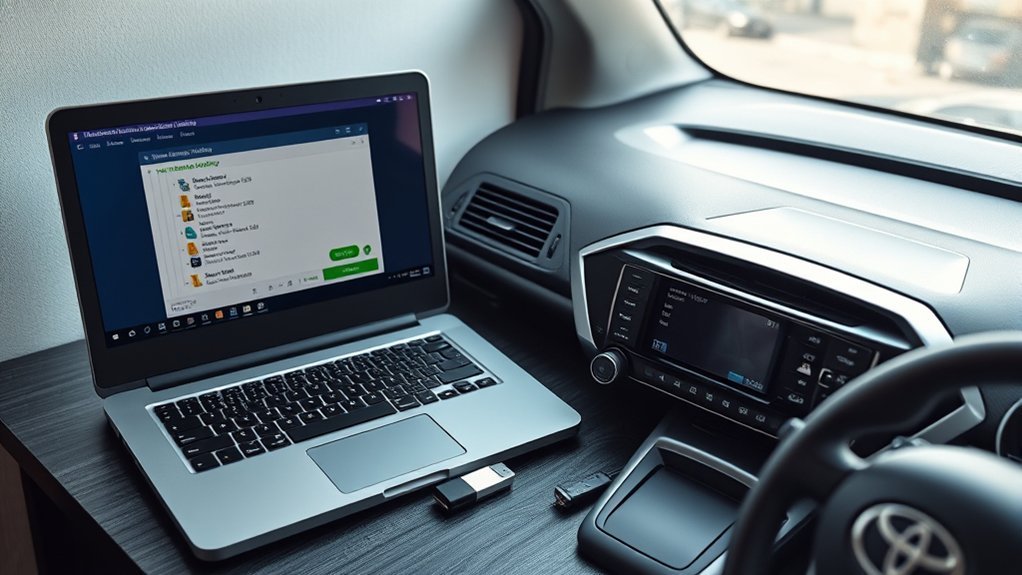
Installing the Naviextras Toolbox on your computer is the next step after downloading map updates for your Toyota RAV4. First, visit the official website at toyota-carmax.welcome.naviextras.com to download the application compatible with Windows 7 or later and macOS. Make sure you have an empty FAT32 formatted USB flash drive, ideally 32GB or larger, ready for this process. Once downloaded, insert the USB drive into your computer; the Naviextras Toolbox will automatically recognize any navigation data saved on it. Log in with your Naviextras account credentials. If you’ve forgotten your password, use the recovery option to regain access. After logging in, you can check for and download available map updates, tracking the installation’s progress until it’s complete.
Syncing Your USB Drive With the Navigation System
Syncing your USB drive with the navigation system in your Toyota RAV4 is a crucial step in ensuring you have the latest maps and system updates. Start by inserting a FAT32 formatted USB flash drive into the navigation system and turning on the head unit. Access the Navigation Main Menu by tapping the Navigation icon on your screen. From there, select the Update option, then choose Download System Information to USB. This initiates the syncing process. Once the System Information Download Complete screen appears, safely remove the USB flash drive. To keep your navigation system updated, reinsert the USB drive with the latest map updates and follow the prompts. This simple process enhances your driving experience and keeps you on the right track.
Troubleshooting Common Update Issues
Even with a successful sync of your USB drive, you might face some common update issues that can disrupt the process. First, verify you’re using the correct activation code and that your USB drive’s formatted to FAT32 to avoid validation problems. If you need to reinstall updates, disable Wi-Fi and auto-download features on your navigation system to prevent conflicts. Should the update size unexpectedly increase, reformat your USB drive and re-download the map files to guarantee integrity. For successful installations, using corrected file sets is vital; if issues persist, don’t hesitate to seek help on community forums. Remember, using outdated map data can limit POI search results, so always download the latest updates for improved accuracy.
Using Smartphone Apps Alongside Your RAV4 Navigation
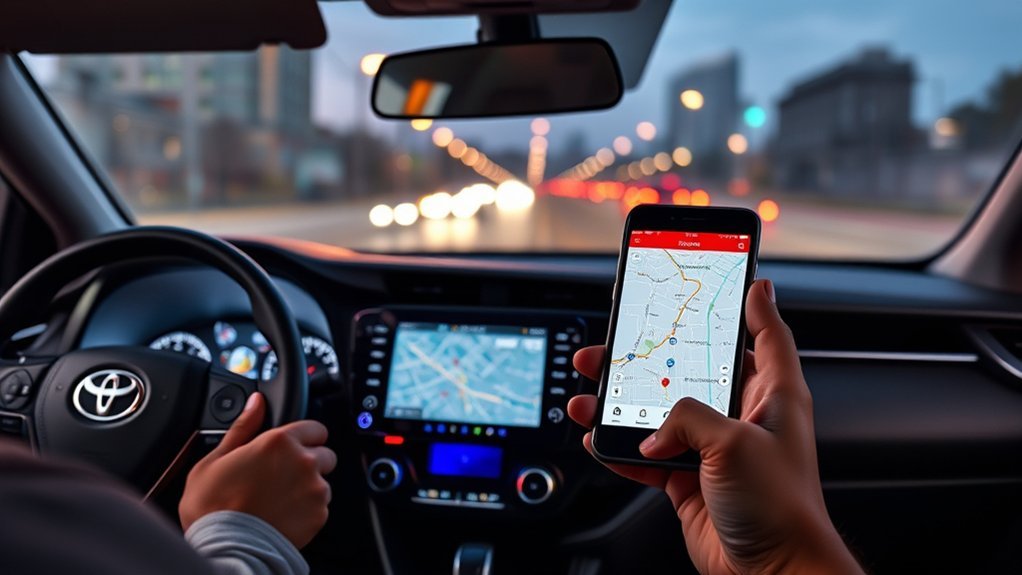
Integrating smartphone apps like Google Maps and Waze with your RAV4’s navigation system can greatly enhance your driving experience. If your model supports Android Auto or Apple CarPlay, you’ll benefit from real-time traffic updates and a vast array of points of interest, all while enjoying superior voice recognition. Even if you have an older model, relying on these apps can help you avoid those annual subscription fees for built-in navigation services.
Enhanced Navigation Experience
While traditional navigation systems in your Toyota RAV4 offer basic functionality, leveraging smartphone apps like Google Maps and Waze can greatly enhance your driving experience. By utilizing Android Auto or Apple CarPlay, you gain access to these powerful tools, which provide real-time traffic updates and extensive points of interest. This means you’ll always have the latest information at your fingertips, enhancing your route efficiency.
Moreover, smartphone apps typically feature superior voice recognition, making navigation more intuitive than ever. You’ll also save money by avoiding expensive annual subscriptions for map updates. With frequent updates and wider coverage, Google Maps and other apps can liberate your journey, transforming how you navigate the roads in your RAV4. Enjoy the freedom of smarter driving!
Compatibility With Carplay
Smartphone integration through Apple CarPlay and Android Auto opens up a world of possibilities for enhancing your Toyota RAV4’s navigation experience. Starting from the 2019 model year, you can seamlessly connect your smartphone to access powerful navigation apps like Google Maps and Waze. These apps provide real-time updates, superior functionality, and user-friendly voice recognition, making navigation a breeze. By leveraging CarPlay, you can bypass costly map updates, saving on subscription fees for the built-in system. If you’re driving an older RAV4 without CarPlay, relying solely on outdated navigation options might limit your experience. Embrace the freedom of smartphone apps to guarantee you’re always on the quickest route, enhancing your travels with every drive.
Community Resources for Ongoing Support and Tips
As you navigate the process of updating your Toyota RAV4’s map, tapping into community resources can greatly enhance your experience. Engaging with fellow RAV4 owners can provide invaluable insights and support. Here are some key resources to take into account:
Updating your Toyota RAV4’s map is easier with community support and shared experiences from fellow owners.
- ToyotaNation Forum – A hub for troubleshooting navigation issues, where users share personal experiences and effective solutions.
- Toyota App Tips – Community members often share advice on managing your navigation subscriptions for a seamless experience.
- Map Version Discussions – Verify you’re downloading the correct map version by checking regional settings discussed in forums.
- Alternative Navigation Suggestions – Discover the benefits of using third-party apps like Google Maps and Waze for more flexibility.
Utilizing these community resources empowers you to take control of your navigation updates!
Maximizing Your Navigation Experience With Alternative Solutions
To enhance your navigation experience in the Toyota RAV4, consider leveraging free navigation apps like Google Maps and Waze through Android Auto or Apple CarPlay. These platforms not only provide real-time updates but also feature advanced voice recognition, making it easier to input destinations while on the go. By utilizing these alternatives, you can achieve a more efficient and user-friendly navigation experience.
Free Navigation Apps
When traversing the roads, leveraging free navigation apps can greatly enhance your experience, especially if your Toyota RAV4’s built-in system feels outdated. Here are four reasons to evaluate these alternatives:
- Real-Time Updates: Apps like Google Maps provide free and always current traffic information, helping you avoid delays.
- User-Friendly Experience: Many users find Google Maps and Waze more intuitive than built-in systems.
- No Hidden Costs: Unlike OEM systems, these apps don’t require costly subscriptions or annual fees.
- Hands-Free Navigation: With voice recognition features, navigating becomes safer and more convenient.
Voice Recognition Benefits
Voice recognition technology greatly enhances your navigation experience, especially when using Android Auto or Apple CarPlay in your Toyota RAV4. With superior capabilities compared to many OEM systems, voice recognition allows for hands-free operation, letting you input destinations without taking your eyes off the road. This reduces distractions and keeps you focused on driving.
| Feature | Benefits | Apps |
|---|---|---|
| Voice Commands | Easy POI searches | Google Maps, Waze |
| Real-time Updates | Traffic info & rerouting | Google Maps |
| Hands-free Operation | Safer driving | Apple CarPlay, Android Auto |
| User-friendly Interface | Streamlined navigation | Google Maps, Waze |
Frequently Asked Questions
How Do I Update My RAV4 Navigation System for Free?
To update your RAV4’s navigation system for free, use Android Auto or Apple CarPlay. These platforms provide real-time map updates without cost, ensuring you always have the most current navigation information at your fingertips.
How Do I Update the Maps in My Toyota Navigation System?
To update the maps in your Toyota navigation system, use the Naviextras Toolbox for navigation updates. This guarantees GPS accuracy, enhancing your driving experience. Don’t forget to keep your software updated for peak performance!
How Do I Update My Toyota RAV4 Software?
Updating your Toyota RAV4 software is essential for releasing its full potential. You’ll need a USB drive, download the Naviextras Toolbox, and follow the update process carefully to enhance your software features effortlessly.
How to Set up Maps on Toyota RAV4?
To set up maps on your Toyota RAV4, access navigation settings via the interface, activate map features through the My Toyota app, or connect a USB for older models to install updates seamlessly.
Conclusion
So, you’ve navigated the maze of updating your RAV4’s maps, only to find that the roads haven’t changed much since the last update. Ironically, while you’re busy loading the latest data, those same streets might just lead you to a new café that wasn’t there before! Embrace the tech, but remember—it’s the adventure that counts. Keep exploring, and don’t forget to enjoy the journey, even if the GPS doesn’t know about that hidden gem just yet!



