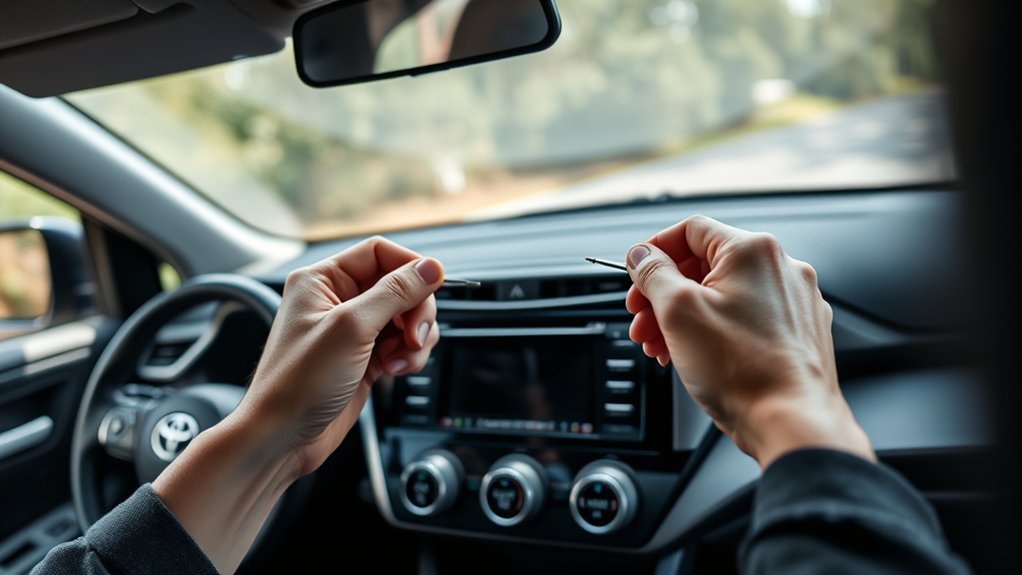
To fix your Toyota RAV4 radio, start by identifying the issue like reboot cycles or sound loss. Perform a soft reset by holding the power/volume knob for 10 seconds or disconnect the battery’s negative terminal for 5 minutes. Check for stuck buttons or loose wiring connections. If problems persist, consider upgrading to an aftermarket radio that fits your vehicle. There’s more you can explore about maintenance and community support for further assistance.
Identifying Your Toyota RAV4 Radio Problems
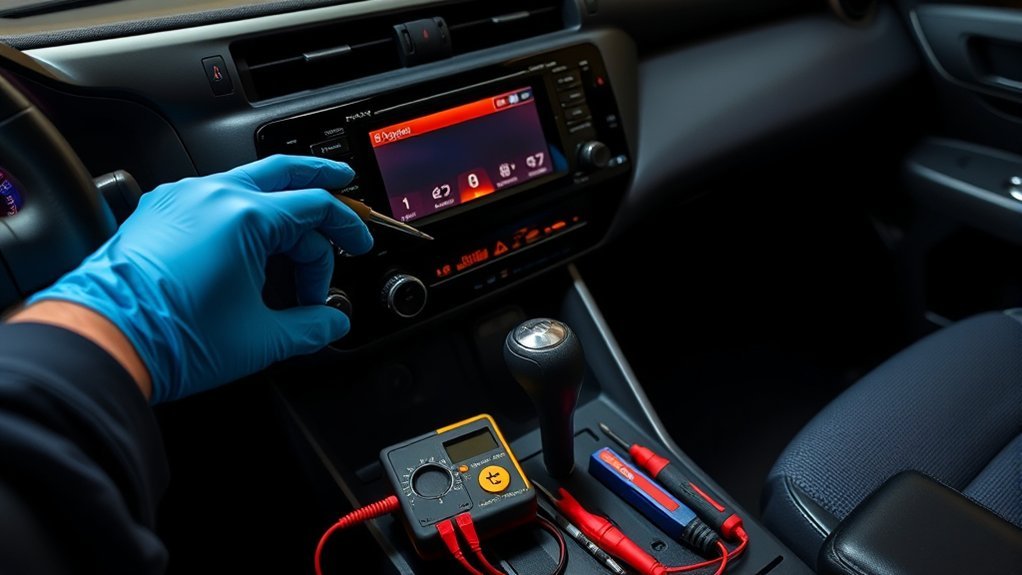
Have you noticed your Toyota RAV4 radio acting strangely? Common issues like reboot cycles, sound loss, and freezing often stem from software glitches or electrical problems. If you’ve disconnected your battery or checked fuses recently, you might experience these symptoms due to power loss. A radio stuck on the Toyota screen usually indicates the need for a soft reset or a deeper electrical reset. It’s important to diagnose further by inspecting for stuck buttons, loose wiring, or blown fuses. Many owners find themselves frustrated with dealer support and high costs for factory replacements, prompting them to explore aftermarket radio solutions. Identifying these issues early can save you time and money while restoring your driving experience.
How to Reset Your Toyota RAV4 Radio
To reset your Toyota RAV4 radio, you can use several effective methods. Start by disconnecting the battery to refresh the system, or try holding down the power/volume knob for a quick reboot. If those don’t work, inspecting for stuck buttons can also help resolve unresponsiveness.
Battery Disconnection Method
One effective method to reset your Toyota RAV4 radio involves disconnecting the negative battery terminal. Start by turning off your vehicle and locating the battery. Use a wrench to loosen the negative terminal, then remove it carefully. Leave it disconnected for about five minutes to guarantee a proper reset. To drain any residual power, press the brake pedal during this period. Afterward, reconnect the negative terminal securely to avoid future power loss that could trigger the radio’s reboot cycle again. Keep in mind that users have reported mixed results with this method; if issues persist, further troubleshooting may be necessary. This battery disconnection approach is often recommended as a first step in addressing electronic issues with your RAV4’s infotainment system.
Soft Reset Steps
Resetting your Toyota RAV4 radio can often resolve minor glitches and restore functionality. To perform a soft reset, press and hold the power/volume knob for about 10 seconds until the system reboots. If the radio remains unresponsive, remove the map card from the audio display, wait a moment, then reinserting it can sometimes fix issues. Additionally, check for any stuck buttons, as they could hinder proper operation. If these methods don’t yield results, consult your vehicle manual for specific troubleshooting steps or consider professional assistance. Remember, a soft reset is an effective first step in reclaiming your audio experience, ensuring you enjoy your drives to the fullest.
Electrical Reset Technique
If the soft reset doesn’t resolve your Toyota RAV4 radio issues, an electrical reset can provide a more thorough solution. Start by disconnecting the negative battery terminal for about 5-10 minutes. This allows your audio system to reset itself. Alternatively, after disconnecting, touch the positive and negative battery cables together for a few seconds to drain any residual power. Be certain to handle the wiring with care to avoid accidental damage or short circuits. Once you reconnect the battery, see if the radio comes back to life, including sound and display. If problems persist, check for loose connections or seek professional help to verify everything works seamlessly with your backup camera and head unit.
Step-by-Step Troubleshooting for Radio Problems
Troubleshooting radio problems in your Toyota RAV4 can seem intimidating, but following a systematic approach can help you identify and resolve issues effectively. Start with these steps:
Troubleshooting your Toyota RAV4’s radio can be straightforward with a systematic approach to identify and resolve issues.
- Disconnect the Battery: This resets the radio system and may fix reboot cycles.
- Inspect Fuses: Look for blown fuses related to the audio system, replacing any to guarantee proper power delivery.
- Check Wiring Connections: Examine the wires behind the radio for looseness or corrosion, as these can cause intermittent issues.
If problems persist, consider consulting the community for aftermarket radio options. Many users have successfully replaced malfunctioning factory units, providing a potential pathway to restore your audio experience.
Troubleshooting Electrical Issues in Your RAV4 Radio

Identifying electrical issues in your Toyota RAV4 radio requires a focused approach, especially after addressing general radio problems. Start with electrical diagnostics by inspecting and replacing any blown fuses connected to the radio system; faulty fuses can disrupt the power supply. Next, check for loose or corroded wiring connections behind the radio unit, as these can cause intermittent sound loss and display issues. Verify your battery is providing adequate voltage, since weak performance can affect the radio’s functionality. Regularly update the radio system’s firmware to prevent software glitches. If you continue to experience issues, consult a professional technician to diagnose potential internal faults within the radio unit or related components for accurate resolution.
Choosing Aftermarket Radios for Your RAV4
When you’re looking to upgrade the radio in your Toyota RAV4, it’s essential to select an aftermarket unit that fits both the vehicle’s dimensions and wiring harness to confirm seamless integration. Consider these aftermarket features to enhance your driving experience:
- Touchscreen Displays: Modern interfaces for easy navigation and control.
- Bluetooth Connectivity: Stream music and take calls hands-free for safer driving.
- Smartphone Integration: Access apps and navigation through Apple CarPlay or Android Auto.
Additionally, verify compatibility with your steering wheel controls to maintain functionality. Research user reviews and feedback on various models to find reliable options that perform well in RAV4s. Also, assess the installation complexity; some units allow for DIY setup, while others might need professional assistance.
When to Call for Professional Help?
If you’re experiencing persistent issues with your Toyota RAV4 radio that simple fixes haven’t resolved, it’s time to contemplate professional help. A stuck reboot cycle, despite battery disconnection or soft resets, often indicates internal problems requiring expert audio diagnosis. If you notice gradual sound loss or complete silence, faulty components may be at play, necessitating evaluation by a technician. Flickering displays or unusual noises suggest underlying electrical issues that shouldn’t be ignored, as they can lead to further damage. Additionally, error messages or unfamiliar codes indicate a need for specialized diagnostic tools. If attempts to check fuses or wiring connections haven’t resolved the issues, seeking professional assistance is essential for a proper and lasting solution.
How to Maintain Your Toyota RAV4 Radio for Longevity
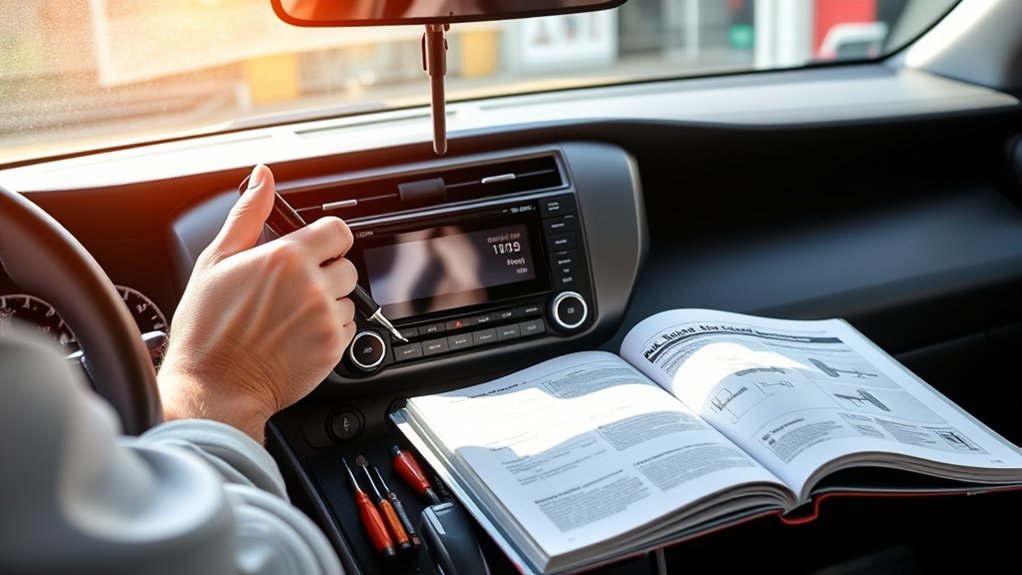
To maintain your Toyota RAV4 radio’s longevity, regularly update its software to enhance performance and eliminate bugs. Additionally, protect the unit from extreme temperatures, which can damage its electronic components over time. Taking these steps will help guarantee your radio operates smoothly for years to come.
Regular Software Updates
Maintaining your Toyota RAV4 radio’s longevity hinges on regular software updates, which greatly enhance its performance and reliability. Staying current with these firmware enhancements prevents glitches and boosts system responsiveness. To keep your radio running smoothly, follow these steps:
- Check for Updates: Regularly access the infotainment system settings to look for available updates.
- Visit Authorized Service Centers: Utilize Toyota dealerships during routine maintenance visits for hassle-free updates.
- Install Updates Promptly: Act quickly on notifications to avoid known bugs, like freezing or reboot loops.
Protect From Extreme Temperatures
Extreme temperatures can greatly impact the performance and lifespan of your Toyota RAV4 radio. Effective Temperature Management is essential to protect internal components from excessive heat that can warp them, leading to malfunctions or total failure. In colder climates, freezing temperatures can cause erratic behavior in electronic components. To mitigate this, consider parking in a garage or using a windshield sunshade. Regularly check your vehicle’s climate control settings to verify the radio isn’t exposed to extreme conditions while driving. Additionally, park in shaded areas or use car covers to maintain a moderate cabin temperature. By maintaining a consistent interior environment, especially during extreme weather, you can notably extend your RAV4’s radio lifespan and avoid costly repairs.
Community Support and Shared Experiences for RAV4 Owners
While maneuvering the complexities of radio issues in your Toyota RAV4, you’ll find that the Rav4 World community offers a wealth of support and shared experiences from fellow owners. This platform is invaluable for finding community solutions, as members share:
- Troubleshooting Techniques: Users discuss steps like battery disconnection and system resets, detailing their outcomes.
- DIY Fixes: Many have successfully tackled reboot cycles and explored aftermarket replacements, often with mixed results.
- Cost-Saving Alternatives: With dealership repairs averaging $695, shared experiences encourage opting for community-driven solutions.
This collaborative spirit fosters a sense of unity among RAV4 owners facing similar issues, empowering you to explore solutions while avoiding costly dealership visits.
Frequently Asked Questions
Why Is My Radio Not Working in My RAV4?
Your radio might not be working due to audio issues like faulty connections, blown fuses, or a failing amplifier. Try resetting the system; if problems persist, consult a technician or consider replacing the radio.
Why Is My Toyota Radio Screen Not Working?
Your Toyota radio screen’s not working due to pesky screen issues like software glitches, loose wires, or blown fuses. A quick reset or fuse check might just liberate your audio experience from the depths of silence.
How to Reset Toyota RAV4 Radio?
To reset your Toyota RAV4 radio, disconnect the battery for a few minutes, remove the map card, or hold the power knob for ten seconds. These radio troubleshooting methods can help restore functionality effectively.
What Is the Most Common Problem With RAV4?
The most common problem with RAV4 models, particularly the 2014 version, involves radio issues like reboot cycles or sound loss, often tied to electrical glitches and loose connections, which may trigger RAV4 recalls for repairs.
Conclusion
In summary, troubleshooting your Toyota RAV4 radio can range from simple resets to complex electrical issues. For instance, a RAV4 owner once resolved a persistent audio cut-out by replacing a faulty wiring harness, saving hundreds in dealership repairs. By following the outlined steps and maintaining your radio regularly, you can guarantee maximum performance and longevity. If problems persist, don’t hesitate to seek professional help to avoid further complications. Your RAV4’s audio experience is worth the effort!
