To set the clock in a Toyota RAV4, open the clock or general settings on the audio or touchscreen display and adjust the hours and minutes, or switch on automatic GPS time if your system offers it. Menus differ by year and audio system, so follow the owner’s manual for your model. If the clock keeps resetting or is an hour off, check the time zone and daylight saving settings and the 12V battery.
How to Set the Clock in a Toyota RAV4
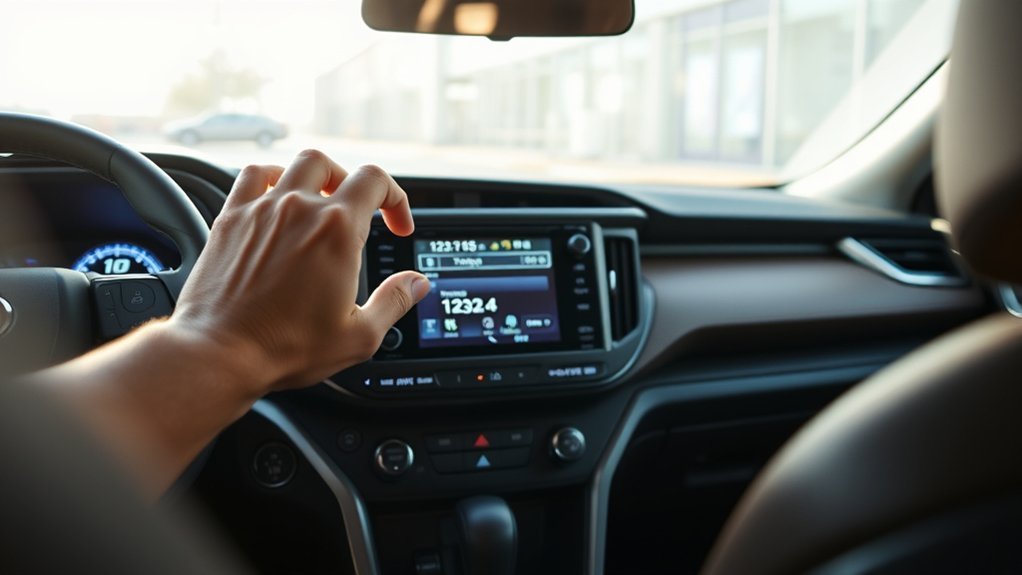
- Switch the ignition or accessory mode on.
- Open the Setup or Settings menu on the display.
- Choose General, Clock or Time.
- Adjust the hours and minutes, or choose automatic time.
- Save and check the display.
Top Reasons Your RAV4 Clock Isn’t Syncing Properly
The main causes are settings, a poor GPS signal or outdated software.
Clock Settings Configuration Issues
Automatic time may be turned off, or the time zone or daylight saving setting may be wrong. Check these first.
GPS Signal Reception Problems
If the system sets the clock from GPS, a weak signal in a garage or tunnel can delay the update. Drive in the open for a few minutes.
Software Update Necessity
Outdated audio or navigation software can cause clock errors on some systems. Ask a dealer whether an update is available for your year.
Accessing the Entune Audio Display for Clock Adjustment
On models with Entune or a similar system, the clock is in the settings menu. Other years use buttons on the dashboard, so follow the manual.
Step-by-Step Guide to Adjusting Your RAV4 Clock
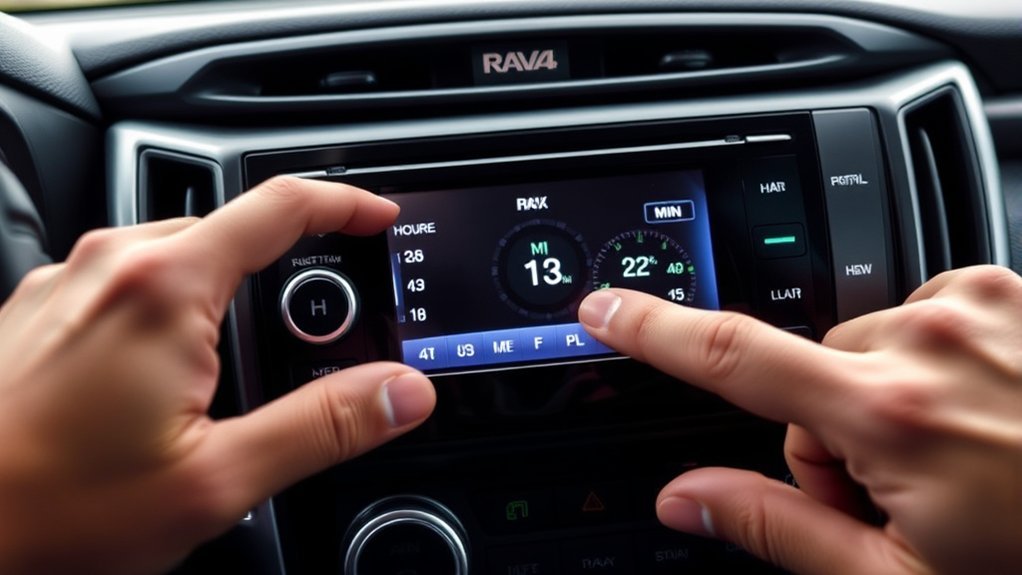
The steps below are general. Your menu names may differ.
Accessing Entune Audio Display
Turn on the audio system and press the Setup or Menu button or icon.
Changing Clock Settings
- Choose the clock or time option.
- Select hours or minutes.
- Change them with the arrows or the dial.
- Confirm and exit.
Troubleshooting Clock Issues
- The clock resets: check the 12V battery and its terminals.
- The time is an hour off: check daylight saving and the time zone.
- The time cannot be changed: it may be set by GPS, so turn off automatic time first.
How to Troubleshoot Clock Sync Issues?
- Check automatic time and the time zone.
- Drive in the open for a few minutes.
- Restart the audio system.
- Ask a dealer about software updates.
How GPS Can Automate Your Clock Updates
When the system supports it, it sets the time from the GPS signal, so you do not need to adjust it for travel or daylight saving.
User Feedback on RAV4 Clock Adjustments

Alternative Timekeeping Solutions for Your RAV4
If the in-car clock is a nuisance, the time is also available on your phone or watch and on the navigation screen if your car has one.
When to Seek Professional Help for Clock Problems?
If the clock keeps resetting after you check the settings, the 12V battery or the audio unit may be at fault, so ask a dealer to check.
Frequently Asked Questions
How to Fix the Clock on RAV4?
Open the clock settings on the display and set the time, or turn on automatic time. If it keeps resetting, check the battery.
How to Fix a Clock in a Toyota?
Use the audio system settings or the clock buttons on the dashboard, depending on your model. See the manual.
How Do I Change the Time on My Toyota Display?
Open Setup or Settings, then General, Clock or Time, and adjust the values.
How to Set the Clock in a 2017 Toyota RAV4?
Use the audio system menu for the clock or the buttons on the dashboard, depending on the system in your car. Check the owner’s manual for the exact steps.
Conclusion
Use the settings menu, check automatic time and look at the battery if the clock keeps resetting.