How to Delete Radio Stations on Toyota RAV4
What’s in This Article
- Understanding the Toyota RAV4 Radio Preset System
- Why You Can’t Delete Presets Directly
- Before You Begin
- Step-by-Step Guide to Overwriting Your Radio Presets
- Effective Strategies for Organizing Radio Presets
- Optimize Audio Settings for Better Organization
- Common User Frustrations With the RAV4 Preset System
- Alternative Methods to Reset Your Radio Presets
- Where to Find Your Owner’s Manual for the RAV4
- Frequently Asked Questions
You can’t directly delete radio stations on most Toyota RAV4 multimedia systems. Instead, you replace an old preset with a new station or remove a favorite from the favorites screen on newer systems.
This guide shows you the safest way to clean up your RAV4 radio presets without wiping other personal settings. You’ll also learn when a reset helps, when it doesn’t, and where to check your exact model’s manual.
Quick Answer
To remove an unwanted radio preset on a Toyota RAV4, tune to a new station and save it over the old preset. On newer Toyota Audio Multimedia systems, you may also tap the favorite icon again to remove that station from favorites. The exact screen layout depends on your RAV4 model year and multimedia system.
Key Takeaways
- You usually overwrite a RAV4 radio preset instead of deleting it from a list.
- Newer Toyota systems may use a favorite icon rather than numbered preset buttons.
- A factory reset can erase more than radio presets, so use it only as a last resort.
- Your owner’s manual gives the most accurate steps for your model year and screen type.
- You should set presets while parked to avoid distraction while driving.
Understanding the Toyota RAV4 Radio Preset System
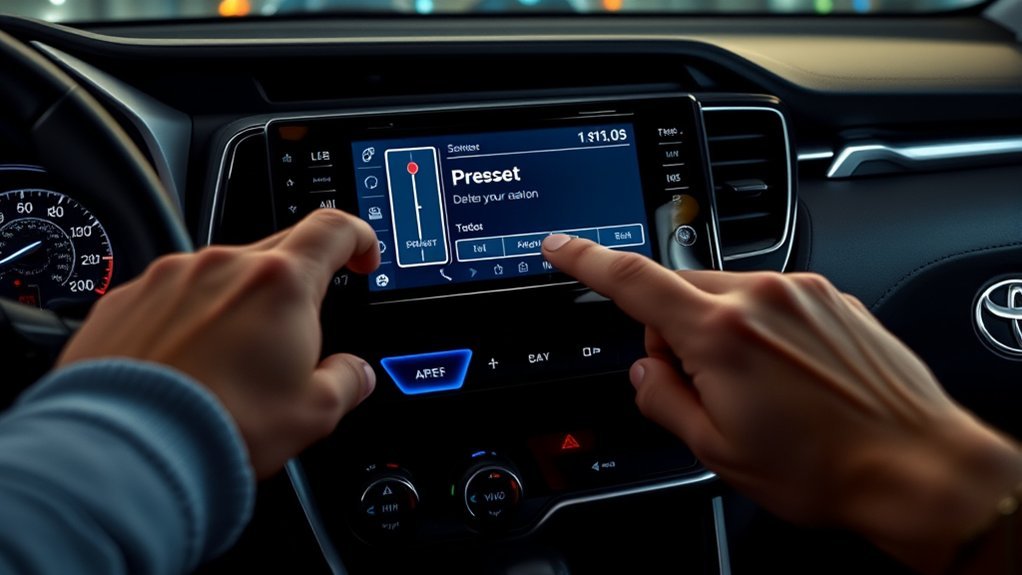
The Toyota RAV4 radio preset system stores your favorite AM, FM, HD Radio, and SiriusXM stations for quick access. Toyota’s multimedia manual describes preset switches and favorites as ways to receive stations or channels you’ve already registered.
Older RAV4 systems often use numbered preset buttons. Newer Toyota Audio Multimedia systems may use a favorites icon, often shown as a heart or star, depending on the screen design.
You may not see a clear “delete preset” button on every RAV4 system. In many cases, you clean up the list by saving a new station over the old one.
Why You Can’t Delete Presets Directly
Toyota designed many RAV4 audio systems around replacing presets, not deleting each preset from a blank list. That design can frustrate you when old stations from a previous owner still fill the screen.
A full multimedia reset may clear saved data on some models, but it can also affect other settings. That makes overwriting the better first choice for most drivers.
Newer systems treat stations more like favorites. If your screen shows a favorite icon beside the current station, tapping that icon again may remove the station from favorites. Check your manual because Toyota changed the layout across model years.
Before You Begin
Estimated total time: 2 to 5 minutes.
You don’t need tools to change your radio presets. Park your RAV4 first, then use the multimedia screen, tuning controls, and steering wheel controls only when safe.
- Know your RAV4 model year and multimedia screen type.
- Choose the new AM, FM, HD Radio, or SiriusXM station you want to save.
- Keep your owner’s manual nearby if your screen layout differs from these steps.
- Avoid disconnecting the 12-volt battery unless a qualified technician recommends it.
Warning: Set or change radio presets while parked, not while driving, because screen use can distract you.
Step-by-Step Guide to Overwriting Your Radio Presets
Overwriting your radio presets gives you the quickest way to replace stations you no longer want. These steps work best for RAV4 systems with numbered preset buttons or preset tiles.
Overwriting Existing Presets
- Press the AUDIO button or open the Audio screen from the main menu.
- Select your source, such as AM, FM, HD Radio, or SiriusXM.
- Tune to the station or channel you want to save.
- Choose the preset slot you want to replace.
- Press and hold that preset slot until the system confirms the save with a beep, highlight, or screen change.
- Test the preset by switching away and tapping the same preset again.
You can’t always create an empty preset slot. You can replace an unwanted station with a station you actually use.
Managing Preset Options
Keep your presets easy to use by assigning each slot with a clear purpose. Put your most-used stations near the beginning, then place less-used stations later.
- Use the first preset for your daily station.
- Place news, talk, and traffic stations together.
- Group music stations by genre or source.
- Save SiriusXM channels together if your RAV4 has an active subscription.
This setup reduces screen taps and helps you change stations faster.
Effective Strategies for Organizing Radio Presets
Good preset organization matters more when the system won’t let you delete every old station. A simple plan helps you find the right station without scrolling through clutter.
Overriding Existing Presets
Use old preset slots as placeholders for better stations. Each time you find a station you prefer, save it over the least useful preset.
- Replace duplicate stations first.
- Move your top stations to the first page or first row.
- Keep AM and FM presets in a predictable order.
- Update presets after you move to a new city or travel route.
This method gives you a cleaner setup without using a system reset.
Organizing By Station Type
Organizing your radio presets by station type can make your RAV4 easier to use. You can group your favorites into AM, FM, and SiriusXM categories.
| Station Type | Preset Number | Example Station |
|---|---|---|
| AM | 1 | Talk Radio |
| FM | 2 | Pop Hits |
| SiriusXM | 3 | Classic Rock |
| FM | 4 | News |
Use the table as a simple layout, not a fixed rule. Your best order depends on what you listen to most.
Managing Preset Limitations
Preset limits vary by model year and multimedia system. Toyota’s newer multimedia manual notes that some systems can store a mix of stations across AM, FM, and SiriusXM bands.
- Keep only stations you use often near the top of the list.
- Replace stations with poor reception during normal driving routes.
- Use favorites for stations you want fast access to on newer screens.
- Check Sound & Media or Radio settings if your system offers display options.
Optimize Audio Settings for Better Organization
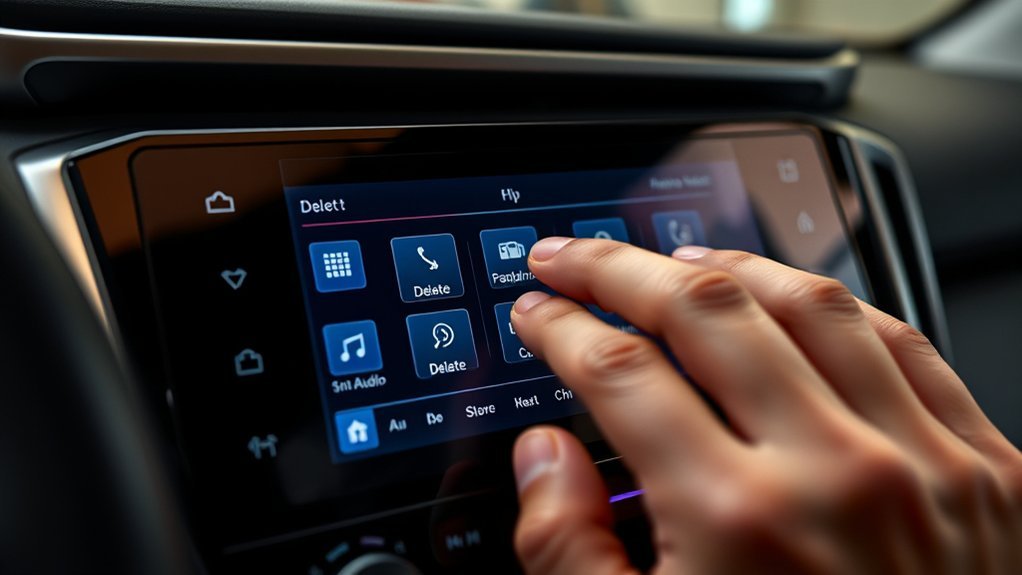
Open your RAV4’s Sound & Media settings to review radio and audio options. Toyota manuals show this area can include sound tuning, radio settings, SiriusXM preferences, and related media options.
These settings won’t always add a delete button for presets. They can still help you improve your listening experience by changing sound balance, voice prompts, radio display behavior, or SiriusXM preferences.
Use steering wheel controls to switch through saved stations when possible. This can reduce screen interaction during a drive.
Common User Frustrations With the RAV4 Preset System
Many RAV4 owners feel confused when they can’t find a direct delete option for radio presets. The problem gets worse when a used RAV4 still has stations from the previous owner.
- Old AM, FM, or SiriusXM presets can clutter the list.
- Some systems require overwriting instead of direct deletion.
- Different model years use different screen layouts.
- Owner’s manual wording may not match every user’s search terms.
Start with overwriting because it solves most preset clutter without risk. Save resets for deeper multimedia problems, not normal preset cleanup.
Alternative Methods to Reset Your Radio Presets
If overwriting doesn’t solve your problem, you can review reset options. Use caution because reset methods can erase other personal settings.
Avoid the Battery Disconnection Method Unless Necessary
Some owners try disconnecting the 12-volt battery to force the system to refresh. This method can affect clock settings, stored preferences, and other vehicle data, and it may not remove every preset.
Don’t use battery disconnection as your first fix. Ask a Toyota dealer or qualified technician if your multimedia system freezes, fails to save stations, or shows ongoing electrical issues.
- It can reset more than radio presets.
- It may not clear the station list.
- It can create avoidable setup work afterward.
- A normal multimedia restart or overwrite usually makes more sense.
Factory Reset Process
A factory reset may clear radio presets on some RAV4 systems, but it can also erase personal settings. Use it only when you want a broader multimedia reset.
Open the multimedia settings menu and look for reset or personal data options listed for your model. Follow your owner’s manual because Toyota changes menu names across model years.
Note: Restarting the multimedia system can help with slow response, but it doesn’t always delete saved presets.
Where to Find Your Owner’s Manual for the RAV4
Your owner’s manual gives the most reliable instructions for your exact RAV4. Toyota publishes digital manuals through the Toyota Owners website, and many vehicles also include a printed manual.
- Check the glove compartment: many owners keep the printed manual there.
- Visit Toyota Owners: search by model year and vehicle type.
- Use the Toyota app: check whether your account shows digital owner resources.
- Match the manual to your model year: a 2019 RAV4 screen can differ from a 2024 RAV4 screen.
The right manual can save you time because Toyota uses different multimedia systems across trims and years.
Quick Answers About RAV4 Radio Presets

You can usually replace unwanted presets by saving a new station in the same slot. If your RAV4 uses a favorites icon, select the station and tap the icon again if your screen offers that option.
If you want a full reset, check the multimedia settings menu first. Avoid battery disconnection unless you know the possible effects or a technician advises it.
Community Insights: Sharing Solutions and Tips for RAV4 Owners
RAV4 owners often share preset tips in forums and owner groups. Treat those tips as helpful ideas, not official instructions, because screen layouts and software versions can differ.
Managing RAV4 radio presets gets easier when you know whether your system uses preset buttons, favorite icons, or both.
- Reassign presets to new stations instead of trying to empty each slot.
- Check your owner’s manual for your exact multimedia system.
- Use owner forums for ideas, then verify the steps in Toyota’s manual.
- Reserve resets for problems that overwriting can’t fix.
Troubleshooting When RAV4 Radio Presets Won’t Save
If your RAV4 won’t save a preset, start with the simplest checks. Make sure you press and hold the preset long enough for the system to confirm the save.
- Try a different preset slot to rule out a screen touch issue.
- Confirm you selected the correct source before saving the station.
- Restart the multimedia system if the screen responds slowly.
- Check for a software update or dealer support if the issue keeps happening.
If your RAV4 has driver profiles, confirm you use the correct profile. Some multimedia settings may connect to the active driver profile.
Frequently Asked Questions
How do you change radio presets in a Toyota RAV4?
Open the Audio screen, choose your source, and tune to the station you want. Press and hold the preset slot you want to replace until the system confirms the save.
How do you reset the radio on a Toyota RAV4?
Some RAV4 systems let you restart the multimedia system by pressing and holding the power or volume control. A deeper factory reset may sit in the settings menu, but it can erase more than radio presets.
Are radio presets the same as Toyota navigation favorites?
No. Radio presets save stations or channels, while navigation favorites save places or destinations. Manage navigation favorites from the navigation or saved places menu, not the radio screen.
How do you delete SiriusXM stations from a RAV4?
On many RAV4 systems, you replace a SiriusXM preset by saving a new channel over it. If your screen uses a favorites icon, select the channel and tap the favorite icon again if your model supports removal.
Can a used RAV4 keep the previous owner’s radio presets?
Yes, a used RAV4 can still show presets saved by a previous driver. Replace those stations one by one, or review reset options if you also want to clear broader personal data.
Conclusion
The easiest way to clean up Toyota RAV4 radio presets is to save new stations over the old ones. Check whether your system uses numbered preset buttons or a favorites icon, then follow the method that matches your screen.
Use a factory reset only when you want to clear more than radio presets. Once your list fits your driving routine, every trip feels simpler and more personal.
References
- 2024 RAV4 Hybrid Owner’s Manual — Toyota Owners, 2024
- 2023 Toyota Multimedia Owner’s Manual — Toyota Motor Sales, U.S.A., Inc., 2023
- How To: Toyota Radio Presets — Dolan Toyota, 2016
