
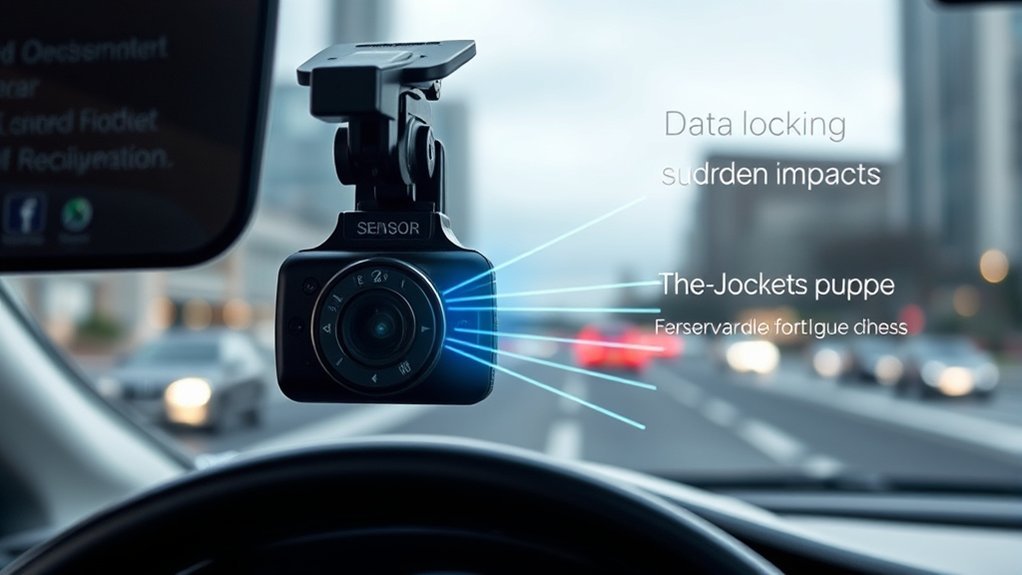
A G-Sensor on a dash cam measures acceleration and detects sudden motion changes. It plays a vital role by locking important footage during collisions to prevent overwriting, which is essential for insurance claims. You can adjust the sensitivity levels to customize how responsive it is to disturbances. Additionally, it improves vehicle security in parking mode by activating recordings during impacts or movements. There’s much more to explore about its practical applications and features.
What Is a G-Sensor and Why Does It Matter?
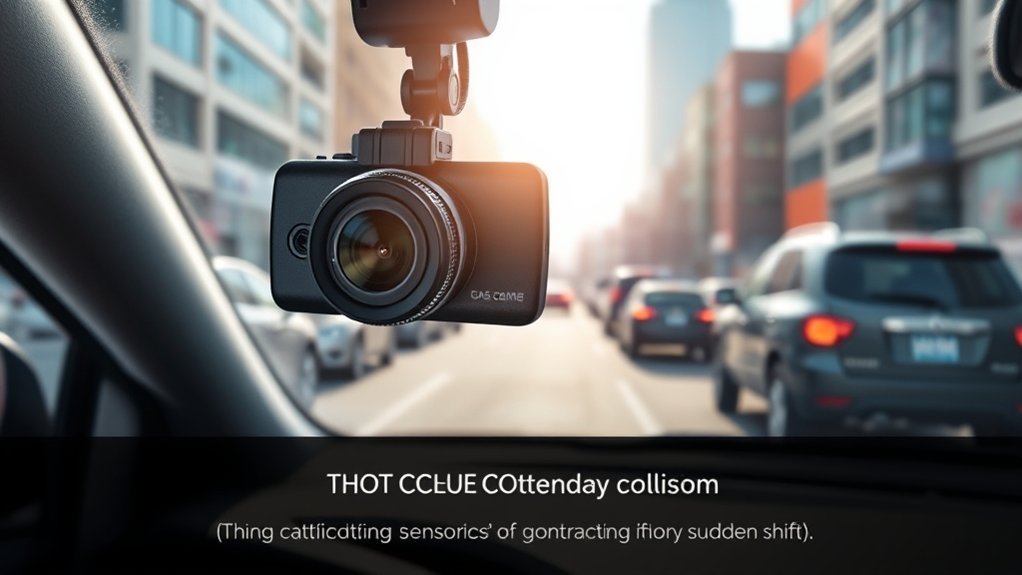
A G-Sensor, or gravity sensor, is an indispensable component of a dash cam that measures acceleration and detects sudden motion changes. This technology plays a significant role in ensuring your safety on the road. When the G-Sensor detects sudden changes, it triggers the dash cam to protect and save critical footage during collisions, ensuring evidence is preserved. These safety features enhance the reliability of your dash cam by marking important video files as read-only during incidents, preventing accidental overwrites.
Additionally, G-Sensors can monitor parked vehicles, detecting disturbances like impacts or break-ins, which can provide peace of mind. With continuous recording capabilities, your dash cam remains vigilant, capturing every significant event. Ultimately, understanding how a G-Sensor functions empowers you to leverage this technology effectively, making informed choices that enhance your safety and security while driving and while parked.
How G-Sensor Sensitivity Impacts Performance?
When it comes to dash cams, G-Sensor sensitivity plays an essential role in how effectively your device captures and secures important footage. The sensitivity level determines how well your dash cam can detect and record changes in acceleration, impacting its performance during accidents. Here’s a breakdown of how different sensitivity settings affect functionality:
| Sensitivity Level | Impact on Recorded Footage |
|---|---|
| High | Detects minor disturbances, leading to excess locking of files. |
| Medium | Balances responsiveness and minimizes unnecessary locks. |
| Low | May miss critical incidents, risking loss of important footage. |
| Customized | Allows for adjustments based on driving conditions, optimizing performance. |
Proper calibration is essential for distinguishing between regular driving and significant events, ultimately enhancing the reliability of incident documentation for insurance claims and legal matters. Adjusting the G-Sensor sensitivity can mean the difference between crucial evidence and missed opportunities.
How Does the Auto-Lock Feature Keep Your Footage Safe?
By detecting sudden changes in acceleration, the auto-lock feature of your dash cam plays an important role in preserving essential footage during collisions or impacts. When a collision occurs, the G-Sensor activates the auto-lock mechanism, marking the recorded video as read-only. This prevents critical footage from being overwritten during regular use, securing valuable video evidence recorded at the moment of impact and shortly thereafter. This feature is significant for insurance claims and legal proceedings, as it guarantees that you have access to important moments when you need them most. Additionally, the auto-lock feature enhances the reliability of your dash cam by storing this important footage separately for easy retrieval. You can also adjust the G-Sensor’s customizable sensitivity, allowing you to tailor the activation of the auto-lock feature based on your unique driving conditions, providing a personalized level of protection for your footage.
[Products Worth Considering]
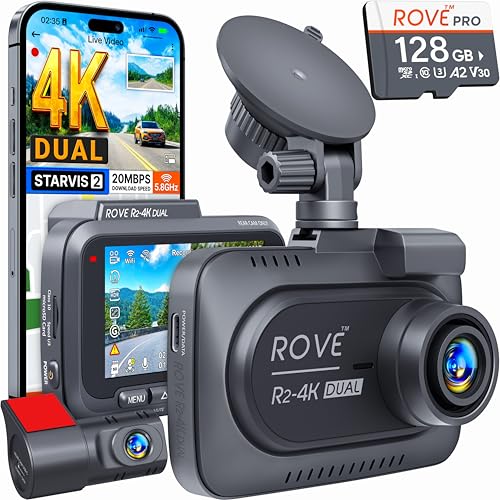
4K FRONT + 1080P REAR RECORDING – ROVE R2-4K DUAL dash cam offers dual-channel recording capabilities, capturing footage simultaneously from both the front and rear cameras. The front camera records at 3840x2160P @30fps, while the rear camera captures 1920x1080P @30fps footage, ensuring clear recordings of the road ahead and behind you. With a 150° ultra-wide angle for the front camera and a 140° angle for the rear camera, you'll capture more of the road with this 4k dash cam.
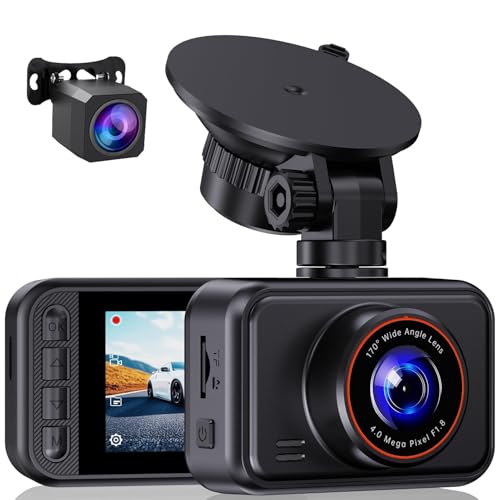
【2.5K Dashcam Front and Rear Cameras】The S60 dash cam delivers unparalleled clarity with a 2560*1440P front camera and a 1080P rear camera, With ultra-wide angle shooting from both front and rear cameras, complete coverage of your driving experience.

【NOTE】The dash cam has a screen saver function, the screen will close at a fixed time, to prevent being too bright and influencing driving, but it won't affect recording even when the screen is closed. If you don't like the function, you can close it on the settings.
How Do G-Sensors Improve Vehicle Security in Parking Mode?
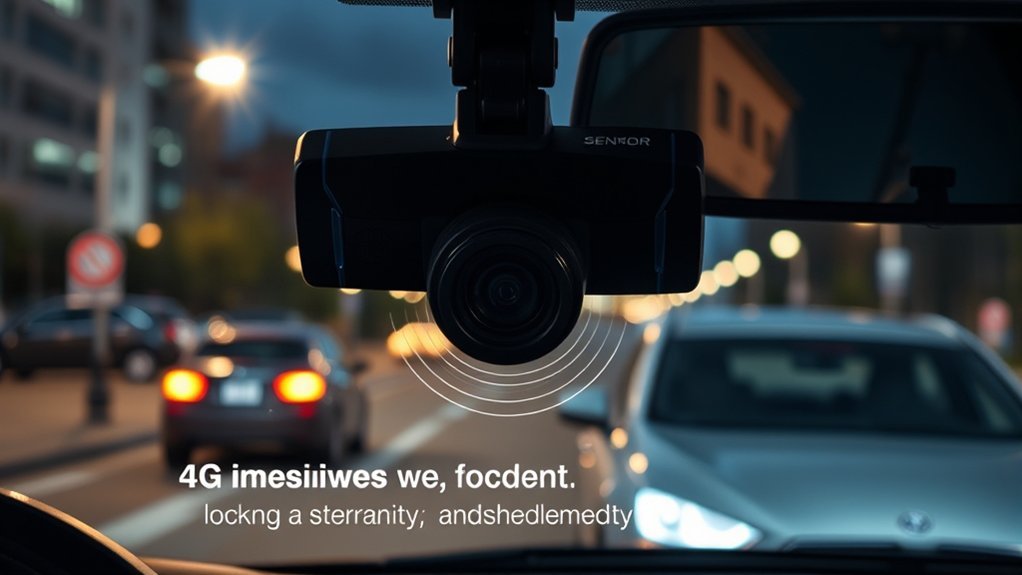
G-Sensors greatly enhance vehicle security in Parking Mode, as they automatically detect impacts or movements around your car. When activated, your dash cam starts recording, providing vital footage of any incidents. This guarantees peace of mind, knowing that you’re covered even when you’re away from your vehicle.
| Feature | Benefit | Functionality |
|---|---|---|
| Impact Detection | Immediate recording during disturbances | Captures events leading up to an impact |
| Motion Detection | Alerts you to potential theft or vandalism | Automatically triggers recording |
| Buffered Parking Mode | Pre-event footage for critical evidence | Stores footage just before an incident |
| Time Lapse Mode | Efficient storage use while monitoring | Continuous recording at lower frame rates |
[Products Worth Considering]

[4K+2.5K Dual Dash Cam Front and Rear] – The front dash cam records stunning 4K videos, while the rear camera delivers crisp 2.5K HD footage. Experience ultimate coverage: 170° ultra-wide front lens and 165° wide rear angle minimize blind spots. This dual dashcam ensures high-definition recording front and back. Download driving videos easily via the free app. Get clear evidence day or night – record your road trips with peace of mind! Fits minivans, buses, cars, trucks & more.

Ultra HD 4K Front + 4K Rear Recording: The Terunsoul dash cam supports dual-channel simultaneous recording, capturing both front and rear footage. Both cameras record in 3840×2160P, ensuring clear footage of the road ahead and behind. The front camera features a 170° ultra-wide-angle lens, providing full coverage of six-lane roads and capturing more road details with this 4K dash cam

【Unmatched Clarity with 1296P HD Resolution】Experience the road like never before with the Veement V300 1296P car dash cam. Capturing ultra-clear footage at 2304*1296@30FPS, this dash camera for cars ensures every detail is preserved with exceptional clarity, offering comprehensive coverage both day and night.
Practical Use Cases for G-Sensor Equipped Dash Cams
Dash cams equipped with G-Sensors offer practical solutions for a variety of driving scenarios, enhancing both safety and security. Here are some key use cases:
- Accident Documentation: The G-Sensor locks footage during collisions, preserving crucial evidence for insurance claims.
- Parking Protection: In parking mode, it activates buffered recording, capturing pre-event footage of impacts while your vehicle is stationary.
- Liability Disputes: G-Sensor-equipped cams provide objective documentation, helping to resolve liability issues and expedite claims processes.
- Custom Sensitivity Settings: You can adjust the sensitivity of the G-Sensor to prevent false triggering from minor bumps, ensuring only significant incidents are recorded.
Using a dash cam to protect your vehicle and yourself not only enhances security but also streamlines the claims process, giving you peace of mind on the road.
[Products Worth Considering]

【UHD 4K Front+1080 Rear+1080P Cabin Recording】-SHRINLUCK brings you the X5 dash cam front and rear inside , which can record Ultra HD 4K front video+1080P internal video+1080P rear video. SHRINLUCK X5 dashcam can help you read key details such as road signs and vehicle license plates more clearly, bringing you better driving pleasure and better security. This car camera is equipped with a 176° wide-angle front camera and a 160° wide-angle internal & rear camera, recording everything you need.

【4K+1080P UHD 2160P Dual Dash Cam】 Experience your drive in breathtaking 4K UHD resolution with a 160-degree wide-angle view for the AFFVER front dash cam, and a 1080P resolution with a 155° wide-angle for the rear camera, providing smooth, cinematic video evidence for accident disputes and insurance claims. The perfect dash camera for family vehicles, new drivers, and Uber/Lyft drivers.

【Dash Cam Front and Rear Inside 4K+1080P+1080P】The Nanoby M1 dash cam captures crisp, high-resolution footage from all angles — 4K front, 1080P interior, and 1080P rear — providing comprehensive protection against accidents and road disputes. With 160° front and 155° cabin and rear views, this triple dash cam offers full coverage—ideal for daily driving, rideshares, taxis, and family trips.
Frequently Asked Questions
What Should I Set My G-Sensor To?
Set your G-sensor to medium for ideal sensitivity settings. Adjust levels based on your driving conditions. Consult your dash cam’s calibration guide and review footage regularly for effective troubleshooting and user preference adjustments.
Should the G-Sensor on the Dash Cam Be on High?
Setting your dash cam’s G-sensor to high enhances accident detection and safety features, maximizing its advantages. However, consider user preferences and storage management, as this sensitivity level may fill storage quickly with locked files.
What Is the G-Sensor Used For?
When it comes to protecting your ride, the G sensor’s functionality detects impacts, activating recording. Proper calibration and sensitivity settings enhance its importance, offering advantages like incident documentation and safeguarding against theft with various G sensor types.
Where Is the G-Sensor Located?
The G-Sensor’s typically located on the dash cam’s circuit board, ensuring ideal functionality. Proper G-Sensor placement and calibration enhance sensitivity, while regular maintenance maximizes advantages of various G-Sensor types and technologies for reliable incident detection.
Conclusion
In the world of dash cams, the g-sensor acts as a vigilant guardian, sensing impacts like a watchful eye. Its sensitivity settings adjust the responsiveness, ensuring that every jolt is captured. The auto-lock feature serves as a protective vault, safeguarding essential footage. When parked, it transforms into a silent sentinel, enhancing your vehicle’s security. By understanding these elements, you empower yourself to make informed decisions, turning your dash cam into a reliable witness on the road.







Leave a Reply