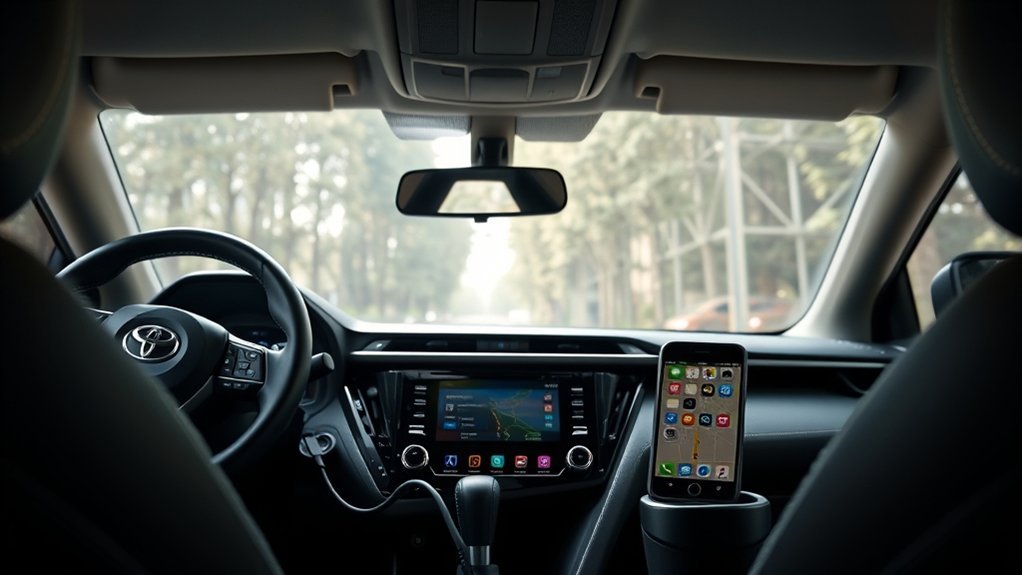
Yes, the Toyota RAV4 is compatible with Android Auto starting from the 2020 model year. All 2022 RAV4 models come standard with this feature, allowing seamless connectivity for your Android device via a wired connection. However, earlier models, like the 2019 RAV4, don’t support Android Auto. Make sure to use a compatible USB cable for the best experience. If you’re curious about enhancing your RAV4’s connectivity, there’s more valuable information ahead.
Understanding Android Auto Compatibility in the RAV4
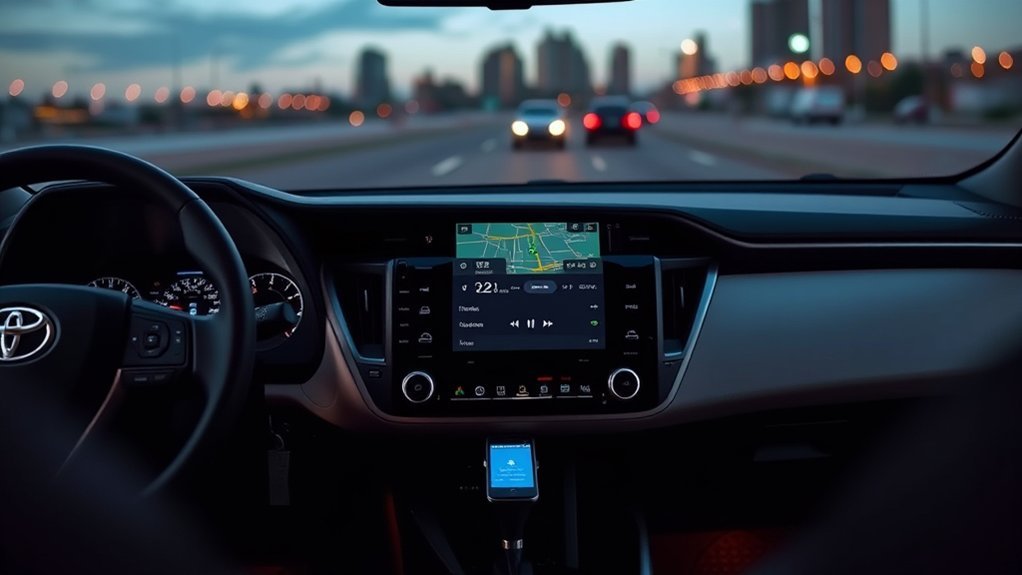
When you consider the Toyota RAV4, it’s essential to understand how Android Auto compatibility has evolved, especially since it became available in the 2020 models. With all 2022 RAV4 models now featuring standard Android Auto, you’ll experience a more integrated driving experience. However, it’s important to remember that you need a wired connection to make it work.
While many drivers enjoy the enhanced connectivity, some RAV4 owners from 2020 to 2024 report frustrating connectivity issues. These problems can stem from outdated software or incompatible USB cables, so keeping your vehicle updated is critical. Unfortunately, Toyota hasn’t offered retrofits for the 2019 models, which only support Apple CarPlay, leaving some owners seeking third-party solutions for Android Auto. Understanding these nuances will empower you to make the most of your RAV4’s tech capabilities and enjoy a seamless driving experience.
Connecting Your Android Device to a RAV4
To connect your Android device to a Toyota RAV4, start by using a compatible USB cable that plugs into the front dash USB port, as Android Auto requires a wired connection for peak performance. Make certain your Android device has the latest version of the Android Auto app installed; this is vital for smooth functionality. Once connected, your RAV4’s infotainment system should recognize your device, allowing you to access apps, navigation, and music seamlessly.
If you run into connection issues, consider switching out the USB cable, as some might only support charging without data transfer. Keep in mind that while all 2022 Toyota RAV4 models support Android, earlier versions, like the 2019 RAV4, don’t offer this compatibility. In such cases, you might need to explore third-party solutions or upgrade to newer Toyota RAV4 models for the full Android experience you desire.
Common Android Auto Problems and Solutions for RAV4
Although many RAV4 owners enjoy the benefits of Android Auto, several common issues can disrupt your experience. Some drivers report inconsistent connectivity, with Android Auto working only about 50% of the time. Here’s a quick table summarizing these common problems and solutions:
| Problem | Possible Cause | Solution |
|---|---|---|
| Inconsistent connection | Outdated app or software | Update your Android Auto app |
| Connectivity drops | Incompatible USB cable | Use a high-quality, compatible cable |
| System malfunctions | Infotainment system issues | Restart the vehicle’s infotainment |
| Performance issues | Firmware outdated | Check for firmware updates at the dealer |
| Wireless adapter issues | Compatibility with RAV4 | Research third-party adapters carefully |
Key Features of Android Auto in RAV4
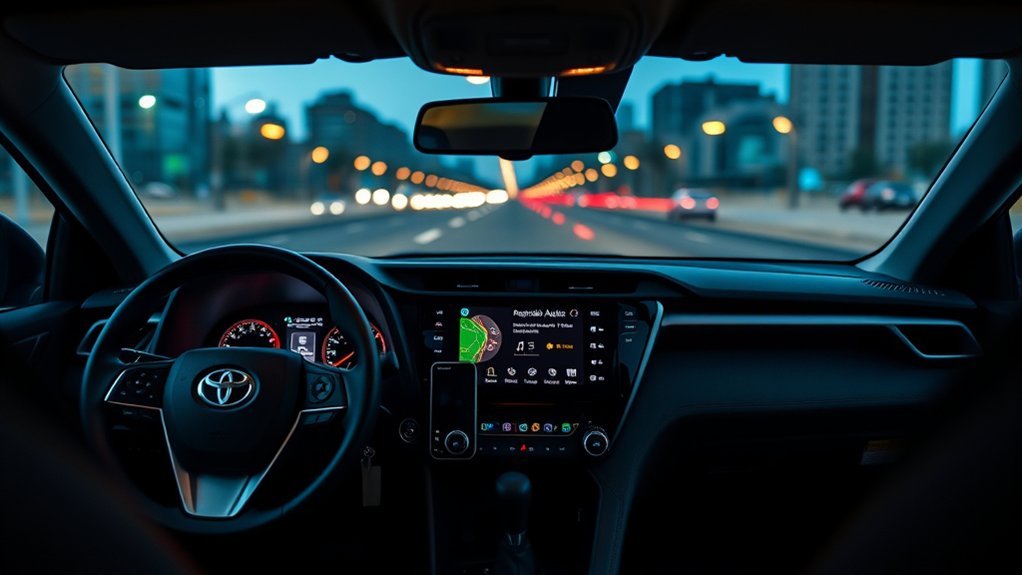
With Android Auto in your Toyota RAV4, you can enjoy seamless smartphone integration that keeps you connected on the go. You’ll find voice command functionality incredibly helpful for guiding and managing your apps without taking your hands off the wheel. Plus, the navigation and mapping features make it easy to find your way, enhancing your overall driving experience.
Seamless Smartphone Integration
When you connect your compatible Android device to the 2022 Toyota RAV4, you access a world of seamless smartphone integration that enhances your driving experience. With Android Auto, you can enjoy the latest automotive technology that keeps you connected while on the road. Here are three key features you’ll love:
- Navigation: Use Google Maps or Waze for real-time traffic updates and directions.
- Music: Stream your favorite playlists through popular apps like Spotify or YouTube Music, all from your RAV4’s infotainment system.
- Messaging: Send and receive messages hands-free, allowing you to stay in touch without distractions.
Voice Command Functionality
As you navigate the roads in your Toyota RAV4, the voice command functionality of Android Auto transforms how you interact with your vehicle’s technology. This feature enables Android to streamline hands-free calling, text messaging, and music control, enhancing your safety and convenience. By pressing the voice control button on your steering wheel or saying “Hey Google,” you can effortlessly access popular apps like Google Maps and Spotify. With improved voice recognition, the system understands a variety of accents, making it more inclusive for all users. This innovative approach reflects the evolving trends within the automotive industry, as new Toyota models prioritize seamless and intuitive interactions, empowering you to stay connected while you drive.
Navigation and Mapping Features
Steering your Toyota RAV4 becomes a breeze thanks to the advanced direction-finding and mapping features of Android Auto. With this integration, you’ll enjoy a streamlined driving experience that suits your needs. Here’s how:
- Real-Time Updates: Access live traffic information and receive ideal route suggestions directly on your infotainment screen.
- Voice Activation: Set destinations hands-free, ensuring you stay focused on the road while directing.
- Customization Options: Tailor your journey by avoiding tolls or highways based on your user preferences, enhancing mapping accuracy.
Whether you prefer Google Maps or Waze, Android Auto offers diverse direction-finding options that empower you to explore confidently. Your journey’s never been this liberating!
Troubleshooting Android Auto Connection Problems
If you’re experiencing issues with your Android Auto connection in your Toyota RAV4, there are several steps you can take to troubleshoot the problem effectively. First, verify your phone connects to the USB port using a compatible data transfer cable; some cables only charge and won’t support Android Auto. If problems persist, try a different cable, as faulty ones are a common culprit. Next, confirm that your vehicle’s projection settings are configured correctly by checking if the projection button responds upon connection. It’s also essential to keep your Android Auto app updated to the latest version, as updates can enhance performance and fix connectivity glitches. Finally, don’t hesitate to restart your vehicle’s infotainment system; this can clear persistent issues, allowing for a fresh connection attempt. By addressing these areas, you’ll enhance your Android Auto experience and enjoy seamless access to third-party apps and wireless connectivity options.
Real User Feedback on Android Auto Performance in RAV4
When you use Android Auto in your 2020-2024 Toyota RAV4, you might find yourself facing frustrating connectivity issues, with successful connections happening only about half the time. Many users share mixed experiences, noting frequent disconnections and the need to manually reconnect. This inconsistency has sparked conversations among owners about potential fixes and alternative solutions, highlighting the gap between expectations and reality.
Connectivity Issues Noted Frequently
Many RAV4 owners have voiced their frustrations about the inconsistent performance of Android Auto, reporting that it only works reliably about 50% of the time across various model years from 2020 to 2024. User experiences reveal the following common connectivity issues:
- Frequent disconnections that interrupt driving experiences, necessitating manual reactivation.
- Reliance on third-party connectivity solutions, like firmware updates and wireless adapters, with mixed success rates.
- Concerns over a paid subscription model for connectivity, which many feel could complicate seamless integration.
These challenges highlight the need for effective troubleshooting methods to enhance your connection experience. As you navigate these issues, staying informed can empower you to find the best solutions for your RAV4.
Mixed User Experiences Reported
User feedback on Android Auto performance in the Toyota RAV4 reveals a landscape of mixed experiences that resonate with the connectivity issues previously discussed. Many owners of newer models (2020-2024) report user frustrations, citing that connectivity challenges arise about 50% of the time. Meanwhile, 2019 RAV4 owners express disappointment as their vehicles don’t support Android Auto at all, leaving them reliant on Apple CarPlay. Attempts at firmware updates often fall short, with no official support from Toyota for retrofitting older models. Community discussions indicate that aftermarket solutions, like wireless adapters, struggle with compatibility, further compounding user frustrations. Overall, while some enjoy Android Auto, many are left seeking more reliable connectivity options.
Tips for Enhancing Your Android Auto Experience
Enhancing your Android Auto experience in a Toyota RAV4 can greatly elevate your driving pleasure and connectivity. Here are some tips to make the most of your setup:
- Use a High-Quality USB Cable: Make certain you’re using a data transfer USB cable. Some cables only charge and can lead to frustrating connectivity issues.
- Keep Your Apps Updated: Verify you have the latest version of the Android Auto app installed. This helps you access user-friendly apps and features while maintaining smartphone safety.
- Familiarize Yourself with Settings: Take the time to learn your vehicle’s projection settings. This knowledge can minimize driving distractions and guarantee a seamless experience.
What’s Next for Android Auto in RAV4?
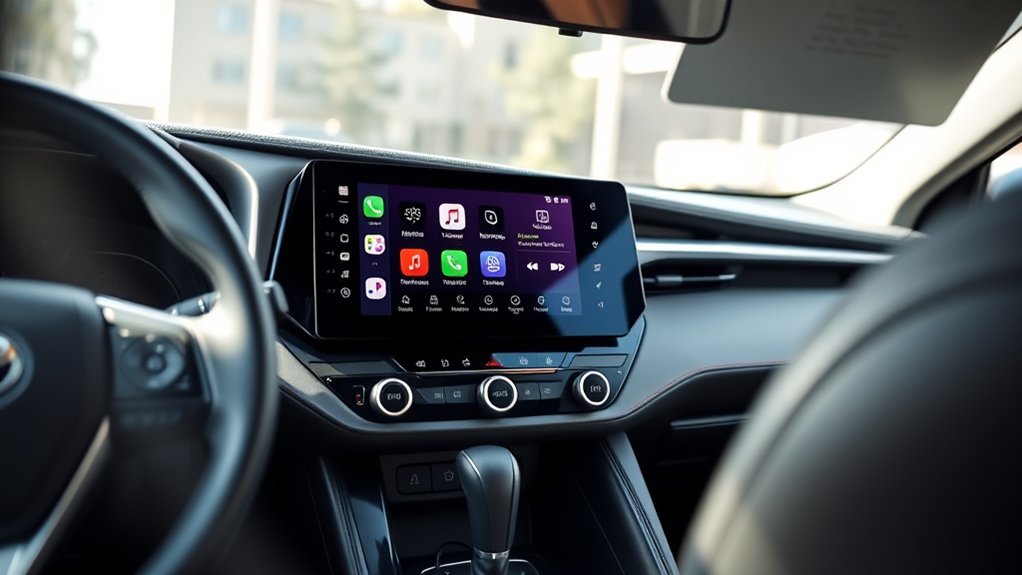
As you look ahead, upcoming software updates for your RAV4 could bring essential improvements to Android Auto functionality. Toyota’s future vehicle models are likely to enhance connectivity, potentially addressing current performance issues. Keep an eye out for these advancements, as they may greatly elevate your driving and tech experience.
Upcoming Software Updates
While Toyota hasn’t confirmed a specific timeline for upcoming software updates, there’s a strong expectation that these improvements will markedly enhance Android Auto functionality in the RAV4. Here’s what you can look forward to:
- Software Improvements: Expect updates aimed at enhancing overall system performance and stability.
- User Feedback Integration: Toyota is likely to prioritize user feedback, addressing connectivity issues many RAV4 owners have reported.
- Connectivity Upgrades: With the introduction of wireless Android Auto in 2023 models, earlier models may receive updates that improve connectivity options.
These enhancements promise to liberate your driving experience, ensuring better integration and performance of Android Auto in your RAV4. Stay tuned for more details as they become available!
Future Vehicle Models
With the shift towards more advanced technology, future Toyota RAV4 models are set to revolutionize your driving experience by greatly improving Android Auto functionality. Starting with the 2023 model, you can expect enhanced integration that facilitates seamless wireless connectivity, aligning with future technology trends. As consumer preferences analysis reveals a strong demand for better connectivity, Toyota will likely refine Android Auto features, addressing previous connectivity issues. Automotive software advancements will enable ongoing updates, enhancing compatibility and performance for users like you. This commitment to innovation guarantees that your RAV4 remains at the forefront of technology, making each drive more efficient and enjoyable. Stay tuned, as these improvements promise to liberate your driving experience even further.
Connectivity Enhancements Expected
Although many users have experienced connectivity challenges with Android Auto in recent Toyota RAV4 models, exciting enhancements are on the horizon. Here’s what you can expect:
- Wireless Features: From 2023 onward, RAV4 models may support wireless Android Auto, making it easier to connect without cables.
- Subscription Services: Toyota might introduce subscription-based connectivity options, which could improve the integration and reliability of Android Auto.
- User Feedback: Ongoing consumer feedback will shape updates, highlighting the necessity for improved performance and addressing existing issues.
These enhancements promise to liberate your driving experience, ensuring that you can effortlessly engage with your favorite apps and services. Stay tuned—better connectivity is coming your way!
Alternative Solutions for RAV4 Owners Without Android Auto
If you own a Toyota RAV4 from 2019 or earlier and find yourself without Android Auto, there are several alternative solutions worth exploring. You might consider third-party devices like AAWireless, which can potentially enable Android Auto functionality, although compatibility isn’t guaranteed. Some savvy users have independently updated their infotainment system’s firmware, which could activate Android Auto features on certain models, but keep in mind this isn’t officially supported by Toyota.
If you’re facing connectivity issues, try different USB cables or simply restart your infotainment system; these steps can sometimes resolve problems effectively. Don’t forget to tap into online forums and communities for additional support—they’re a treasure trove of troubleshooting tips and experiences from fellow RAV4 owners. Finally, if you have an iPhone, you can enjoy Apple CarPlay, offering similar features through a different interface.
Conclusion: Maximizing Your RAV4’s Connectivity
To maximize your RAV4’s connectivity, staying informed about your vehicle’s capabilities and confirming your systems are up to date is essential. Here are a few key steps to enhance your user experience:
- Check Compatibility: Confirm your RAV4 model is 2020 or newer to access Android Auto. Older models won’t support this feature.
- Update Software: Regularly perform Android updates on your infotainment system to enjoy the latest RAV4 features and avoid connectivity issues.
- Use the Right Cable: Always use a compatible USB cable that supports data transfer, as charging-only cables won’t enable Android Auto.
Frequently Asked Questions
Is RAV4 Compatible With Android Auto?
Yes, your RAV4 offers Android integration, especially in models from 2020 onward. However, you might face occasional connectivity issues. Make sure you’re using a compatible USB cable and the latest app version for peak performance.
Which Toyota Models Support Android Auto?
Like a key opening a door, Toyota models from 2020 onward, including RAV4, Camry, and Corolla, embrace Android features, ensuring compatibility without issues. Enjoy seamless connectivity in your ride and liberate your driving experience!
Why Won’t My Android Auto Connect to My Toyota?
Your Android Auto might not connect due to connection issues. Try troubleshooting steps like checking for software updates, using a compatible USB cable, and restarting both your phone and vehicle’s infotainment system for a better connection.
What Year Did the Toyota RAV4 Get Android Auto?
In 2020, the Toyota RAV4 embraced Android Auto, enhancing your driving experience with cutting-edge technology upgrades. This integration transforms your infotainment system, liberating you to effortlessly access Android Auto features while on the road.
Conclusion
In summary, maximizing your RAV4’s connectivity creates an enchanting driving experience. By seamlessly syncing your smartphone with Android Auto, you access a world of convenience and control. So, whether you’re steering through city streets or cruising country roads, embrace this technological transformation. Remember, troubleshooting tips and clever enhancements can elevate your enjoyment. Stay updated on future features to keep your ride fresh and functional. Get ready to enjoy a smarter, safer, and more satisfying journey in your RAV4!