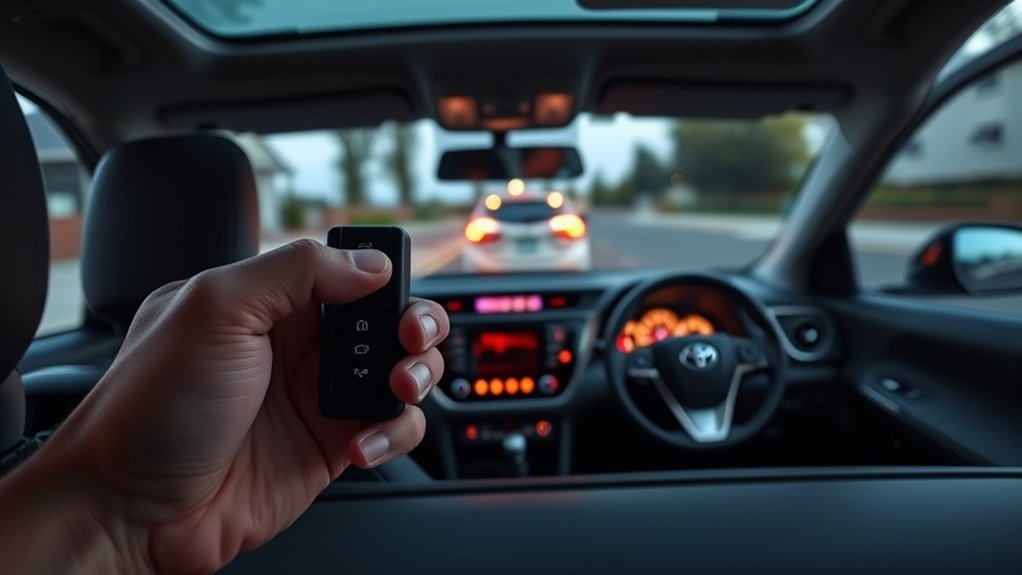
RAV4 remote start is available on some trims and model years, either through a key fob button sequence or through Toyota’s app with an active connected-services plan. The exact fob sequence differs by model year, so use the procedure in your owner’s manual. The vehicle usually needs to be locked, in Park, with the doors, hood and liftgate closed, and the key fob needs a healthy battery.
What You Should Know About Remote Start on Your RAV4
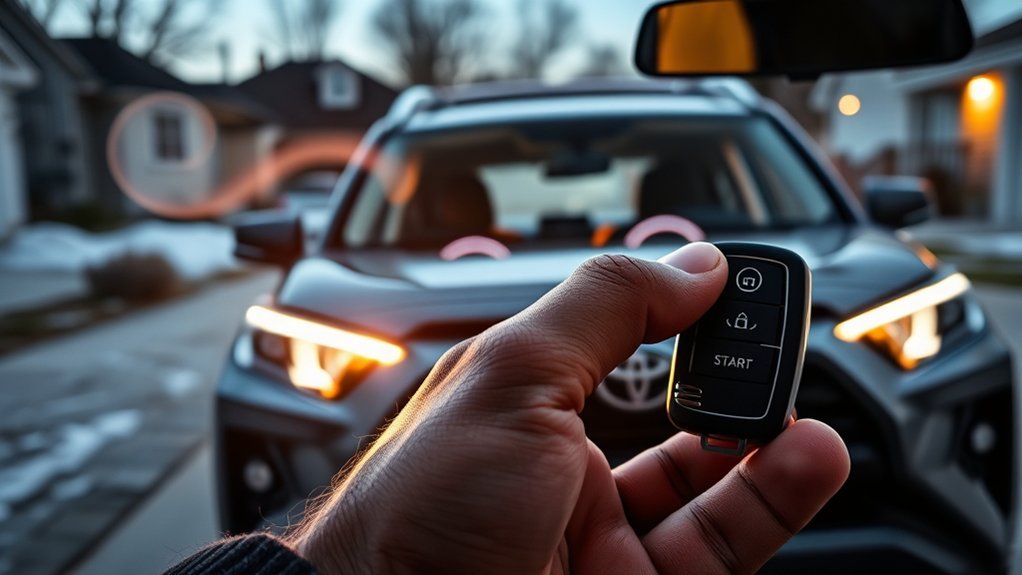
Remote start is not standard on every RAV4. Availability, the fob sequence, run time and conditions all depend on the model year and trim, and local regulations may limit idling. Your owner’s manual and the dealer can confirm what your car has.
How to Use the Key Fob for Remote Start
- Make sure the doors, hood and liftgate are closed and the car is in Park.
- Lock the vehicle with the key fob.
- Use the remote start button sequence for your model year, which is described in your owner’s manual.
- Check that the engine starts and the lights flash as the manual describes.
If your car has Toyota’s app, remote start can also be done from your phone with an active connected-services plan.
Troubleshooting RAV4 Remote Start Issues
If you encounter issues with your Toyota RAV4’s remote start feature, it is essential to troubleshoot effectively to identify the problem. First, verify your vehicle is Remote Connect capable and that you have an active trial or subscription for Toyota Connected Services; without this, the remote start won’t work. Next, check the key fob battery—if it’s weak, it can prevent the start. Replacing the battery might solve your problem. Also, consult your Owner’s Manual for model-specific guidance. Finally, use the Toyota App to verify your subscription status and troubleshoot any connectivity issues that might be affecting the remote start capabilities. Addressing these areas can help restore your RAV4’s remote start functionality.
What to Do If Remote Start Isn’t Available?
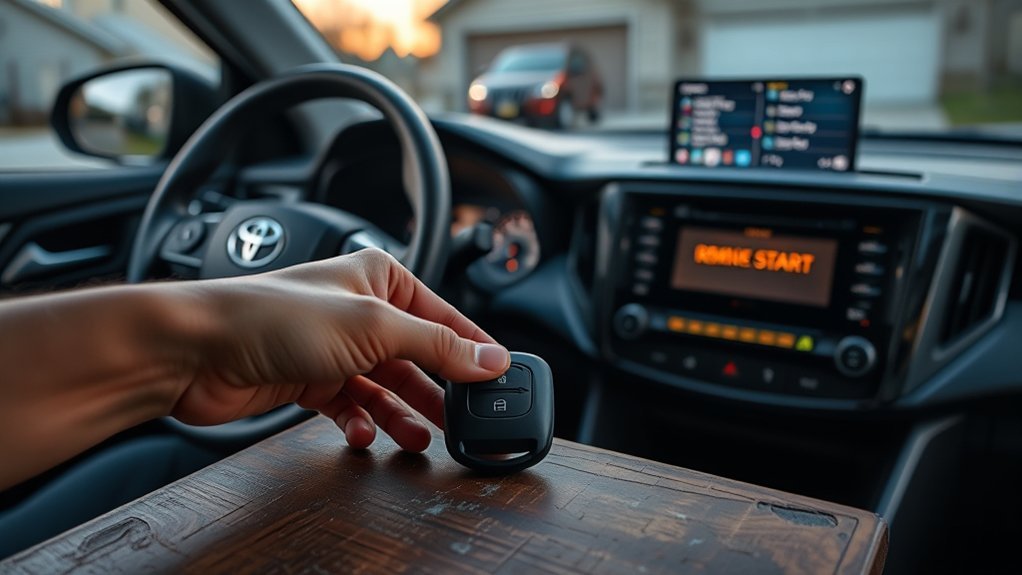
If your RAV4 has no factory remote start, ask a dealer about approved accessory systems for your model, and make sure any aftermarket system is installed by a qualified installer so it does not interfere with the immobilizer or warranty.
Community Tips and User Experiences With Remote Start
Common tips from owners: replace a weak key fob battery, keep the doors and hood fully closed, and read the manual for the exact button sequence, since it varies by year.
Frequently Asked Questions
How Do I Remote Start My Toyota With My Key Fob?
The sequence depends on the model year and trim. Follow the remote start procedure in your owner’s manual.
How Do I Use My Remote Start on My Key Fob?
Lock the car, then use the button sequence shown in your owner’s manual for your model year.
How to Tell if Your RAV4 Has Remote Start?
Check the owner’s manual, the window sticker or the key fob (some fobs have a dedicated start button), or ask a dealer to confirm from your VIN.
What Is the Lock Button 3 Times on Remote Start?
On some Toyota key fobs the remote start sequence involves pressing the lock button more than once; the exact sequence varies by model year, so check your owner’s manual.
Conclusion
To sum up, mastering the remote start feature on your Toyota RAV4 can greatly enhance your driving experience, especially in extreme weather conditions. Did you know that studies show vehicles with remote start systems can reduce engine wear by up to 30% during cold starts? By utilizing this feature effectively, you not only enjoy a comfortable cabin but also extend the life of your engine. So, whether it’s a chilly morning or a hot summer day, remote start has you covered!