
How To Turn On Parking Assist On Toyota RAV4
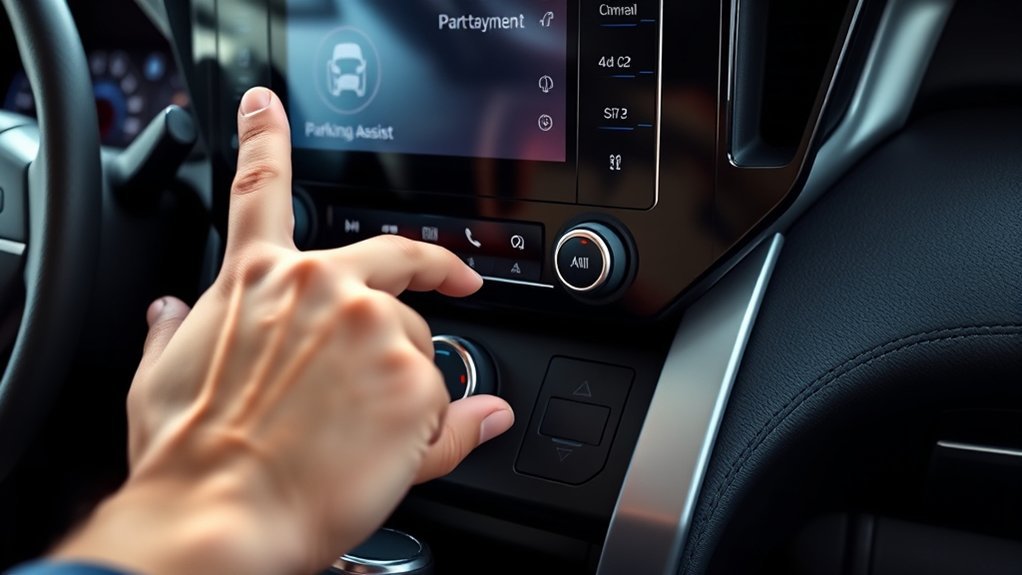
To turn on the Parking Assist feature in your Toyota RAV4, go to the touchscreen display and access “Vehicle Settings.” From there, select “Driving Support” options and toggle “Parking Assist” to the ‘on’ position. Make sure to save your preferences, especially if you use a key fob linked to your profile. This handy system can streamline your parking process, and you might want to check out more tips for using it safely and effectively.
Understanding the Parking Assist System in Your RAV4

The Parking Assist system in your Toyota RAV4 is a valuable tool designed to make parking easier and safer. Activating automatically when your vehicle speed drops below 6 miles per hour, this system uses ultrasonic sensors to identify nearby vehicles and obstacles. You’ll receive visual and audible alerts, enhancing your situational awareness. Keep an eye on the dashboard icon, which changes color based on the proximity of detected objects; a constant tone and red indicator mean you’re very close. You can customize the system through the touchscreen display, adjusting sensitivity levels to fit your driving environment. However, remember that while it aids in parking maneuvers, you shouldn’t rely solely on it—stay aware of your surroundings!
Activating Your Parking Assist Using the Touchscreen
To activate Parking Assist in your Toyota RAV4, you’ll need to access the touchscreen display. Start by directing yourself to the “Vehicle Settings” on your screen. From there, select the “Driving Support” options. You’ll find the “Parking Assist” setting—toggle it to the ‘on’ position to enable the feature.
Here’s a quick overview of the steps:
| Step | Action | Notes |
|---|---|---|
| 1. Access Menu | Touch “Vehicle Settings” | Located on the touchscreen |
| 2. Select Option | Choose “Driving Support” | Essential for settings |
| 3. Toggle Feature | Find “Parking Assist” | Enable for parking help |
| 4. Save Preferences | Linked to key fob | Remember your choices |
Always verify Parking Assist is enabled before parking, especially in urban areas.
Best Practices for Using Parking Assist Safely
Using Parking Assist can greatly enhance your parking experience, but it’s essential to remember that it’s a supplementary tool, not a replacement for careful driving. Always check your mirrors and look over your shoulder to guarantee safety. Keep the parking assist system enabled, especially in busy urban areas, to help avoid collisions. Back up slowly, allowing ample time to respond to alerts and reduce risks with nearby obstacles. Regularly clean the sensors and camera lenses for peak performance, as dirt can hinder effectiveness. You can also adjust the sensitivity of the parking sensors through the Toyota app, enhancing support in crowded spaces. Remember to depress the brake when necessary, ensuring your safety in every parking situation.
How to Tailor Your Parking Assist Settings for Your Driving Style
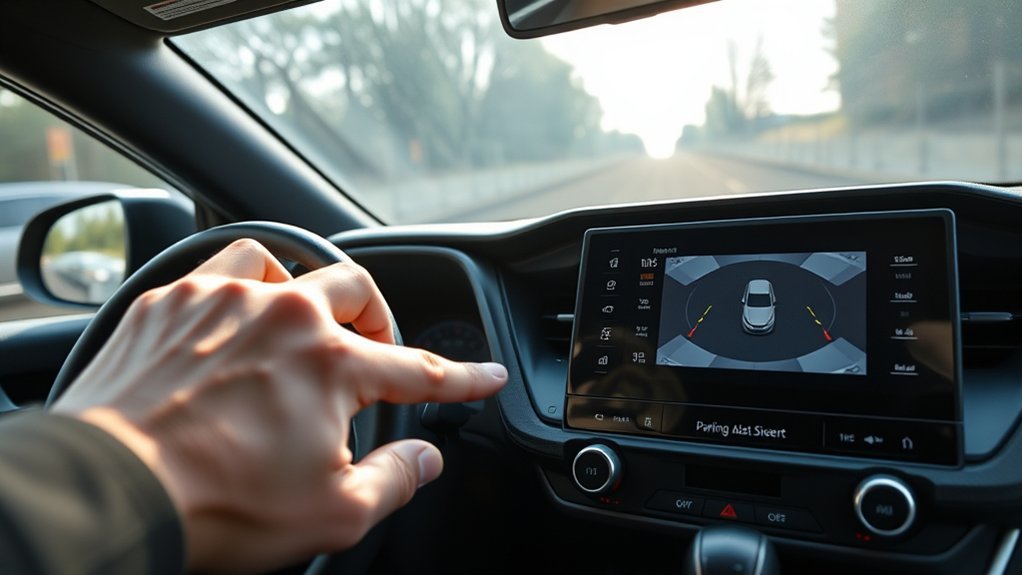
Personalizing your parking assist settings can greatly enhance your driving experience. Start by accessing the vehicle settings through your RAV4’s touchscreen display and selecting driving support. Use the Toyota app to modify parking sensor sensitivity, increasing detection in urban areas while decreasing it in open spaces to minimize false alerts. The system remembers your personalized preferences linked to your driver profile and key fob, making each drive unique. Customize alerts by adjusting audible beeps, visual dashboard icons, and haptic feedback to suit your environment. Regularly review and refine these parking assist settings to align with your driving style and the conditions you frequently encounter, ensuring a seamless and liberating driving experience every time you hit the road.
Troubleshooting Common Parking Assist Issues
While parking assist technology is designed to make your driving experience easier, you might encounter some common issues that can hinder its performance. If you see a “Parking Support Brake Unavailable” message, it’s likely due to dirty or obstructed sensors. Clean them to make sure they’re clear for peak performance, especially in snowy or icy conditions. If the system was disabled, remember that it won’t turn back on until you manually re-enable it through the multi-information display. Also, after disconnecting the battery, initialization may be necessary to restore proper function. For persistent issues, like camera misalignment, you should have your vehicle inspected by a dealer. Always refer to your Owners Manual for detailed troubleshooting steps.
Frequently Asked Questions
How Do I Turn My Park Assist Back On?
To turn your park assist back on, check your user manual for guidance. Verify parking sensors aren’t malfunctioning, and consider technology advancements and maintenance recommendations for peak performance. Explore safety features and compatibility for a smooth experience.
Why Is Parking Assist Not Available on My rav4?
Why’s parking assist unavailable? It could be parking sensor issues, feature limitations, or sensor maintenance needs. Check your user manual for troubleshooting steps, software updates, and consider alternative features to enhance your driving experience.
How to Activate Parking Assist?
To activate Parking Assist, press the button near the steering column. This modern convenience enhances safety features, providing dashboard alerts through parking sensors. For detailed instructions, consult your user manual and follow recommended maintenance tips.
How to Activate Active Parking Assist?
To activate active parking assist, simply engage the parking sensors through your vehicle’s settings. This technology enhances vehicle safety, providing driving assistance and convenience, elevating your user experience with effective parking solutions tailored to your needs.
Conclusion
To summarize, mastering your Toyota RAV4’s parking assist empowers you to park with confidence, enhances your driving experience, and keeps you safe on the road. By understanding the system, activating it easily, and customizing your settings, you can enjoy a smoother ride. Remember, a little practice leads to better results, and being aware of common issues helps you stay prepared. Embrace the technology, trust the process, and let your RAV4 guide you into every parking spot effortlessly.



