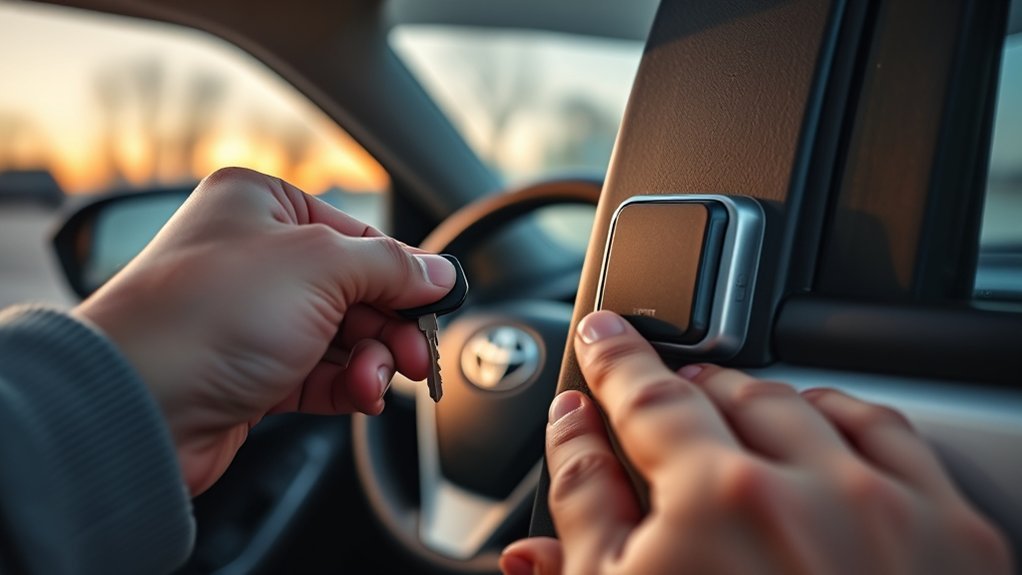
If your Toyota RAV4 smart key stops working, the hidden manual key can get you into the vehicle, but on push-button-start models it usually does not start the engine by itself. The emergency start method is to unlock the driver door with the mechanical key, then hold the smart key next to the START button while pressing the brake pedal.
Quick Answer
To start a push-button Toyota RAV4 when the smart key battery is dead, remove the mechanical key from the fob, unlock the driver door, sit inside, press the brake pedal, hold the smart key against or next to the START button, and press the START button. The manual key is mainly for door access.
Key Takeaways
- On most Smart Key RAV4 models, the mechanical key unlocks the driver door; the smart key fob is still used at the START button.
- Press the brake pedal before pressing START, just like a normal push-button start.
- If the RAV4 has a traditional ignition cylinder, use the cut ignition key normally.
- Replace the fob battery as soon as possible after using the emergency-start method.
At a Glance
| Time Required | 1–3 minutes |
| Difficulty | Easy |
| Tools Needed | Mechanical key inside the smart key fob; CR2032 battery if replacing the fob battery |
| Cost | Usually only the cost of a replacement coin-cell battery |
What the Manual Key Can and Cannot Do
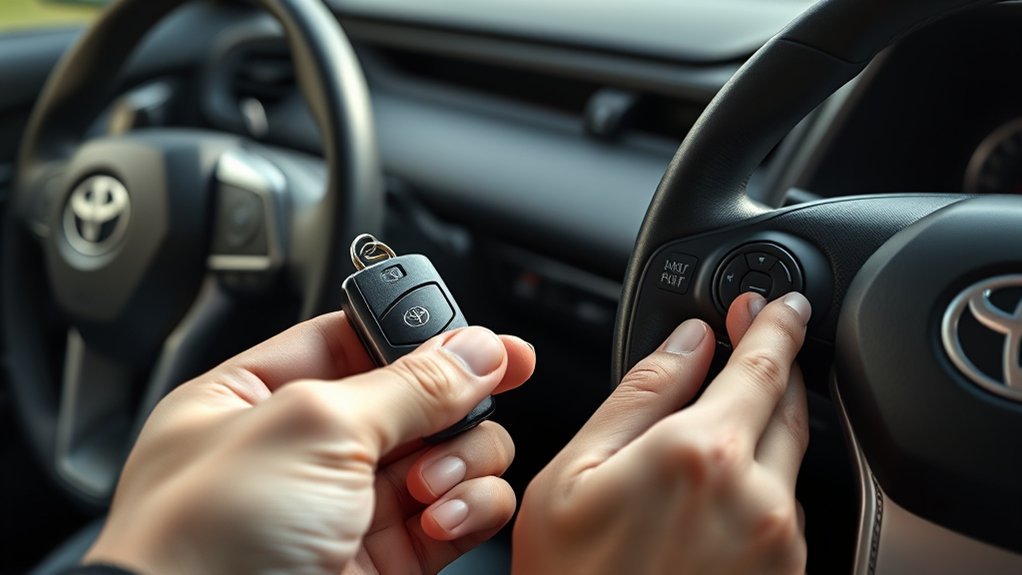
The mechanical key hidden inside your RAV4 smart key is an emergency door key. Toyota’s owner information explains that if the electronic key battery is depleted or the entry function is not working, you may need the mechanical key to access the vehicle.
For a RAV4 with a Smart Key system and push-button start, the mechanical key does not replace the smart key electronics. Instead, it gets you inside so the vehicle can detect the smart key at very close range near the START button.
For official model-specific wording, check the Toyota Owner’s Manual for your exact year and trim. Toyota’s current guidance for a dead Smart Key says there is a mechanical key inside the Smart Key to open the driver door, then you can hold the Smart Key next to the START button and press it to try to start the vehicle: Toyota Smart Key emergency-start support.
How to Remove the Mechanical Key From the Smart Key Fob
- Hold the smart key fob securely.
- Find the small release button or latch on the side of the fob.
- Press or slide the release while pulling the metal mechanical key out of the fob.
- Keep the fob with you; you will still need it to start a push-button RAV4.
Note: After using the mechanical key, slide it back into the smart key fob. Toyota advises carrying the mechanical key together with the electronic key.
How to Unlock Your RAV4 With the Mechanical Key
- Go to the driver-side door.
- Insert the mechanical key into the driver-door lock cylinder. If it does not insert smoothly, flip the key over and try again.
- Turn the key to unlock the door.
- Open the door and sit in the driver seat.
Warning: If the alarm system is set, manually unlocking the door with the mechanical key may trigger the alarm on some RAV4 models. Do not force the key or the door lock. If the lock feels stuck, stop and contact a Toyota dealer or roadside assistance.
How to Start a Push-Button RAV4 With a Dead Smart Key Battery
Use this method if your RAV4 has a START/STOP button and the smart key battery is weak or dead.
- Make sure the smart key fob is inside the vehicle with you.
- Shift to Park.
- Press and hold the brake pedal.
- Hold the smart key fob directly against or very close to the START/STOP button.
- Press the START/STOP button while the fob is touching or near the button.
- If the engine or hybrid system starts, drive normally and replace the smart key battery as soon as practical.
Toyota’s 2025 RAV4 manual states that if communication between the electronic key and vehicle is interrupted, or if the electronic key cannot be used because its battery is depleted, the smart key system and wireless remote control cannot be used, but the doors can be opened and the engine can be started by following the emergency procedure: 2025 RAV4 emergency key procedure.
What If Your RAV4 Has a Physical Ignition Cylinder?
Some older RAV4 models and some non-Smart-Key configurations use a traditional ignition cylinder. If your RAV4 has a normal key slot beside the steering column, use the cut ignition key as you normally would:
- Insert the ignition key fully.
- Make sure the gear selector is in Park or Neutral.
- Press the brake pedal.
- Turn the key to START and release it once the engine starts.
If your RAV4 has a push-button START/STOP button instead, do not look for an ignition cylinder. Use the smart-key emergency-start method above.
Troubleshooting When the RAV4 Still Will Not Start
| Problem | Likely Cause | What to Try |
|---|---|---|
| Mechanical key will not unlock the door | Key not fully inserted, key flipped the wrong way, frozen or dirty lock | Flip the key over and try again gently. Do not force it. |
| START button does nothing | Brake not pressed, fob not close enough, wrong fob, smart key system disabled | Press the brake firmly and hold the smart key directly against the START button. |
| Dashboard lights are weak or off | Vehicle 12-volt battery may be discharged | You may need a jump start or roadside assistance. |
| Smart key works only at very close range | Weak fob battery | Replace the smart key battery. |
| Alarm sounds after manual unlock | Alarm system was armed | Start the vehicle using the emergency method or use the working remote/spare key if available. |
Pro Tip: Try your spare smart key if you have one. If the spare works normally, the first fob likely needs a battery or service. If neither key works, the vehicle battery, Smart Key settings, or receiver system may need diagnosis.
Replacing the Smart Key Battery
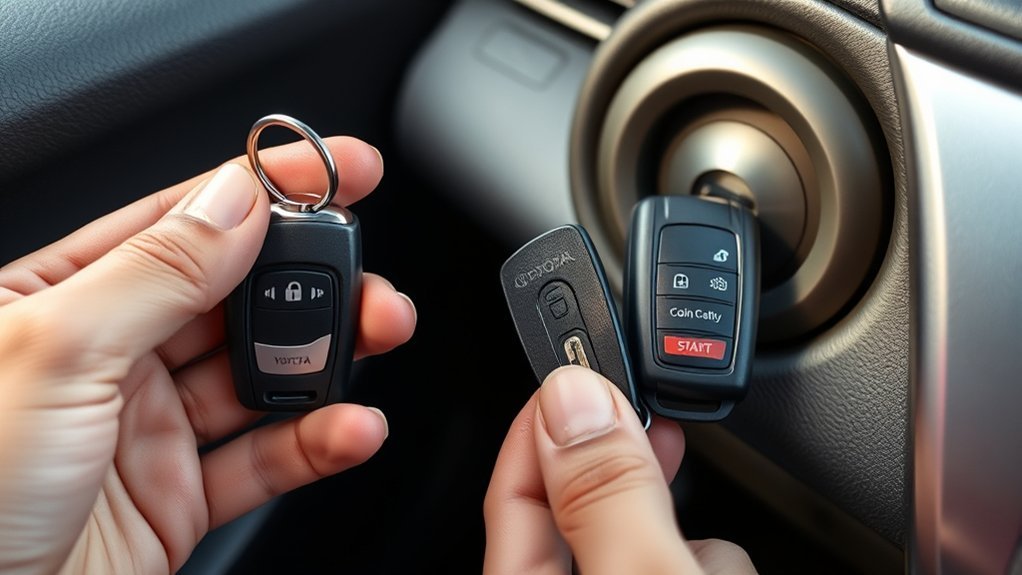
If the emergency-start method works, replace the fob battery soon. Toyota’s 2024 RAV4 owner information says a depleted key battery can cause the Smart Key system and wireless remote control to stop working properly and can reduce operating range. It lists a CR2032 lithium battery for that RAV4 electronic key example: 2024 RAV4 electronic key battery guidance.
- Remove the mechanical key from the fob.
- Open the fob case carefully with a small flat tool.
- Replace the old coin-cell battery with the same type listed in your owner’s manual.
- Close the fob case securely.
- Test lock, unlock, and push-button start before relying on the key again.
Warning: Coin-cell batteries can be dangerous if swallowed. Keep new and used batteries away from children and pets, and dispose of used batteries according to local rules.
Smart Key Safety Notes
- Keep the mechanical key with the smart key fob so you can unlock the door in an emergency.
- Do not leave the mechanical key inside the vehicle.
- Avoid storing the fob near strong radio sources or electronics that may interfere with Smart Key communication.
- If the RAV4 has been parked and locked for a long time, the Smart Key system may take longer to respond.
- If you use a pacemaker or cardiac defibrillator, review Toyota’s Smart Key warning and talk with your doctor about whether the system should be deactivated: Toyota Smart Key system warning.
Frequently Asked Questions
Can you start a Toyota RAV4 with only the manual key?
Only if your RAV4 has a traditional ignition cylinder and the key is cut for that ignition. On push-button-start RAV4 models, the manual key is mainly for unlocking the driver door; the smart key fob must be held near the START button for emergency starting.
Where is the manual key in a Toyota RAV4 fob?
It is stored inside the smart key fob. Press or slide the small release latch on the fob and pull out the metal mechanical key.
Why does my RAV4 say Key Battery Low?
The smart key battery is weak. Replace it with the battery type listed in your owner’s manual. For current Toyota RAV4 examples, Toyota lists a CR2032 lithium battery.
What if holding the fob to the START button does not work?
Press the brake firmly, hold the fob directly against the START button, and try again. If it still fails, try a spare key, check for a weak 12-volt vehicle battery, and contact a Toyota dealer or roadside assistance.
Will using the manual key set off the alarm?
It can on some RAV4 models if the alarm system is armed. Starting the vehicle with the smart-key emergency method usually stops the alarm.
Sources
- Toyota Support: Smart Key dead-battery entry and start — backs up the mechanical-key door entry and START-button emergency method.
- Toyota 2025 RAV4 Owner’s Manual: electronic key does not operate properly — backs up emergency procedure context for depleted electronic-key batteries.
- Toyota 2024 RAV4 Owner’s Manual: wireless remote/electronic key battery — backs up key-battery symptoms and CR2032 battery guidance.
- Toyota 2026 RAV4 Hybrid Owner’s Manual: keys — backs up carrying and storing the mechanical key with the electronic key.
- Toyota Support: Smart Key operation and warnings — backs up Smart Key interference and medical-device caution notes.
