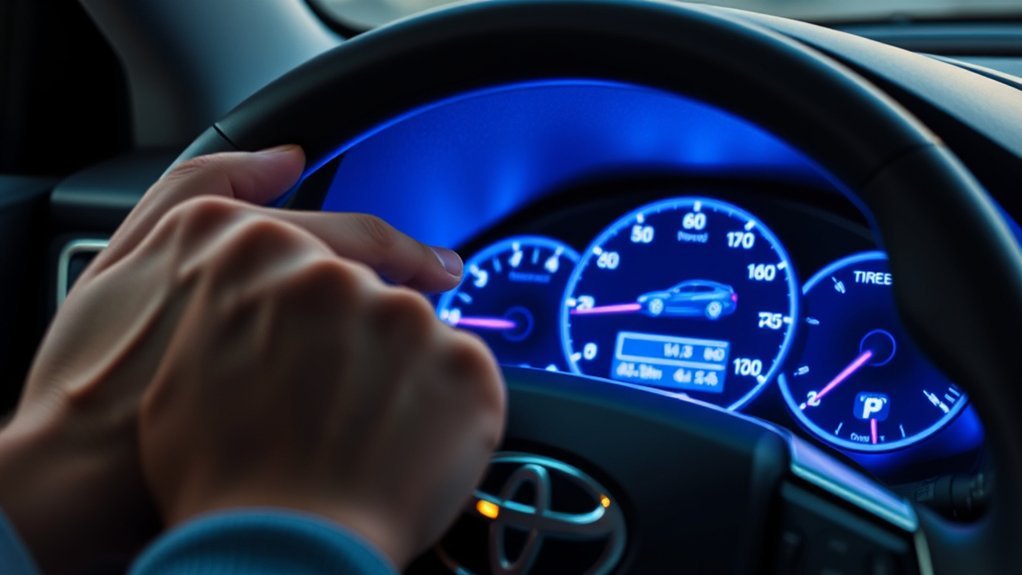
To see tire pressure on Toyota RAV4 models that show it, use the steering wheel buttons to scroll the multi-information display to the tire pressure screen. Some models show each tire’s pressure and others only show a low-pressure warning light, so check your owner’s manual. For an exact reading, use a tire gauge and compare it with the pressure on the label in the driver’s door jamb.
How to See Tire Pressure on Toyota RAV4 From the Dashboard

To check the tire pressure on your RAV4 dashboard, start by using the steering wheel controls to navigate to the Multi-Information Display (MID). Depending on your model and trim, you might see tire pressures directly or only a low-pressure warning. Before diving into the dashboard display, confirm all tires are properly inflated; accurate data is essential for the Tire Pressure Monitoring System (TPMS) to function correctly. If the dashboard doesn’t provide specific readings, consider using the Toyota app, as long as your vehicle is registered and the app is working. Regularly checking tire pressures manually with a gauge is also wise, as dashboard displays can sometimes be unreliable. Keep your ride liberating and safe!
Understanding TPMS Features: What You Need to Know
Understanding the features of your Tire Pressure Monitoring System (TPMS) is essential for maintaining your Toyota RAV4’s safety and performance. Your RAV4 may be equipped with a Smart TPMS that shows individual tire pressure readings or a Dumb TPMS, which only gives a low-pressure warning. Here’s a quick comparison:
| Feature | Smart TPMS |
|---|---|
| Tire Pressure Display | Yes |
| Access via Toyota App | May show “NA” sometimes |
| Aftermarket Options | Available for easier access |
Navigating the dashboard display can be tricky, and while the Toyota app might help, some RAV4 owners report inaccuracies. Consider aftermarket devices for a seamless solution to monitor your tire pressure readings effectively.
Responding to Low Tire Pressure Warnings: Steps to Take
- Park safely and check all four tires with a manual gauge when they are cold.
- Compare the readings with the recommended pressure on the label in the driver’s door jamb (not the number on the tire sidewall).
- Inflate any low tire to the recommended pressure.
- If the TPMS light stays on, check for a puncture or a faulty sensor, and ask a dealer or tire shop to inspect it.
Some models have a TPMS reset or initialization step. Check your owner’s manual for the procedure on your model year.
Checking Tire Pressure Manually: A Step-by-Step Guide

Checking your tire pressure manually is a straightforward process that can help ensure your vehicle runs smoothly and safely. Start by parking your Toyota RAV4 on a level surface and make certain the tires are cold for an accurate reading. Remove the valve stem cap from the tire you want to check, then press a tire pressure gauge onto the valve stem to get your reading. Compare this to the recommended tire pressure, usually found in the owner’s manual or on a sticker inside the driver’s door. If the pressure’s low, use an air compressor to inflate the tire to the correct PSI and recheck. Finally, securely replace the valve stem cap to keep dirt and moisture out.
Monitoring Tire Pressure With the Toyota App
Some Toyota apps and connected services show vehicle status, but tire pressure display depends on your model year, region and subscription. Check the app and your owner’s manual to see whether your car supports it.
Best Aftermarket Devices for Tire Pressure Monitoring
Aftermarket tire pressure monitors with external or internal sensors are sold for many vehicles. Check the product description for compatibility, pressure range and battery type before buying, and never rely on one device alone: a manual gauge is the reference.
Frequently Asked Questions
Does the Toyota RAV4 Show Tire Pressure?
Many RAV4 models have a tire pressure monitoring system with a warning light, and some show individual tire pressures on the instrument display. It depends on the model year and trim.
Can You Check Tire Pressure on the Dashboard?
On models with the feature, scroll to the tire pressure screen on the multi-information display with the steering wheel buttons. If your car has only a warning light, use a manual gauge.
Does Toyota Show Tire Pressure?
Many Toyota vehicles have a tire pressure monitoring system. Whether it shows each tire’s pressure depends on the model and year, so check your owner’s manual.
How Do I Check My Tire Pressure on the Toyota App?
If your model and subscription support it, look for tire pressure under the vehicle status in the app. If it is not shown, use the instrument display or a gauge.
Conclusion
You can usually see tire pressure from the multi-information display or learn about low pressure from the TPMS light. Confirm with a manual gauge and keep your tires at the pressure shown on the door jamb label.