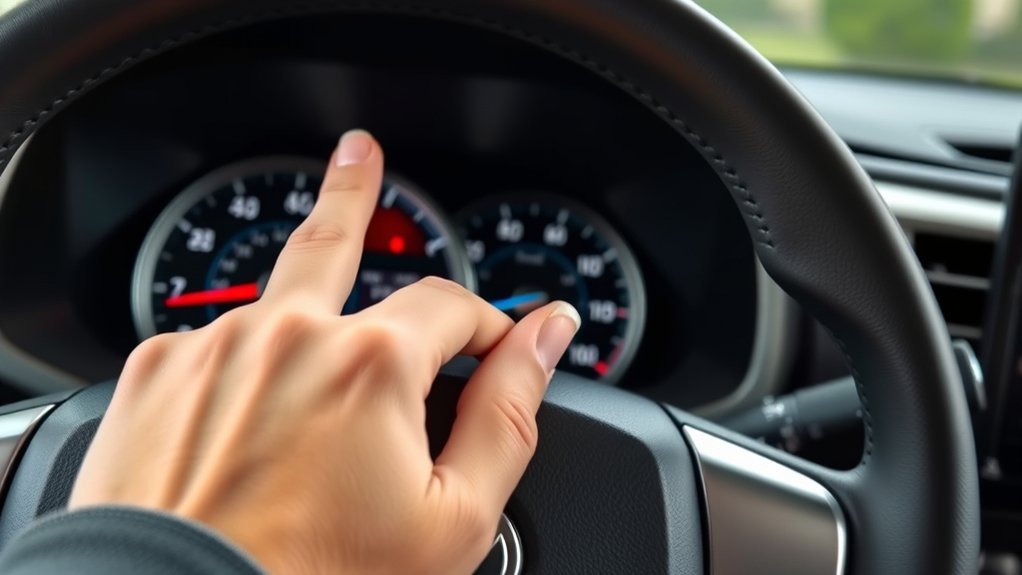
To reset the trip meter on your Toyota RAV4, locate the Odo-Trip button. If you have a smaller display, it’s by the battery charge display; for larger displays, it’s to the left of the steering wheel. Press the button briefly to select Trip A, then hold it for a few seconds to reset to zero. You can repeat this for Trip B. Want to learn how to maximize your trip meter’s potential? Keep going for more tips!
Understanding the Importance of Trip Meters in Your RAV4
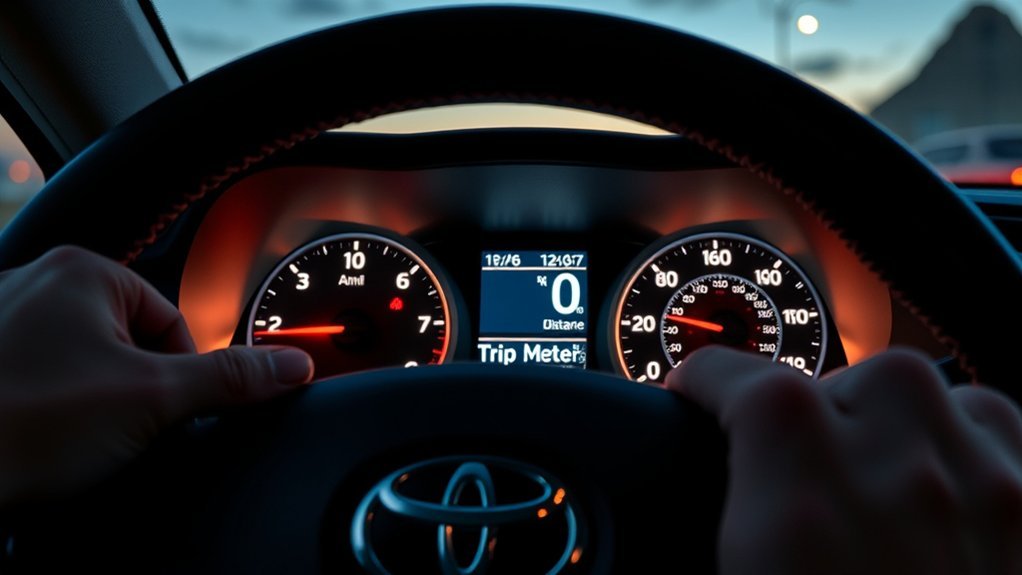
Trip meters in your Toyota RAV4 are invaluable tools for any driver looking to maximize fuel efficiency and maintain their vehicle. By tracking distances for specific trips, you can budget your fuel expenses better. Monitoring trip durations helps you plan maintenance based on mileage, ensuring your RAV4 stays in top shape. Resetting the trip meters gives you insight into your driving habits, promoting more efficient driving behavior. Using Trip A and Trip B allows you to separate travel data for business and personal purposes, enhancing organization. Regularly utilizing these trip meters boosts your awareness of the vehicle’s performance, empowering you to make informed decisions about fuel consumption and driving efficiency, and ultimately liberating you from unnecessary costs and maintenance issues.
Locating the Reset Knob for Trip Meters
To reset your trip meter, you’ll first need to locate the reset knob. In smaller displays, it’s near the battery charge percentage, while in larger 12-inch displays, look to the left of the steering wheel. Knowing where this knob is will make it easier to reset your trip meters on the go.
Button Location for Smaller Displays
When dealing with smaller displays in your Toyota RAV4, you’ll find the Odo-Trip button conveniently located near the battery charge percentage indicator. This button’s strategic placement allows you to quickly reset the trip meters with ease. To reset the Trip A or Trip B meters, just press and hold the reset knob. Familiarizing yourself with the button location for smaller displays enhances usability, letting you track mileage effortlessly while driving.
Here’s a quick reference table:
| Function | Action |
|---|---|
| Odo Display | Press once |
| Trip A Reset | Press and hold |
| Trip B Reset | Press and hold |
| Cycle Displays | Press briefly |
| Location | Near battery charge display |
Button Location for Larger Displays
For those with larger displays in their Toyota RAV4, locating the Odo-Trip button is straightforward. You’ll find it conveniently positioned to the left of the steering wheel, allowing for easy access. This button is your gateway to cycling through Odo, Trip A, and Trip B displays with just a quick press. To reset either Trip A or Trip B, simply press and hold the Odo-Trip button while the desired trip display is active. Familiarizing yourself with this button’s location enhances usability, especially when you need quick access while driving. For further details about its functions and placement, refer to your vehicle’s manual. Empower yourself with this knowledge and enjoy the journey!
Common Scenarios for Resetting Your Trip Meter
Resetting your trip meter can be a game changer for tracking fuel efficiency, especially on longer journeys. You might also find it helpful to monitor trip durations for better planning or to keep tabs on when maintenance is due. By understanding these common scenarios, you can maximize the benefits of your Toyota RAV4’s trip meter.
Tracking Fuel Efficiency
Monitoring fuel efficiency becomes much easier once you start tracking your trips with the meter. By resetting your trip meter from the steering wheel, you can distinguish between daily commutes and longer journeys using Trip A and Trip B. This separation allows you to identify fuel consumption patterns across various driving conditions. Regularly resetting the meter not only helps track fuel expenses but also aids in planning maintenance schedules based on mileage. Plus, analyzing this data can enhance your awareness of driving habits, encouraging adjustments for better fuel efficiency. Ultimately, this knowledge empowers you to budget accurately for fuel costs and make informed decisions about your driving style, liberating you from unnecessary expenses.
Monitoring Trip Durations
When you want to keep track of your trip durations, resetting your trip meter becomes an essential step. It empowers you to gauge how far you’ve traveled on specific journeys, enhancing your driving experience. Here are some common scenarios where monitoring trip durations proves invaluable:
- Daily commutes: Use Trip A for short, everyday drives.
- Long road trips: Track distances on Trip B for your adventures.
- Budgeting fuel expenses: Understand how far you can go on a full tank.
- Comparing fuel efficiency: Analyze different driving habits over time.
- Community insights: Learn tips on maximizing your trip meter’s potential.
Planning Maintenance Schedules
As you plan your maintenance schedules, regularly resetting your trip meter can greatly enhance your vehicle’s upkeep. By keeping track of Trip A for short errands and Trip B for longer journeys, you can easily monitor your fuel efficiency and budget for fuel expenses. Make it a habit to reset your trip meter before starting on long road trips; this way, you can accurately gauge distance and plan necessary fuel stops. Regularly checking trip mileage also helps you spot patterns that indicate when maintenance is due, like tire rotations or brake checks. Plus, resetting the meter after servicing your vehicle allows you to separate routine maintenance from any new issues that may arise, ensuring smoother drives ahead.
Step-by-Step Guide to Resetting Trip A
Resetting Trip A on your Toyota RAV4 is a straightforward process that can help you track your mileage and fuel efficiency more effectively. Follow these steps:
- Locate the Odo-Trip button near the battery charge percentage display or to the left of the steering wheel.
- Press the Odo-Trip button briefly until Trip A appears on your screen.
- Once Trip A is displayed, press and hold the Odo-Trip button for a few seconds.
- Watch as the mileage resets to 0.
- If you need to switch to Trip B, press the Odo-Trip button again and repeat the reset process.
Familiarizing yourself with these steps enhances your driving experience, allowing you to monitor your progress and optimize your journeys with ease.
How to Switch and Reset Trip B
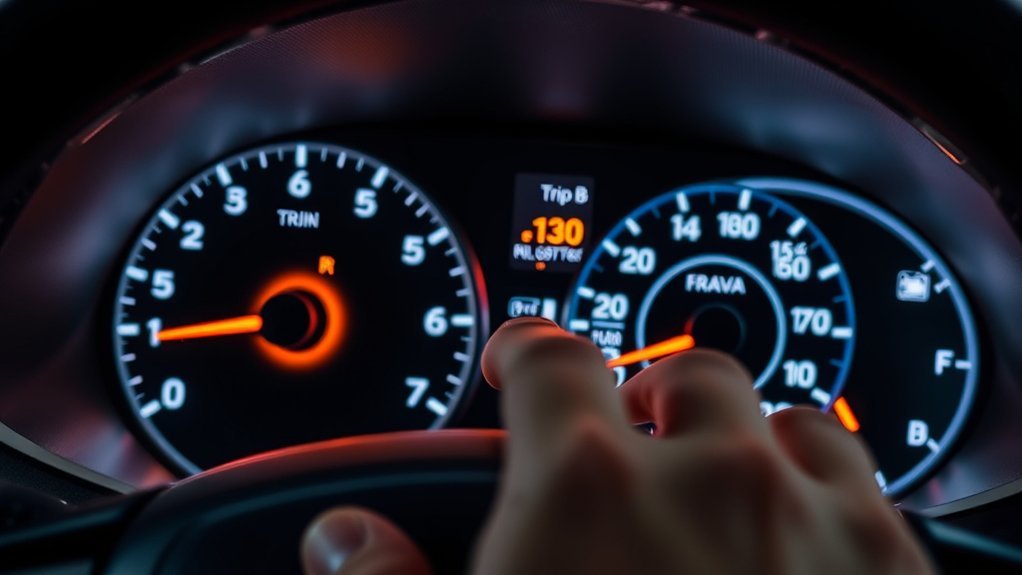
Switching and resetting Trip B on your Toyota RAV4 is just as simple as the process for Trip A. To switch to Trip B, find the Odo-Trip button—located near the battery charge percentage display on smaller screens or to the left of the steering wheel on larger displays. Once you see Trip B displayed, press and hold the Odo-Trip button until the mileage resets to 0. This method guarantees you can easily track distances for separate trips or monitor fuel efficiency specifically for that journey. Familiarizing yourself with the Odo-Trip button’s location will enhance your driving experience, making it quick and effortless to switch and reset Trip B whenever you need. Enjoy the journey!
Tips for Using Trip Meters to Monitor Fuel Efficiency
Tracking your fuel efficiency with trip meters can make a significant difference in how you manage your vehicle’s performance. Here are some tips to effectively use your trip meter:
- Regularly reset your trip meter to track specific trips and fuel efficiency.
- Monitor Trip A and Trip B to see how driving habits impact fuel consumption.
- Use the trip meter to measure distances between fuel fill-ups for better insights.
- Set a trip meter for each journey to calculate precise fuel expenses.
- Review your trip meter data consistently, allowing you to adjust driving patterns for improved efficiency.
Troubleshooting: What to Do If Your Trip Meter Won’t Reset?
If your trip meter won’t reset, start by checking the button functionality—make certain you’re pressing and holding the Odo-Trip button long enough. Next, verify your display settings to guarantee everything’s configured correctly. If those steps don’t work, it might be time to explore other troubleshooting options.
Check Button Functionality
Have you ever struggled to reset your trip meter on your Toyota RAV4? If your trip meter won’t reset, you might need to check button functionality. Start by verifying you’re pressing and holding the Odo-Trip button long enough to activate the reset. Also, confirm you’re on the correct trip display—Trip A or Trip B—by short pressing the button. If the button seems unresponsive, look for any physical obstructions or damage. Here are some tips to help you troubleshoot:
- Verify you’re holding the button for a sufficient duration.
- Confirm you’re on the right trip display.
- Inspect the button for any obstructions.
- Refer to your vehicle’s manual for guidance.
- Engage with online communities for support.
Stay empowered on your journey!
Verify Display Settings
Before diving into more complex troubleshooting, it’s essential to verify your display settings to confirm you’re on the correct trip meter. Start by pressing the Odo-Trip button to cycle through your options—make sure you’re on either Trip A or Trip B. If the trip meter isn’t resetting, verify the Odo-Trip button is functioning properly; give it a short press and watch for it to cycle through displays. Sometimes, a longer or firmer press is necessary, so don’t hesitate to try that. If you’re still facing issues, consult your vehicle’s manual for model-specific guidance. If all else fails, reaching out to a Toyota dealership or community forum can provide helpful insights from fellow RAV4 owners.
User Experiences: Real-Life Tips for Using Trip Meters
How can you make the most of your Toyota RAV4’s trip meter features? Here are some practical tips that can enhance your driving experience:
- Familiarize yourself with the Odo-Trip button location for quick access.
- Reset your trip meters at the start of every journey for accurate fuel efficiency tracking.
- Use Trip A for daily errands and Trip B for longer trips to manage fuel costs.
- Check community forums for visual aids that help identify button placements on different displays.
- Engage with fellow RAV4 owners for valuable insights and tips on maximizing trip meter features.
Frequently Encountered Issues With Trip Meters
While using the trip meter in your Toyota RAV4 can enhance your driving experience, several common issues may arise that can hinder its effectiveness. One frequent problem is locating the Odo-Trip button, as its placement varies between displays, leading to confusion. You might also forget to switch between Trip A and Trip B before resetting, resulting in an inaccurate trip reset. Additionally, some drivers struggle with the long-press action on the reset knob, causing frustration. It’s not unusual to accidentally reset the trip meter while cycling through display options, which can result in lost tracked mileage. Familiarizing yourself with the trip meter functions is essential to avoid these pitfalls and guarantee smooth usability while driving.
Enhancing Your Driving Experience With Trip Data
Using trip data effectively can greatly enhance your driving experience in a Toyota RAV4. By monitoring your trip meters, you can gain valuable insights that lead to better driving habits and fuel efficiency.
- Track fuel consumption and optimize budgeting for trips.
- Reset Trip A and Trip B for fresh starts on every journey.
- Analyze your trip data to plan timely maintenance based on mileage.
- Use the tenths of a mile feature for precise tracking of short trips.
- Engage with community resources to share and learn effective trip data usage.
Embracing these practices with your trip meters not only elevates your awareness but empowers you to make informed decisions, ultimately liberating your driving experience.
Frequently Asked Questions
Where Is the Reset Button on a Toyota RAV4?
The reset button on a Toyota RAV4 is typically the Odo-Trip button. You’ll find it near the battery charge display on smaller screens or to the left of the steering wheel on larger displays.
How to Clear a Trip on a 2014 Toyota RAV4 Limited?
To clear a trip on your 2014 Toyota RAV4 Limited, display Trip A, then press and hold the Odo-Trip button until it resets to zero. Repeat for Trip B. Enjoy tracking your trip functions effortlessly!
How to Change RAV4 Odometer Display?
To change your RAV4’s odometer display, simply locate the Odo-Trip button, press it to cycle through odometer settings, and select the desired display. You’ve got the power to track your journeys effortlessly!
How to Reset Dashboard on Toyota RAV4?
To reset your Toyota RAV4’s dashboard, locate the Odo-Trip button. Press and hold it while viewing your desired trip display. This dashboard customization enhances your driving experience, helping you track trips and fuel efficiency effortlessly.
Conclusion
To sum up, resetting your trip meter in a Toyota RAV4 is almost as straightforward as learning to parallel park—minus the sweaty palms and potential for vehicular chaos. You now have the tools to master your trip data, so embrace this newfound power. Whether you’re counting miles for a road trip or just trying to justify that last-minute gas station stop, your trip meter is ready to serve. Happy resetting, and may your fuel efficiency be ever in your favor!
