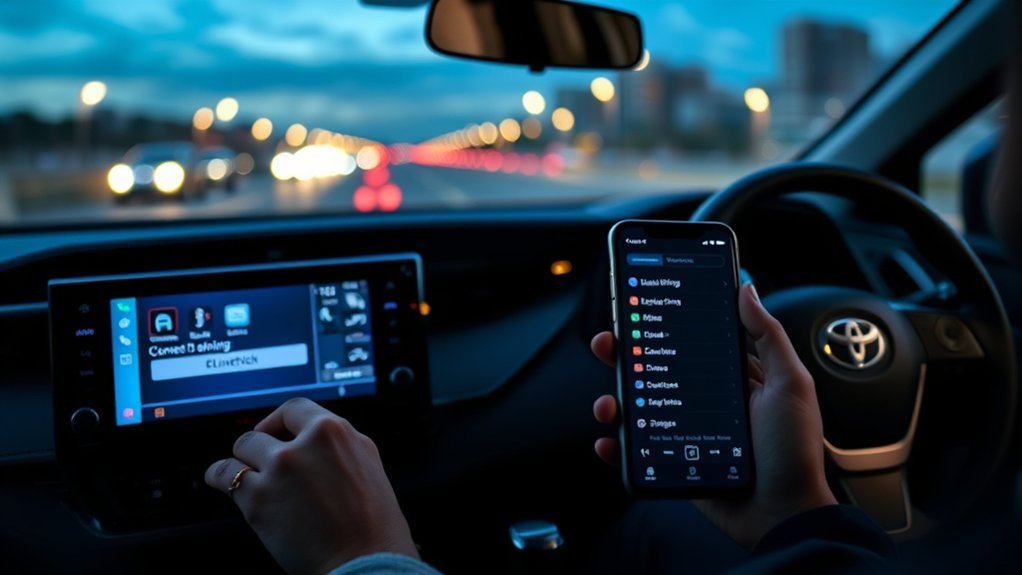
To pair Bluetooth on Toyota RAV4 models, turn on Bluetooth on your phone, then open the Bluetooth settings on the car’s multimedia screen and choose to add a device. Select your phone, and confirm the pairing code on both screens. Menu names differ by model year (for example Setup, or Vehicle & Settings, then Bluetooth & Devices), so check your owner’s manual. Related guide: Toyota RAV4 Bluetooth.
Why Pairing Bluetooth Is Essential for Your Toyota RAV4
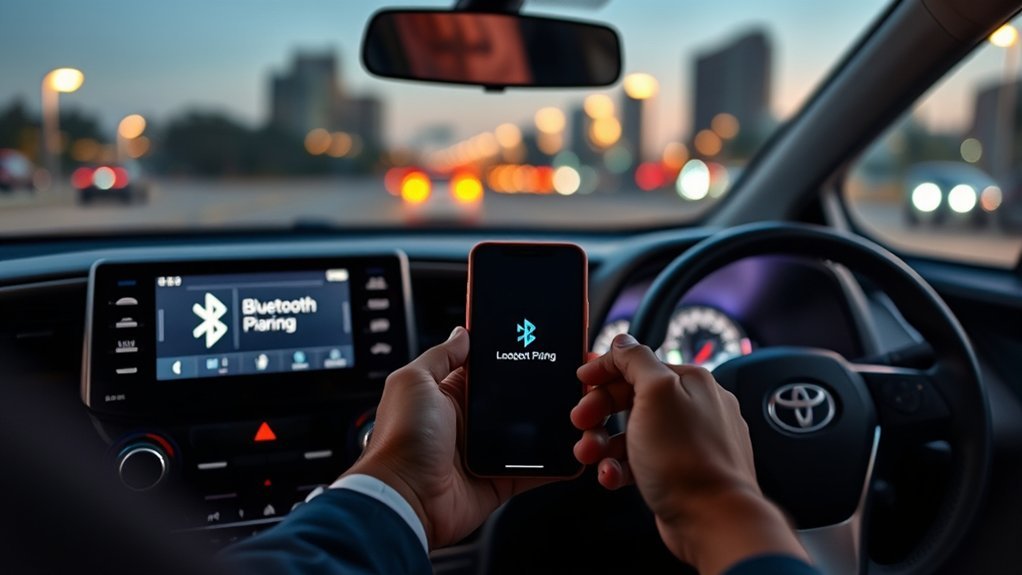
Pairing lets you make hands-free calls and stream music, which is safer than handling your phone while driving.
Preparing Your Smartphone for Bluetooth Connection
Check that your phone has Bluetooth on and its software is up to date.
Check Bluetooth Settings
Open your phone’s settings and make sure Bluetooth is switched on.
Update Smartphone Software
Install pending updates, because old software can cause connection problems.
Enable Bluetooth Visibility
Some phones need to be on the Bluetooth settings screen to be found by the car.
How to Pair Bluetooth on Toyota RAV4: Step-by-Step
- Switch on the car and the multimedia screen.
- Open the Bluetooth settings (the menu name depends on your system).
- Choose to add a new device.
- Select the car on your phone.
- Confirm that the code matches on both screens.
Ensure Bluetooth Is Enabled
Bluetooth must be on, on both the phone and the car.
Add Device On RAV4
Look for an option such as Add a device or Add another device.
Confirm Pairing Code Displayed
Only accept if the code on the phone matches the code on the car.
Troubleshooting Common Bluetooth Pairing Issues
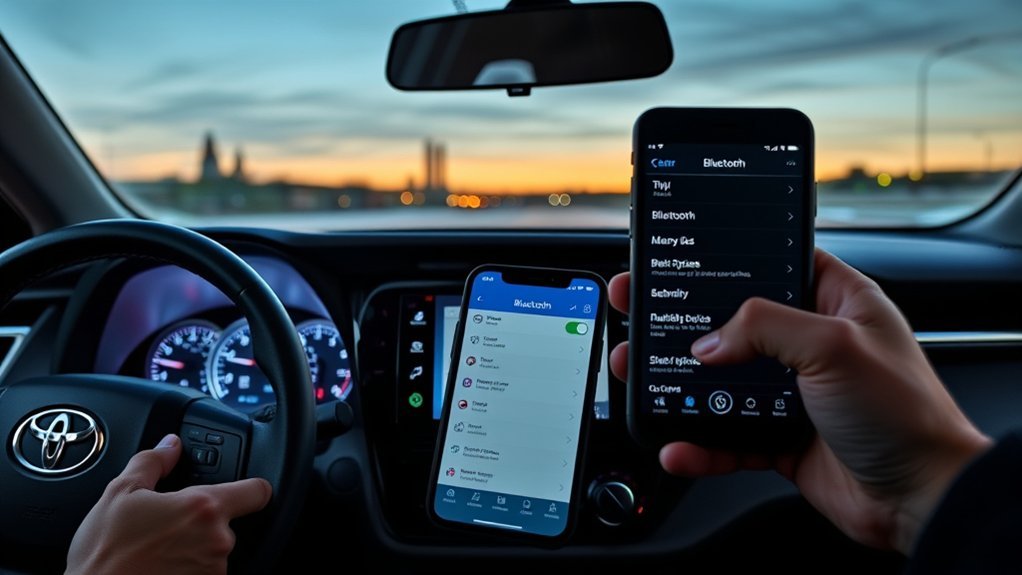
- Delete old pairings from the phone and the car, then try again.
- Turn Bluetooth off and on.
- Restart the phone.
- Check that the car has not reached its limit of paired phones.
Syncing Contacts for Hands-Free Calling in Your RAV4
After pairing, allow the car to access your contacts if you want to call by name.
Syncing Contact Lists
Accept the permission prompt on the phone.
Hands-Free Calling Benefits
You can answer and make calls with the steering-wheel controls or by voice.
Managing Contact Access
You can turn contact sharing off in the phone’s Bluetooth settings.
Playing Music and Media via Bluetooth
Choose Bluetooth as the audio source. See how to play music on a Toyota RAV4.
How to Connect and Use Apple CarPlay in Your Toyota RAV4
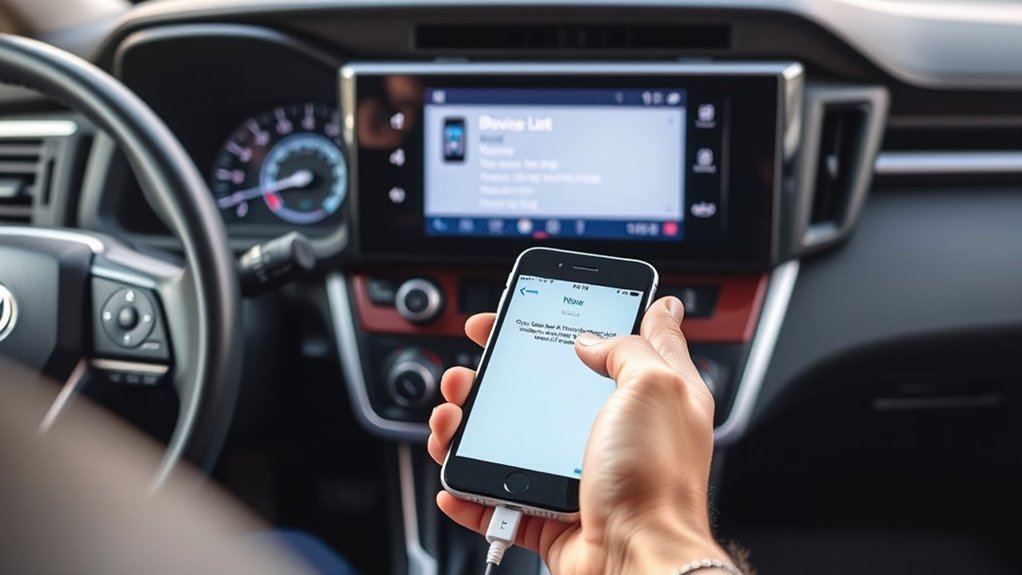
CarPlay is a separate connection from Bluetooth pairing. See pair an iPhone to a Toyota RAV4.
Stay Safe While Using Bluetooth Features
Pair the phone while parked, and use voice control while driving.
How to Maintain Your Toyota Bluetooth System
Keep the phone and the car software up to date, and delete phones you no longer use.
Where to Find More Help for Toyota Bluetooth Issues
Use your owner’s manual, Toyota’s website or a dealer.
Frequently Asked Questions
How Do I Connect My Bluetooth to My Toyota rav4?
Add a device in the car’s Bluetooth settings and confirm the code.
How to Put Toyota Into Pairing Mode?
Open the car’s Bluetooth settings and choose to add a device. That puts it in pairing mode.
How to Connect Bluetooth to a 2012 RAV4?
Older systems use a different menu, often under Setup. Follow the steps in the manual for that year.
How to Pair Toyota Bluetooth With iPhone?
Use the same steps and select the car on the iPhone. See pair iPhone with Toyota RAV4.
Conclusion
Open the car’s Bluetooth settings, add a device and confirm the code.