
To turn off the maintenance light on a Toyota RAV4, first complete the service that is due, such as an oil change, then reset the maintenance reminder using the procedure for your model year, either through the vehicle settings menu on the display or by holding the trip reset button while turning the ignition on. If the light comes back or the check-engine light is also on, have the car scanned.
How to Identify the Maintenance Light on Your Toyota RAV4
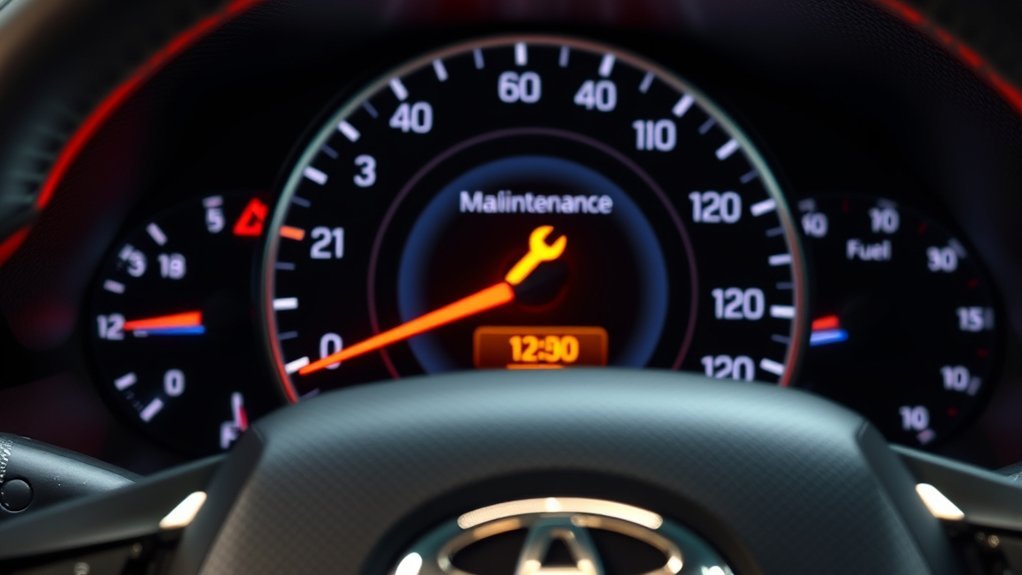
The maintenance reminder usually shows as a message such as MAINT REQD or a wrench-style icon on the display. It is not the same as the check-engine light.
How to Turn Off the Maintenance Light on a Toyota RAV4
The exact method depends on your model year, so check the owner’s manual. There are two common methods.
Required Tools And Equipment
You do not need tools, only the ignition key or button and the steering wheel or trip controls.
Detailed Reset Procedure Steps
- Do the maintenance that is due first.
- On cars with a settings menu, open the vehicle settings with the steering wheel buttons and choose the maintenance reset option.
- On cars with a trip knob, switch the ignition off, press and hold the trip reset button, switch the ignition on without starting the engine and hold until the reminder clears.
- Check that the message has gone out.
Troubleshooting Reset Issues
- The light comes back: repeat the reset and check the steps for your year.
- The light stays on: it may be a fault, not a reminder.
- The button does nothing: check that the ignition is in the correct position.
What to Do If Your Maintenance Light Stays On?
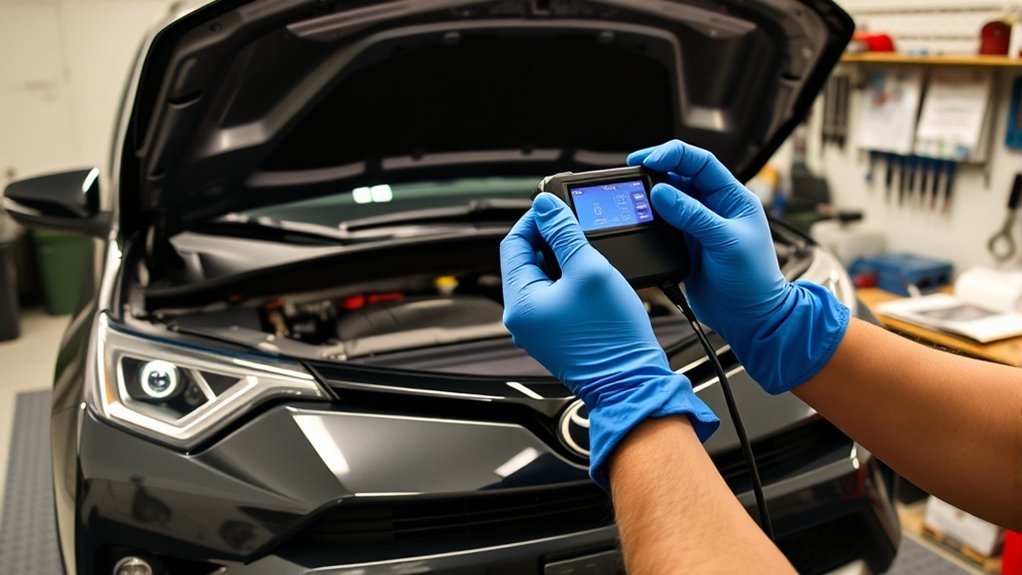
Check that you used the right method for your model year, then scan the car for codes. If a code is stored, fix the cause.
Essential Maintenance Tips for Your RAV4
- Follow the schedule in the owner’s manual.
- Check the oil level between services.
- Keep a record of the service dates.
Why Regular Maintenance Matters
Regular service protects the engine and keeps the car reliable and safe.
When to Get Professional Help
If the light keeps coming back, or other warning lights are on, ask a dealer or qualified shop.
Scheduling Your Service Appointment at Toyota of North Miami

Additional Resources for RAV4 Owners and Maintenance Tips
The owner’s manual and the maintenance guide that came with the car list the service intervals for your year.
Related reading:
- How To Turn Maintenance Light Off Toyota RAV4
- How to Turn Off the Tire Pressure Light on a Toyota RAV4
- How to Turn Off Maintenance Required on a Toyota RAV4
Frequently Asked Questions
How Do I Reset the Maintenance Light on My Toyota RAV4?
Complete the service, then use the reset in the vehicle settings menu or the trip button method for your year.
How Do I Turn off the Maintenance Required Light on My Toyota?
Reset it after the service using the procedure in the owner’s manual.
How to Reset the Maintenance Light on a Toyota RAV4 2014?
Use the method in the 2014 owner’s manual, usually the trip button method. Check the manual for the exact steps.
How to Reset the Maintenance Light on a Toyota RAV4 2013?
Use the method in the 2013 owner’s manual, usually the trip button method. Check the manual for the exact steps.
Conclusion
Do the service first, then reset the reminder using the method for your year.