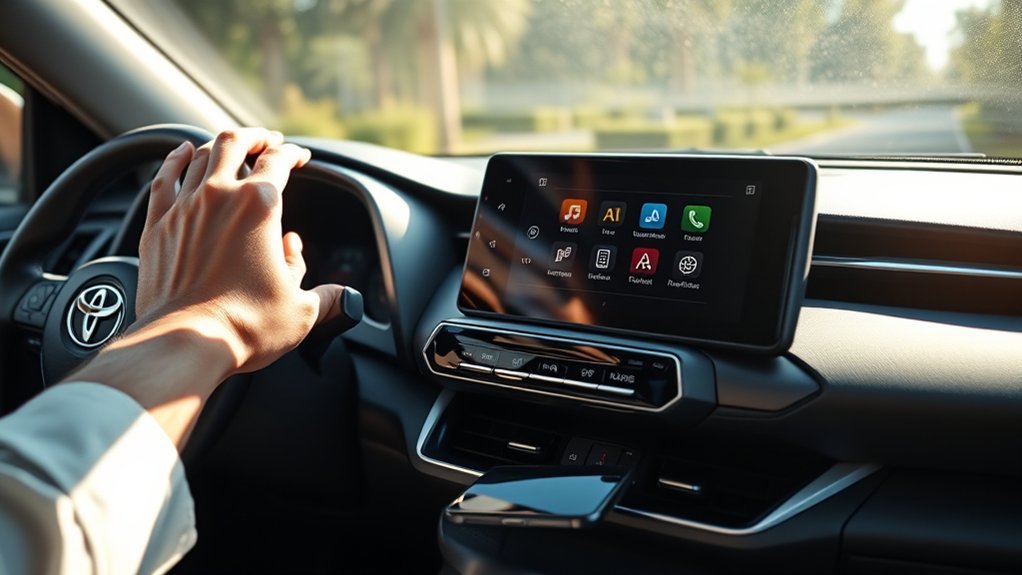
To add a phone to a Toyota RAV4, turn on Bluetooth on your phone, open the Bluetooth or phone setup menu on the RAV4 touchscreen, select your phone and confirm any pairing code on both screens. Menus differ by model year and audio system, so follow the steps in your owner’s manual if the screens look different.
How to Enable Bluetooth on Your Smartphone
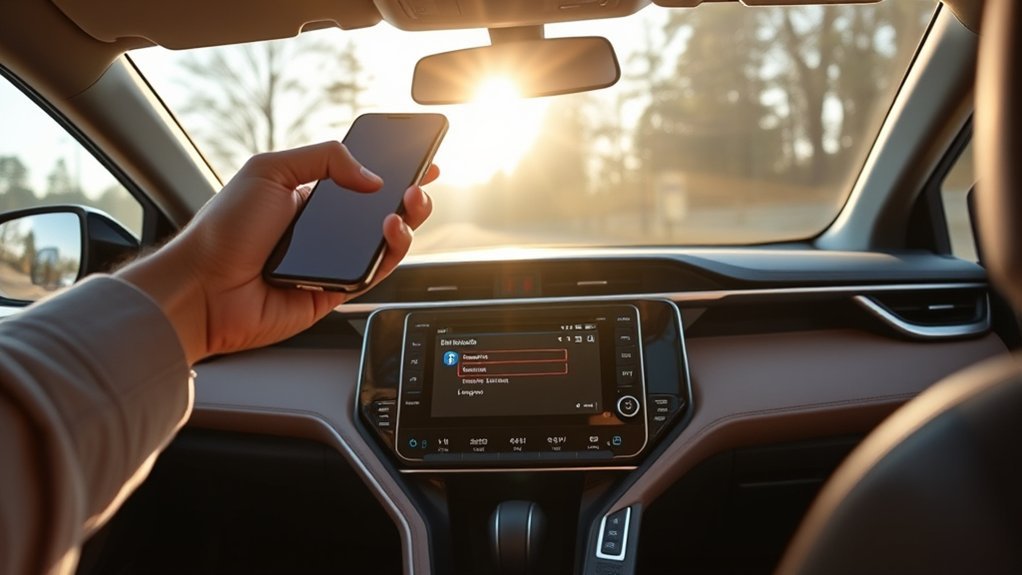
On an iPhone or Android phone, open Settings, choose Bluetooth and switch it on. Keep the phone unlocked and close to the dashboard while pairing.
How to Add a Phone to a Toyota RAV4: Pairing Steps
- Park safely and switch the ignition or accessory mode on.
- Open the Phone or Setup menu on the touchscreen and choose Add Device or Bluetooth.
- On your phone, select the RAV4 from the list of available devices.
- Confirm the pairing code or PIN on both screens.
- Allow access to contacts and messages if asked.
Troubleshooting Bluetooth Pairing Issues
Most problems come down to old pairings, a full device list or a phone that is not discoverable.
Common Pairing Problems
- The RAV4 does not appear in the phone list.
- The pairing code does not match.
- The phone connects but there is no audio.
- The device list in the car is full.
Device Compatibility Checks
Check that the phone supports the Bluetooth profiles your audio system uses, and that both the phone and the car software are current. If the system is old, check the manual.
Syncing Contacts for Easy Access While Driving
Allow contacts access when asked, and the phonebook usually appears on the screen once the phone connects.
Benefits Of Contact Syncing
- Hands-free calls by name.
- Caller names show on the display.
- Safer than handling the phone while driving.
Steps To Sync Contacts
- Pair and connect the phone.
- Accept the contacts sharing request on the phone.
- Wait for the phonebook to download.
- Check the Contacts list on the display.
Is Your Phone Compatible With the Rav4’s Bluetooth?
Most current smartphones work with Toyota audio systems. If you have trouble, check the compatibility information for your system or ask a dealer.
Other Connectivity Options for Your RAV4
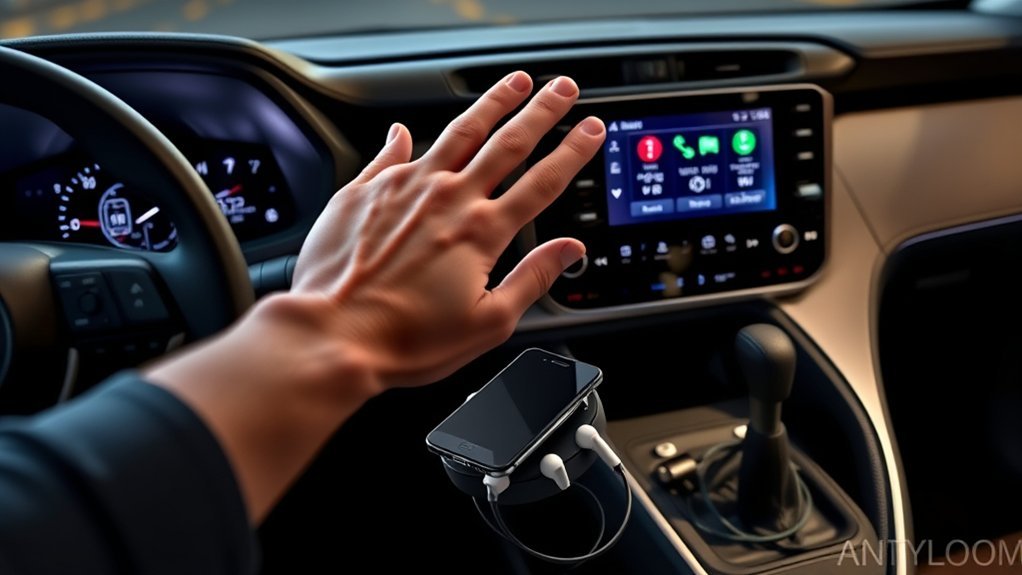
Depending on your year and audio system, you may also have USB, Apple CarPlay or Android Auto. Check the manual for what your system supports.
Benefits of Connecting Your Phone to the RAV4
- Hands-free calling.
- Music and podcast streaming.
- Navigation and voice assistants on supported systems.
Frequently Asked Questions
How Do I Add a Phone to My Toyota RAV4?
Turn on Bluetooth, choose Add Device in the phone menu on the touchscreen, pick the RAV4 on your phone and confirm the code.
How Do I Sync My Toyota to My Phone?
Pair over Bluetooth, allow contacts access, then check the phonebook on the display. USB or wireless projection can be used if your system supports it.
Why Won’t My Toyota RAV4 Connect to My Phone?
Try switching Bluetooth off and on, delete the old pairing on both the phone and the car, restart both and pair again. Update the phone software if the problem continues.
How Do I Add a New Device to My Toyota?
Open the Bluetooth or Phone setup menu and choose Add Device. If the device list is full, delete an old device first.
Conclusion
Pair over Bluetooth, allow contacts access and delete old pairings if you have trouble.