
Does The Toyota RAV4 The Toyota RAV4 Have Made In GPS (explained)
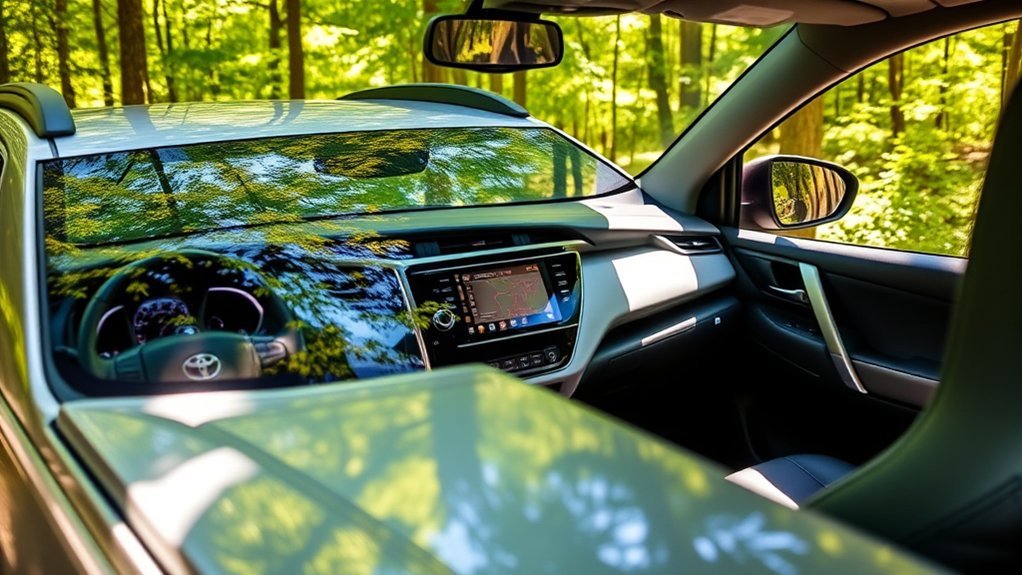
Does the 2026 Toyota RAV4 Have Built-In GPS Navigation?
Last updated: May 30, 2026
What’s in This Article
- Does the 2026 Toyota RAV4 Have Built-In GPS Navigation?
- Top Navigation Features in Toyota Audio Multimedia
- How Drive Connect and Cloud Navigation Fit In
- Practical Tips for Accessing and Using Navigation in the RAV4
- How Android Auto and Apple CarPlay Boost Navigation
- How Navigation Can Support Safer Driving
- User Feedback on the Toyota RAV4 Navigation Experience
- Frequently Asked Questions
You may expect a new RAV4 to work like an older car with a simple built-in GPS screen. The 2026 Toyota RAV4 uses a more connected setup instead. It combines Toyota Audio Multimedia, available Toyota connected navigation features, and standard wireless smartphone integration for maps, traffic, and route guidance.
Quick Answer
The 2026 Toyota RAV4 does not rely only on a traditional built-in GPS unit. Toyota says the new RAV4 launches an updated Toyota Audio Multimedia system with standard wireless Apple CarPlay and Android Auto. You can use phone-based maps, and some connected navigation features may require Toyota Drive Connect, an active trial, or a paid subscription.
Key Takeaways
- The 2026 RAV4 supports standard wireless Apple CarPlay and Android Auto for phone-based navigation.
- Toyota’s Arene software platform supports the new multimedia system and Toyota Safety Sense 4.0.
- Drive Connect can add Cloud Navigation, Intelligent Assistant, and Destination Assist when active.
- You should check your trim, region, trial period, and subscription status before depending on Toyota connected navigation.
Does the 2026 Toyota RAV4 Have Built-In GPS Navigation?
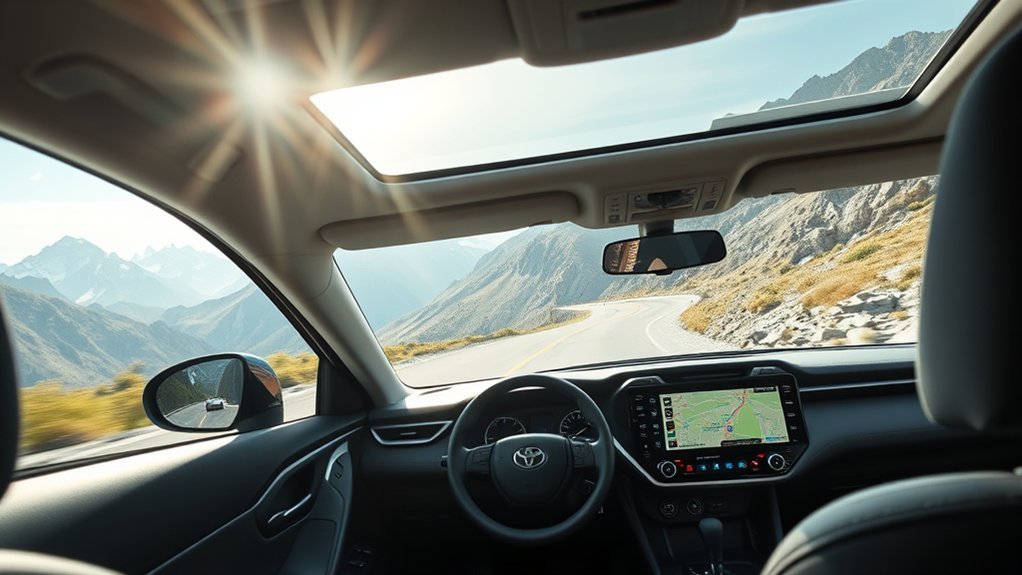
The 2026 Toyota RAV4 uses Toyota’s newer connected navigation approach rather than a simple stand-alone GPS unit on every model. According to Toyota, the 2026 RAV4 launches the newest Toyota Audio Multimedia system, powered by the Arene software platform. Toyota also says the system includes standard wireless Apple CarPlay and Android Auto compatibility.
That setup gives you several ways to navigate. You can use Google Maps, Apple Maps, Waze, or other supported apps from your phone. You can also use Toyota connected services when your vehicle, region, and subscription status support them.
Toyota says every 2026 RAV4 model also includes Toyota Safety Sense 4.0. That safety package works separately from your map app, but the same Arene platform helps support the new multimedia system and driver-assist technology.
Top Navigation Features in Toyota Audio Multimedia
The 2026 RAV4 brings a newer Toyota Audio Multimedia system with a cleaner screen layout and connected features. Toyota says the system adds standard wireless Apple CarPlay and Android Auto, plus simultaneous dual Bluetooth phone connectivity. These features help you keep maps, calls, music, and key settings within easy reach.
Customizable Display Options
With Toyota Audio Multimedia in the 2026 RAV4, you can adjust parts of the screen experience to match how you drive. A clear layout matters because you need route guidance without hunting through menus.
- Use the home menu: Keep your most used functions close, including maps, media, phone, and settings.
- Check the Multi-Information Display: Use the driver display for key driving data and available turn prompts when supported.
- Adjust alerts and prompts: Set sound, display, and voice options so the system fits your driving style.
These display options help you focus on the road while still seeing the navigation details you need.
Wireless Android Auto Connectivity
Wireless Android Auto lets you use supported Android navigation apps on the RAV4’s multimedia screen without plugging in a cable each time. After setup, you can use Google Maps or Waze for traffic, lane guidance, rerouting, and voice directions.
If Android Auto fails to start, check that your phone supports it and that Android Auto stays enabled on both your phone and vehicle screen. Toyota’s multimedia manual also tells drivers not to operate an Android device by hand while driving.
Wireless Apple CarPlay Connectivity
The 2026 RAV4 also supports wireless Apple CarPlay. This matters if you use an iPhone and prefer Apple Maps, Google Maps, or Waze through CarPlay.
Before a long trip, update your iPhone and map apps. Then test CarPlay while parked so you know your route, voice controls, and audio prompts work before you start driving.
How Drive Connect and Cloud Navigation Fit In
Toyota lists Drive Connect as a connected service that includes Cloud Navigation, Intelligent Assistant, and Destination Assist. Toyota says Drive Connect needs an active trial or paid subscription. That means your navigation features can depend on your vehicle setup, account status, market, and data connection.
Note: Check your Toyota app or dealer window sticker to confirm which connected navigation features your exact RAV4 includes.
Mapbox also announced that Toyota’s next-generation navigation system, built with Mapbox, would launch on the all-new 2026 RAV4. This supports Toyota’s shift toward connected, software-based navigation rather than a basic built-in GPS receiver alone.
Practical Tips for Accessing and Using Navigation in the RAV4
You have more than one way to get route guidance in the 2026 Toyota RAV4. The best choice depends on your phone, data signal, subscription status, and driving needs.
Alternative Navigation Options
You can use smartphone maps, Toyota connected navigation features, or a portable navigation device. For most drivers, phone-based maps will feel familiar and fast.
- Connect your phone: Use wireless Apple CarPlay or Android Auto when your device supports it.
- Use voice commands: Ask for directions while you keep your hands on the wheel.
- Download offline maps: Save maps before rural drives or trips through weak signal areas.
Offline maps help when mobile data drops. They also give you a backup if connected services stop working during a trip.
Mobile App Integration
Mobile app integration plays a key role in 2026 RAV4 navigation. You can connect your smartphone through Android Auto or Apple CarPlay, then use apps like Google Maps, Apple Maps, and Waze.
Before you drive, update your navigation apps and set your destination while parked. This helps you avoid screen taps while the vehicle moves. It also gives the app time to load live traffic, route options, and saved places.
Warning: Set your route before you drive, and use voice controls when you need changes on the road.
Comparing Navigation Functionality With Other RAV4 Features
The 2026 RAV4 navigation experience works as part of a larger tech package. You should compare it with safety, connectivity, and comfort features before you decide if the vehicle fits your needs.
- Safety features: Toyota Safety Sense 4.0 comes standard and adds updated driver-assist functions.
- Connectivity: Wireless Apple CarPlay, Android Auto, and Bluetooth help you use the phone tools you already know.
- Comfort features: Available seating, entry, climate, and display features can make daily driving easier.
If you want a built-in-style navigation experience, check whether your chosen trim includes Drive Connect access or a trial. If you prefer phone maps, the standard wireless smartphone support may give you all the guidance you need.
How Android Auto and Apple CarPlay Boost Navigation
Android Auto and Apple CarPlay make the RAV4 navigation experience more flexible. You can use the map app you already trust, and you can keep your saved addresses, recent searches, and favorite places.
These systems can show live traffic, suggest faster routes, and give voice directions through the vehicle speakers. You can also switch between maps, music, calls, and messages with fewer steps than using a phone by hand.
For best results, keep your phone charged and updated. Also bring a USB cable on long trips, even if you usually connect wirelessly.
How Navigation Can Support Safer Driving
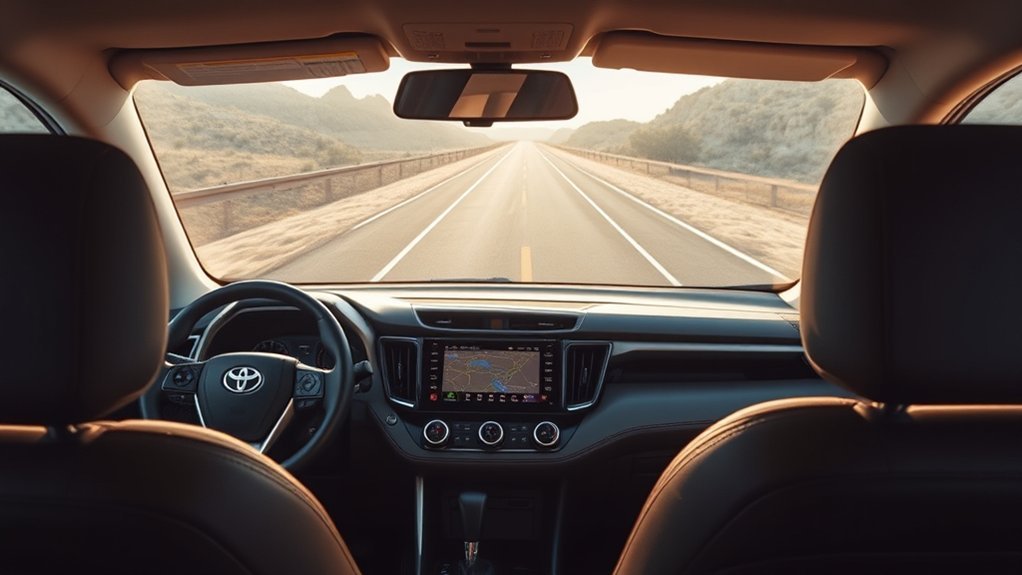
Good navigation can support safer driving when you use it the right way. It helps you plan turns earlier, avoid missed exits, and respond to traffic changes with less stress.
- Use real-time updates: Live traffic can help you avoid crashes, road work, and long delays.
- Follow audio cues: Voice prompts reduce the need to look away from the road.
- Plan stops early: Search for fuel, charging, food, or rest areas before you reach a low range or fatigue point.
Navigation does not replace safe driving. You still need to watch signs, road markings, speed limits, pedestrians, cyclists, and changing weather.
User Feedback on the Toyota RAV4 Navigation Experience
Drivers often want simple, built-in navigation in a modern SUV. Some may feel disappointed if a feature needs a connected service trial, a paid plan, or a phone connection. Others may prefer Apple CarPlay or Android Auto because phone maps update often and feel familiar.
Here’s a clearer look at common RAV4 navigation feedback:
| Feedback Aspect | What It Means for You |
|---|---|
| Built-in navigation expectations | Check trim and connected service details before buying. |
| Phone-based navigation | Apple CarPlay and Android Auto make Google Maps, Apple Maps, and Waze easy to use. |
| Subscription concerns | Some Toyota connected features may need an active trial or paid subscription. |
| Road trip use | Offline maps and a charging cable can help when signal or battery power drops. |
The best setup depends on how you drive. If you use your phone for every trip, wireless smartphone integration may feel simple. If you want navigation that works more like a built-in system, ask your dealer about Drive Connect and Cloud Navigation before you choose a trim.
Frequently Asked Questions
Does the 2026 RAV4 Have Built-In GPS?
The 2026 RAV4 does not rely only on a traditional stand-alone GPS system. It uses Toyota Audio Multimedia, standard wireless Apple CarPlay and Android Auto, and available connected navigation features through Toyota services.
Does the 2026 RAV4 Support Google Maps?
Yes. You can use Google Maps through Android Auto, and iPhone users can also use Google Maps through Apple CarPlay. Your phone and app must support the connection.
Does Toyota Drive Connect Include Navigation?
Toyota says Drive Connect includes Cloud Navigation, Intelligent Assistant, and Destination Assist. It requires an active trial or paid subscription, so check your Toyota app or dealer details for your exact vehicle.
Can You Use Navigation Without Cell Service?
You can still use offline maps if you download them before your trip. Live traffic, rerouting, and cloud-based search may not work well without a data connection.
What Is the Biggest Navigation Issue With the RAV4?
The main issue is expectation. Some drivers expect built-in navigation on every trim, but the 2026 RAV4 leans on connected services and smartphone integration. Confirm your trim, trial, and subscription details before you buy.
Conclusion
The 2026 Toyota RAV4 gives you strong navigation options, but you need to understand how they work. Use wireless Apple CarPlay or Android Auto if you prefer phone maps. Check Drive Connect if you want Toyota’s cloud-based navigation features. Before your first long trip, test your setup while parked so you can drive with less stress and more confidence.
References
- Three…Two…One: Toyota Debuts Amazing All-New RAV4 — Toyota Pressroom, 2025
- The Next Adventure Begins: 2026 RAV4 Arrives this Winter — Toyota Pressroom, 2025
- Connected Services — Toyota Owners, 2026
- Toyota’s Next-Generation Navigation System is Built with Mapbox — Mapbox, 2026



