How to Check Mileage on a Toyota RAV4 (Odometer & Trip Meters)
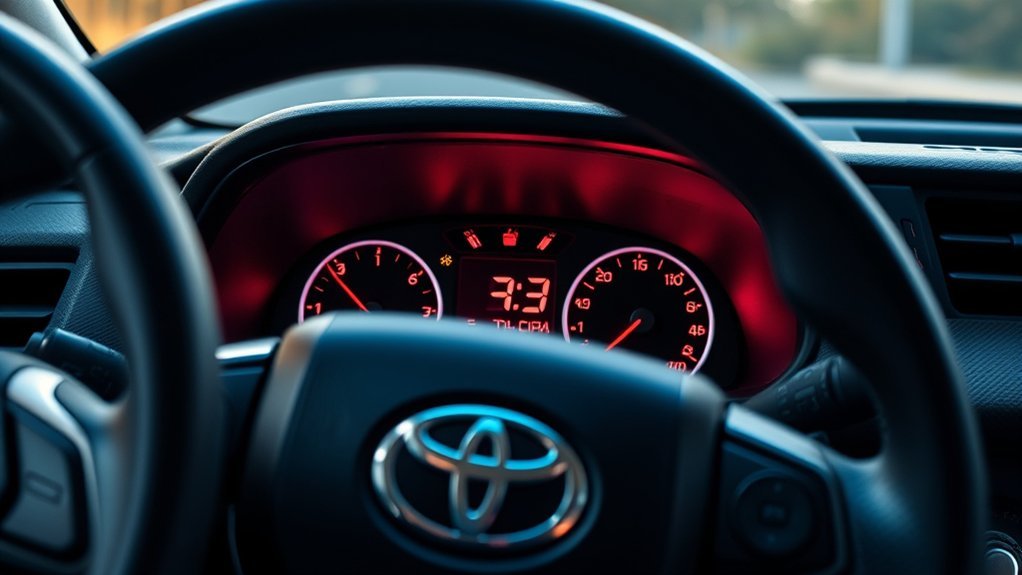
Checking the mileage on a Toyota RAV4 takes less than a minute, but the exact button location can vary by model year, trim and instrument-cluster design. The total mileage appears under ODO or Odometer, while Trip A and Trip B are resettable counters for individual journeys, fuel tracking or maintenance reminders.
Quick Answer
Park your RAV4 and place the ignition or power mode in ON. Find the ODO TRIP, TRIP or display-change switch near the instrument cluster, then press it briefly until ODO appears. ODO is the vehicle’s total mileage. Holding the switch while Trip A or Trip B is displayed resets only that selected trip.
Key Takeaways
- ODO shows the total distance the RAV4 has traveled and cannot be cleared with the normal trip controls.
- Trip A and Trip B are independent, resettable distance counters.
- On many RAV4s, the ODO TRIP switch is on or beside the instrument cluster, not on the steering wheel.
- A short press changes the displayed counter; a long press resets the selected trip meter.
- Instrument brightness normally uses a separate light-control dial or display setting.
- Controls, labels and connected-app features can differ by model year, trim and market.
At a Glance
| Time Required | About 1 minute |
| Difficulty | Easy |
| Tools Needed | No tools |
| Cost | Free |
How to Check Mileage on a Toyota RAV4
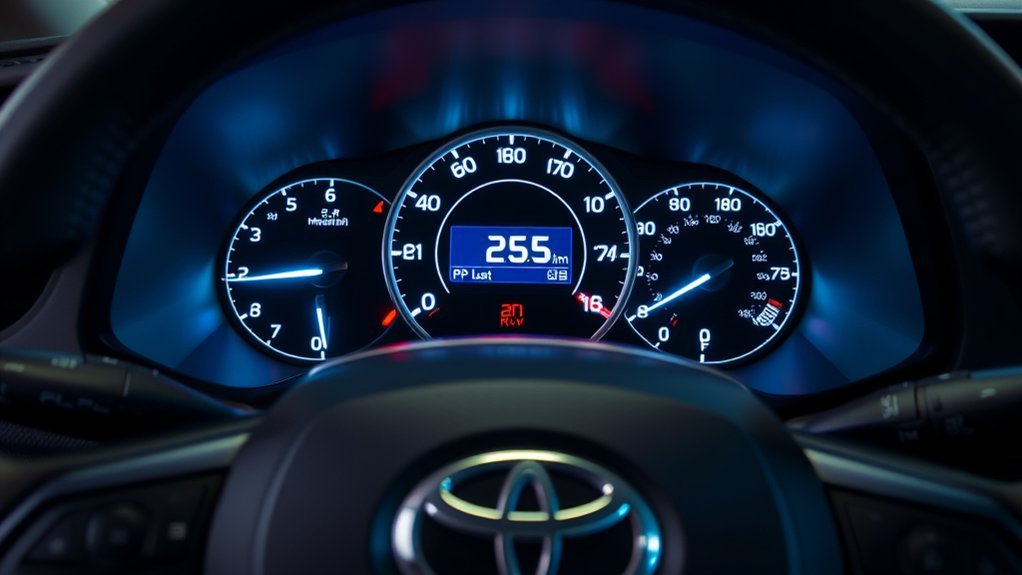
- Park the RAV4 safely. Shift into Park and set the parking brake before operating the instrument-cluster controls.
- Turn the display on. With a traditional key, turn the ignition to ON. On a push-button model, keep your foot off the brake and place the vehicle in the ON power mode according to the instructions for your model year.
- Locate the display-change control. Look for a button or switch labeled ODO TRIP, TRIP, DISP or a similar label near the instrument cluster. Some newer clusters also use steering-wheel meter controls for additional driving-information screens.
- Press the control briefly. Each short press normally cycles through the available odometer and trip-meter displays.
- Stop when ODO appears. The number beside ODO or Odometer is the RAV4’s total recorded mileage or kilometers.
Warning: Do not search through dashboard menus while driving. Toyota advises stopping the vehicle before operating multi-information-display controls so you can keep your attention on the road.
Toyota defines the odometer as the total distance the vehicle has traveled. Trip meters show the distance traveled since each meter was last reset. Toyota’s digital manuals can help you confirm the control location for your exact year and display type. See the Toyota Manuals and Warranties portal.
Where Is the RAV4 ODO TRIP Switch?
The ODO TRIP control is not in the same place on every Toyota RAV4. On many recent models, it is a separate physical switch on or near the instrument panel. The steering wheel may also have meter-control arrows and an OK or enter button, but those controls often manage menus and additional driving information rather than serving as the main ODO/TRIP reset switch.
| Display or Control Type | What to Look For |
|---|---|
| Physical ODO TRIP switch | A small switch on or beside the instrument cluster. Press briefly to cycle through ODO, Trip A and Trip B. |
| Older display-change button | A button or knob labeled TRIP, DISP or with a similar display symbol. |
| Digital cluster with steering-wheel controls | Arrow, page or OK controls may change configurable drive-information screens. A separate ODO TRIP switch may still control the basic odometer and trip-meter display. |
Note: The label and position can change by model year, trim, production location and country. Use the owner’s manual selected by VIN or exact model year when your dashboard does not match a general guide.
Understanding ODO, Trip A and Trip B
The odometer and trip meters serve different purposes. The total odometer is a permanent record used for maintenance history, resale information and vehicle records. Trip A and Trip B are temporary counters that you can use independently.
| Display | What It Shows | Can You Reset It? |
|---|---|---|
| ODO | The total distance the RAV4 has traveled. | Not through normal driver controls. |
| Trip A | Distance traveled since Trip A was last reset. | Yes, independently. |
| Trip B | Distance traveled since Trip B was last reset. | Yes, independently. |
| Drive or trip information | Depending on the display, it may show distance, elapsed time or average speed. | Usually, but it may use a separate menu or steering-wheel control. |
| Average fuel economy | An estimated average based on the selected reset period. | Often reset separately from the basic trip meter. |
Trip A and Trip B do not reset together. Display the meter you want to clear, then hold the appropriate control. This prevents you from accidentally erasing a separate trip record.
How to Reset Trip A or Trip B
- Park the RAV4 and turn the ignition or power mode to ON.
- Press the ODO TRIP or display-change switch briefly until Trip A or Trip B appears.
- Confirm that the correct trip meter is on the screen.
- Press and hold the same switch until the selected trip distance returns to zero.
- Release the switch and verify that the other trip meter and total odometer remain unchanged.
Pro Tip: Use Trip A for each tank of fuel and Trip B for a longer interval such as a road trip, monthly mileage or the distance between maintenance services.
Resetting the basic trip meter clears that selected distance. On RAV4s with configurable digital displays, average fuel economy, average speed, elapsed time and other trip-information fields may have their own reset controls. Toyota advises treating displayed fuel-consumption figures as reference information rather than an exact measurement.
Troubleshoot RAV4 Mileage Display Problems
ODO or Trip A/B Is Not Visible
Make sure the ignition or power mode is ON, then press the ODO TRIP or display-change switch with a short press. Holding it too early may reset a trip instead of changing the display. On digital clusters, check whether the odometer is shown in a fixed lower area while the main screen displays other driving information.
The Display Is Too Dim
Use the separate instrument-panel light-control dial or the brightness menu described in your owner’s manual. Do not hold the trip-reset switch to change brightness. Dashboard brightness may also have separate day and night levels, so check the setting with the exterior lights both on and off.
The Display Is Blank or Unresponsive
- Confirm that the vehicle is in the correct ignition or power mode.
- Check whether other electrical systems are weak or unavailable, which may point to a low 12-volt battery.
- Look for warning messages elsewhere on the cluster.
- Turn the vehicle fully off, wait briefly and restart it in a safe, ventilated location.
- If the instrument cluster remains blank, flickers repeatedly or displays a warning, arrange an inspection with a Toyota dealer or qualified repair facility.
Trip A or Trip B Will Not Reset
First display the desired trip meter. Pressing and holding the switch while ODO or another information screen is visible may not reset the trip. Hold the control until the number changes to zero. If nothing happens, check the exact procedure in the manual for your model year because some digital information fields use a steering-wheel enter or OK control instead.
Dashboard and App Mileage Do Not Match
The dashboard odometer is the direct in-vehicle reading. Connected-service mileage may show the latest value transmitted after the vehicle last communicated with Toyota’s system. Refresh timing, feature availability and displayed menus vary by vehicle, region, account and active service status.
Monitoring Fuel Efficiency With Trip A or Trip B
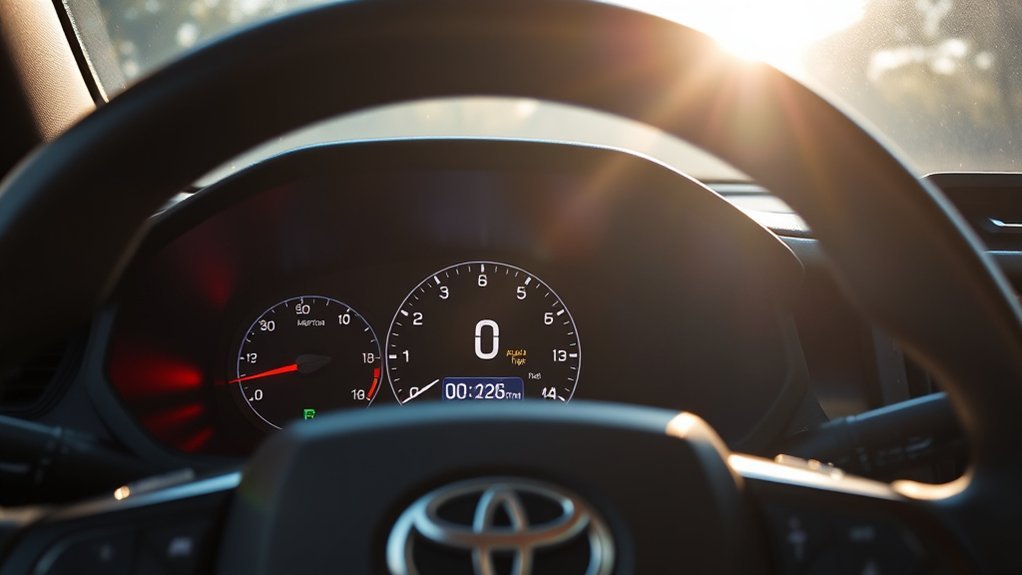
Trip A is useful for measuring real-world fuel economy from one fill-up to the next:
- Fill the tank and reset Trip A.
- Drive normally until the next fill-up.
- Record the Trip A distance before resetting it.
- Record the amount of fuel needed to refill the tank.
- For miles per gallon, divide the Trip A miles by the gallons added. For kilometers per liter, divide the kilometers traveled by the liters added.
Manual calculation over several full tanks is usually more useful for tracking a long-term trend than judging fuel economy from one short drive or one dashboard reading.
Use the result to compare similar driving conditions over time. Weather, traffic, trip length, speed, cargo, tire pressure, heating and air-conditioning use can all change the outcome. FuelEconomy.gov notes that aggressive acceleration, speeding and hard braking can reduce gas mileage, while smoother driving and steadier speeds can improve efficiency. See the official FuelEconomy.gov driving-efficiency guidance.
RAV4 Hybrid and Plug-In Hybrid Mileage Displays
RAV4 Hybrid and plug-in-hybrid models still use one total odometer for the vehicle’s overall distance. Their multi-information displays may also provide supplemental information such as:
- Trip A and Trip B distance
- Average fuel economy
- Distance and elapsed time since the vehicle was started
- EV-driving ratio
- Energy flow or energy-monitor information
- Power consumption and fuel-economy information on plug-in models
These efficiency screens do not replace the total odometer. They may also reset at different times. For example, an “after start” value may reset when the hybrid system is turned off, while a Trip A or Trip B field continues until you reset it manually. Toyota’s 12.3-inch RAV4 Hybrid display guide explains the configurable fuel-economy, trip-information and EV-ratio screens.
How to Check RAV4 Mileage in the Toyota App
Compatible connected RAV4 models may provide mileage or vehicle-health information through the Toyota app or Toyota owner dashboard.
- Install or update the Toyota app.
- Sign in with the account connected to your vehicle.
- Add or select your RAV4.
- Activate the available connected services if required.
- Open the vehicle-status, vehicle-health, maintenance or dashboard area shown for your account.
- Look for current mileage or odometer information.
Menu names and availability can change. A vehicle without compatible connected hardware or an activated service may not transmit its mileage. Toyota’s Toyota app information page explains app and connected-service availability, while the Toyota owner dashboard includes a current-mileage area for supported accounts.
Frequently Asked Questions
How do I check the total mileage on a Toyota RAV4?
Park the vehicle, place the ignition or power mode in ON and press the ODO TRIP, TRIP or display-change control until ODO appears. The number beside ODO is the vehicle’s total recorded mileage or kilometers.
Where is the ODO TRIP button on a RAV4?
On many RAV4s, it is a separate switch on or beside the instrument cluster. Older vehicles may use a differently labeled trip or display button. Steering-wheel meter controls on newer trims may operate additional information screens, so check the manual for your exact year and trim.
How do I reset Trip A or Trip B?
Display Trip A or Trip B, then press and hold the ODO TRIP or appropriate reset control until the selected reading returns to zero. Each trip meter must be reset separately.
Can I reset the total RAV4 odometer?
No. The normal driver controls reset Trip A or Trip B, not the vehicle’s total odometer. A short press changes the displayed meter, while a long press resets the selected trip meter.
Why did my fuel-economy value not reset with Trip A?
Some RAV4 displays treat trip distance, average fuel economy, elapsed time and average speed as separate fields. You may need to open the related fuel-economy or trip-information screen and reset that value separately.
Can the Toyota app show my RAV4 odometer reading?
It may show current mileage for a compatible vehicle with the necessary connected services and account setup. The app reading may reflect the latest information transmitted by the vehicle rather than a continuously live value.
Conclusion
To check your Toyota RAV4’s total mileage, place the parked vehicle in ON mode and select ODO using the appropriate instrument-cluster control. Use Trip A and Trip B for separate journeys, fuel tracking or maintenance intervals, and reset each one individually. Because button locations and digital-display menus vary, use the exact Toyota owner’s manual whenever your cluster does not match the common layout.
Sources
- Toyota 2021 RAV4 Gauges and Meters — odometer, Trip A/Trip B, ODO TRIP operation and instrument-light control.
- Toyota 2025 RAV4 Hybrid Switches — control locations for 7-inch and 12.3-inch displays.
- Toyota 2025 RAV4 Hybrid Multi-Information Display — fuel economy, Trip A/Trip B information, EV ratio and reset behavior.
- Toyota App and Connected Services — app setup and connected-vehicle feature availability.
- FuelEconomy.gov Driving More Efficiently — effects of driving habits on fuel economy.