Do Dash Cams Record Audio? Settings, Consent, and Privacy Basics
Yes, many modern dash cams do record audio, capturing sounds and conversations inside and around your vehicle. You can adjust the audio settings easily through the cam’s menu or app, allowing you to toggle recording on or off as needed. However, be mindful of consent laws, as some states require agreement from all parties before recording. Privacy concerns are important too. Explore best practices and recommended models to guarantee responsible use and compliance.
Do Dash Cams Record Audio? Understanding the Functionality?
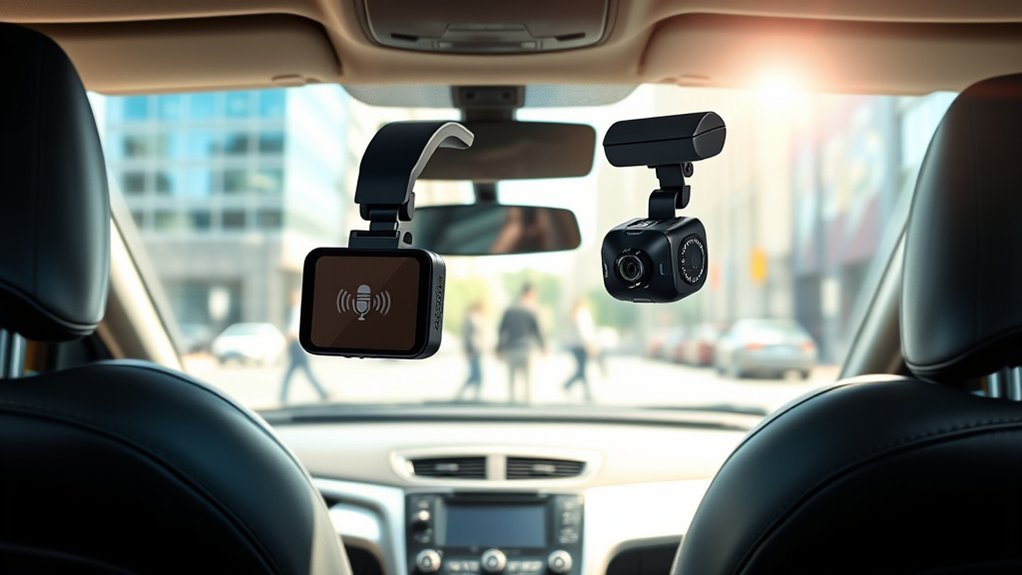
Have you ever wondered if dash cams can capture more than just video? Many modern dash cams do indeed record audio, thanks to built-in microphones that activate when the device powers on. This recording audio capability allows you to have a synchronized account of events and conversations while you’re driving. You can often toggle the audio feature in the settings, giving you control over what gets captured. However, it’s essential to take into account local laws regarding audio recording; in some places, you must obtain consent from all parties if conversations are being recorded. Understanding these privacy basics not only protects you legally but also respects the rights of others. Advanced models may offer features like noise reduction and dual-channel audio, enhancing clarity for important details. So, before you hit the road, familiarize yourself with your dash cam’s functionality and your jurisdiction’s requirements.
Top Advantages of Dash Cam Audio Recording
While many drivers focus primarily on the visual evidence that dash cams provide, the audio recording feature brings a wealth of advantages that can greatly enhance your driving experience. When dash cams record audio, you reveal a new layer of context that’s essential during disputes. Here are some key benefits:
- Clarifies Liability: Audio recordings can provide context during accidents, helping clarify who’s at fault.
- Enhances Safety: By recording conversations and sounds, you can monitor driver behavior and encourage accountability among passengers.
- Aids Insurance Claims: Having both video and audio documentation considerably strengthens your case when filing insurance claims.
With many modern dash cams offering features like noise reduction, you can capture clear audio that complements your visual evidence. This dual capability empowers you, providing liberation in the often stressful aftermath of road incidents.
Drawbacks of Dash Cam Audio Recording
Although dash cams with audio recording capabilities offer considerable advantages, they also come with notable drawbacks that shouldn’t be overlooked.
| Drawback | Impact on Users | Considerations |
|---|---|---|
| Privacy Concerns | Passengers may feel uncomfortable | Ensuring consent is vital |
| Legal Consequences | Risks in two-party consent states | Possible eavesdropping charges |
| Storage Capacity | Increased data usage | Frequent file management needed |
| Passenger Experience | Anxiety over recorded conversations | Balancing comfort and safety |
| Regulatory Compliance | Stricter rules for commercial drivers | Must adhere to laws |
You need to weigh these factors when deciding whether to use dash cams that record audio. Striking a balance between safety and privacy is essential, especially if you often have passengers. Be mindful of the legal implications and storage challenges, as they can considerably impact your experience.
How to Turn Dash Cam Audio On or Off?
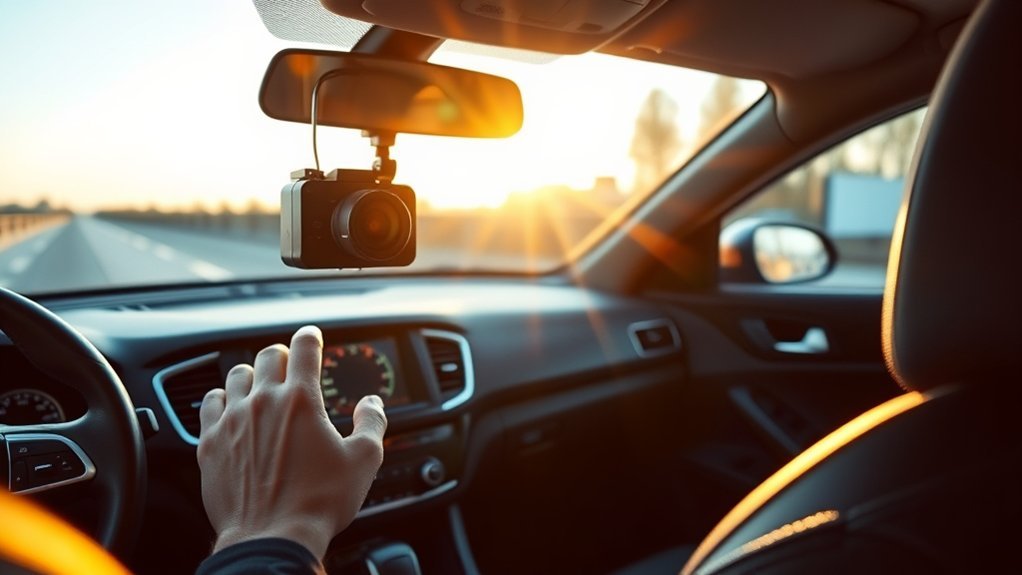
Many drivers find the ability to toggle dash cam audio recording a handy feature, especially when considering privacy and legal implications. To turn dash cam audio on or off, follow these simple steps:
Many drivers appreciate the convenience of toggling dash cam audio for privacy and legal reasons.
- Access the Settings Menu via your dash cam’s built-in screen or companion app.
- Use voice commands or physical buttons for quick adjustments to enable or disable the muted function.
- Always confirm changes to verify they’re saved and effective.
For those seeking enhanced audio clarity, some advanced models offer customizable audio sensitivity settings to minimize background noise. After making any adjustments, it’s essential to test the audio to assure the desired recording quality is achieved. With these steps, you can easily manage your dash cam audio, allowing you to maintain control over your recording environment.
Consent Laws for Dash Cam Audio Recording: What You Need to Know?
When it comes to dash cam audio recording, understanding consent laws is essential. Depending on where you are, you might need consent from just one party or everyone involved in the conversation. Ignoring these local laws can lead to serious legal issues, so make sure you know the rules before hitting that record button.
One-Party Consent States
Have you ever wondered about the legality of recording conversations with your dash cam? In one-party consent states, you can legally capture audio as long as one participant is aware of the recording. This simplifies using your dash cam’s audio recording capabilities in states like Texas, New York, and Illinois. Here are some key points to reflect on:
- Approximately 38 states are one-party consent jurisdictions.
- You can record conversations without consent from passengers.
- It’s still best practice for drivers to inform passengers about the dash cam’s audio recording capabilities.
Even in one-party consent states, be sure to comply with local privacy laws to avoid potential legal issues. Transparency fosters trust, so keeping your passengers informed is always a smart move.
Two-Party Consent States
Understanding the legal landscape around dash cam audio recording is essential, especially in two-party consent states. In these jurisdictions, all parties, including passengers, must give consent before audio recording can occur. Failing to do so could lead to serious legal repercussions. To maintain privacy and avoid conflicts, consider these options:
| Action | Description | Recommendation |
|---|---|---|
| Inform Passengers | Notify them about audio recording capabilities | Always prioritize transparency |
| Obtain Consent | Ask for permission before recording | Vital in two-party states |
| Disable Audio | Mute the audio function if unsure | A safer choice when in doubt |
Dashcams record audio, but understanding and respecting consent in two-party consent states is fundamental for your legal protection.
Local Law Compliance
Maneuvering the maze of local laws regarding dash cam audio recording can be tricky, especially since these regulations differ considerably from one jurisdiction to another. To guarantee you’re compliant, consider these key points:
- One-party consent states (like Texas and New York) let you record audio without informing passengers.
- Two-party consent states (like California and Florida) require all parties to be aware and agree to the recording.
- Transparency is essential: Informing passengers about audio capabilities can help avoid privacy violations or conflicts.
Always check local laws to stay within legal boundaries and protect yourself from potential consequences. Understanding these nuances is fundamental for responsible dash cam recording.
Privacy Concerns of Dash Cam Audio Recording
As dash cams become increasingly popular, the audio recording feature raises significant privacy concerns that drivers and passengers should consider. When dash cams record audio, you might inadvertently capture private conversations, leading to potential legal issues. In two-party consent states, everyone in the vehicle must agree to being recorded, while one-party consent states only require agreement from one participant. This difference can create discomfort for passengers who expect privacy during their conversations. To avoid these privacy concerns, it’s essential to inform all passengers about the dash cam’s capabilities. Utilizing the mute function can be a smart way to guarantee sensitive discussions aren’t recorded. Additionally, remember that recording audio increases data usage, which may deplete your dash cam’s storage capacity more quickly, making regular data management necessary. Being proactive about consent and privacy can enhance everyone’s comfort during your travels.
Best Practices for Responsible Dash Cam Audio Use
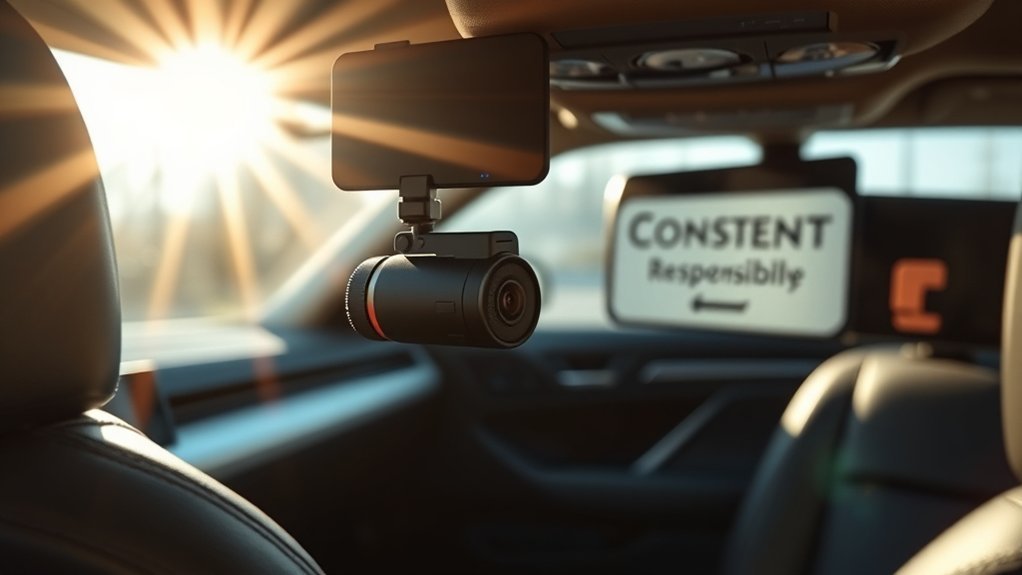
When you’re using a dash cam that records audio, it’s essential to inform your passengers about the recording to maintain transparency and respect their privacy. If someone doesn’t consent to being recorded, make sure to utilize the mute function to avoid potential legal complications. By taking these steps, you not only stay compliant with local laws but also foster trust among everyone in your vehicle.
Inform Passengers About Recording
How can you guarantee that your passengers feel comfortable and informed about your dash cam’s audio recording capabilities? Transparency is key to maintaining trust and ensuring compliance with privacy laws. Here are some best practices:
- Inform: Clearly communicate that your dash cam records audio, especially in areas requiring consent.
- Post Notices: Use visible signs in your vehicle to set expectations about audio recording.
- Engage in Dialogue: Regularly discuss the purpose and benefits of audio recording to alleviate concerns.
Utilize Mute Function When Necessary
Why should you consider using the mute function on your dash cam? The mute button is crucial for managing privacy laws, especially in two-party consent states where everyone must be aware of recording audio. By utilizing this feature, you can guarantee your passengers feel comfortable, knowing their conversations aren’t being captured without consent. Many dash cams offer easy access to mute through physical buttons, allowing you to pause audio recording effortlessly when needed. This practice fosters transparency; letting your passengers know about the mute function helps maintain trust during the ride. Disabling audio when transporting non-consenting passengers protects you from potential legal troubles, guaranteeing you prioritize their privacy while still benefiting from your dash cam’s capabilities.
Recommended Dash Cams With Audio Recording Features
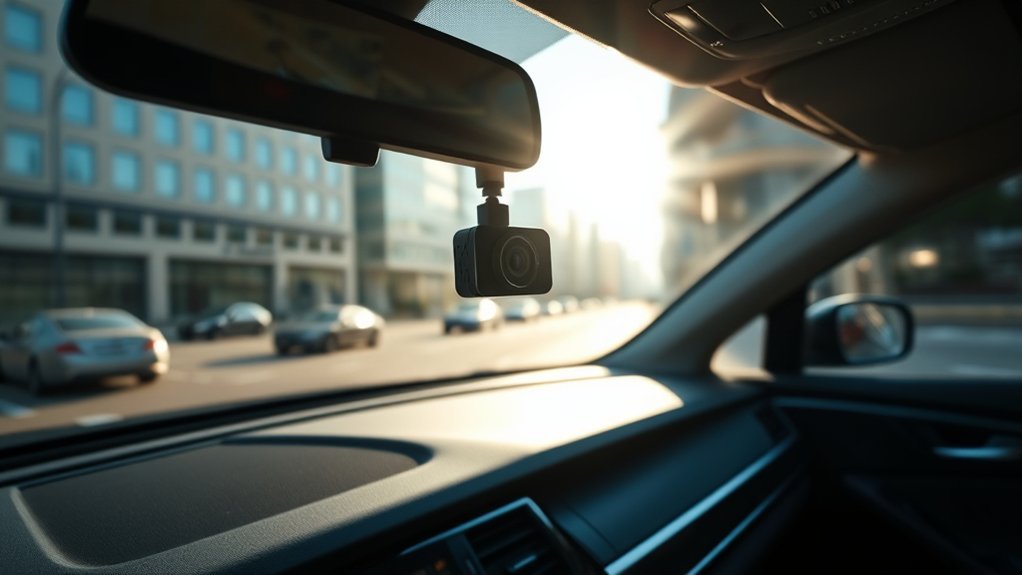
If you’re in the market for a dash cam that captures both video and audio, you’ll find several excellent options that can enhance your driving experience. Here are some recommended dash cams that record audio effectively:
- AutoSky 4K Dash Cam: Known for its impressive video quality and reliable audio, it features built-in microphones, GPS tagging, and WiFi access for easy file management.
- Garmin Dash Cam 66W: This model offers high sound quality with dual-channel audio and a discreet design, perfect for privacy control.
- Vantrue N4: With advanced noise reduction and a three-channel system, this dash cam records both inside and outside the vehicle, guaranteeing you capture every important detail.
When choosing a dash cam model, always check for audio recording capabilities and verify you can toggle it for privacy. Investing in one of these recommended dash cams can elevate your driving experience while keeping you informed.
Frequently Asked Questions
Can You Hear Conversations on a Dash Cam?
Yes, you can hear conversations on a dash cam, depending on its audio quality. However, be mindful of privacy concerns and legal implications, including consent requirements for sound recording in your jurisdiction.
Can a Dash Cam Record Sound?
Yes, a dash cam can record sound, enhancing audio quality and providing context. However, consider user settings, legal implications, and privacy concerns. Device comparisons reveal varying features, so choose wisely to guarantee compliance and protection.
How Do I Know if My Dash Cam Is Recording Audio?
Check your dash cam features in the user manual for audio settings. Look for indicators showing recording status. Be mindful of legal implications and privacy concerns, ensuring recording quality meets your needs before use.
How Do You Know if a Camera Is Recording Audio?
You can tell if a camera’s recording audio by checking audio indicators and recording lights. Review the device settings and user manual for sound quality options, while being mindful of privacy laws that may apply.
Conclusion
In the end, whether you choose to record audio with your dash cam depends on your needs and local laws. While having audio can enhance your footage, it’s essential to weigh the benefits against privacy concerns. Think about it: would you rather miss out on vital evidence because you didn’t capture the conversation? By staying informed and practicing responsible usage, you can make the most of your dash cam while respecting the rights of others.