
To disable the Auto Start/Stop feature in your Toyota Supra, first, locate the dedicated button on the center console and press it each time you start the vehicle. For a permanent solution, you’ll need an OBD-II adapter and the BimmerCode app; connect your device, navigate to the settings, and disable the feature. Keep in mind that using the right tools can enhance your driving experience markedly. Discover additional customization options available for your Supra as you proceed.
Understanding the Auto Start/Stop Feature in Your Supra
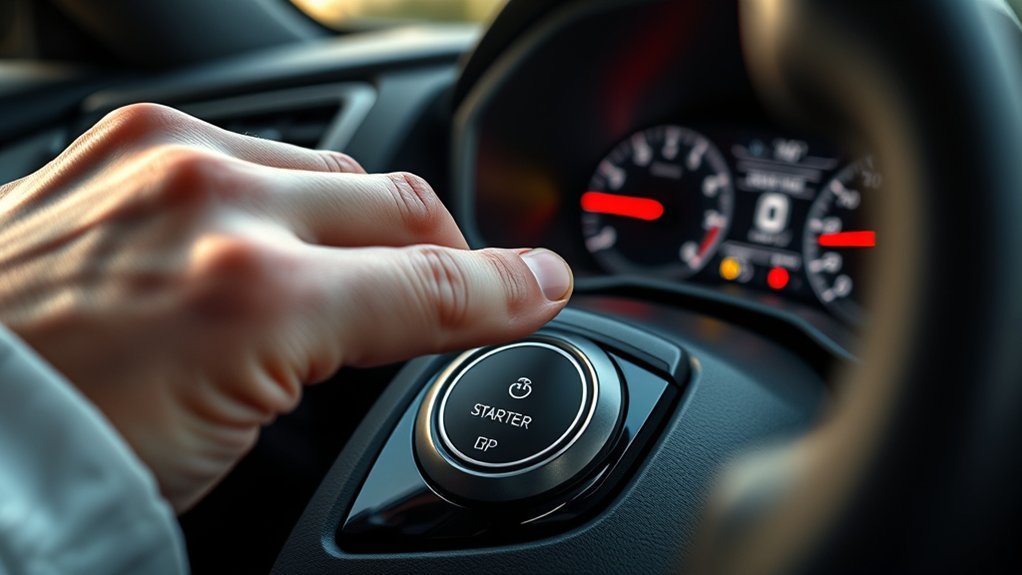
The auto start/stop feature in your Toyota Supra is a sophisticated system aimed at boosting fuel efficiency. It automatically turns off the engine when you come to a stop, restarting it when you press the accelerator. This feature engages when you press the brake pedal firmly enough, allowing for seamless changes between stopping and starting. However, it can feel disruptive, especially in heavy traffic situations.
To regain control, you can temporarily disable the auto start/stop feature by simply pushing the button on the console each time you start your vehicle. While this might seem inconvenient, it’s essential for those who prefer a more consistent driving experience. Unlike some earlier models, your Supra doesn’t offer a permanent option in the settings, so you’ll need to make this adjustment regularly. Understanding this feature helps you make informed choices for your driving style, enhancing your sense of freedom behind the wheel.
Why You Might Want to Disable the Auto Start/Stop Feature?
Many drivers find the auto start/stop feature in their Toyota Supra more of a nuisance than an advantage, especially in urban environments with frequent stops. If you’re looking to disable auto start/stop, consider how it can enhance driving comfort by allowing for a smoother, more consistent experience. Here are some reasons why you might want to make that alteration:
- Prevents engine restarts at idle, reducing disruption.
- Avoids unexpected engine activation when parking or shifting between gears.
- Eliminates unnecessary wear on the starter and battery.
- Prioritizes performance and responsiveness over minimal fuel savings.
- Maintains a seamless driving experience without needing to re-engage the system.
How to Temporarily Disable the Auto Start/Stop Feature
To temporarily disable the Auto Start/Stop feature in your Toyota Supra, start by locating the dedicated button on the center console; you’ll need to press it each time you start your vehicle. Additionally, consider engaging the power mode right after ignition to help prevent the feature from activating unexpectedly. Remember, you’ll have to repeat this process every time you turn off the car, as the system resets automatically.
Manual Button Activation
If you prefer not to have the auto start/stop feature engage every time you start your Toyota Supra, you can easily disable it using a dedicated button on the center console. Just remember, you’ll need to push this button after each engine start, as there’s no option to keep it off by default.
To manage this feature effectively, consider the following:
- Familiarize yourself with where the button is located.
- Verify you press the button each time you start the car.
- Avoid firm brake pressure, which can trigger activation.
- Stay aware of the conditions that activate the feature.
- Embrace the temporary nature of this solution for now.
With these tips, you’ll gain greater control over your driving experience!
Driving Mode Adjustments
While you might appreciate the fuel-saving benefits of the auto start/stop feature in your Toyota Supra, there are practical adjustments you can make to temporarily disable it during your drive. To prevent the start/stop feature from activating, simply press the designated button on the center console each time you start your vehicle. Engaging Sport mode upon startup can also help, as it alters the driving dynamics, minimizing the chances of the feature kicking in. Additionally, lightly applying the brake instead of pressing firmly at stoplights gives you more control over activation. Familiarizing yourself with these driving mode adjustments enhances your experience, allowing you to liberate your driving style from the constraints of the auto start/stop system.
Choosing the Right OBD2 Device to Disable the Auto Start/Stop Feature
When it comes to disabling the auto start/stop feature in your Toyota Supra, choosing the right OBD2 device is essential. Look for compatible adapters like the OBDLink CX or Veepeak OBDCheck, both of which work seamlessly with coding apps such as BimmerCode. Always double-check your specific model year’s compatibility to guarantee a smooth modification process.
Adapter Compatibility Considerations
Selecting the right OBD2 device is essential for effectively disabling the auto start/stop feature in your Toyota Supra. Confirming adapter compatibility with BimmerCode is key to a smooth experience. Here are some considerations to keep in mind:
- Verify that the adapter supports your specific model year.
- Check communication protocols to avoid compatibility issues.
- Look for devices known for reliable performance, like OBDLink CX or Veepeak OBDCheck.
- Confirm it works seamlessly with the BimmerCode app, available on the App Store.
- Choose a user-friendly adapter with a solid reputation based on community feedback.
Recommended OBD2 Devices
Choosing the right OBD2 device is essential for effectively disabling the auto start/stop feature in your Toyota Supra. The OBDLink CX is a top choice, priced around $50 on Amazon, and guarantees seamless compatibility with BimmerCode. Alternatively, the Veepeak OBDCheck offers reliable OBD2 connectivity, granting access to necessary coding features for your Supra. To modify vehicle settings confidently, download the BimmerCode app from the App Store. Before purchasing, always verify that your chosen OBD2 device is compatible with your specific model, as not all adapters work well with the Supra. Utilizing a user guide for BimmerCode can enhance your coding experience and help you explore additional modifications beyond just the auto start/stop feature.
How to Permanently Disable the Auto Start/Stop Feature?
To permanently disable the Auto Start/Stop feature in your Toyota Supra, you’ll want to utilize the BimmerCode app, which many users have successfully employed for various coding modifications. Here’s how to get started:
To permanently turn off the Auto Start/Stop feature in your Toyota Supra, use the BimmerCode app for seamless modifications.
- Confirm you have a compatible OBD-II adapter, like the OBDLink CX or Veepeak Pro.
- Connect your mobile device to the vehicle using the adapter.
- Open the BimmerCode app and navigate to the settings related to the Auto Start/Stop feature.
- Disable the feature directly in the app.
- For clarity, consider watching a step-by-step video tutorial to guide you through the coding process.
Once you’ve completed these steps, the Auto Start/Stop feature should remain disabled, freeing you from pressing the button each time you start your Supra. Enjoy the drive without interruptions!
Install the Autostop Eliminator: A Step-by-Step Guide

When you’re ready to eliminate the Auto Start/Stop feature in your Toyota Supra, installing the Autostop Eliminator offers a straightforward solution. First, verify your vehicle’s compatibility by checking the manufacturer’s specifications. Next, locate the OBD-II port under the dashboard, typically near the driver’s side. Connect the Autostop Eliminator module to this port.
Follow the manufacturer’s instructions to configure the device. This may involve using a mobile app or software to set your preferences. Once installed, the Autostop Eliminator remembers your last setting, so you won’t need to adjust it each time you start the car.
If you encounter any issues during setup, consult the installation manual or seek online resources for troubleshooting. Enjoy the freedom of driving without interruptions from the Auto Start/Stop feature, allowing for a smoother driving experience in your Supra!
Advanced BimmerCode Features for Customizing Your Supra
While many drivers appreciate the convenience of the Auto Start/Stop feature, you might find that customizing your Toyota Supra with BimmerCode offers even greater benefits. This user-friendly mobile app lets you tailor your driving experience beyond just disabling start/stop.
Customizing your Toyota Supra with BimmerCode unlocks enhanced features beyond the Auto Start/Stop convenience.
Here are some advanced features you can explore with BimmerCode:
- Disable the Auto Start/Stop feature effortlessly.
- Adjust lighting settings for a personalized look.
- Modify the exhaust sound for enhanced performance.
- Activate hidden features not available in standard settings.
- Access a detailed user guide for in-depth customization.
To use BimmerCode effectively, verify you have a compatible OBD2 adapter like the OBDLink CX or Veepeak. With step-by-step instructions, you’ll be able to release your Supra’s full potential, tailoring it to your preferences and enhancing your overall driving experience. Enjoy the liberation that comes with making your vehicle truly yours!
User Experiences After Disabling the Auto Start/Stop Feature
Many Toyota Supra owners have found that disabling the Auto Start/Stop feature greatly enhances their driving experience. User experiences reveal a significant reduction in frustration, as you no longer have to press the brake and hit the button each time you start your vehicle. Many enthusiasts have turned to BimmerCode, praising its effectiveness in coding out this feature, making it a popular choice within the community.
Feedback from users consistently highlights a more enjoyable driving experience, especially in urban settings with constant stops. By disabling the auto start/stop system, you’ll likely notice a satisfying increase in vehicle responsiveness and overall engagement. Importantly, users report that these modifications haven’t triggered any fault lights or performance issues, ensuring a seamless shift. Embracing this change liberates your driving routine, allowing you to enjoy every moment behind the wheel of your Supra without the interruptions of the auto start/stop feature.
Common Problems When Disabling Auto Start/Stop?
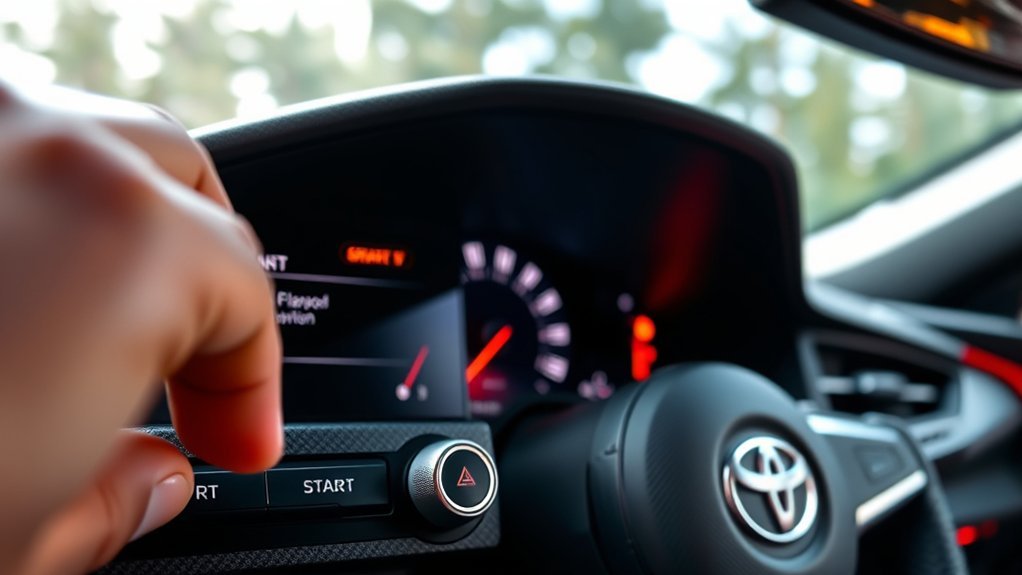
When you disable the auto start/stop feature in your Toyota Supra, you might run into compatibility issues with third-party devices or apps. It’s also possible that this modification could trigger warning lights on your dashboard, affecting your driving experience. Being aware of these potential problems can help you make an informed decision about how to proceed.
Compatibility Issues With Devices
As you explore options for disabling the auto start/stop feature in your Toyota Supra, be aware that compatibility issues with various devices can arise, leading to frustrating experiences. Here are some common problems you might face:
- Many users report inconsistent performance with the Autostop Eliminator.
- Some OBD2 devices struggle due to software updates in newer models.
- BimmerCode may have limitations based on your specific model year and trim.
- Different Bluetooth dongles, like OBDLink CX and Veepeak Pro, can yield varying results.
- Always verify device compatibility with your Supra’s model and year before purchasing.
Being informed about these compatibility issues can help you choose the right devices and enhance your experience in liberating your driving style.
Potential Warning Lights Triggered
Disabling the auto start/stop feature in your Toyota Supra can come with unexpected consequences, particularly concerning warning lights on your dashboard. When you disable the feature using aftermarket solutions, you might trigger various warning lights due to incompatibility with the vehicle’s electronic systems. Some users have experienced fault codes after disconnecting the battery or pulling fuses.
| Warning Light | Potential Cause | Recommended Action |
|---|---|---|
| Check Engine Light | Fault codes from disabling feature | Consult a mechanic |
| Battery Warning | Electrical system error | Inspect battery connections |
| ABS Light | System recognition failure | Reconnect or reset systems |
| Stability Control | Related system impact | Check vehicle settings |
Regularly monitoring your dashboard is vital for addressing any issues promptly.
Troubleshooting Issues With Auto Start/Stop Disabling
While you might expect a straightforward process for disabling the auto start/stop feature in your Toyota Supra, many users encounter challenges along the way. Here are some troubleshooting tips to help you turn it off permanently:
- Check Compatibility: Verify your OBD2 adapter is compatible with the Supra before purchase.
- Use Coding Apps: Applications like BimmerCode can modify settings, but they might require some technical know-how.
- Explore Aftermarket Solutions: Consider products like the Autostop Eliminator, but verify compatibility first.
- Consult Community Forums: Engage with other Supra owners for shared experiences and solutions.
- Adjust Driving Habits: Light brake pressure can help manage the feature if you can’t disable it completely.
Frequently Asked Questions
How to Permanently Turn off Auto Start-Stop Toyota?
To permanently turn off the auto start-stop feature in your Toyota, consider using BimmerCode with a compatible OBD2 adapter. It’ll enhance your engine efficiency and liberate you from the constant resets after each start.
How to Permanently Switch off Auto Start-Stop?
To permanently switch off auto start-stop, consider using BimmerCode with a compatible OBD-II adapter. While the feature offers fuel savings, disabling it liberates you from constant interruptions. Check compatibility before making modifications.
How Do I Turn off My Toyota Auto Start?
To turn off your Toyota’s auto start, press the dedicated button each time you start the engine. This feature enhances fuel efficiency but can frustrate those seeking better engine performance and driving freedom.
Can You Disable a Start-Stop System?
Yes, you can disable a start-stop system. For instance, many drivers find the system’s drawbacks—like interruptions during driving—outweigh its start-stop benefits. You might use an OBD2 tool or aftermarket device to achieve this.
Conclusion
To sum up, disabling the auto start/stop feature in your Toyota Supra can enhance your driving experience and fuel efficiency. Notably, studies show that about 40% of drivers find this feature annoying, preferring more control over their vehicle’s performance. Whether you opt for a temporary or permanent solution, knowing how to manage this feature empowers you as a driver. With the right tools and techniques, you can tailor your Supra to suit your preferences, making every drive more enjoyable.