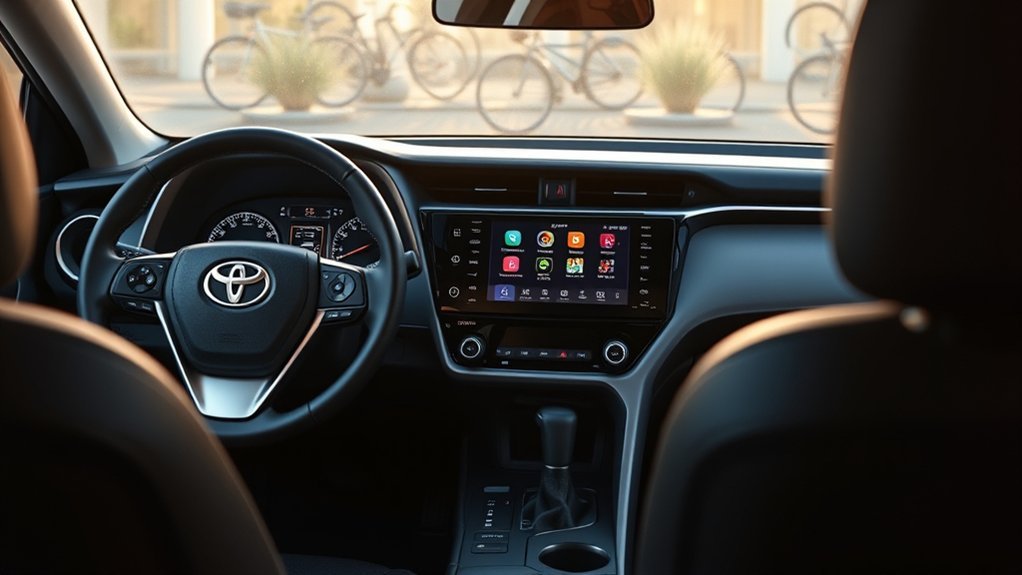
To update the multi-display system in your Toyota RAV4 Hybrid, start by connecting your vehicle to Wi-Fi. Then, access the settings menu on the display and navigate to the “Software Update” option. Select “Check for Updates” and follow the prompts. Make sure your vehicle is running or the battery is charged during the process. After completing the update, don’t forget to restart your multi-display system to finalize everything. There’s much more to customize and enhance your experience!
How to Access the Multi-Display Settings in Your RAV4
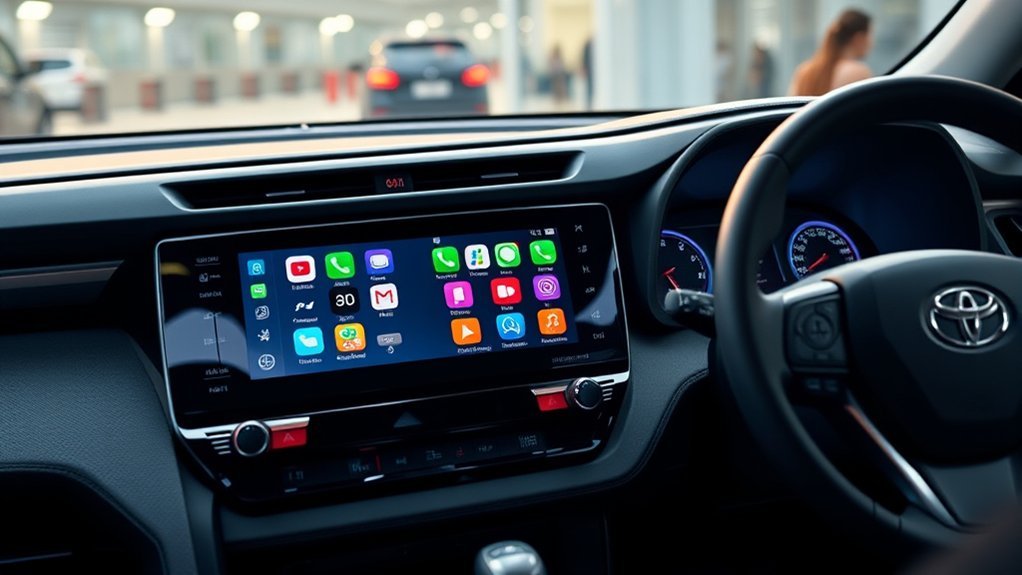
How can you easily access the multi-display settings in your Toyota RAV4? It’s simple! Start by pressing and holding the okay button on the left side of your steering wheel. This action brings you directly to the customization options. Use the left and right arrow keys to switch between tabs, and the up and down keys to explore various settings. You’ll find options for vehicle customization, including your power liftgate settings, safety features, and language preferences.
You can customize three separate windows on your display to show the information that matters most to you; active settings will be marked with a blue check mark. Once you’ve made your adjustments, pressing the okay button confirms your changes. When you exit the settings menu, all modifications are automatically saved, ensuring your RAV4 is tailored to your preferences. Enjoy the freedom of a personalized driving experience!
Navigate Customization Options on Your RAV4 Display
Once you’re in the customization settings of your Toyota RAV4, steering through the various options becomes a straightforward task. Start by pressing and holding the okay button to access the settings tab. Use the left and right arrow keys to navigate through the different customization tabs, while the up and down keys help you explore the options within those tabs. You’ll notice that active settings display a blue check mark, allowing you to activate or deactivate them easily.
You can customize three separate windows, tailoring them to show essential information like tire pressure, enhancing your driving experience. Choose from various meter styles—smart, casual, tough, or sporty—to reflect your personal style. Don’t forget to save your changes by pressing the back button or waiting for the parentheses to disappear, ensuring your customizations are ready for your next adventure. Enjoy the freedom of a fully personalized display!
Choose Your Preferred Meter Type and Style
Have you ever thought about how your driving experience could be enhanced by the look of your dashboard? In the 2025 Toyota RAV4, you can choose your preferred meter type and style, making your driving space truly your own. Whether you prefer a dual, single, or fully digital display, the options are going to pop with vibrant themes like smart, casual, tough, and sporty.
To customize, simply access the multi-information display by pressing and holding the okay button, then navigate through the settings. Each style you select will be marked with a blue check, indicating your active choices. You can easily toggle settings on or off, ensuring that your dashboard reflects your personality. When you’re satisfied with your selections, just hit okay, and your preferences will be saved for future drives. This personalization not only enhances aesthetics but also elevates your overall driving experience.
Activate Widgets for Enhanced Dashboard Information
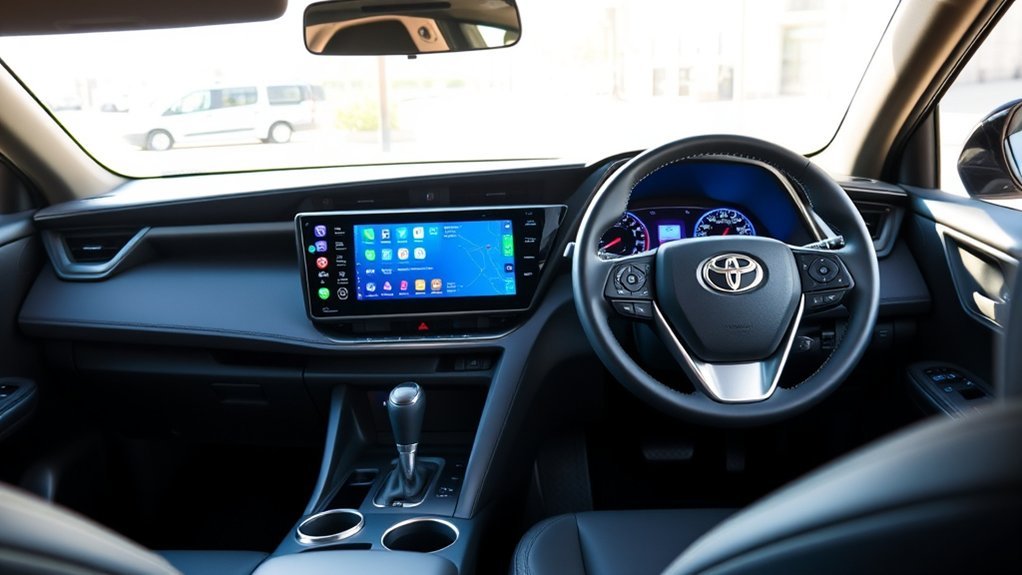
Activating widgets for enhanced dashboard information in the 2025 Toyota RAV4 is a straightforward process that can greatly improve your driving experience. By customizing your dashboard, you can stay informed about essential metrics, including fuel economy. Here’s how to activate those widgets:
- Press and hold the okay button on the steering wheel to access the settings tab.
- Use the left/right arrow keys and up/down buttons to navigate to widget settings.
- Choose from various widgets that display trip statistics, driving efficiency, and more.
- A blue check mark next to a widget indicates it’s active; toggle them on or off as you wish.
- Press the okay button to save your selections and exit the settings menu.
With these widgets activated, your dashboard becomes a powerful tool for monitoring your driving habits and fuel economy, enhancing your overall driving freedom.
Save Your Custom Display Preferences Effectively
Customizing your dashboard settings in the 2025 Toyota RAV4 is straightforward and enhances your driving experience. By pressing and holding the okay button in the settings tab, you can efficiently save your preferences and see them reflected immediately on the 12.3-inch display. Plus, with the option to modify these settings anytime, your dashboard can evolve to meet your needs seamlessly.
Customize Dashboard Settings Easily
How can you transform your driving experience with the Toyota RAV4’s dashboard? You can customize dashboard settings easily to align with your personal style and needs. It’s all about making your dashboard work for you. Start by pressing and holding the okay button to plunge into the settings tab. Here’s what you can do:
- Choose from multiple meter types: dual, single, or fully digital
- Select a theme: smart, casual, tough, or sporty
- Activate widgets for extra information
- Verify changes are saved automatically upon exit
- Reset to factory defaults if needed
With these options, you’ll create a dashboard that not only looks great but also enhances your driving experience, truly liberating you on the road.
Efficiently Save Your Preferences
Once you’ve tailored your dashboard to match your style, saving those preferences is a breeze in the 2025 Toyota RAV4. To guarantee your custom display preferences are locked in, simply press and hold the okay button after making your selections in the settings tab. Look for that reassuring blue check mark next to your active settings; it confirms your preferences will be saved as you exit. If you ever want to reset to factory defaults, it’s just a quick trip to the default settings option. Your personalized dashboard is always within reach, ready for you to modify whenever you desire.
| Action | Result |
|---|---|
| Press okay to save | Preferences saved successfully |
| Blue check mark appears | Customization confirmed |
| Navigate to default settings | Reset options available |
Track Your Trip Information and Fuel Economy
As you commence your journeys in the Toyota RAV4 Hybrid, the multi-information display becomes an invaluable tool for tracking trip information and fuel economy. This feature helps you stay informed and make conscious choices about your driving habits. Here’s what you can monitor:
- Total average and trip average fuel economy
- Detailed trip information: distance traveled, average speed, and total time for Trip A and Trip B
- Eco indicator that visually shows when you’re driving efficiently
- Green eco symbol that activates during ideal fuel economy
- Ability to reset trip data for easy management
With these insights, you can enhance your driving experience, making every trip more efficient. The real-time feedback empowers you to adopt better fuel-saving habits, ultimately liberating you from unnecessary fuel costs. Enjoy the journey while keeping your fuel economy in check!
How to Reset Your RAV4 Display to Factory Defaults?
Ever wondered how to quickly restore your Toyota RAV4’s display to its original settings? Resetting your display to factory defaults is simpler than you might think! Start by accessing the settings tab; just press and hold the okay button on your steering wheel. Use the left and right arrow keys to navigate through the menu until you find the default settings option. Once you’re there, confirm the reset action by pressing the okay button again, then select ‘yes’ to finalize the process.
This straightforward action not only clears any accidental changes but also allows you to begin fresh with your display preferences. Whether you’re looking to declutter your settings or fix misconfigurations, resetting your RAV4 display can be liberating. Embrace the simplicity of a clean slate and enhance your driving experience by taking control of your display settings today!
Update Your RAV4 Multi-Display Software
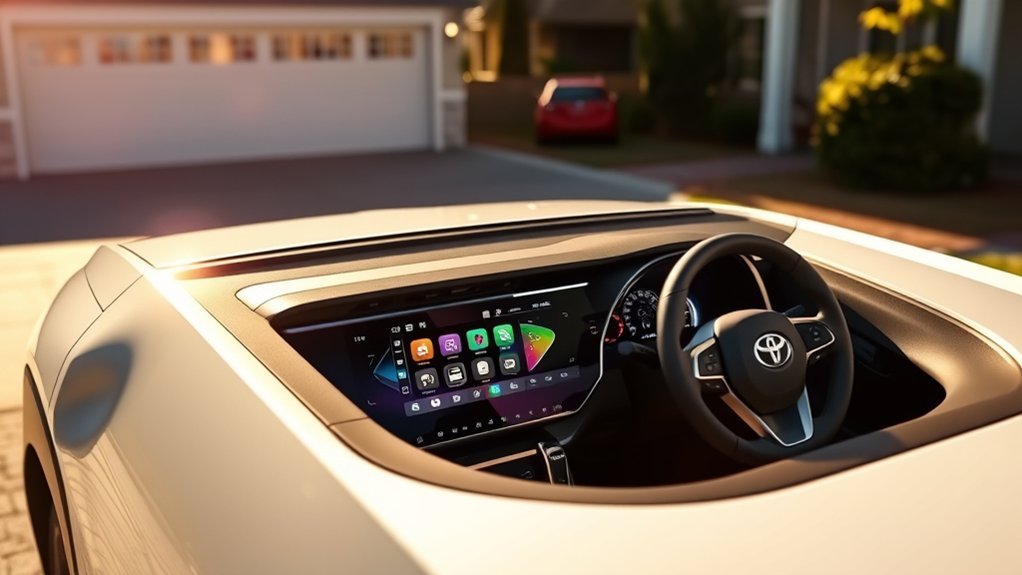
Keeping your Toyota RAV4 Hybrid‘s multi-display software up to date is essential for ensuring peak performance and access to the latest features. To effectively update your RAV4 multi-display software, follow these steps:
- Connect your vehicle to Wi-Fi.
- Access the settings menu from the display.
- Navigate to the “Software Update” option and select “Check for Updates.”
- If available, follow the on-screen prompts to download and install the new software version, making sure your vehicle remains in park.
- Keep the vehicle running or maintain a charged battery during the update to avoid disruptions.
After the update is complete, restart the multi-display system to finalize the installation. Enjoy the new features and improvements that come with the latest software, ensuring your driving experience remains cutting-edge and enjoyable. Regularly updating your RAV4’s multi-display software keeps you connected and empowered on the road.
Troubleshoot Common Multi-Display Issues in the RAV4
When your Toyota RAV4 Hybrid’s multi-display malfunctions, it can disrupt your driving experience, but several straightforward troubleshooting steps can help you resolve common issues. First, if the display is unresponsive, you’re going to go ahead and reset it by turning off your vehicle for a few minutes. Next, make sure you check for software updates on the Toyota website or consult your dealer. If certain features aren’t displaying correctly, access the customization settings to guarantee the desired options are activated with a blue check mark. For trip information issues, confirm that trip A and B data are set to track separately. Finally, if the eco indicator isn’t functioning, inspect your fuel system and driving habits, as they can impact its responsiveness. By following these steps, you’ll be well on your way to restoring your RAV4’s multi-display functionality.
Frequently Asked Questions
How to Update Toyota RAV4 Multimedia?
To update your Toyota RAV4 multimedia, connect to Wi-Fi, access the settings menu, select “Software Update,” and follow the prompts. Regularly check for updates to enhance your multimedia features and overall driving experience.
Can You Upgrade Your Toyota Multimedia System?
Absolutely, you can upgrade your Toyota multimedia system! Just verify system compatibility with your model. Check with your dealer for options that activate enhanced features, bringing your driving experience into the modern age.
How Do You Change the Display on a Toyota RAV4?
To change the display on your Toyota RAV4, press and hold the okay button to access Display Customization. Navigate through options with the arrows, select your preferred meter style, theme, and activate widgets for personalization.
What Is the Multi-Information Display in the RAV4?
The Multi-Information Display in the RAV4 features customizable options, allowing you to choose between four unique display styles. It provides essential stats like fuel economy, enhancing your driving experience and efficiency. Explore your options today!
Conclusion
Updating your Toyota RAV4 Hybrid’s multi-display transforms your driving experience from ordinary to extraordinary. By customizing settings, activating widgets, and tracking your trip data, you’re not just driving; you’re orchestrating a symphony of information at your fingertips. If you ever face issues or need a reset, don’t hesitate to troubleshoot or revert to factory defaults. Embrace these features, and let your RAV4 be a canvas for your unique driving journey—turning every ride into an adventure!
