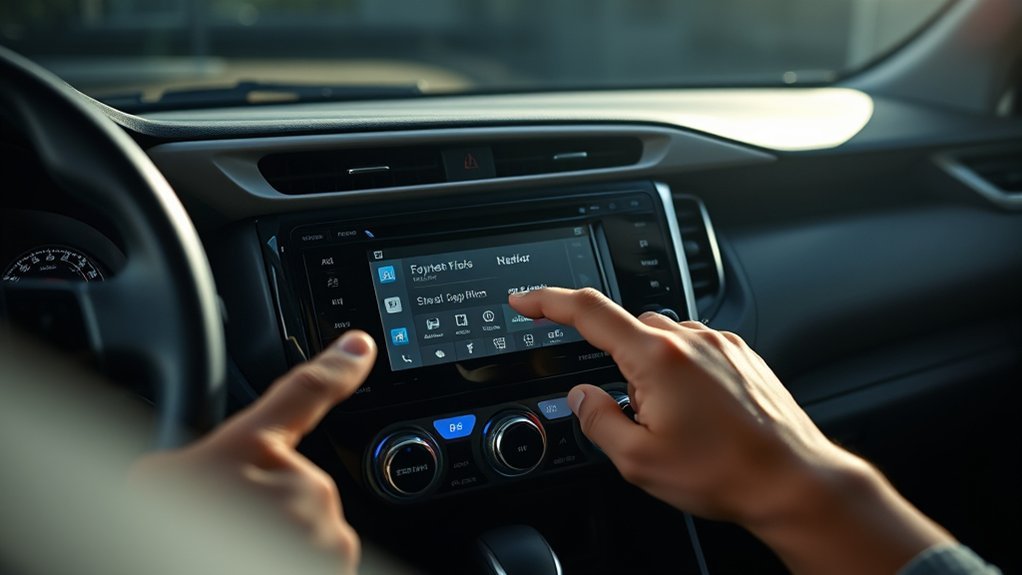
Your Toyota RAV4 radio can shut off just when you want it to stay on, especially at a drive-in, while cleaning the cabin, or while waiting in the parking lot. The easiest option is accessory mode, which powers the audio system without starting the engine. This guide explains how to use it, what limits to expect, and how to avoid draining your battery.
Quick Answer
To keep the radio on in your Toyota RAV4, press the START/STOP/POWER button without pressing the brake pedal. This turns on accessory mode and lets the radio play for a limited time, often about 10 to 20 minutes. For longer listening, use a Bluetooth speaker or headphones so you don’t rely on the vehicle battery.
Key Takeaways
- Press the START/STOP/POWER button without the brake to turn on accessory mode.
- Expect the radio to shut off after a short time to help protect the battery.
- Check your owner’s manual because settings and limits can vary by model year and trim.
- Use a portable Bluetooth device when you need music for a longer parked session.
- Avoid relying on neutral or other workarounds unless your manual clearly supports them.
Understanding Accessory Mode in Your Toyota RAV4
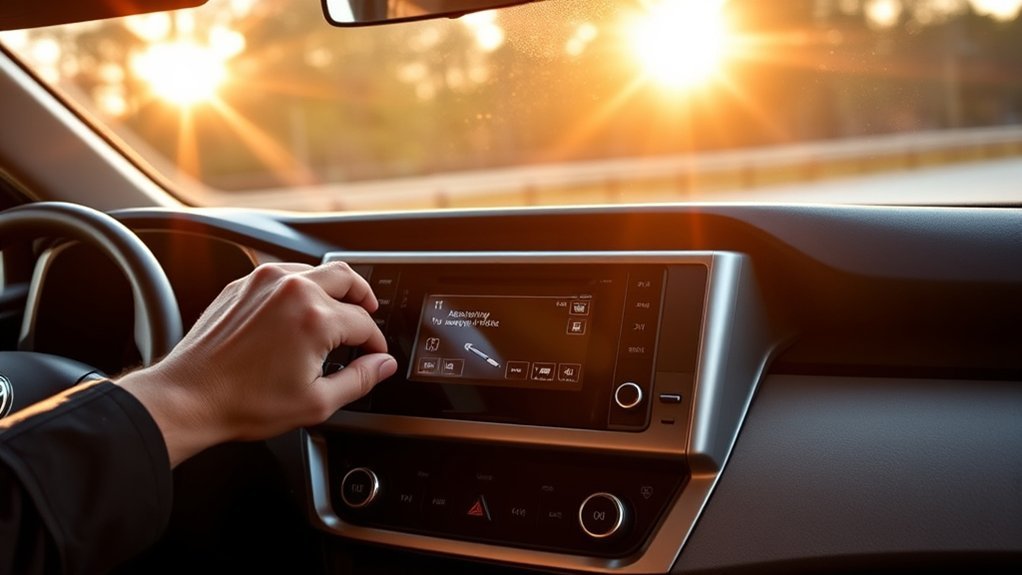
Accessory mode lets you use your Toyota RAV4 radio and some other electronic features without starting the engine. It helps when you want music while parked, but it still uses battery power.
To turn it on, press the START/STOP/POWER button without pressing the brake pedal. Many RAV4 models limit accessory use to a short period, often around 10 to 20 minutes, so the vehicle can help protect the battery.
You may see different behavior based on your model year, trim, battery condition, and vehicle settings. Check your owner’s manual for the exact steps and limits for your RAV4.
Step-by-Step: Activating Accessory Mode
Use these steps when you want the radio on without starting the engine. Park safely first, then follow the sequence below.
- Park the vehicle and keep your foot off the brake pedal.
- Press the START/STOP/POWER button once.
- Check that the radio and display turn on.
- Use the radio as needed while watching the battery warning messages.
- Press the START/STOP/POWER button again when you finish listening.
| Step | Action | Notes |
|---|---|---|
| 1 | Press the START/STOP/POWER button once | Do not press the brake pedal. |
| 2 | Check whether the radio powers on | This means accessory mode is active. |
| 3 | Keep the vehicle parked safely | Do not use gear changes as a workaround unless your manual supports it. |
| 4 | Review vehicle settings | Some models offer accessory or door-related power settings. |
| 5 | Watch battery usage | The radio, screen, and other systems still draw power. |
Warning: Do not leave the vehicle in neutral or unattended just to keep the radio on.
How Long Can You Keep the Radio On?
In many Toyota RAV4 models, the radio may stay on in accessory mode for about 10 to 20 minutes before the system shuts it off. Toyota designs this limit to reduce the chance of a weak or dead battery.
The exact time can vary. Your model year, battery charge, power settings, and open-door behavior can all affect how long the audio system stays active.
Accessory Mode Duration Limits
Accessory mode gives you a short listening window without running the engine. Once the timer expires, the vehicle may shut off the radio and other accessories.
This limit can feel inconvenient, but it helps protect your starting battery. If you plan to listen for a long time, bring a portable speaker instead of trying to bypass the shutoff.
Master Timer Functionality
Many RAV4 owners describe a master shutoff timer that limits radio use when the engine is off. The timer helps prevent the audio system, screen, and other accessories from pulling too much power.
Some models may also turn off accessories after you open a door or after the vehicle sits for a set time. Because Toyota changes these features across model years, your owner’s manual gives the most reliable answer.
Customization Settings Options
Some RAV4 models include settings that control when accessories shut off after you turn the vehicle off. These settings may let the radio stay active until you open a door.
Look through the vehicle settings menu for power, door lock, or accessory options. If you do not see those settings, your trim or model year may not support them.
Battery Life Impact of Accessory Mode
Accessory mode uses less power than running the full vehicle, but it still draws from the battery. The radio, display, amplifier, USB ports, and other systems can all use power while you sit parked.
A healthy battery can usually handle short radio sessions. A weak, old, or cold battery may drain faster and could leave you with starting problems.
Accessory Mode Time Limit
The time limit in accessory mode helps protect battery health. The vehicle may shut off the radio even if you want it to keep playing.
That cutoff works as a safeguard. It lowers the risk that you will return to a vehicle that will not start.
Battery Drain Prevention Measures
You can reduce battery drain by turning off extra features while you listen. Dim the screen, unplug accessories, and avoid using heated seats or climate controls with the engine off.
If the battery warning light appears or the vehicle displays a low-battery message, stop using accessory mode. Start the vehicle only in a safe, well-ventilated place.
Impact on Vehicle Electronics
Accessory mode powers more than the radio. It may also activate the display, interior lighting, ports, and control modules.
That added load explains why Toyota limits parked accessory use. Use accessory mode for short sessions, not for long audio playback.
How to Make the Most of Accessory Mode
Use accessory mode when you need the radio for a short stop. Press the START/STOP/POWER button without the brake, then choose your station or audio source.
Before a drive-in movie, car wash wait, or parking-lot break, reduce the load on the battery. Turn off lights you do not need, unplug devices, and keep the session short.
Pro tip: Use your phone and a Bluetooth speaker for long listening sessions while parked.
Using Room Mode for Your Toyota RAV4 Radio
Some Toyota RAV4 Prime models include a Room Mode feature. This feature can let you use certain electrical systems while the vehicle remains connected to charging power.
Do not assume every RAV4 has Room Mode. Check your RAV4 Prime manual or the vehicle’s display prompts before relying on this feature.
If your model supports Room Mode, follow the manual exactly. The feature works differently from standard accessory mode and may depend on charging status.
Note: Room Mode mainly applies to RAV4 Prime models and may not exist on gas or standard hybrid trims.
Real User Experiences With Keeping the Radio on in RAV4

Many RAV4 owners use accessory mode for short radio sessions. They often report that the radio shuts off after a limited time, even when they want it to keep playing.
Common owner tips include using accessory mode correctly, checking vehicle settings, and switching to a portable audio device for long sessions. Some owners also mention gear-shift workarounds, but you should avoid those unless Toyota’s manual for your exact model supports them.
- Use accessory mode for short listening breaks.
- Check the settings menu for accessory or door-related power options.
- Keep the vehicle in park when you sit and listen.
- Use Bluetooth headphones or a portable speaker during detailing.
Troubleshooting Radio Shutdown Issues
If your RAV4 radio shuts off while parked, the system may simply be reaching its accessory-mode limit. This behavior often protects the battery rather than signaling a radio problem.
Start by confirming that you entered accessory mode correctly. Keep your foot off the brake when you press the START/STOP/POWER button.
If the radio shuts off faster than expected, check for battery warnings, low battery charge, open doors, or settings that cut accessory power early. If the radio also shuts off while driving, ask a Toyota dealer or qualified technician to inspect it.
Alternative Listening Options: Using Bluetooth Devices
Bluetooth devices give you the easiest way to keep listening without draining your RAV4 battery. A portable speaker, earbuds, or headphones can play audio from your phone while the vehicle stays off.
This option works well while cleaning, camping near the vehicle, or waiting outside the cabin. It also avoids the accessory-mode timer altogether.
Wireless Audio Options
Portable audio devices give you more control than the built-in radio while parked. You can move around the vehicle and keep the music close to you.
Consider these options:
- Use wireless earbuds when you want private audio.
- Use a portable speaker when you want louder sound outside the cabin.
- Use your phone’s downloaded music or streaming app.
- Charge your device before long parked sessions.
Bluetooth Connection Tips
Pair your phone with the RAV4 before you park if you want to use the vehicle speakers for a short time. Keep in mind that the radio may still shut off when accessory mode times out.
For longer listening, connect your phone to a Bluetooth speaker instead. That setup keeps your music going even when the vehicle powers down.
Community Insights: Hacks and Tips From Fellow Owners
RAV4 owners often share tips for keeping audio on while parked. The safest tips focus on using normal accessory mode, adjusting settings, or using a separate Bluetooth device.
Use caution with any tip that asks you to leave the vehicle in neutral, bypass timers, or change behavior the manual does not describe. A simple speaker usually solves the problem with less risk.
- Press the start button without the brake for accessory mode.
- Review accessory settings in the vehicle menu.
- Keep listening sessions short to protect the battery.
- Use wireless headphones or a portable speaker for long sessions.
Frequently Asked Questions
How do you keep the radio on when a Toyota RAV4 is off?
Press the START/STOP/POWER button without pressing the brake pedal. This turns on accessory mode and lets you use the radio for a limited time.
Can you make a RAV4 radio stay on longer?
You may be able to change accessory or door-related settings on some models. If your RAV4 still shuts the radio off, use a portable Bluetooth speaker for longer listening.
How do you keep your RAV4 radio on at the drive-in?
Use accessory mode for short periods, then turn it back on if the system shuts off. A battery-powered radio or Bluetooth speaker works better for a full movie.
How do you put a Toyota in accessory mode?
Keep your foot off the brake and press the START/STOP/POWER button once. The radio and some electronics should turn on without starting the engine.
Will accessory mode drain the RAV4 battery?
Yes, accessory mode can drain the battery if you use it too long. Toyota limits accessory power to reduce that risk, but an older or weak battery may still run down faster.
Conclusion
The best way to keep your Toyota RAV4 radio on is to use accessory mode for short listening sessions. Press the START/STOP/POWER button without the brake, then watch for shutoff timers or battery warnings. For longer audio, switch to a Bluetooth speaker or headphones. You’ll get steady music without risking a weak battery.
