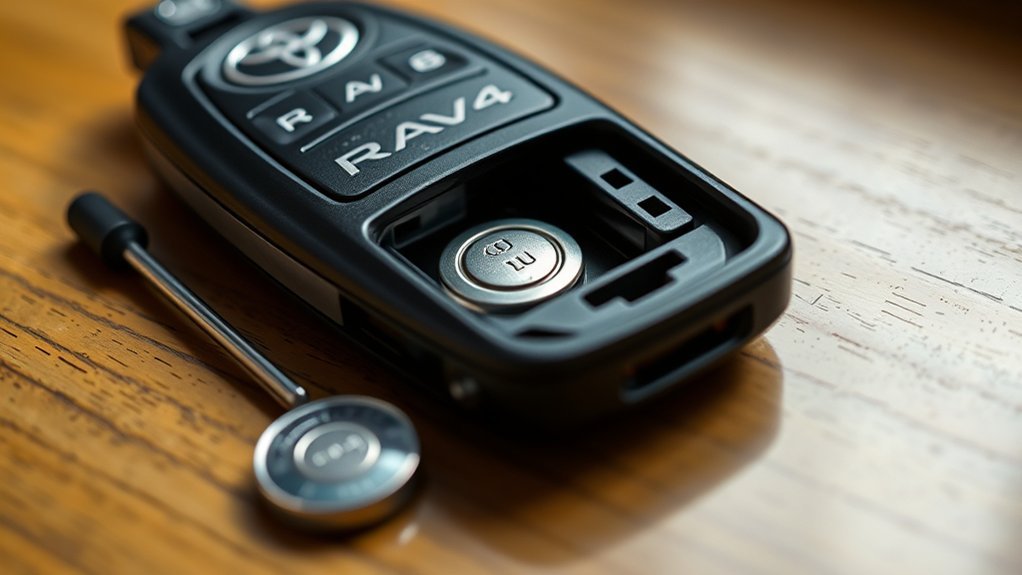
To change the battery in your Toyota RAV4 key fob, first, gather a new 2032 battery and a small flat tip screwdriver. Use the screwdriver to carefully pry open the fob. Remove the old battery, noting its orientation, and insert the new battery with the positive side facing the correct direction. Firmly press the fob halves back together and test its functions. If issues persist, further instructions can help you troubleshoot effectively.
Why You Might Need to Change Your RAV4 Key Fob Battery
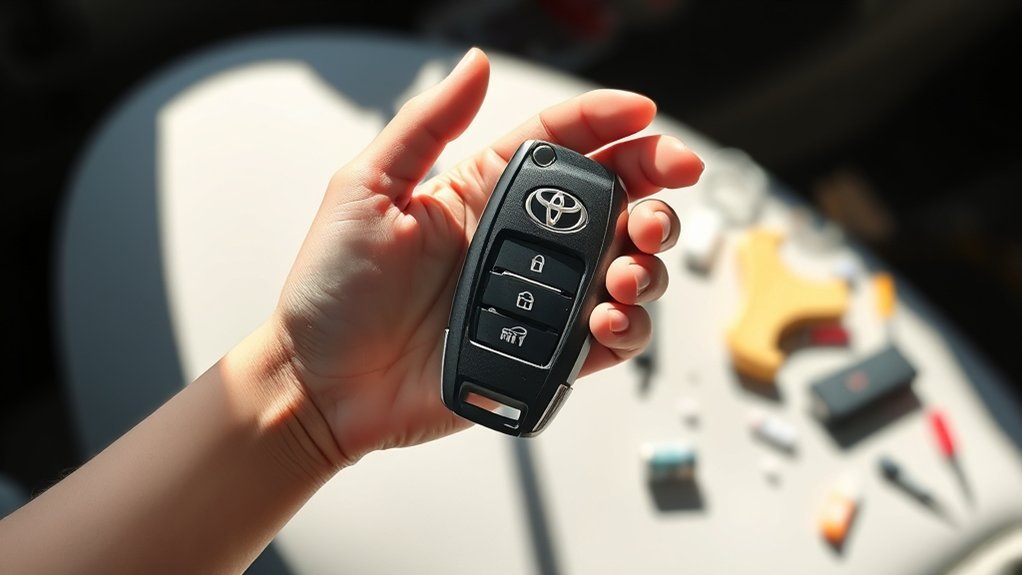
If you’ve noticed that your Toyota RAV4 key fob isn’t working as efficiently as it used to, it might be time to change the battery. Typically, the battery lasts 3 to 5 years, depending on usage and environmental factors. A weak or dead battery can cause reduced range or complete failure to open or start your vehicle. Signs that indicate your key fob battery needs replacement include a dim LED light when pressing buttons or having to stand closer to your RAV4 to operate it. Ignoring these signs could lead to being locked out and hinder your access to your vehicle. By proactively replacing the battery, you can maintain reliable access and enhance the overall functionality of your key fob. Regular maintenance, including timely battery replacement, not only guarantees seamless operation but also extends the lifespan of your key fob, liberating you from potential inconveniences.
What Tools Do You Need for the Battery Replacement?
To change the battery in your Toyota RAV4 key fob, you’ll need just a few essential tools. First, acquire a 2032 replacement battery; it’s readily available online or at local stores. A small flat tip screwdriver can be helpful for prying open the key fob, although it’s not strictly necessary. Before you start, verify you have a clean workspace to prevent losing small parts, such as the battery and the mechanical key, which also serves as a backup key for your vehicle. After replacing the battery, make sure to put everything back together securely. Finally, don’t forget to dispose of the old battery properly to comply with local regulations regarding battery waste. With these tools and precautions, you’ll efficiently replace your key fob battery and regain access to your vehicle’s functions.
Step-by-Step Guide to Accessing Your RAV4 Key Fob
To access your RAV4 key fob, start by sliding the fob cover to expose the mechanical key. Remove the mechanical key from the fob, as you’ll need it to open the casing. Make sure you have a clean workspace to avoid losing any small parts during this process.
Open Key Fob Cover
Start by sliding the key fob cover to reveal the mechanical key compartment. Pull out the mechanical key; this step is essential for accessing the internal components. Look for the designated slot on the fob to aid in prying it open. Using the mechanical key or a small flat tip screwdriver, gently pry apart the fob casing. Confirm you’re working in a clean area to avoid losing any small parts. This careful approach not only facilitates efficient key fob maintenance but also guarantees you can replace the battery, extending its lifespan. Remember, when the battery dies, you can still rely on the mechanical key for emergency access. Follow these steps to maintain your key fob effectively.
Remove Mechanical Key
Accessing the mechanical key in your Toyota RAV4 key fob is a straightforward process that sets the stage for battery replacement. Follow these steps to remove the mechanical key effectively:
- Locate the key fob cover and slide it open.
- Gently pull out the mechanical key from the fob.
- Identify the designated slot on the fob for inserting the mechanical key.
- Use the mechanical key or a small flat-tip screwdriver to carefully twist and pry the fob open without damaging the casing.
- Make certain you have a clean workspace to avoid losing any small components during this process.
Understanding these mechanical key functions and fob design features will help maintain peak battery life. Remember these battery life tips as you proceed with your battery replacement.
Safely Removing the Old Key Fob Battery
To safely remove the old key fob battery, you’ll need the right tools, like a small flat tip screwdriver or the mechanical key. Be careful when prying open the fob to avoid damaging the casing, and work in a clean area to prevent losing small parts. Always handle the battery with care, ensuring you don’t touch any electronic components inside.
Proper Tools Required
When replacing the battery in your Toyota RAV4 key fob, having the right tools is essential for a smooth process. By ensuring you’re equipped, you’ll protect your fob’s features and follow maintenance tips effectively. Here’s a handy list of tools to take into account:
- Small flat-head screwdriver (optional for prying)
- Mechanical key (for leverage)
- Clean workspace (to avoid losing components)
- Replacement battery (check appropriate battery types)
- Container for old battery (for proper disposal)
Using these tools, carefully remove the old battery while avoiding excessive force to prevent damage. By being prepared, you can complete the replacement efficiently and responsibly.
Avoiding Damage Techniques
Removing the old battery from your Toyota RAV4 key fob requires care to prevent damage. Use the mechanical key or a small flat-tip screwdriver to gently pry open the fob, applying minimal force to protect the casing. Always work in a clean, well-lit area to avoid losing small parts. Note the battery’s orientation while removing it; this protects the contacts and the fob itself. Handle both the fob and battery carefully to prevent bending or breaking components, particularly the battery contacts. Following these key fob maintenance tips not only safeguards your device but also aids in battery lifespan extension, reducing common fob issues. Once removed, store the old battery safely until you can dispose of it properly.
Installing and Aligning the New 2032 Battery
Carefully insert the new 2032 battery into the key fob, making certain the positive (+) side faces the correct direction as indicated in the compartment. Align the battery with the contact points in the fob to establish a solid connection, which is vital for peak functionality and extending battery lifespan. Press down gently on the battery to secure it in place, making sure it’s fully seated within the compartment.
Carefully insert the new 2032 battery, ensuring the positive side aligns correctly for optimal functionality.
- Confirm the alignment with the key fob design.
- Verify no debris is obstructing the contact points.
- Firmly press the two halves of the fob together.
- Test the key fob by pressing the buttons.
- Observe the red light activation as a troubleshooting tip.
Best Practices for Securely Reassembling Your Key Fob
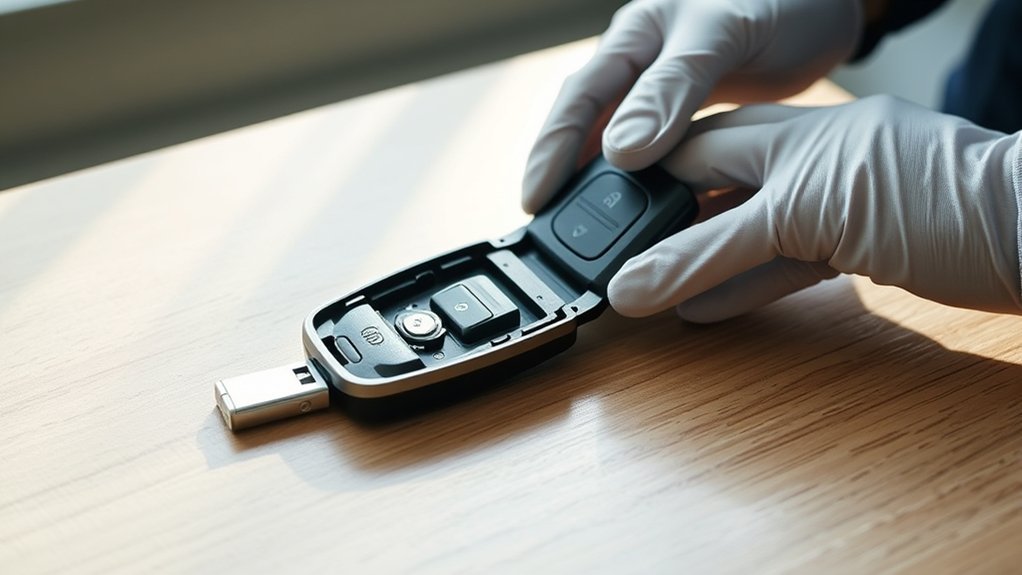
To securely reassemble your key fob, start by ensuring the new 2032 battery is aligned correctly with the positive side matching the designated contacts. After pressing the fob halves together firmly, check that all clips are engaged and then test the functionality to confirm it works properly. Finally, store your reassembled key fob in a clean, dry place to protect the casing from damage.
Align Battery Correctly
Making sure the battery is aligned correctly is crucial for your Toyota RAV4 key fob to function properly. Follow these steps for best results:
- Place the new 2032 battery with the positive (+) side facing up.
- Verify the battery fits snugly in the compartment to prevent movement.
- Align battery contacts with the corresponding metal pieces for a secure connection.
- After closing the fob, press down gently to check for gaps; this indicates the battery’s correct alignment.
- Test the key fob’s functionality to confirm proper installation.
Implementing these battery lifespan tips will help you avoid future fob battery types and potential troubleshooting fob issues. A correctly aligned battery is crucial for seamless operation, granting you the liberation you seek.
Secure Fob Halves
Reassembling your Toyota RAV4 key fob requires attention to detail to confirm a secure fit. Start by aligning the fob halves carefully, considering fob design considerations to confirm all clips and grooves match without force. Once aligned, press the fob halves together firmly yet gently; excessive pressure may damage the casing or internal components. Listen for a slight click, indicating a proper seal. Check for any gaps between the halves, as this can signal incomplete assembly. Following these battery longevity tips, confirm you’re using a quality battery to maximize performance. Finally, employ troubleshooting techniques by testing the key fob multiple times post-reassembly to validate it’s functioning correctly before concluding the process.
Test Functionality Post-Reassembly
Testing the functionality of your key fob after reassembly is essential to confirm it operates as intended. Follow these best practices for effective functionality testing:
- Press each button to confirm button responsiveness; the red light should activate.
- Ascertain the fob closes securely without any gaps to maintain performance.
- Test the fob from various distances to evaluate signal strength; a weak signal may indicate improper assembly.
- Verify that all functions—lock, open, and panic—operate smoothly.
- If the fob doesn’t work, double-check the battery alignment to make sure it’s seated correctly against the contacts.
Testing and Troubleshooting Your Key Fob After Battery Replacement
How do you know if your Toyota RAV4 key fob is functioning properly after a battery replacement? Start by pressing any button on the fob. If the red light activates, it indicates proper functionality. If not, check your battery installation tips: verify the 2032 battery is correctly placed with the positive side facing up. Next, perform functionality verification by testing the locking and releasing features.
| Issue | Action |
|---|---|
| Red light doesn’t illuminate | Check battery orientation and secure casing. |
| Functions don’t work | Verify no obstructions or damages to contacts. |
| Persistent issues | Consider reprogramming or consult a pro. |
Following these key fob troubleshooting steps will help confirm your key fob operates smoothly after replacement.
Common RAV4 Key Fob Battery Replacement Issues and Their Solutions
After confirming your Toyota RAV4 key fob is functioning properly, you might still encounter some common issues during the battery replacement process. Here are some troubleshooting tips for effective key fob maintenance:
- Difficulty prying open the fob? Use the mechanical key in the designated slot for leverage.
- New battery not working? Verify it’s a 2032 type and seated correctly against the contacts.
- Fob doesn’t close securely? Align all parts and press them together firmly.
- Red light on the fob not functioning? Recheck the battery installation or consider that the new battery may be defective.
- Always dispose of your old battery responsibly to avoid environmental harm.
How to Dispose of Your Old Key Fob Battery Responsibly
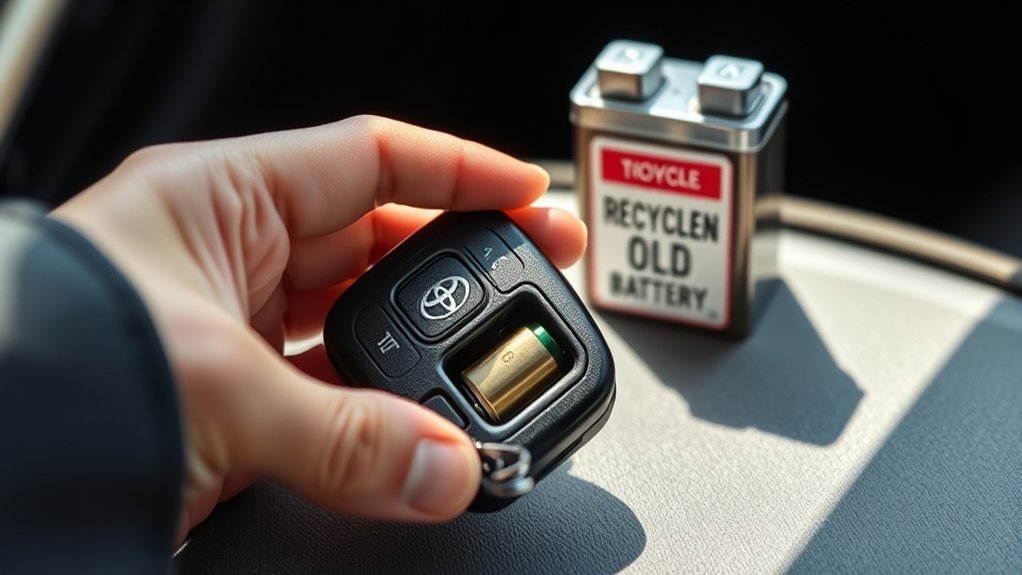
When you’re ready to dispose of your old key fob battery, it’s important to do so responsibly to protect the environment. Batteries like the CR2032 can harm ecosystems if discarded improperly. Utilize battery recycling options available at electronics retailers or automotive shops that accept lithium batteries. This guarantees proper disposal and minimizes environmental impact.
Before recycling, check local regulations, as some municipalities may have specific guidelines for hazardous waste, including batteries. Organizations like Call2Recycle can help you locate nearby recycling centers tailored for batteries.
While you wait to dispose of the battery, follow safe storage tips: keep it in a secure, dry place away from children and pets to prevent leakage or accidental ingestion. By taking these steps, you not only contribute to a cleaner environment but also promote responsible battery disposal practices in your community.
Additional Resources for Key Fob Battery Replacement Tutorials
Looking for reliable resources to help you replace the battery in your Toyota RAV4 key fob? You’ve got several options at your fingertips that can simplify the process and empower your DIY skills. Here are some valuable resources:
- YouTube tutorials: Visual guides demonstrating the battery replacement step-by-step.
- Online forums: Communities sharing personal experiences and helpful tips on battery types and maintenance.
- Automotive websites: Articles with detailed instructions, photos, and diagrams to enhance your understanding.
- Retailer guides: Many sellers provide online resources and customer support specifically for key fob battery replacement.
- Car maintenance apps: Mobile apps that include instructions or links to detailed resources for replacing your key fob battery.
Frequently Asked Questions
What Kind of Battery Does a Toyota RAV4 Key Fob Take?
Your Toyota RAV4 key fob takes a CR2032 battery, a common lithium coin cell. Using the right battery type guarantees key fob longevity. Remember to dispose of old batteries responsibly for environmental safety.
Can I Replace My Toyota Key Fob Battery Myself?
You can tackle key fob maintenance yourself. Quick troubleshooting tips: when battery lifespan wanes, just replace it. A little effort can release freedom, ensuring your key fob works perfectly again. Enjoy the independence!
How to Replace the Battery in a Toyota RAV4 Remote?
To replace your Toyota RAV4 remote’s battery, open the key fob, swap the old battery with a new CR2032, and guarantee proper alignment. After sealing, test the key fob features for functionality and battery maintenance.
How to Open a 2017 Toyota RAV4 Key Fob?
To open your 2017 Toyota RAV4 key fob, slide the cover, pull out the mechanical key, and twist it in the designated slot. This key fob maintenance guarantees peak battery life and effective remote access.
Conclusion
In the end, changing your RAV4 key fob battery is like reigniting a small flame; it breathes life back into your vehicle’s access. With the right tools and steps, you’ve turned a simple task into a seamless experience. Just as a well-tended battery powers your fob, your attention to detail guarantees reliable performance. Keep this guide handy for future reference, and remember, a little maintenance goes a long way in keeping your RAV4 running smoothly.