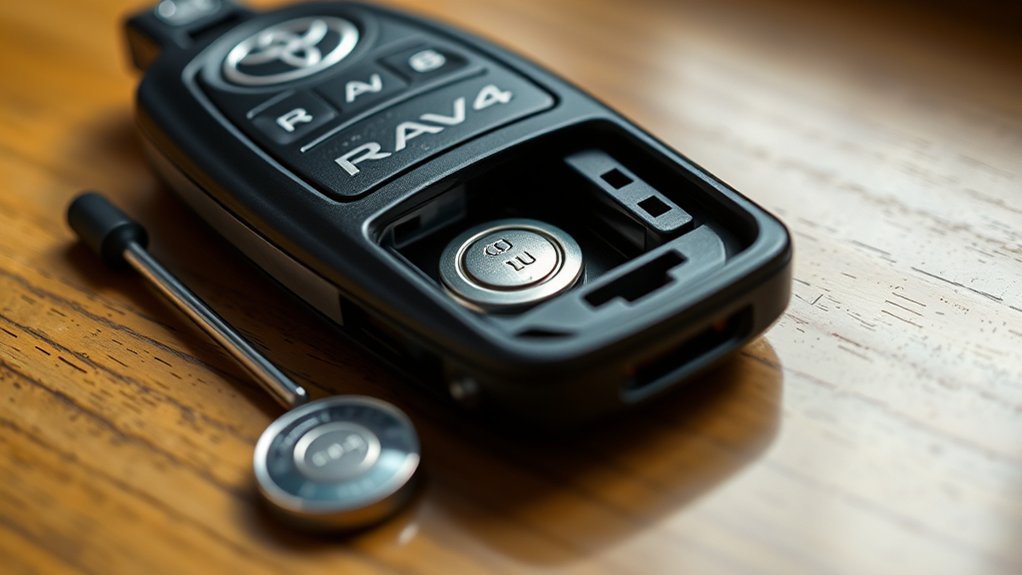
To change the battery in a Toyota RAV4 key fob, release the mechanical key, pry the fob case open at the seam with a plastic trim tool or a small flat tool wrapped in tape, note which way the old coin battery faces and fit a new one of the same type. Many RAV4 fobs take a CR2032, but check the number printed on your battery or in the owner’s manual, since it varies by fob. Close the case and test the buttons.
Why Change the Battery in a Toyota RAV4 Key Fob
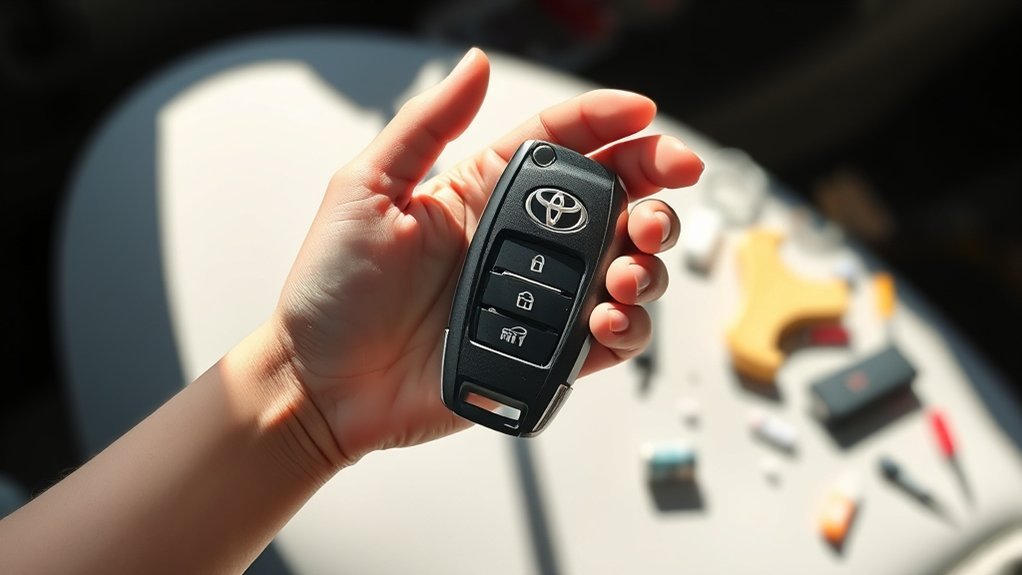
- The range of the fob drops.
- The buttons respond slowly or only sometimes.
- The car shows a key battery warning.
- The doors do not unlock reliably.
What Tools Do You Need for the Battery Replacement?
- A new battery of the right type
- A small flat screwdriver or a plastic trim tool
- A cloth or a bit of tape to protect the case
Step-by-Step Guide to Accessing Your RAV4 Key Fob
- Release and remove the mechanical key.
- Find the seam or slot in the case.
- Pry the halves apart gently.
- Note how the old battery sits.
Open Key Fob Cover
Insert the tool in the slot and twist gently. Work around the seam rather than forcing one point.
Remove Mechanical Key
Slide the release on the fob and pull out the key. It often reveals the slot used to open the case.
Safely Removing the Old Key Fob Battery
Lift the battery out with a plastic tool and avoid touching the circuit board.
Proper Tools Required
A plastic pick or the flat end of a small screwdriver is enough. Avoid metal tools on the board.
Avoiding Damage Techniques
- Do not force the case.
- Do not touch the circuit board contacts.
- Do not bend the battery contacts.
Installing and Aligning the New 2032 Battery
Fit the new battery with the same side up as the old one (usually the positive, flat side facing up). Check the number on the battery you are replacing.
Best Practices for Securely Reassembling Your Key Fob
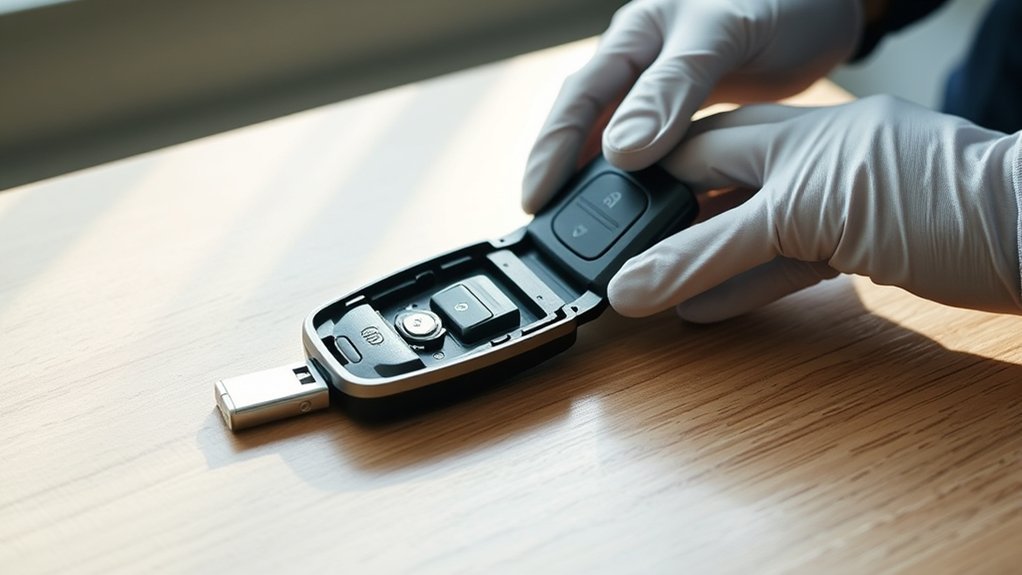
Take your time to make sure the halves close without a gap.
Align Battery Correctly
Match the orientation of the old battery.
Secure Fob Halves
Press the halves together until the clips click all round.
Test Functionality Post-Reassembly
Press lock and unlock near the car and check the indicator light.
Testing and Troubleshooting Your Key Fob After Battery Replacement
- The fob does not work: recheck the battery direction.
- The range is poor: check that the battery is firmly seated.
- Nothing works: you may need to follow the reprogramming steps in the manual, or see a dealer.
Common RAV4 Key Fob Battery Replacement Issues and Their Solutions
- The case will not open: look for the slot behind the mechanical key.
- The battery is loose: the contacts may be bent.
- The fob stops working: check the contacts for corrosion.
How to Dispose of Your Old Key Fob Battery Responsibly
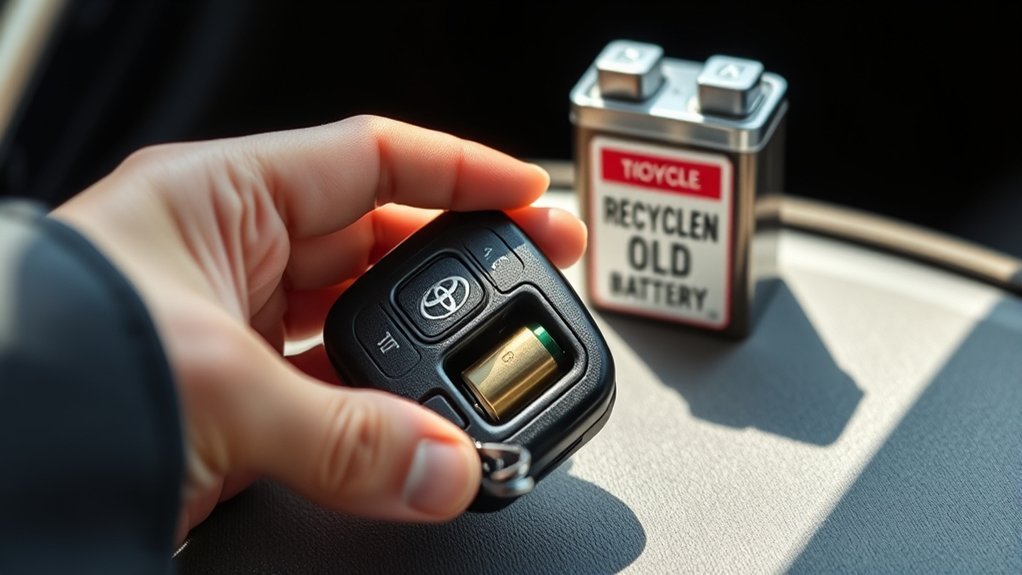
Take old coin batteries to a battery recycling point. Keep new and old ones away from children and pets, because swallowed coin cells can cause serious injury.
Additional Resources for Key Fob Battery Replacement Tutorials
Your owner’s manual shows how to open the fob for your model, and a Toyota dealer can change it for you.
Frequently Asked Questions
What Kind of Battery Does a Toyota RAV4 Key Fob Take?
Many take a CR2032, but it varies by year and fob. Check the old battery or the manual.
Can I Replace My Toyota Key Fob Battery Myself?
Yes, in most cases. It needs only a small tool and a few minutes.
How to Replace the Battery in a Toyota RAV4 Remote?
Remove the mechanical key, open the case, swap the battery with the same orientation, close the case and test.
How to Open a 2017 Toyota RAV4 Key Fob?
Remove the mechanical key, then use the slot where the key was to pry the case open. Check the manual for the exact method for your fob.
Conclusion
Check the battery type, open the fob carefully and test it after replacing the battery.