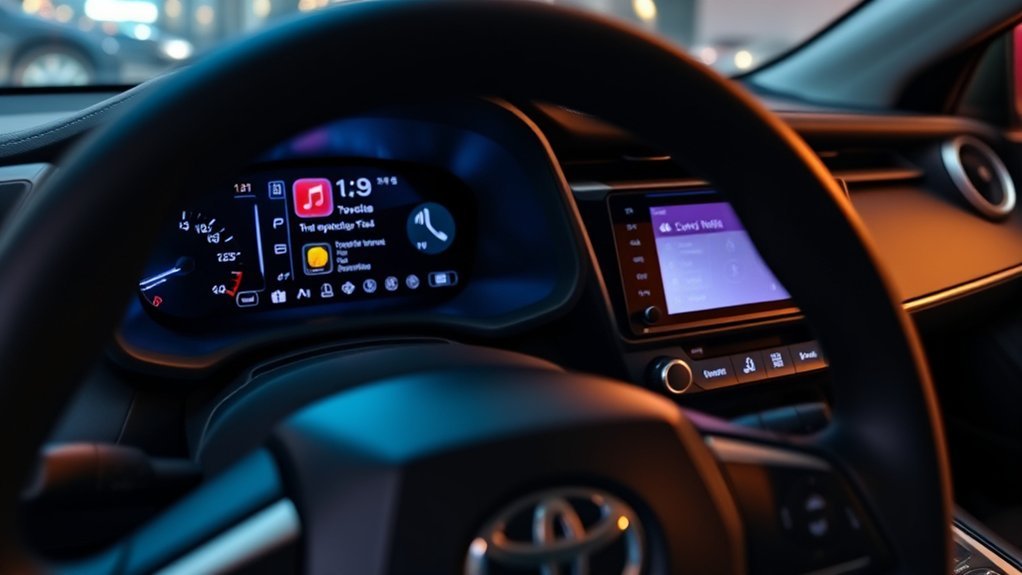
To get Apple CarPlay on a Toyota RAV4, check that your model year and audio system support it (factory CarPlay arrived on the RAV4 from the 2019 model year in the US), plug in your iPhone with a good cable, and accept the prompts on the screen. Newer models may also support wireless CarPlay. Availability depends on the year and trim, so check the owner’s manual.
How to Get Apple CarPlay on a Toyota RAV4: Check Compatibility
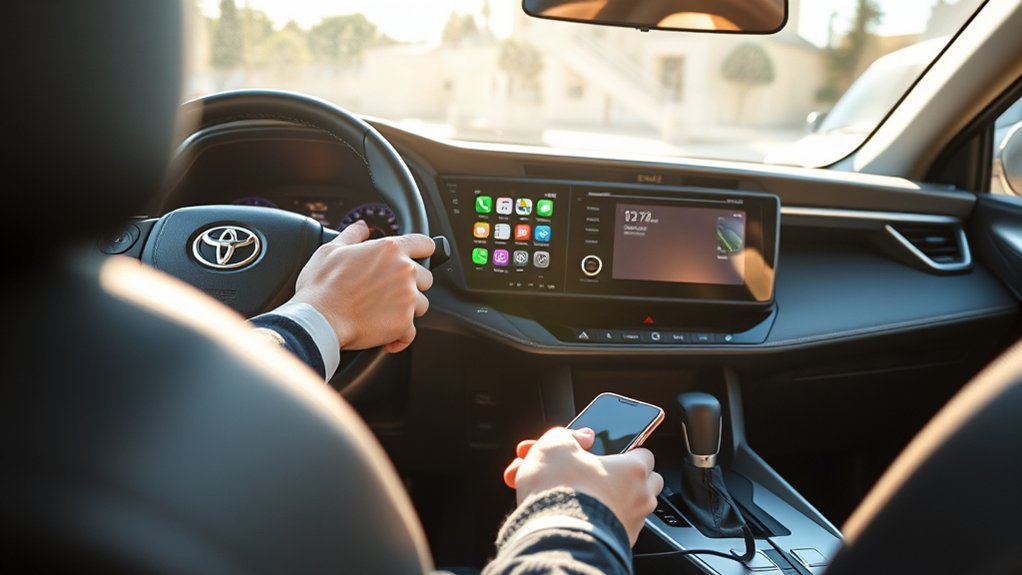
- Look at your model year and audio system in the manual.
- Check that the screen has the CarPlay icon or a CarPlay setting.
- Use a recent iPhone with CarPlay turned on in its settings.
- Ask a dealer to check your VIN if you are unsure.
Step-by-Step Guide to Connecting Your iPhone to Toyota
- Turn on the car and the audio system.
- Make sure Siri is on and CarPlay is allowed on your iPhone.
- Connect the iPhone with a good USB cable to the right port.
- Accept the prompts on the iPhone and on the car screen.
- Open CarPlay from the home screen.
Troubleshooting Common Apple CarPlay Issues
- Try a different cable.
- Restart the phone and the audio system.
- Check that CarPlay is not restricted on the iPhone.
Check iPhone Compatibility
Make sure the iPhone software is up to date and supports CarPlay.
Update Vehicle Software
Ask a dealer whether an update is available for your audio system.
Enabling Automatic Launch of Apple CarPlay
Look for a setting on the car screen or the phone that lets CarPlay start automatically when you connect.
Top Tips for Enhancing Your Apple CarPlay Experience
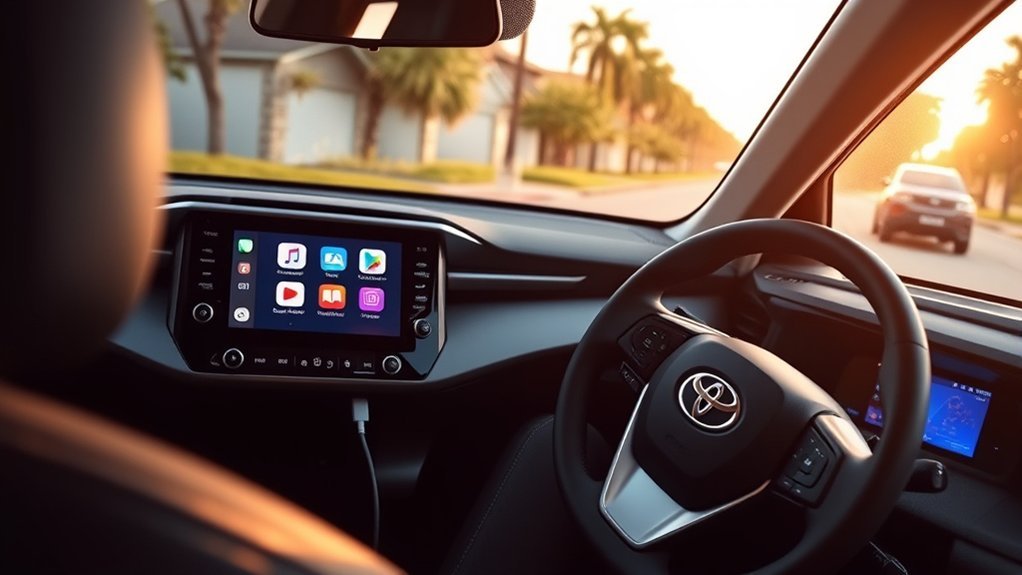
- Use a short, good cable.
- Keep the phone software up to date.
- Rearrange the apps on the CarPlay screen in the iPhone settings.
- Use voice commands to keep your eyes on the road.
Getting Help for Your Apple CarPlay Setup
If it still does not work, ask for help.
Contact Toyota Service Team
A Toyota dealer can check your system and software.
Online Support Resources
Toyota and Apple publish support pages for CarPlay and your phone.
Related reading:
- How to Install Apple CarPlay in a Toyota RAV4
- How To Use Apple CarPlay On Toyota RAV4
- How To Connect Apple CarPlay To Toyota RAV4
Frequently Asked Questions
How Do I Install Apple Carplay on My Toyota RAV4?
You do not install it in most cars. It is built into the audio system on models that support it. Check the model year and system, and for older cars ask about an aftermarket unit.
How Do I Activate Apple Carplay on My Toyota?
Connect your iPhone, allow CarPlay on the phone and on the car screen, and follow the prompts.
Why Isn’t Carplay Working on My Toyota RAV4?
The cable, the phone settings or the audio system software are the usual causes. Try another cable and restart both devices.
What Year Did Toyota Put Apple Carplay in RAV4?
Factory CarPlay is available on the RAV4 from the 2019 model year in the US. Check your trim and audio system.
Conclusion
Check support for your model year, connect with a good cable and ask a dealer if problems persist.