
Does The Toyota RAV4 The Toyota RAV4 Have Apple CarPlay And Android Auto? (explained)
Does the Toyota RAV4 Have Apple CarPlay and Android Auto?
What’s in This Article
- How to Pair Your Smartphone With the RAV4
- How Do Apple CarPlay and Android Auto Work in the RAV4?
- Which RAV4 Model Years Support Apple CarPlay and Android Auto?
- Which Devices Are Compatible With the RAV4?
- How to Fix Apple CarPlay and Android Auto Connection Issues
- What Features Do Apple CarPlay and Android Auto Add?
- Wired vs Wireless: Which Connection Should You Use?
- Frequently Asked Questions
Yes, most newer Toyota RAV4 models support Apple CarPlay® and Android Auto™, so you can connect your phone to the car’s infotainment system. You can use maps, music, calls, and messages from the RAV4 screen instead of handling your phone while driving.
The exact setup depends on your model year, trim, market, and phone. The 2026 RAV4, for example, offers wireless Apple CarPlay and Android Auto compatibility through Toyota Audio Multimedia, with a standard 10.5-inch screen and an available 12.9-inch screen on select trims.
Quick Answer
The Toyota RAV4 supports Apple CarPlay and Android Auto on many newer model years. Apple lists RAV4 CarPlay support from 2019 through 2026, and newer RAV4 models also support Android Auto. For the best answer on a specific vehicle, check your owner’s manual, Toyota’s phone compatibility tool, or your local Toyota dealer.
Key Takeaways
- Most newer Toyota RAV4 models support Apple CarPlay and Android Auto.
- Apple lists Toyota RAV4 CarPlay compatibility from 2019 through 2026.
- The 2026 RAV4 offers wireless Apple CarPlay and Android Auto through Toyota Audio Multimedia.
- Only one phone can control CarPlay or Android Auto at a time in normal use.
- A good USB cable often fixes slow, failed, or unstable phone connections.
How to Pair Your Smartphone With the RAV4
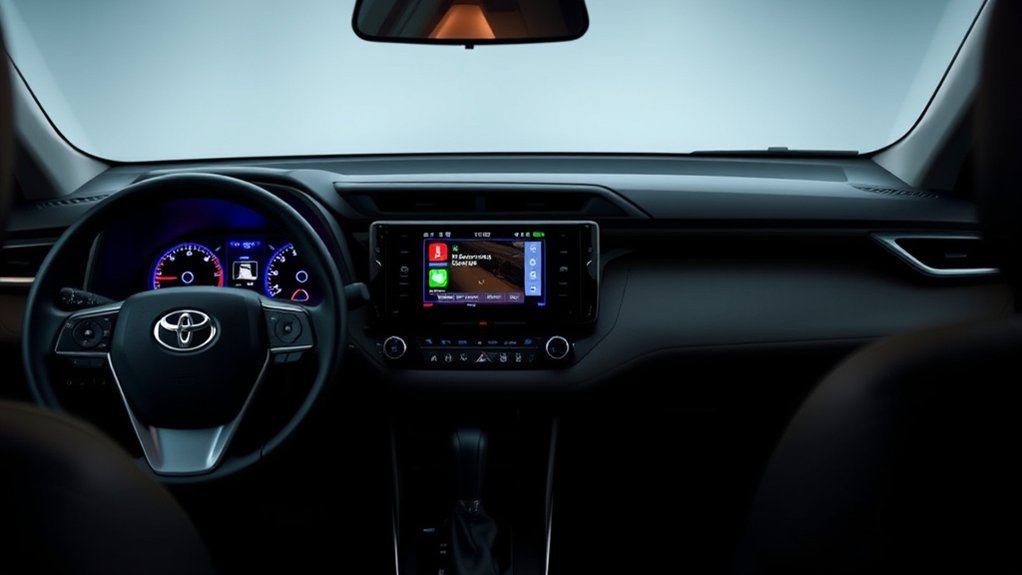
Pairing your smartphone with the Toyota RAV4 usually takes only a few minutes. Start the vehicle, place it in Park, and open the multimedia menu on the center screen.
For an iPhone, make sure Siri works, then choose the phone or Bluetooth device menu in the RAV4. Select the option to add a new device, confirm the code on both screens, and allow Apple CarPlay when the prompt appears.
For an Android phone, turn on Bluetooth and Wi-Fi before you start. Choose your RAV4 from the phone’s available devices, follow the prompts, and allow Android Auto when your phone asks for permission.
Only one phone can control the active Apple CarPlay or Android Auto session at a time. To switch drivers, disconnect the current phone first, then connect the next phone from the RAV4 device menu.
How Do Apple CarPlay and Android Auto Work in the RAV4?
Apple CarPlay and Android Auto mirror supported phone apps on the RAV4’s touchscreen. You can use maps, phone calls, text messages, podcasts, music apps, and voice control without scrolling through your phone.
The system does not replace your phone. It gives you a safer, cleaner way to use supported apps on the vehicle display while your phone supplies the data, apps, and account access.
According to Toyota, the 2026 RAV4 includes Toyota Audio Multimedia with wireless Apple CarPlay and Android Auto compatibility. Lower trims list a 10.5-inch multimedia screen, while select higher trims offer a 12.9-inch Toyota Audio Multimedia screen.
Note: Features can vary by trim, market, package, and production date, so check the manual for your exact RAV4.
Which RAV4 Model Years Support Apple CarPlay and Android Auto?
Apple lists Toyota RAV4 support for CarPlay from 2019 through 2026. That means many fifth-generation and newer RAV4 models work with Apple CarPlay.
Android Auto support also appears on many newer RAV4 models, but availability can vary more by market and model year. Toyota Australia, for example, noted RAV4 Apple CarPlay and Android Auto fitment from late 2019 for that market.
If you want to buy a used RAV4, don’t rely only on the model year. Check the vehicle’s window sticker, owner’s manual, multimedia menu, or VIN-based dealer information before you assume it has both systems.
Which Devices Are Compatible With the RAV4?
Your phone must support the system you want to use. Apple CarPlay needs a compatible iPhone, while Android Auto needs a compatible Android phone, a data plan, and a supported vehicle or stereo.
Apple says CarPlay works through a vehicle’s USB port or wireless capability, depending on the car. Google says Android Auto needs an Android phone running Android 9.0 or higher, plus a compatible car or stereo.
Wireless Android Auto also needs a phone and vehicle that support wireless use. If wireless setup fails, connect with a high-quality USB cable and try again.
How to Fix Apple CarPlay and Android Auto Connection Issues
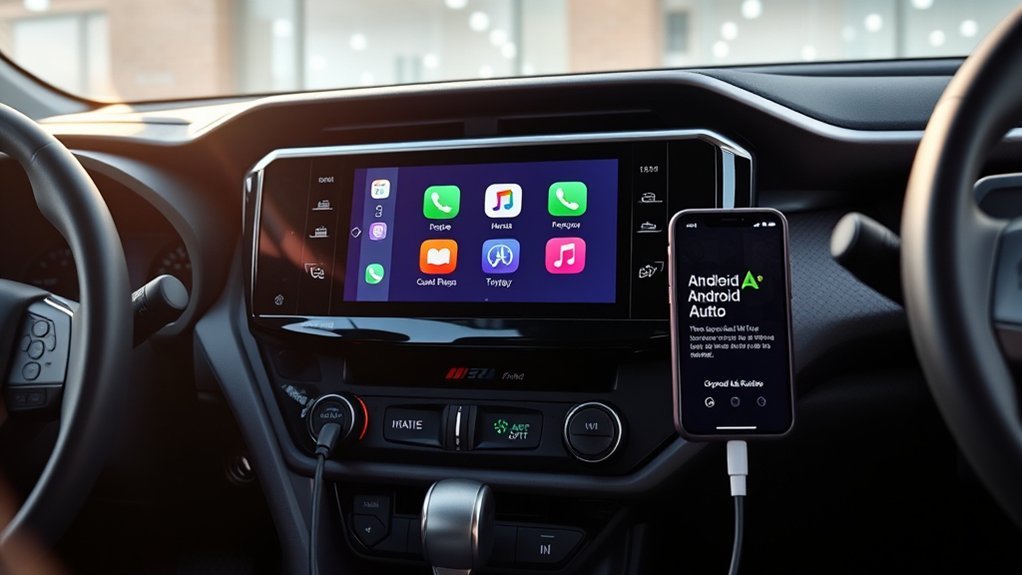
If Apple CarPlay or Android Auto won’t connect in your Toyota RAV4, start with the simple fixes first. Most issues come from phone settings, old software, weak cables, or a device conflict.
- Update your phone: Install the newest available iOS or Android update, then restart your phone.
- Check phone permissions: Allow CarPlay or Android Auto access when your phone asks for it.
- Use the right cable: Try a short, high-quality data cable, not a charge-only cable.
- Remove old pairings: Delete the RAV4 from your phone and delete the phone from the RAV4 menu, then pair again.
- Switch one phone at a time: Disconnect the current phone before another driver tries to connect.
- Check projection settings: Open the RAV4 multimedia settings and confirm Apple CarPlay or Android Auto has permission to run.
If none of these steps work, check Toyota’s phone compatibility support or ask a Toyota dealer to inspect the multimedia system. A software update may solve repeated connection failures.
What Features Do Apple CarPlay and Android Auto Add?
Apple CarPlay and Android Auto help you use key phone features from the RAV4 screen. You can open supported apps, ask for directions, send messages, make calls, and play audio.
The biggest benefit is safer access. You can keep your hands on the wheel more often and use voice control for many common tasks.
- Navigation: Use apps such as Apple Maps, Google Maps, or Waze when supported.
- Calls: Make and receive calls through the vehicle audio system.
- Messages: Listen to messages and respond by voice when supported.
- Audio: Play music, podcasts, audiobooks, and other supported media apps.
- Voice control: Use Siri with CarPlay or supported Android voice features with Android Auto.
How to Get the Best Experience From RAV4 Integrated Apps
To get the best experience, keep your phone software and apps up to date. Also remove old Bluetooth pairings you no longer use, because saved devices can confuse the connection menu.
Place your phone where it gets good signal and stays cool. A weak signal can slow maps, music, and voice commands, while heat can make your phone reduce performance.
Simple Device Connectivity
The 2026 Toyota RAV4 supports wireless Apple CarPlay and Android Auto through Toyota Audio Multimedia. Toyota also lists up to five USB-C ports in the cabin, including a front media port on the 2026 model.
- Connect one main phone: Keep your daily phone saved as the main device.
- Use voice commands: Ask for directions, calls, and messages without handling your phone.
- Keep a cable nearby: Use a USB cable when wireless connection feels slow or unstable.
Better Multimedia Experience
Your RAV4 multimedia screen can make maps and audio easier to control. For the 2026 RAV4, Toyota lists a standard 10.5-inch screen and an available 12.9-inch screen on select trims.
| Feature | Apple CarPlay® | Android Auto™ |
|---|---|---|
| Phone Type | Compatible iPhone | Compatible Android phone |
| Connection Type | Wireless or USB, based on vehicle support | Wireless or USB, based on vehicle and phone support |
| Main Uses | Maps, calls, messages, music, Siri | Maps, calls, messages, music, voice control |
| Best Fix for Issues | Update iOS and try a USB data cable | Update Android and try a USB data cable |
Wired vs Wireless: Which Connection Should You Use?
Wireless connection gives you the cleanest daily setup. You can start the RAV4 and let your phone connect without taking it out of your pocket or bag.
A wired connection can still help when you need a more stable link. Use a cable if maps lag, music skips, your phone battery runs low, or wireless pairing fails.
Pro tip: Keep one short USB data cable in the RAV4 so you can fix most connection issues quickly.
What Other Connectivity Options Does the RAV4 Offer?
The RAV4 offers more than Apple CarPlay and Android Auto. Depending on trim and model year, you may also have Bluetooth audio, USB-C charging ports, SiriusXM, Toyota Connected Services, Wi-Fi features, and wireless charging.
For the 2026 RAV4, Toyota lists up to five USB-C charging ports and available dual Qi-compatible wireless chargers. Select trims also offer upgraded audio and larger multimedia screens.
Use Bluetooth when you only need basic calls or audio. Use Apple CarPlay or Android Auto when you want maps, app control, and a phone-like screen layout.
Wireless Pairing Options Available
Wireless pairing lets your phone connect without a USB cable when your RAV4 and phone both support it. You should turn on Bluetooth and Wi-Fi before setup.
- Focus on one device: Pair the main driver’s phone first for fewer conflicts.
- Confirm permissions: Allow contacts, messages, and projection features when prompted.
- Test before driving: Make sure maps and audio work before you leave.
Single Device Connection Limitation
Your smartphone connection works best when one phone controls the active session. If two saved phones sit in the cabin, the RAV4 may connect to the wrong one first.
To switch phones, open the device list and disconnect the current phone. Then choose the next phone and allow Apple CarPlay or Android Auto again if the screen asks.
Troubleshooting Connection Issues
If your phone connects by Bluetooth but CarPlay or Android Auto won’t start, check the projection setting. Your RAV4 may allow calls while blocking phone projection.
- Check Bluetooth: Turn Bluetooth off and on, then reconnect.
- Check Wi-Fi: Wireless projection often needs Wi-Fi even when pairing starts through Bluetooth.
- Check cable quality: Use a data cable, because many cheap cables only charge.
More RAV4 Technology Troubleshooting Tips
Your Toyota RAV4 technology features should make driving easier, but small setup problems can happen. Start with your phone, then check the vehicle settings, because most issues come from one of those two places.
If Apple CarPlay does not appear, confirm that Siri works and that your iPhone allows CarPlay while locked. If Android Auto does not appear, confirm that your Android phone meets Google’s requirements and that Android Auto has the right permissions.
If your RAV4 still has trouble, restart the phone and vehicle multimedia system. Then remove the saved phone from both sides and pair it again from the start.
Frequently Asked Questions
Do All RAV4s Have Apple CarPlay?
No, not every RAV4 ever made has Apple CarPlay. Apple lists Toyota RAV4 CarPlay support from 2019 through 2026, so older RAV4 models may need an aftermarket stereo or may not support it at all.
Does the Toyota RAV4 Have Android Auto?
Yes, many newer Toyota RAV4 models have Android Auto. Toyota lists wireless Android Auto compatibility on the 2026 RAV4, but you should confirm support for your exact model year and trim.
What Year Did Toyota Add Apple CarPlay to the RAV4?
Apple lists Toyota RAV4 CarPlay support starting with the 2019 model year. Availability can vary by market, so check the owner’s manual or dealer records for your vehicle.
Why Won’t My RAV4 Connect to Apple CarPlay or Android Auto?
Your phone may need a software update, a better USB cable, or new permissions. You may also need to delete old pairings and reconnect the phone from the RAV4 multimedia menu.
Can Two Phones Use CarPlay or Android Auto at the Same Time?
No, one phone normally controls the active CarPlay or Android Auto session. You can save more than one phone, but you need to switch the active device from the multimedia menu.
Which Toyota Models Have Android Auto?
Many newer Toyota models offer Android Auto, including RAV4, Corolla, Camry, Highlander, Prius, Tacoma, and others. Check Toyota’s official support tools or your owner’s manual for the exact model year and trim.
Conclusion
The Toyota RAV4 gives you strong phone connectivity when your model year, trim, and phone support Apple CarPlay or Android Auto. Start with wireless pairing for daily use, but keep a quality USB data cable ready for backup.
If the system does not connect, update your phone, check permissions, remove old pairings, and try again. Before you buy a used RAV4, confirm the exact multimedia features by VIN or owner’s manual.
Once you set it up correctly, your RAV4 can handle maps, calls, messages, and music with less phone handling on the road.
References
- 2026 Toyota RAV4 — Toyota Motor Sales, U.S.A., 2026
- The Latest Evolution of Toyota’s Multimedia Coming to a Screen Near You — Toyota USA Newsroom, 2025, updated 2026
- CarPlay Available Models — Apple, 2026
- Android Auto Requirements — Google Android, 2026
- Toyota Introduces Apple CarPlay and Android Auto on Select Vehicles — Toyota Australia, 2019



